When looking at a flat, black-and-white drawing of a house, it is often difficult to get a real sense of how the rooms actually connect. A standard 2D sketch shows where the walls are, but it does not help you visualize how much natural light a room will get or how high the ceilings will feel.
For anyone planning a renovation, selling a property, or designing a new space, a 3D Floor Plan can help to bridge the gap between a flat drawing and reality.
Instead of hiring an expensive draftsman or spending weeks learning complicated CAD software, AI-powered 3D floor plan generators allow you to build customized three-dimensional layouts simply by selecting the parameters of your space.
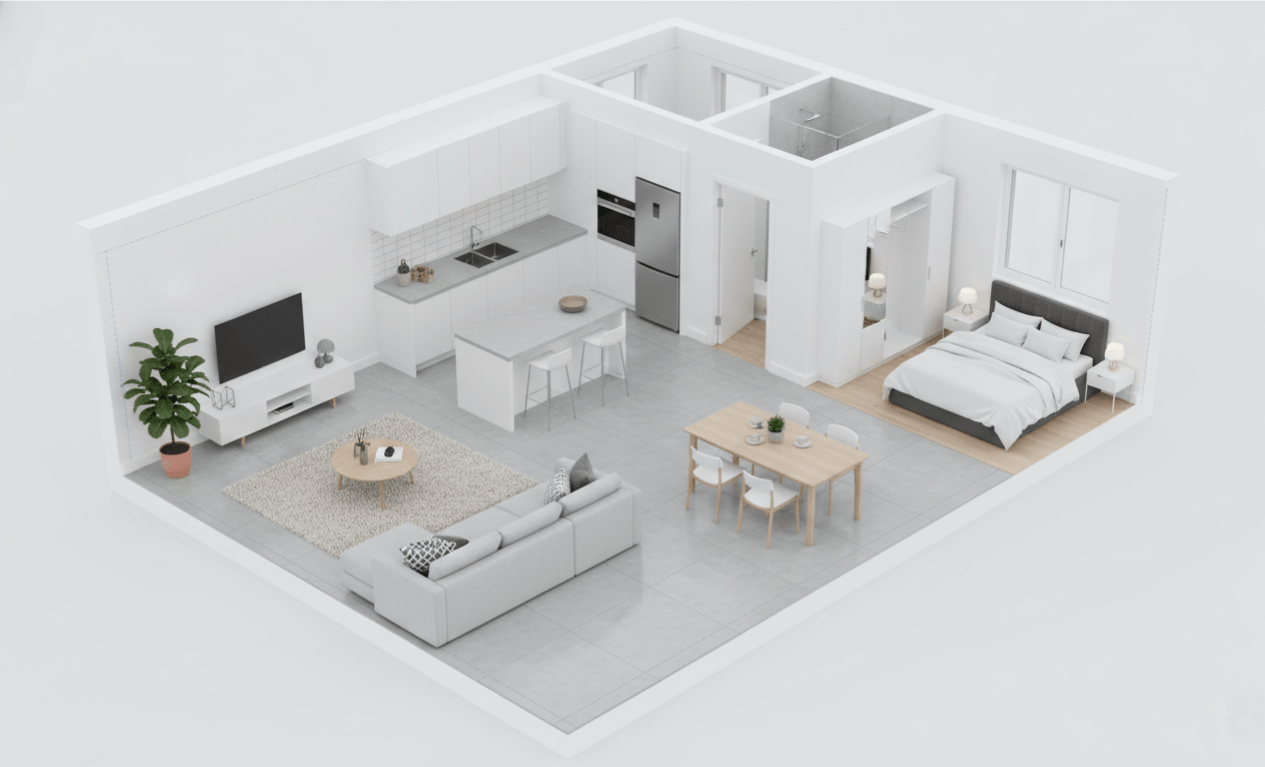
Why 2D Blueprints Fall Short
Traditional blueprints are excellent for builders and contractors who need exact technical measurements, but they are not very intuitive for the rest of us. The main limitations of flat layouts include:
- No sense of scale or depth: It is hard to judge if a hallway is too narrow or if a kitchen island will leave enough walking space.
- Difficulty visualizing furniture: Without height and volume, it is easy to misjudge how furniture pieces will look together in a physical room.
- Poor communication: If you are working with a partner or a contractor, miscommunications often happen because two people can interpret the exact same 2D drawing completely differently.
Customizing Your Layout Step-by-Step
Unlike basic image-to-image tools that simply trace over an existing picture, the 3D Floor Plan Generator operates as a parameter-based generator. You build the model from the ground up by selecting your desired output elements and letting the system compile them.
Here is how you can customize and generate your layout:
- Set the structural baseline: Choose your plan type (Residential, Apartment, or Commercial), specify the total area in square meters, and select the number of floors and rooms you need.
- Choose your presentation style: Select your viewing angle, such as an Axonometric 3D, Isometric 3D, or a Cutaway Perspective, and set your visual priority (e.g., spatial clarity or furniture readability).
- Define the aesthetic: Select a furnishing level (from unfurnished to fully furnished) and pair it with a design style like Modern Presentation, Minimal 3D, or Styled Real Estate.
- Add custom instructions: You can write in specific layout priorities and specify additional spaces, such as a balcony, storage room, or service zone, to ensure the output aligns with your requirements.
- Generate: Once your parameters are set, generate the custom three-dimensional plan.
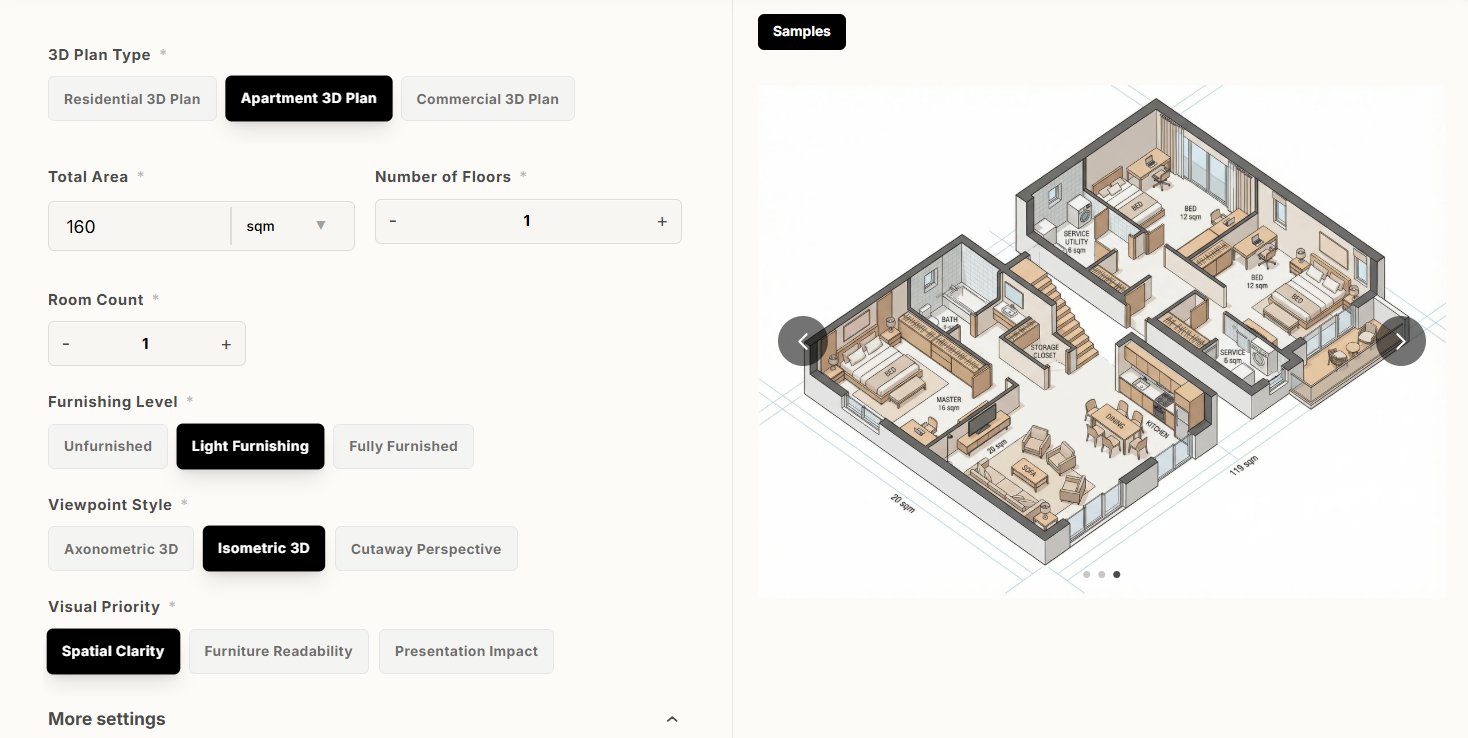
If you are interested in more cutomised generation like seeing if your old sofa will fit the new renovation, you can try out the text to image or image to image generation model.
Read the following guide to learn more:
Stop Taping Paint Swatches to Your Wall Try an AI Home Design Generator Instead.
Who Can Benefit Most from This Tool?
Tailoring a 3D model through specific parameters is highly useful across several different projects:
- Homeowners and Renovators: Before committing to construction, you can experiment with different room counts, area sizes, and furnishing levels to see how they impact the overall feel of the house.
- Real Estate Agents: Buyers often struggle to visualize the potential of a property. Providing a clear, styled 3D model helps prospective buyers understand the layout of the home before they even visit.
- Interior Designers and Project Planners: Presenting a clean, cutaway perspective to clients ensures everyone is on the same page regarding space utilization and furniture placement before any budget is spent.
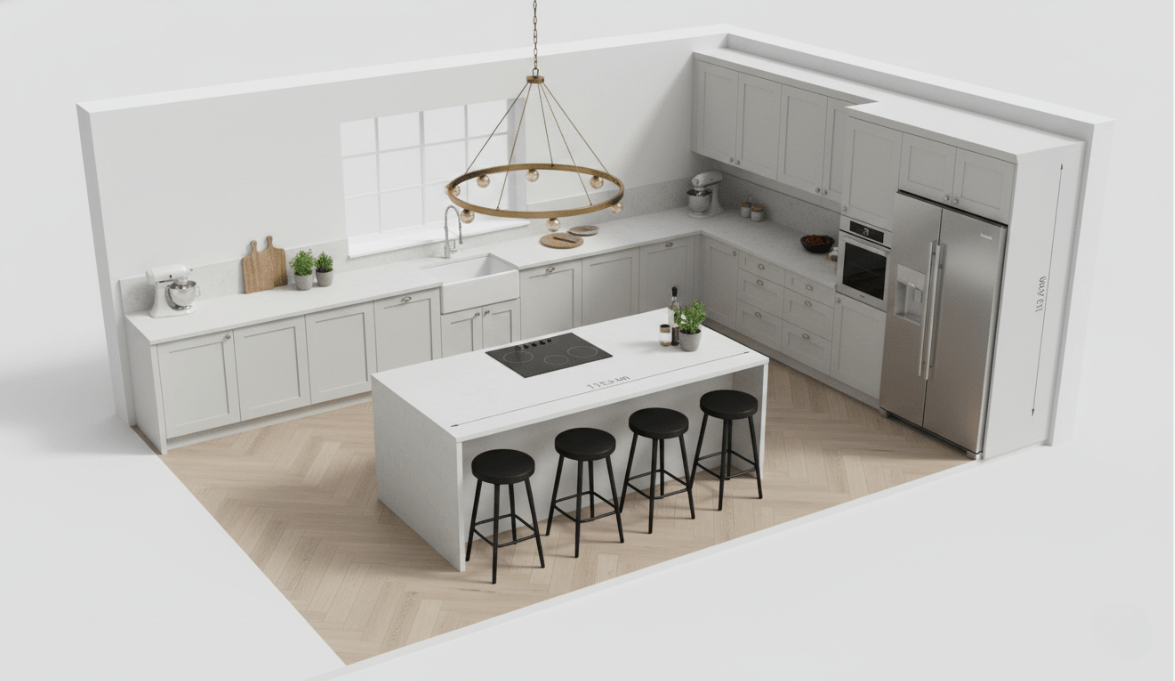
Try It for Your Next Project
Visualizing a space beforehand can save you from making expensive mistakes during a remodel or furniture purchase. If you have a project coming up, you can try setting your own specifications in the 3D Floor Plan Tool to see if it helps make your planning a bit more straightforward.

Merge multiple images into beautiful compositions instantly with AI Image Combiner. Create side-by-side photos, vertical layouts, and collages using AIAI.com—no Read more

Transform your photos using Nano Banana Pro’s AI clown filter. This guide covers Image-to-Image, 4K resolution, and precise text commands Read more

Black Friday Visual Guide: From Black Friday Banners to Multi-Scene Product Images, AI Helps Merchants Succeed in Black Friday Marketing Read more

Looking for the best Harry Potter Fan Art generator? Learn how to visualize book-accurate characters, create Hogwarts portraits, and reimagine Read more


