I recently bought a large green rug for my apartment. In the store, it looked great. I thought it would make my living room look warm and inviting. But when I unrolled it at home, it looked like a cheap golf course.
Returning a giant rug is a terrible experience. You have to roll it up, find enough tape to hold it together, and somehow force it into the back of your car. After that trip to the post office, I promised myself I would never buy home decor blindly again.
We all play this guessing game when we want to change a room. We hold up tiny fabric samples. We try to picture how a massive velvet sofa will fit in the corner or if this paint color will make the room look weird. Usually, our imaginations get it wrong.
I started looking for a way to test my ideas before spending my money. That is how I ended up using an AI home design generator.
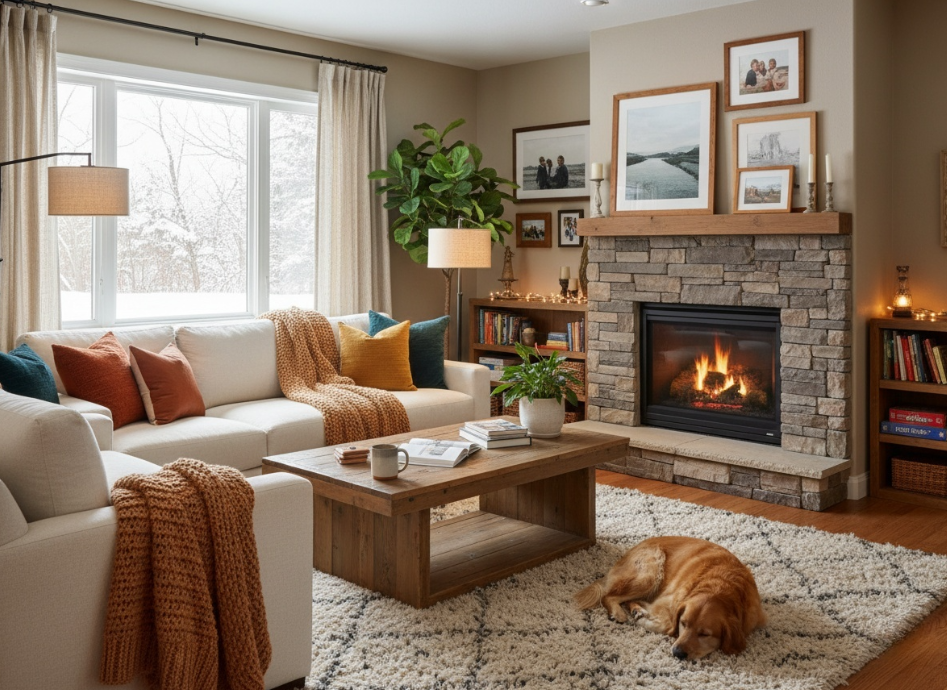
What It Actually Does
If you think this sounds like complicated software for professional architects, don’t worry. It’s literally just a website. You do not need to read a manual or understand floor plans. Most of us have a hard time picturing how a new couch will look in our house. This is a quick way to see what your living room will look like before you actually buy anything.
There are a few ways to do this. I usually rely on the AI home design generator from AIAI.com because it makes everything straightforward.
The first option is taking a picture of your current room. You just upload a photo of your messy bedroom directly from your phone. Then you type a few words asking the site to change the wall color to sage green or swap your old bed for a wooden frame. The tool keeps your actual walls and windows in the same exact place, but it updates the furniture and paint.
The second option is starting from an absolute blank slate. Maybe you are moving into a new apartment next month and do not have pictures yet. For this, you just type out a basic description. You can say something like, “a small kitchen with dark cabinets, a white tile floor, and a large window.” The site builds a totally new picture based on your words. It is really helpful when you just want to browse some fresh ideas.
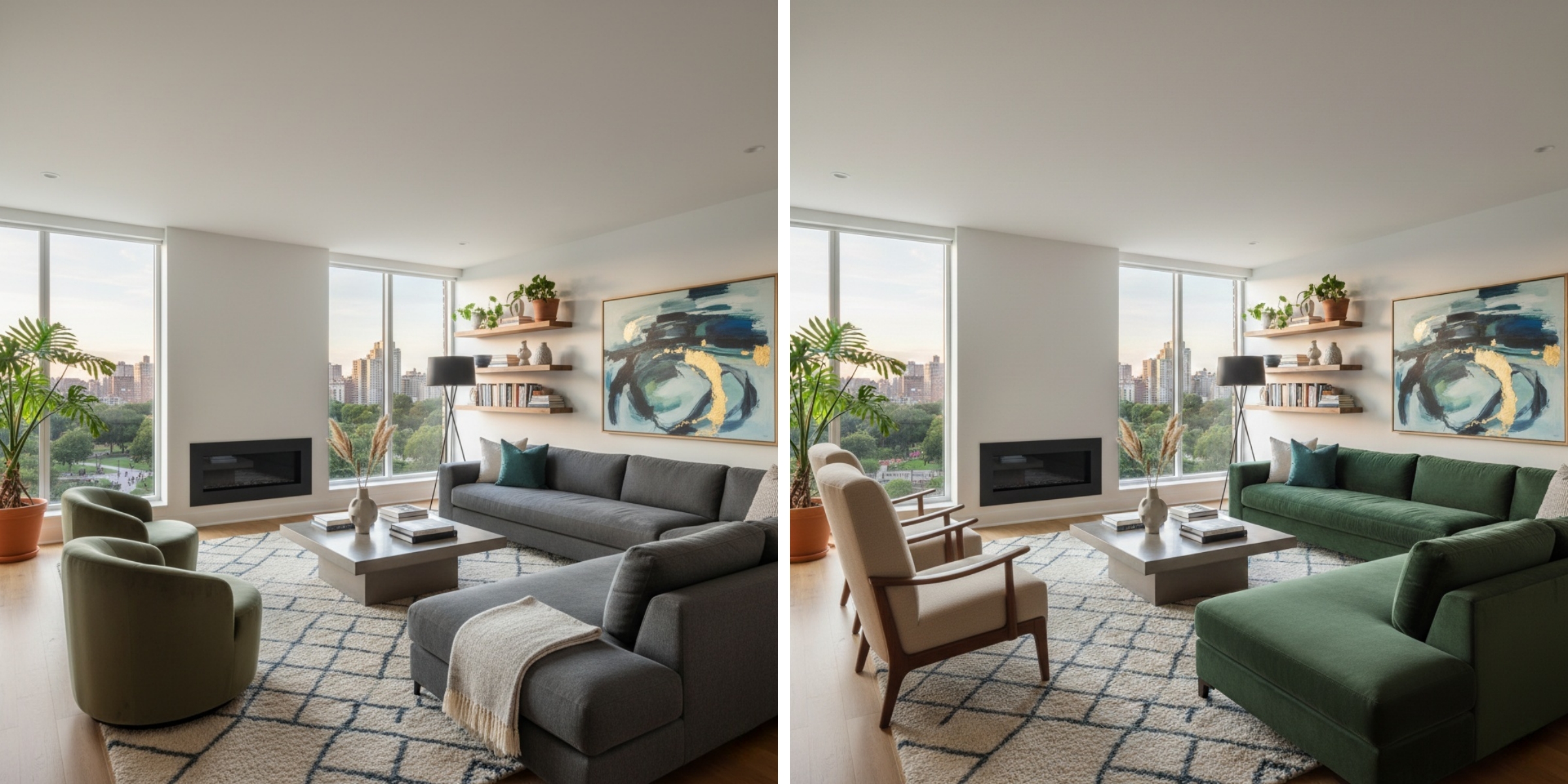
Three Honest Tips for Getting A Better Picture
You will figure out how to use the site in about two minutes. Here are a few practical things I learned to get the best results.
First, clear the clutter. If you upload a photo of your living room, pick up your shoes and dog toys first. If you leave a pile of jackets on a chair, the tool might get confused and turn that pile into a really weird, lumpy lamp.
Second, use normal words. You do not need to talk like a computer programmer. Just tell the text box exactly what you want. Say “a brown leather couch” instead of writing a huge paragraph about interior design styles. Simple words work best.
Third, open your blinds. The tool works much better when it can see natural light in your room. If you take a picture of your bedroom at night with a single bulb turned on, the new design will look a bit flat and dull. Let some sun in before you snap the photo.
Redecorating your house is expensive and heavy. Before you drag your couch across the floor or buy a gallon of expensive paint, just run a quick test on your phone. See it with your own eyes first. You will probably save yourself a very frustrating trip to the hardware store
Transform your selfies with Nano Banana Pro, the ultimate AI makeup tool. Discover how to achieve flawless, realistic digital makeovers Read more
An AI CAD Drawing Generator is exactly the kind of tool engineers and designers have been searching for. While browsing Read more

DeepSeek V3.1 Release: Higher Thinking Efficiency, the First Step Towards the Agent Era The new DeepSeek-V3.1 has launched, almost six Read more

Create a realistic AI Christmas family photo using Nano Banana Pro image-to-image AI. Transform real photos into festive holiday portraits Read more


