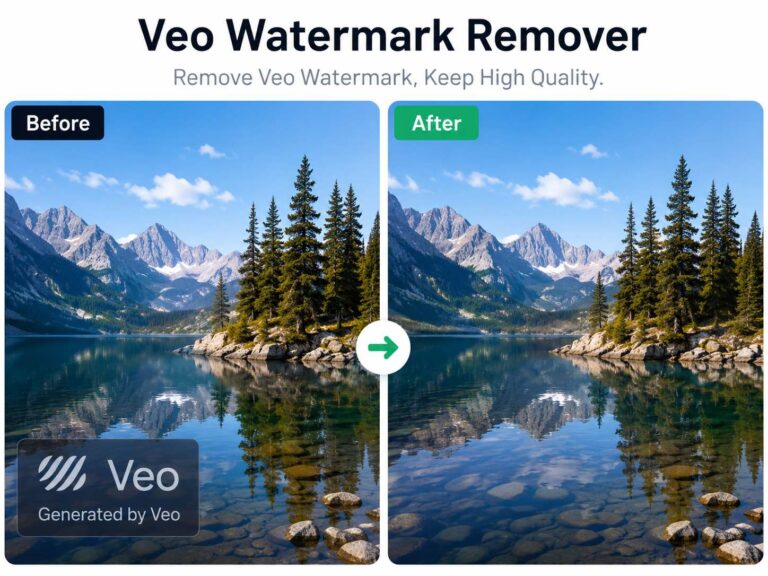
If you are frantically searching for a reliable Meta Video Watermark Remover, you are not alone. Let’s be honest: the watermark imposed on Meta AI videos is excessive and clearly affects the usability of the content. In many cases, it covers a large part of the image and makes the videos almost unusable.
This results in a non-professional output that does not match the quality expected from a creative tool. At this point, it is no longer just a protection mark — it significantly degrades the final result. If the goal is to prevent deepfakes, an invisible or much more subtle watermark would be a far better and more reasonable solution. As it stands, this seriously limits the usefulness of the tool for creators.
I finally discovered a pro-grade tool on AIAI.com that actually sets my footage free without losing the original 4K quality. Instead of just smudging the pixels, this specialized AI tool intelligently reconstructs the missing textures beneath the logo. Here is why it has become a permanent staple in my editing workflow, and how you can use it to get clean, algorithm-ready visuals in seconds.
Why I Ditched Basic Blur Apps for AI In-painting
If you search the app store for a watermark eraser, most generic tools use a basic Gaussian blur. They just scramble the pixels where the Meta logo sits, leaving a highly noticeable, ugly smudge on your screen.
I switched to AIAI.com because it utilizes Advanced AI In-painting Technology.
When I upload a video, the AI analyzes the pixels surrounding the Meta logo. It understands the temporal and spatial context—whether it’s a moving ocean or a textured wall—and intelligently reconstructs the background colors and movements. You get a studio-grade finish where the excessive watermark seems to have never existed.
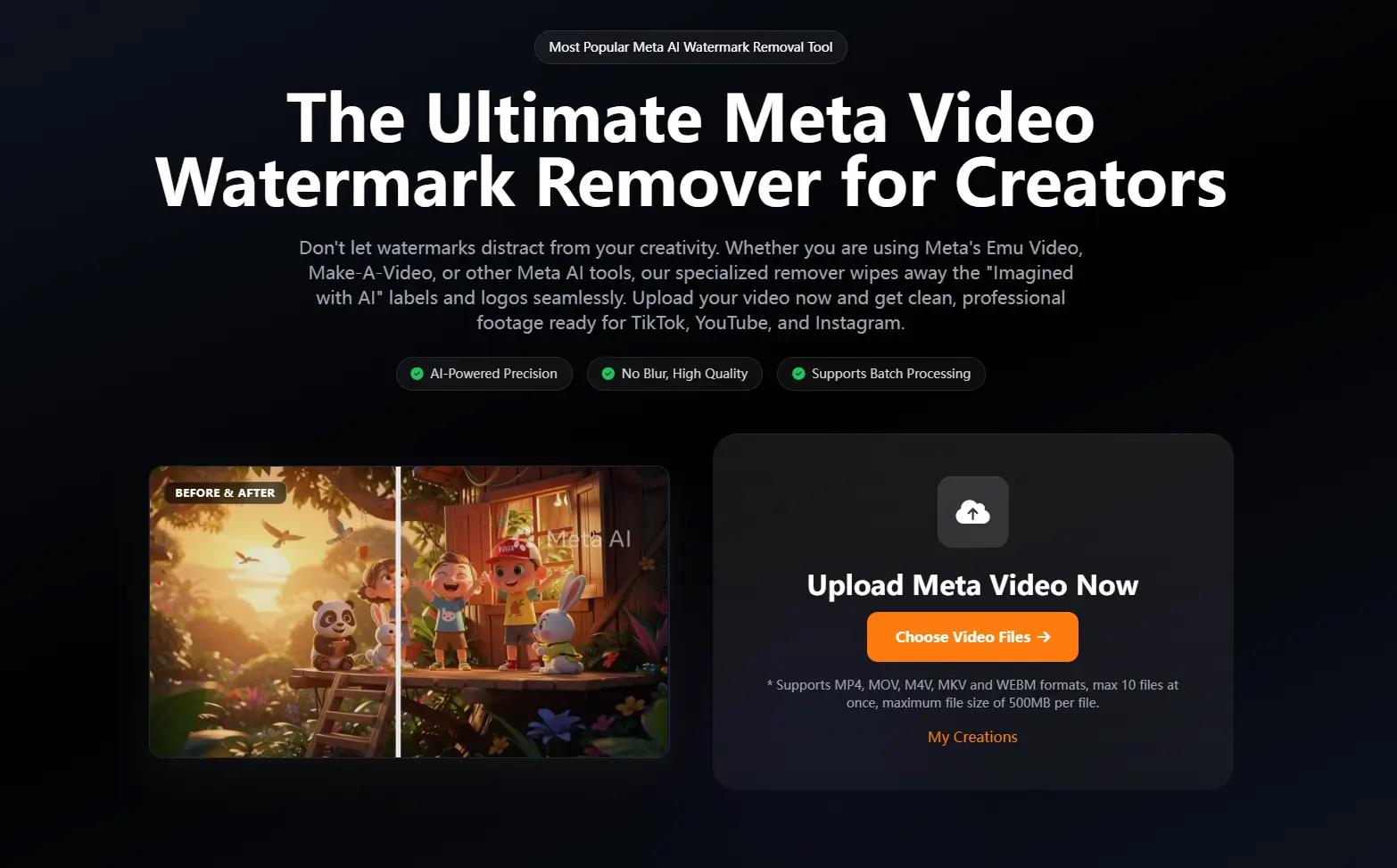
Plus, it supports Batch Processing. I can drop in up to 10 files at once (supporting MP4, MOV, M4V, MKV, and WEBM up to 500MB each), saving me massive amounts of time when I’m prepping a large content calendar.
3 Ways This Tool Boosts My Bran
Removing the Meta watermark isn’t just about aesthetics; it is about keeping your content professional and profitable.
1. Cross-Platform Algorithm Success
You want to cross-post your Meta-generated content to TikTok or YouTube Shorts, right? Those platforms hate visible AI watermarks from competitors. Cleaning the footage makes it algorithm-friendly, ensuring your reach isn’t artificially capped.
2. Ad Compliance
If you run paid marketing campaigns, you know that many advertising platforms reject videos with visible AI labels. This tool ensures my promotional videos are ad-ready without visual distractions.
3. Creative Freedom in Compositing
When I am editing a larger project or a vlog, having a floating Meta logo in the middle of a B-roll clip ruins the immersion. Wiping it away lets me composite the clip naturally into my timeline.
The Ultimate Comparison
Why not just use a free app on your phone? Here is a breakdown of why this specialized tool wins:
| Feature | AIAI Meta Remover (My Choice) | Generic Free Tools |
| Removal Quality | AI In-painting (No Blur) | Blurry Smudge / Mosaic |
| Video Quality | Original 4K/HD Kept Intact | Compressed / Pixelated |
| Batch Processing | Yes (Up to 10 files at once) | Single file only |
| Supported Platforms | Instagram, Facebook, Threads AI | Limited |
My 3-Step Workflow for Clean AI Videos
You don’t need any technical skills or software installed. Everything runs in your browser via a secure, encrypted connection.
Step 1: Upload Your Video
Open the tool on AIAI.com. Click the upload area and select the video files generated by Meta AI that you wish to clean.
Step 2: Select the Watermark Area
The auto-detect feature is incredibly smart and usually highlights the Meta watermark/logo on its own. If it misses a spot, you can manually adjust the selection box for precision. Then, click “Remove” to start processing.
Step 3: Download the Clean Video
Wait a few seconds for the AI to fill in the background. Preview the seamless result and download your watermark-free Meta video instantly.
The Honest Truth About the Pricing (And Privacy)
As creators, we hate hidden fees and shady data policies. Here is exactly how AIAI.com operates:
- Free to Start: When you sign up, you get 20 free credits. This is enough to process about two 5-second videos so you can actually see the AI in-painting quality for yourself without entering a credit card. If you need more, their credit packages are very affordable.
- 100% Privacy Guaranteed: Your intellectual property is protected. They don’t store, view, or share your content. All Meta videos are automatically deleted from their servers 24 hours after processing.
Don’t Just Take My Word For It
It’s not just me using this hack. Here is what other creators are saying about this specific tool:
“I needed to remove meta watermark from saved video to repost on TikTok. This tool did it perfectly without ruining the quality!”— Sarah J., Content Creator
“Finally a free meta watermark remover that actually works. No hidden fees, just upload and download.”— Mike T., Social Media Manager
“Works great for Facebook videos too. The AI is really smart at filling in the background.”— Jessica L., Vlogger
Stop letting a digital stamp limit your usefulness as a creator. Grab your free credits and clean up your footage today.
[Click Here to Try the Meta Video Watermark Remover on AIAI.com]

Remove Logos from Videos Easily with Gemini Logo Remover When working with existing video content, tools like Gemini Logo Remover Read more

Generated a masterpiece with OpenAI but hate the branding? Discover the best Sora 2 watermark remover. Use AI video in-painting Read more

If you are desperately searching for a reliable Gemini Watermark Remover, I know exactly how you feel. Generating the perfect concept Read more
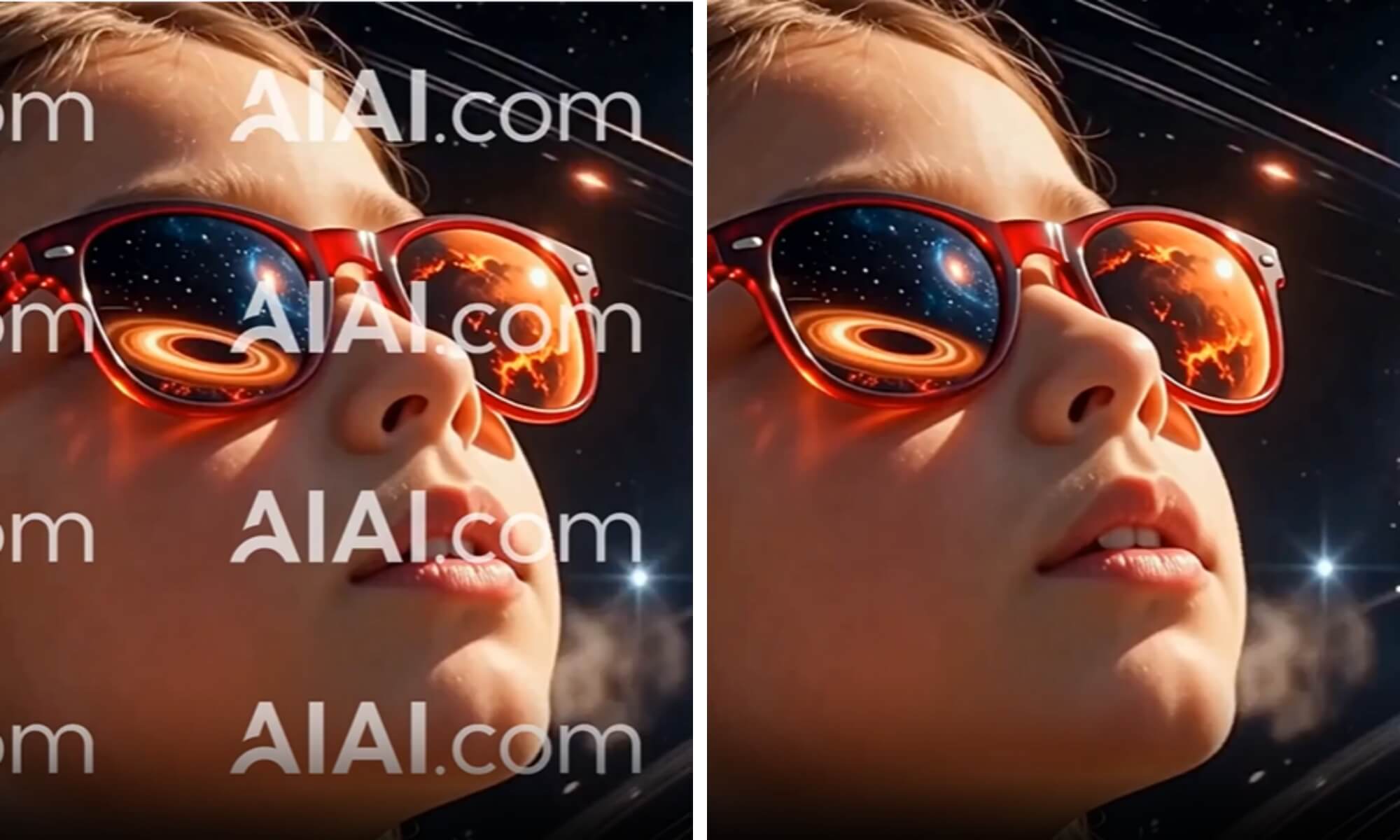
Stop cropping your videos to hide logos. I tested a new AI tool that auto-detects and removes watermarks without ruining Read more