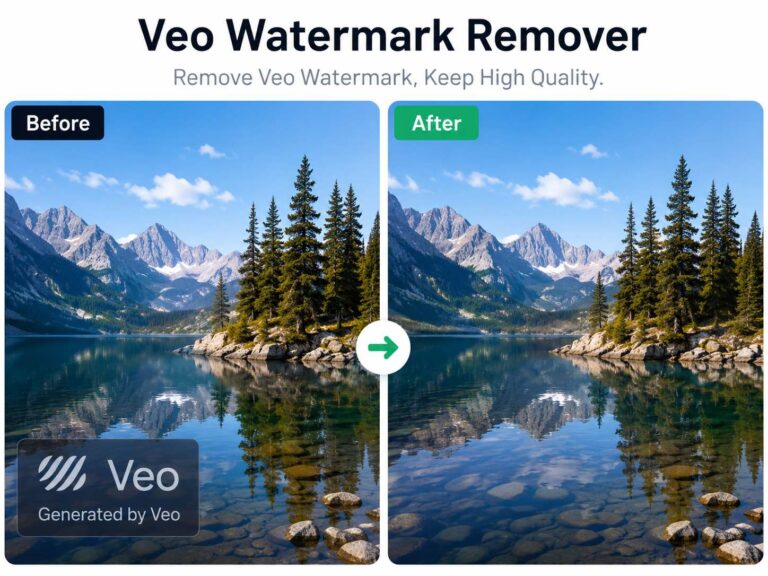
If you are desperately searching for a reliable Gemini Watermark Remover, I know exactly how you feel. Generating the perfect concept in Google Gemini is amazing, but seeing that distracting “Generated by AI” logo ruining the corner of your masterpiece is incredibly frustrating. Cropping destroys the framing, and basic editing apps just leave an ugly, blurry smudge over your artwork.
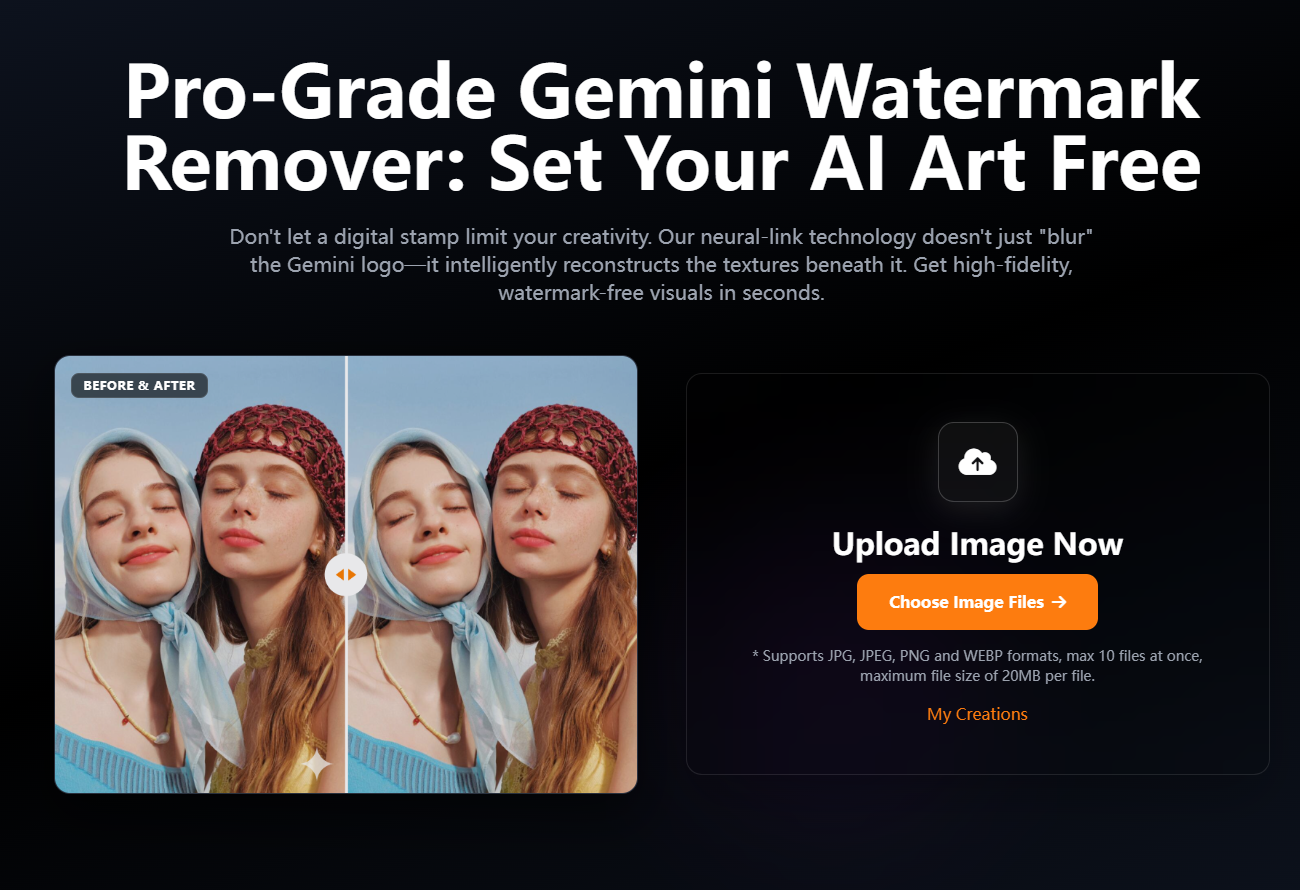
I finally discovered a pro-grade tool on AIAI.com that actually sets my art free without losing the original 4K quality. Instead of just smudging the pixels, it intelligently reconstructs the missing textures beneath the watermark. Here is why it has become a permanent staple in my design workflow, and how you can use it to get gallery-ready visuals in seconds.

Why Generic Editing Apps Ruin Your AI Images
Removing a Google Gemini watermark isn’t as simple as using a basic “magic eraser” on your phone.
When you use generic editing apps, they usually just smear the surrounding colors together. You end up with a “ghost” artifact or a noticeable blurry patch right in the corner of your masterpiece. It completely ruins the professional look.
I switched to the AIAI.com Gemini Image Watermark Remover because it treats the image fundamentally differently. Here is why it actually works:
- Intelligent Pattern Recognition: Instead of just blurring the area, this AI is specifically trained to recognize the exact watermark patterns left by Google Gemini. It wipes them completely clean.
- Edge-to-Edge Texture Matching: Using Generative Inpainting, the AI analyzes complex backgrounds—like flowing hair, starry skies, or detailed architecture—and seamlessly fills the gap with natural textures.
- Zero-Compression Export: This is huge for professionals. Most free tools degrade your image to 720p. This platform guarantees 100% original resolution, ensuring your art stays crisp and gallery-ready.
3 Ways I Use This Google Gemini Watermark Remover
A watermark can instantly make a professional project look like cheap “stock AI.” Here is how I use this tool to elevate my daily work:
1. Commercial UI/UX Mockups
When I need to show a client a rapid prototype or a website mockup, I generate the background assets using Gemini. Then, I run them through the watermark remover so the Google logo doesn’t distract the client from my actual design flow.
2. Professional Portfolio Curation
If you are building an AI-art portfolio or an ArtStation profile, you need to present your work as a finished masterpiece. I use this tool to remove those distracting labels so my vision takes center stage.
3. Presentation-Ready Marketing
Pitching a campaign? Using watermarked images makes the pitch look lazy. I clean up all my Gemini visuals to ensure they look bespoke and custom-made for the client.
My 3-Step Workflow for Clean AI Art (Batch Processing Supported)
The best part about this tool is the speed—it takes under 3 seconds per image, and you don’t need a high-end PC.
Step 1: Sync (Upload Your Art)
Go to the Gemini Watermark Remover on AIAI.com. Upload your Google Gemini-generated artwork to their secure cloud. (Pro Tip: It supports JPG, JPEG, PNG, and WEBP. You can batch upload up to 10 files at once, maximum 20MB per file!)
Step 2: Scan & Detect
Click process. The AI instantly scans the image, identifying the specific visible markers and invisible SynthID patterns left by Google.
Step 3: Refine & Download
In seconds, the AI reconstructs the background. You can now download your clean, high-resolution image with the original metadata preserved.
What Other Creators Are Saying
I’m not the only designer relying on this. It has become a secret weapon for over 50,000 creators:
“I’ve tried five different tools; this is the only one that doesn’t mess up the lighting and shadows when removing the Gemini icon.”— Alex R., Concept Artist
“It perfectly cleans up Gemini-generated assets for my commercial UI mockups without leaving any ghost artifacts. Huge time saver!”— Sarah L., UX Designer
“Finally, a tool that lets me use AI art in presentation-ready marketing campaigns. It keeps the original 4K resolution completely intact.”— Marcus T., Marketing Director
The Honest Truth About Pricing (Start for Free)
I am always skeptical of tools with hidden fees. Here is exactly how AIAI.com handles pricing:
You can start for free—no credit card required, and no hidden strings. It allows you to test the AI inpainting and see the seamless background reconstruction for yourself.
When you are ready to process in bulk, their pricing is incredibly flexible. You can buy One-Time Purchase credit packs (e.g., $5.00 for 100 Credits, or $13.50 for 300 Credits) to use across their entire suite of image and video watermark removers. If you are an agency, they also offer heavily discounted Monthly and Yearly subscriptions.
Furthermore, it is Privacy First. They don’t train their AI on your uploads, so your unreleased client data stays yours.
Stop letting a digital stamp dictate how you use your AI creations.
[Click Here to Try the Gemini Watermark Remover on AIAI.com Now]
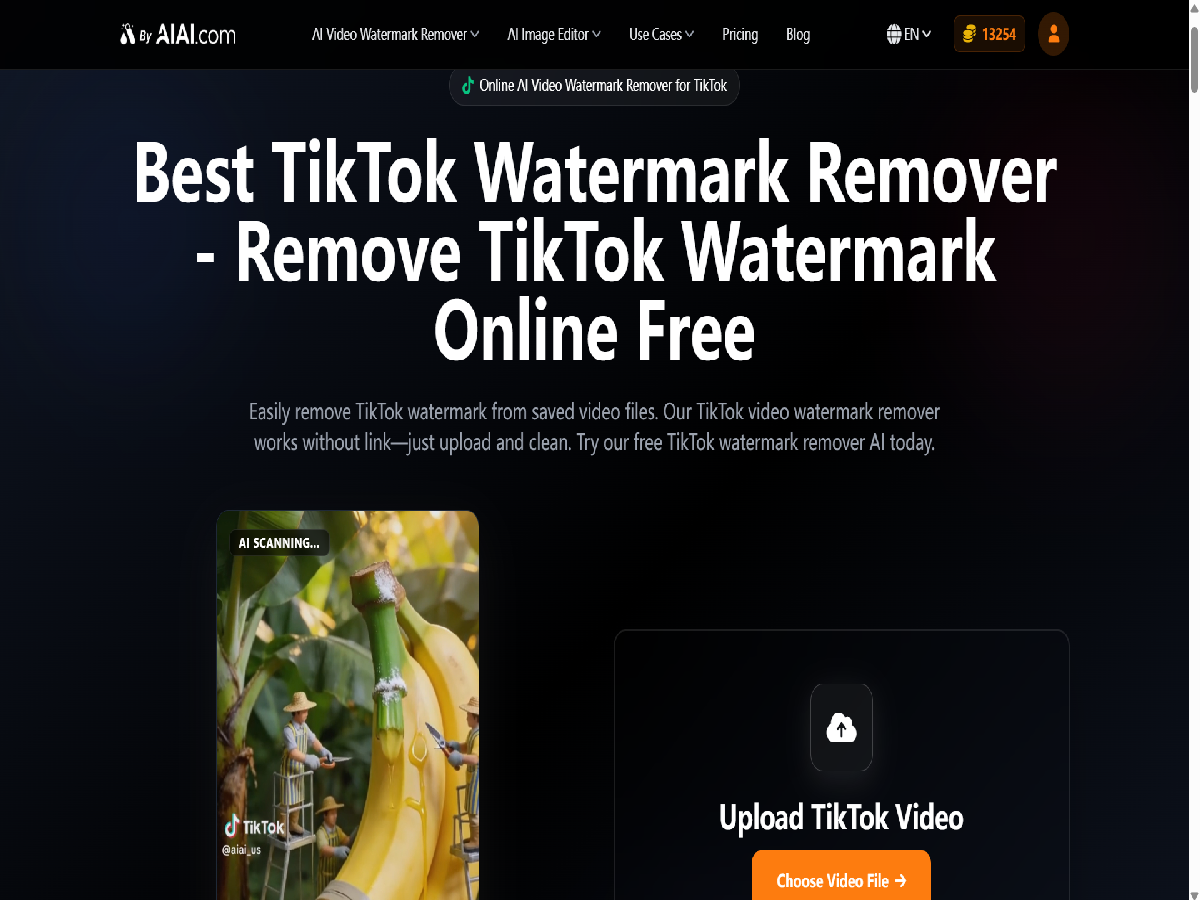
Easily remove TikTok watermarks from your videos using Nano Banana Pro's AI video-to-video technology. Keep original quality, clarity, and resolution Read more
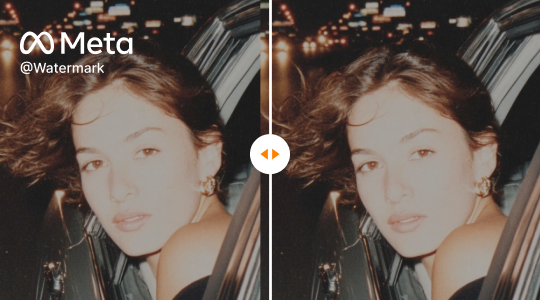
Effortlessly remove Meta watermarks from your videos using AIAI.com's AI video-to-video technology. Preserve original quality and clarity for professional, unbranded Read more
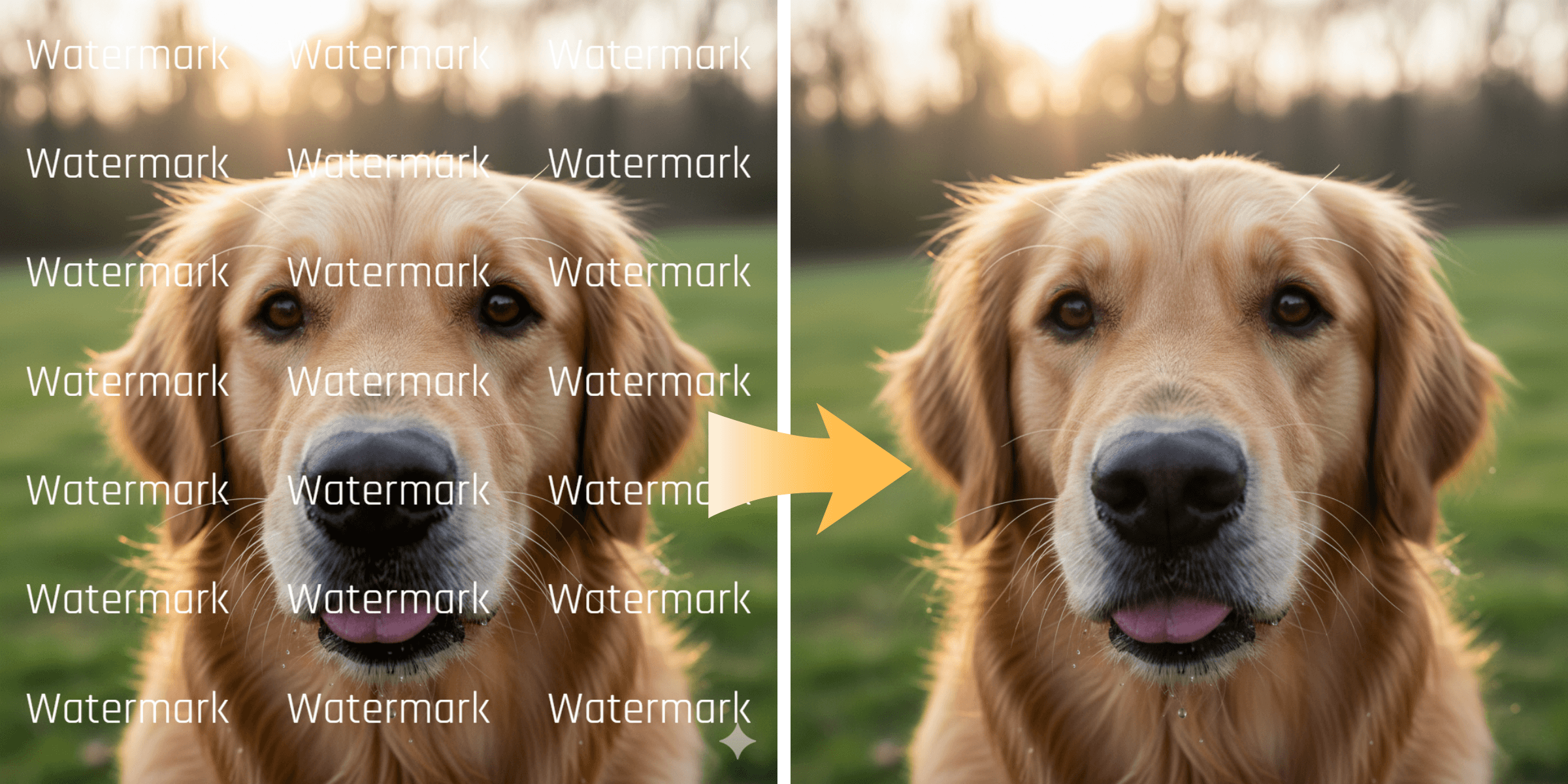
Remove unwanted logos, social media stamps, and trial watermarks from your clips. Learn how WatermarkRemover.aiai uses AI to easily clean Read more
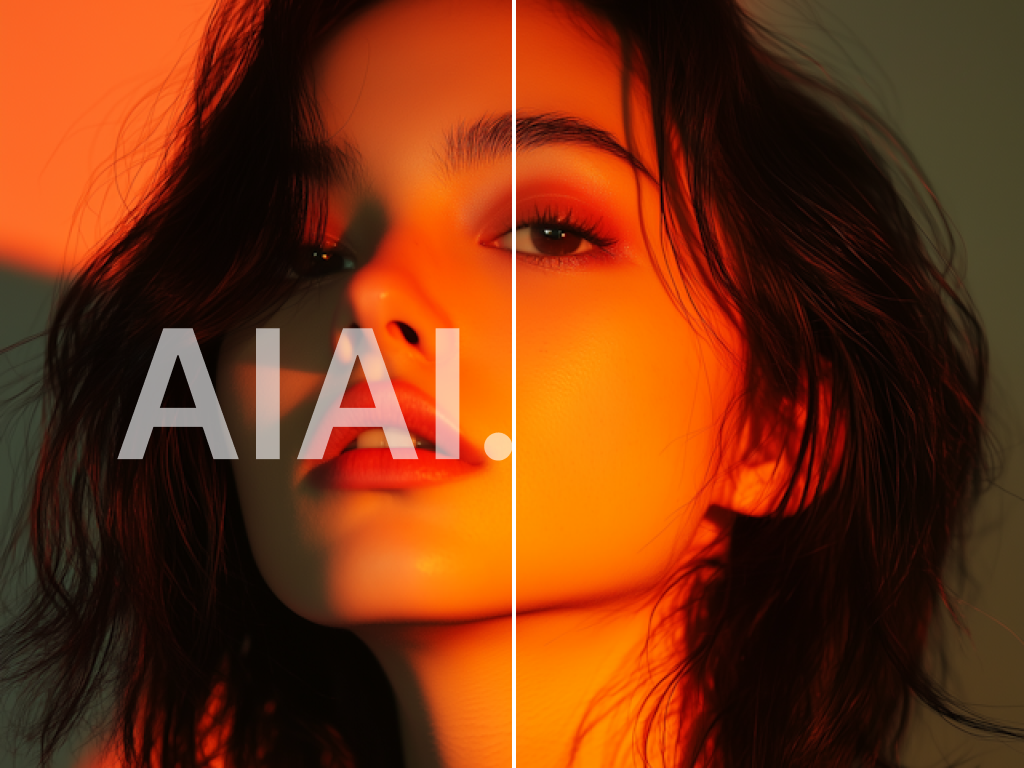
Looking for a reliable text remover from video free tool? I tested AIAI.com to erase TikTok watermarks and hardcoded subtitles. Read more