Create Technical Drawings Faster with an AI CAD Drawing Generator
Creating technical drawings has always been a key part of engineering, architecture, and product design. But traditional drafting often takes time. A simple concept may start as a note, a quick sketch, or a photo of an idea, then require hours of manual work before it becomes a clean CAD drawing.
An AI CAD drawing generator helps shorten that process.
Instead of rebuilding everything manually, you can describe an idea in text or upload a sketch, and the system quickly turns it into a structured technical draft. That means less time spent on repetitive drafting and more time refining the design itself.
For engineers, product teams, architects, and anyone working with visual concepts, this creates a faster and more flexible workflow.
Why More Teams Are Using AI CAD Drawing Generators
Traditional CAD software is powerful, but getting from concept to draft can still feel slow.
Many projects begin with:
- a hand-drawn sketch
- a whiteboard note
- a product reference photo
- a written idea with measurements
Turning those into clean technical drawings usually requires multiple steps.
An AI CAD drawing generator helps simplify that workflow by converting visual or written ideas into usable CAD-style layouts more quickly.
This makes it especially useful when:
- brainstorming new product concepts
- building early-stage prototypes
- converting legacy sketches into digital drafts
- testing multiple design directions
Instead of spending hours rebuilding a first draft, you can generate a structured starting point and continue refining from there.
Text-to-CAD: Turn Written Ideas into Structured Drafts
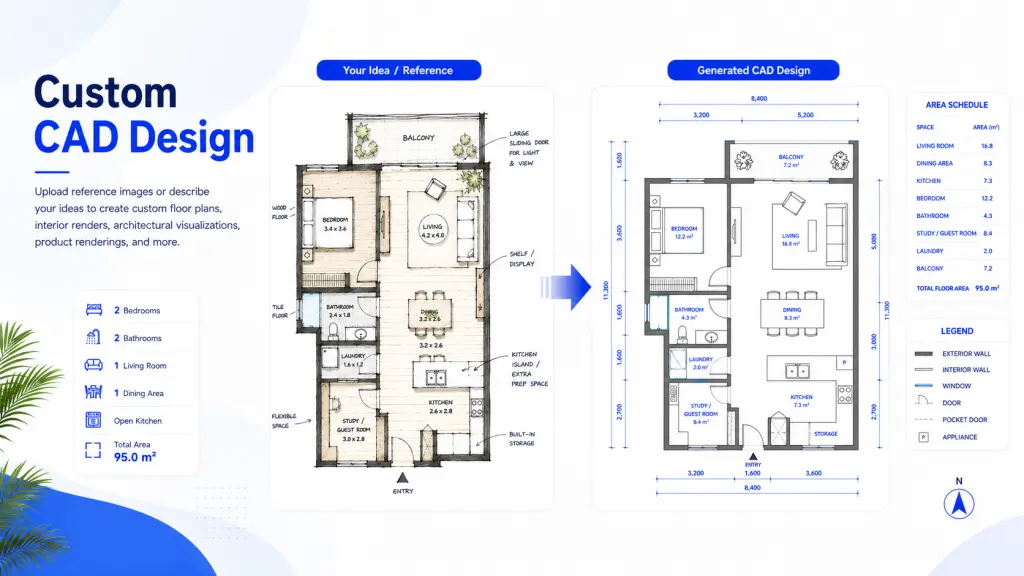
One of the most useful features of an AI CAD drawing generator is text-to-CAD.
Instead of opening a blank workspace and building every line manually, you can start with a written description.
Example Prompt: Create an isometric CAD drawing of a mechanical gear assembly, 20mm center bore, 14 teeth, technical blueprint style, clean line structure
The system interprets the request and generates a technical draft based on:
- shape
- layout
- proportion
- structure
- style references
This is especially useful for early ideation.
Key Benefits of an AI CAD Drawing Generator
1. Faster First Drafts
The biggest advantage is speed.
Instead of building the first version manually, users can generate a starting point in seconds.
That helps reduce delays between idea and execution.
2. Flexible Inputs
You can work from:
- text prompts
- hand-drawn sketches
- photos
- reference images
That flexibility makes the workflow easier for different teams.
3. Better Idea Exploration
Testing multiple concepts becomes faster.
Instead of spending hours drafting one direction, users can compare several options quickly.
This improves iteration and decision-making.
4. Cleaner Visualization
A technical drawing helps communicate ideas clearly.
Using an AI CAD drawing generator makes it easier to create visuals for:
- presentations
- internal reviews
- planning meetings
- concept approvals
A Faster Workflow for Modern Design Teams
An AI CAD drawing generator doesn’t replace technical expertise.
It helps teams move faster through the early drafting stage.
That means:
- faster visualization
- easier iteration
- quicker communication
- fewer repetitive drafting tasks
Instead of spending hours creating a blank first draft, teams can begin with structure and focus on refining details.
For professionals working across design and engineering, that makes the creative process more efficient—and easier to scale.
Final Thoughts
The demand for faster workflows continues to grow across engineering, architecture, and product design.
An AI CAD drawing generator helps bridge the gap between idea and technical visualization by turning words and sketches into structured drafts in less time.
Whether you’re starting with a written concept or a quick sketch, text-to-CAD and image-to-CAD tools make it easier to move from concept to creation.
Browse our gallery, explore examples, and see how quickly your next idea can become a technical drawing.

Most of what you hear about AI in manufacturing is corporate hype—but when applied to the right bottlenecks, the results Read more
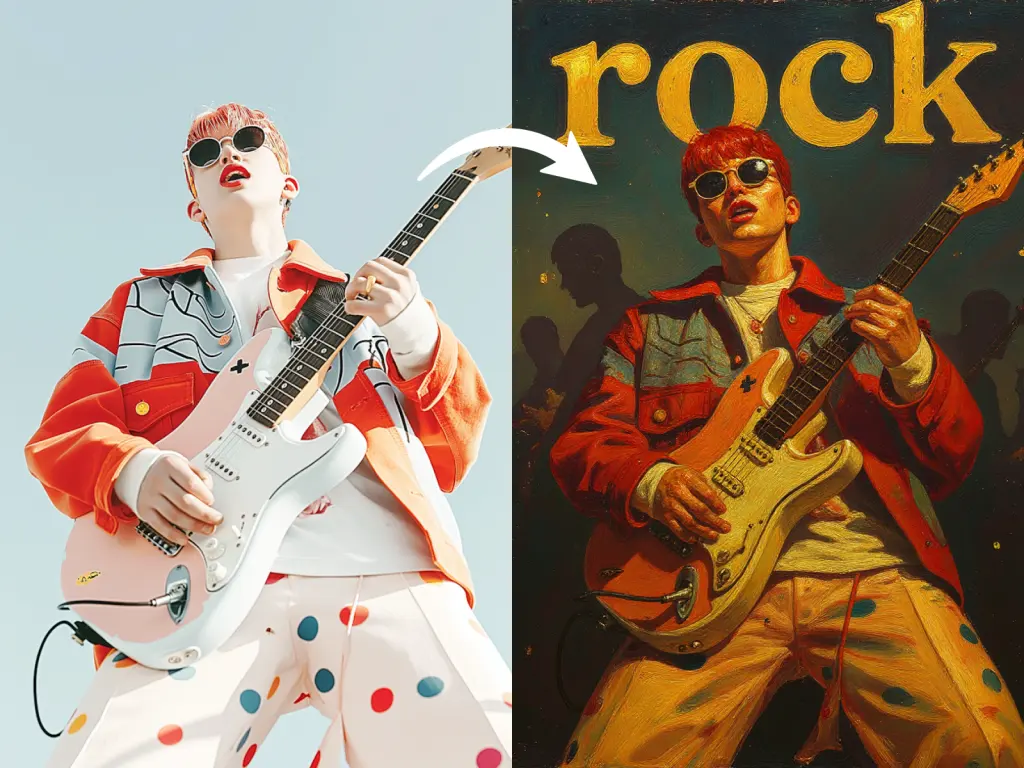
Curious about an AI album art generator? Learn how to turn a simple selfie or photo into a realistic album Read more
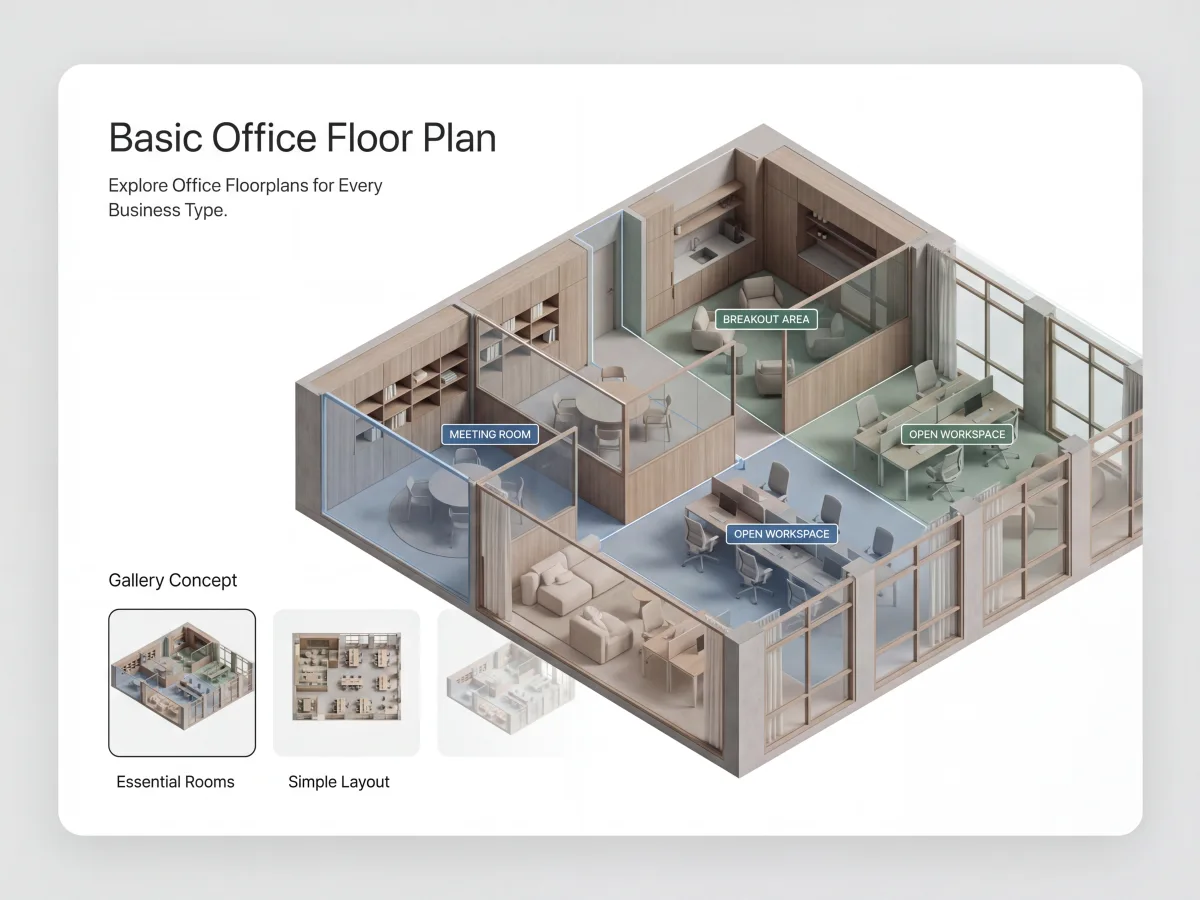
Faced with a sudden landlord deadline or moving into a new space? Here is how to create a professional, dimension-accurate Read more

Creating architectural concepts used to require advanced design software, technical expertise, and countless hours of manual work. Today, things are Read more


