If you’ve ever opened a CAD program for the first time, you probably remember the feeling—
too many buttons, too many commands, and no idea where to start.
I’ve been there. It’s not that the ideas are hard.
It’s the tools that make things complicated.
That’s exactly why AI CAD generators are starting to get so much attention.
Instead of drawing everything from scratch, you can now just describe what you want—and let AI handle the heavy lifting.
What Is an AI CAD Generator?
An AI CAD generator is a tool that uses artificial intelligence to create CAD drawings or 3D models based on your input.
That input could be:
- A simple text prompt
- A rough sketch
- Or even a reference image
From there, the tool can generate:
- 2D technical drawings
- 3D models
- Layouts and structural concepts
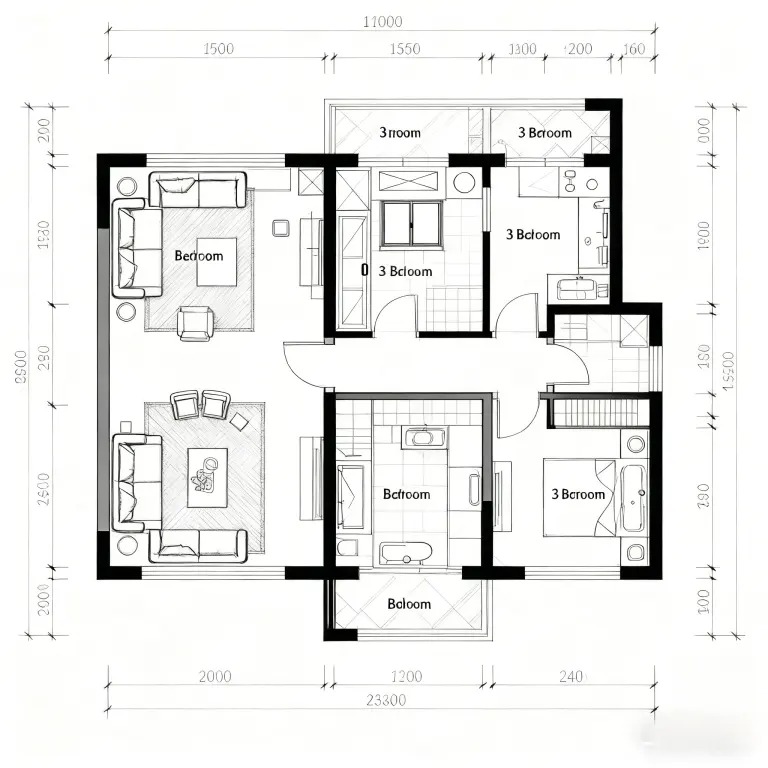
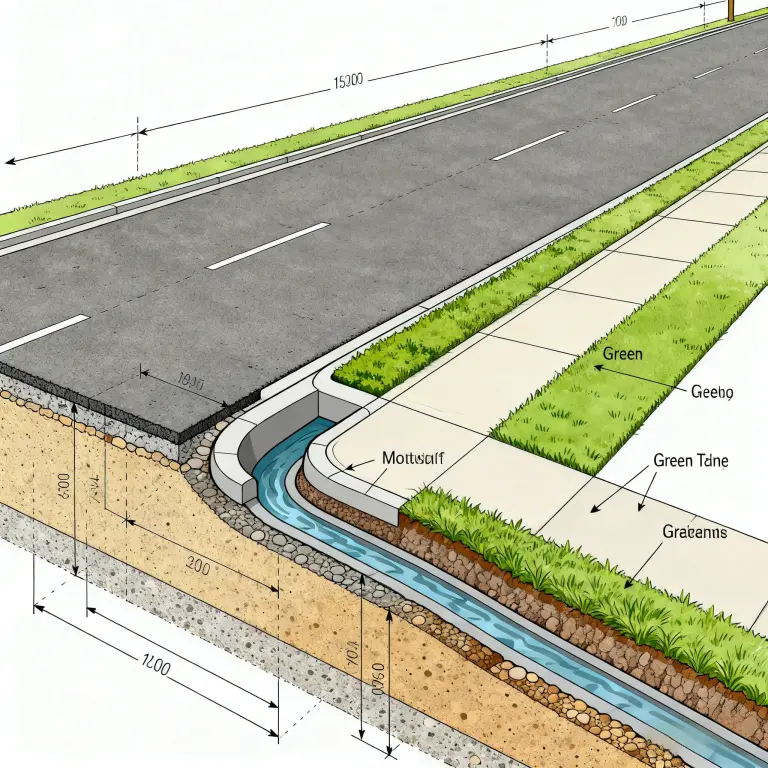
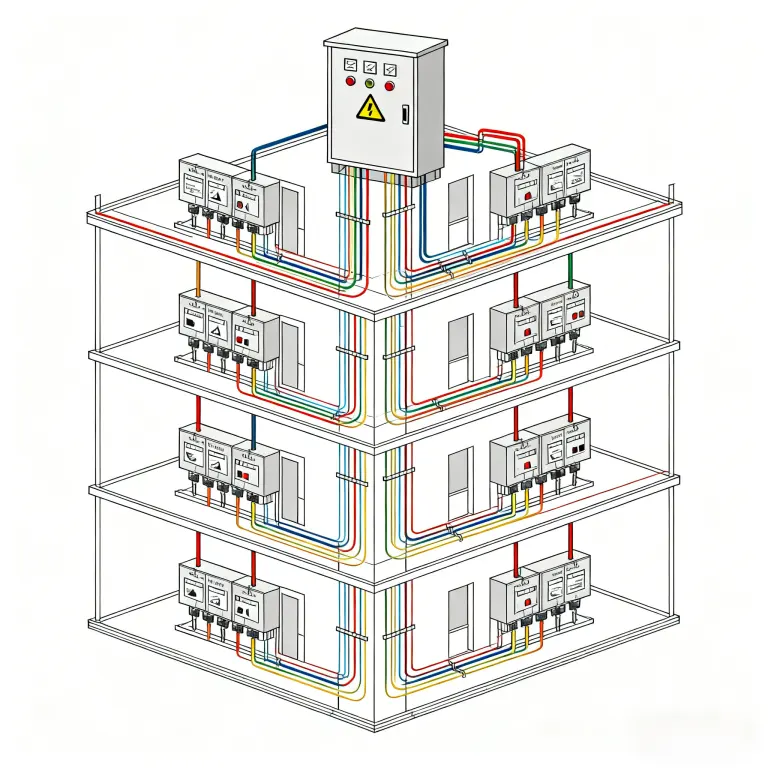
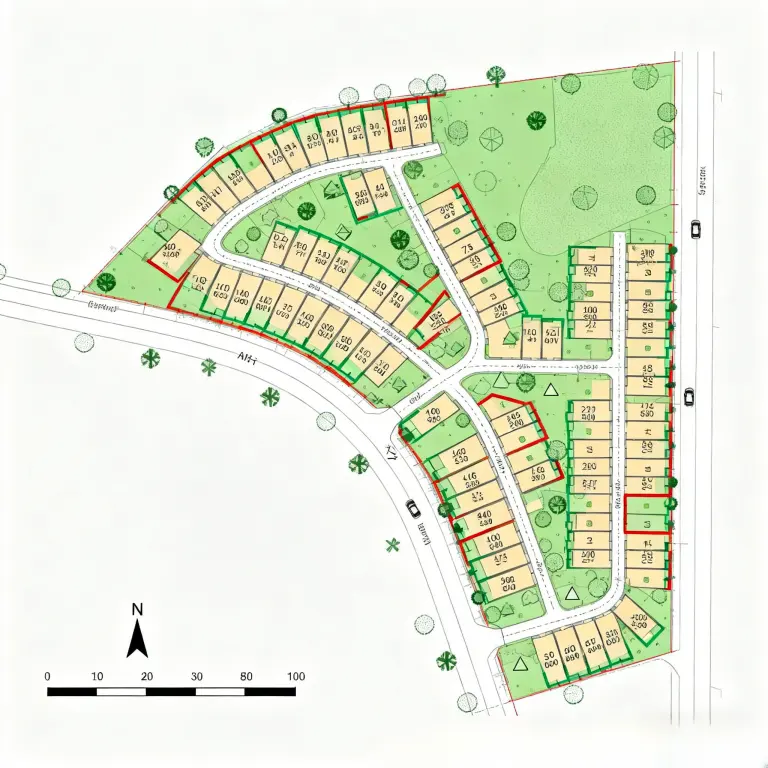
Think of it less like traditional software—and more like a design assistant that understands what you’re trying to build.
Why People Are Switching to AI CAD Tools
1. You don’t need to be a CAD expert
One of the biggest shifts is accessibility.
Before, CAD tools were mostly for trained designers or engineers.
Now, with an AI CAD generator, you can start with something as simple as:
“A minimalist wooden desk with storage drawers”
And get a usable base model within seconds.
2. It saves a lot of time
Traditional workflow:
Idea → Sketch → Model → Adjust → Repeat
With AI, a big part of that process gets compressed into one step.
This is especially useful for:
- Early-stage concepts
- Quick prototypes
- Iterating multiple design ideas
3. It helps when you’re stuck
Sometimes the hardest part isn’t drawing—it’s starting.
AI CAD tools can generate multiple variations of the same idea, which makes it easier to:
- Explore different directions
- Compare design options
- Break out of creative blocks
It’s like having a brainstorming partner that never runs out of ideas.
Common Use Cases
AI CAD generators aren’t just for engineers. They’re showing up in a lot of different workflows:
Interior Design
Quickly create room layouts, furniture placement, and spatial concepts.
Product Design
Generate base models and experiment with form and structure.
Architecture
Useful for early-stage concept development and massing studies.
E-commerce & Visualization
Create 3D product models for presentations or online listings.
How to Get Started (Without Overthinking It)
If you’re new to this, keep it simple.
Start small
Try designing a single object instead of a full project.
Be specific with prompts
Instead of “a chair,” try:
“a modern minimalist chair with metal legs and a curved back”
Use AI as a starting point
It’s great for generating ideas, but you’ll still want to refine things yourself.
Tools Worth Trying
There are quite a few platforms offering AI-powered CAD features now. Some focus on engineering-level precision, while others are more beginner-friendly.
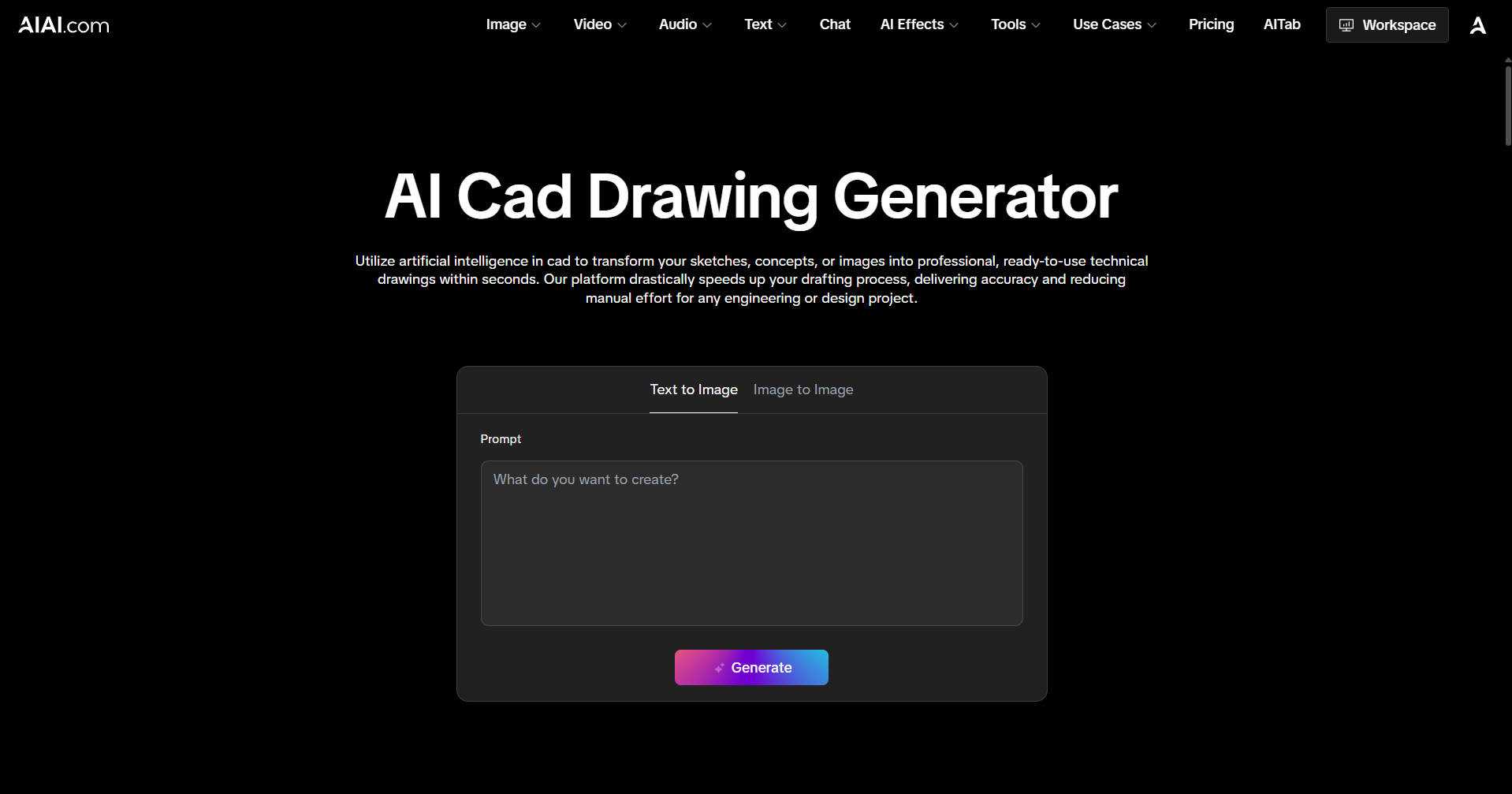
If you’re just starting out, tools like AIAI.com are a good place to experiment. They’re relatively easy to use and let you explore how an AI CAD generator works without a steep learning curve.
Final Thoughts
AI CAD generators aren’t here to replace designers.
But they are changing how design starts.
Instead of spending hours building from scratch, you can begin with something tangible—almost instantly.
And honestly, that makes the whole process feel a lot less intimidating.
If CAD has ever felt “too technical” to get into, this might be the easiest way to finally try it.

Discover the best AI platforms for creating music videos for TikTok, Instagram Reels, and YouTube Shorts in 2026. Compare AI Read more
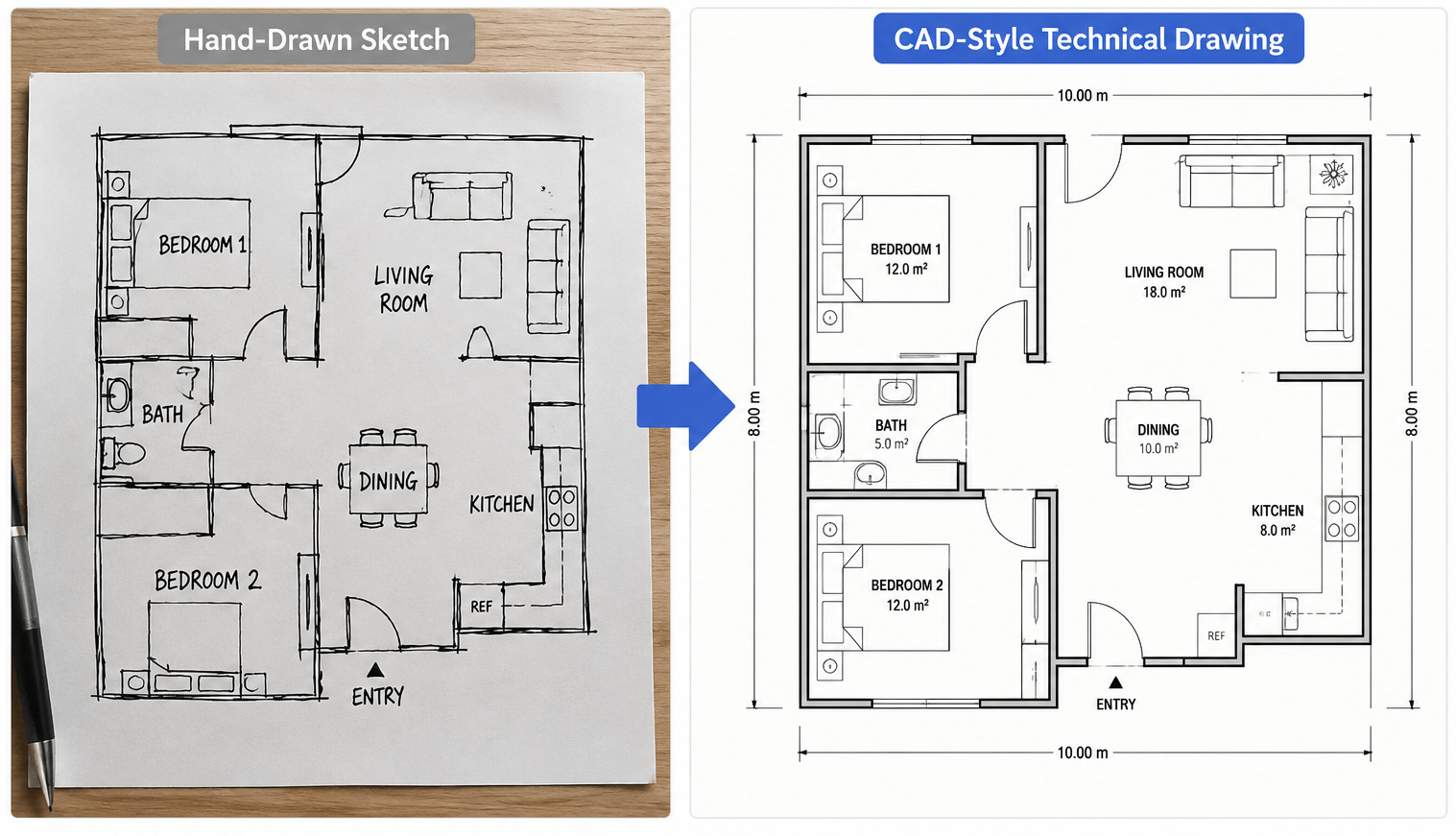
An AI CAD Drawing Generator is exactly the kind of tool engineers and designers have been searching for. While browsing Read more
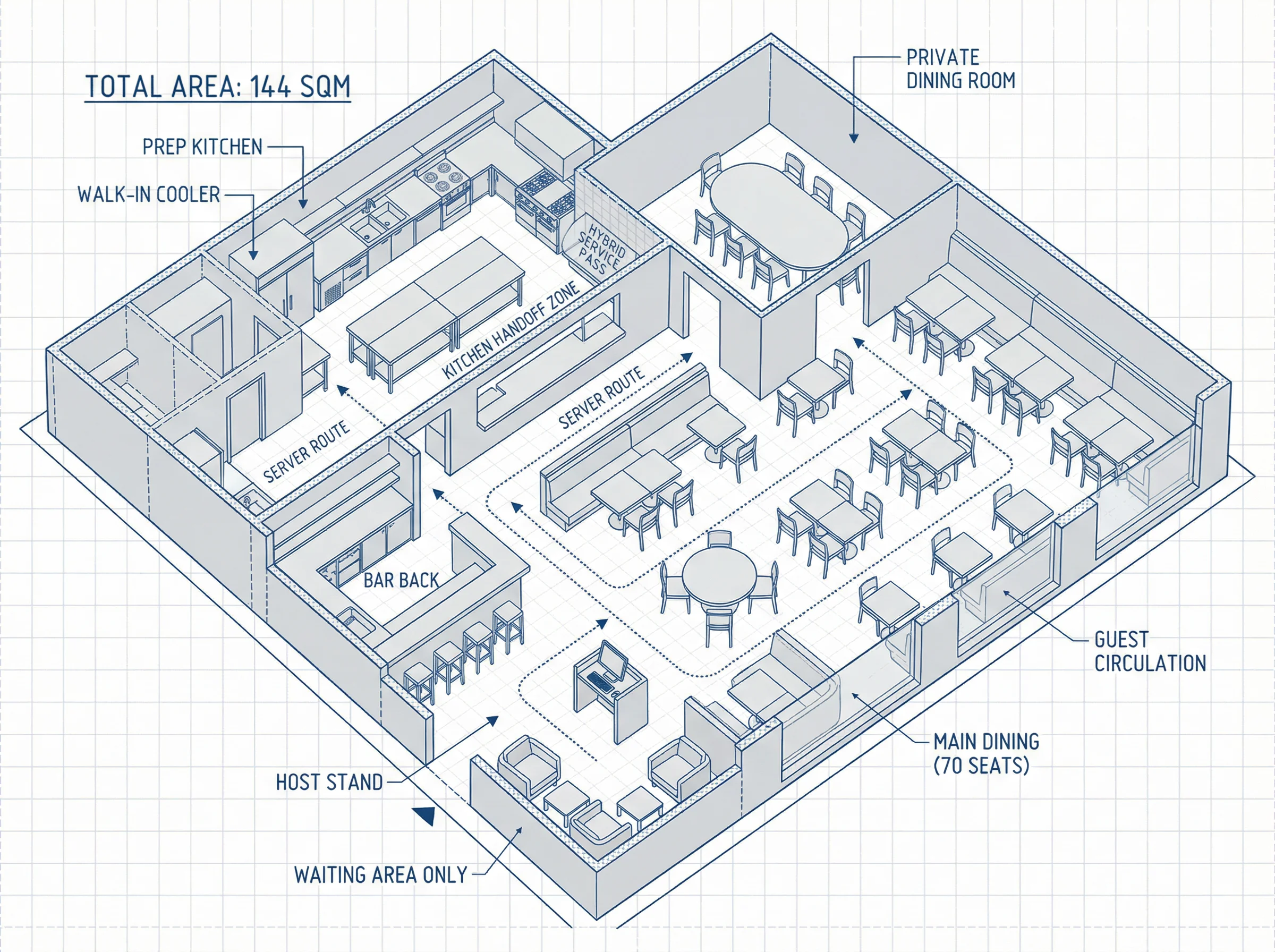
Learn how a well-engineered restaurant floor plan is crucial for success, balancing seating, kitchen flow, and guest experience. Discover how Read more

Finding the perfect AI video tool in 2026 can feel like an expensive guessing game of trial and error. We Read more


