You finally settled on a name for your new website or store. The next step is usually where things stall. You need a logo. If you are not familiar with design software, making one from scratch is frustrating. Hiring out the work means spending extra budget money and waiting days for back and forth revisions.
This is why learning how to use an AI logo generator is a very practical shortcut. It lets you skip the technical hurdles and gets your branding ready in a few minutes so you can move on to the actual work.
Here is a quick guide on how to actually get a usable, professional result out of these tools.
Two Paths For Generating Your Logo
You do not need to know a single thing about art or color theory to make this work. There are two main methods you can use depending on where you are in the planning process.
The most popular route is text to image generation. You type a basic description of what you want and your brand name, hit a button, and see what the computer gives you. If you are starting a gardening blog, you might type that you want a simple green watering can. It takes about five seconds to get a unique concept.
The second route is brilliant if you like to doodle. It is called image to image generation. Let’s say you drew a very rough idea on a scrap of paper. You can snap a photo of that shaky sketch on your phone and upload it. The tool looks at your lines and turns them into a polished, perfectly symmetrical graphic. It keeps your original layout but makes it look like a professional actually drew it.
Where to Start Testing Your Ideas
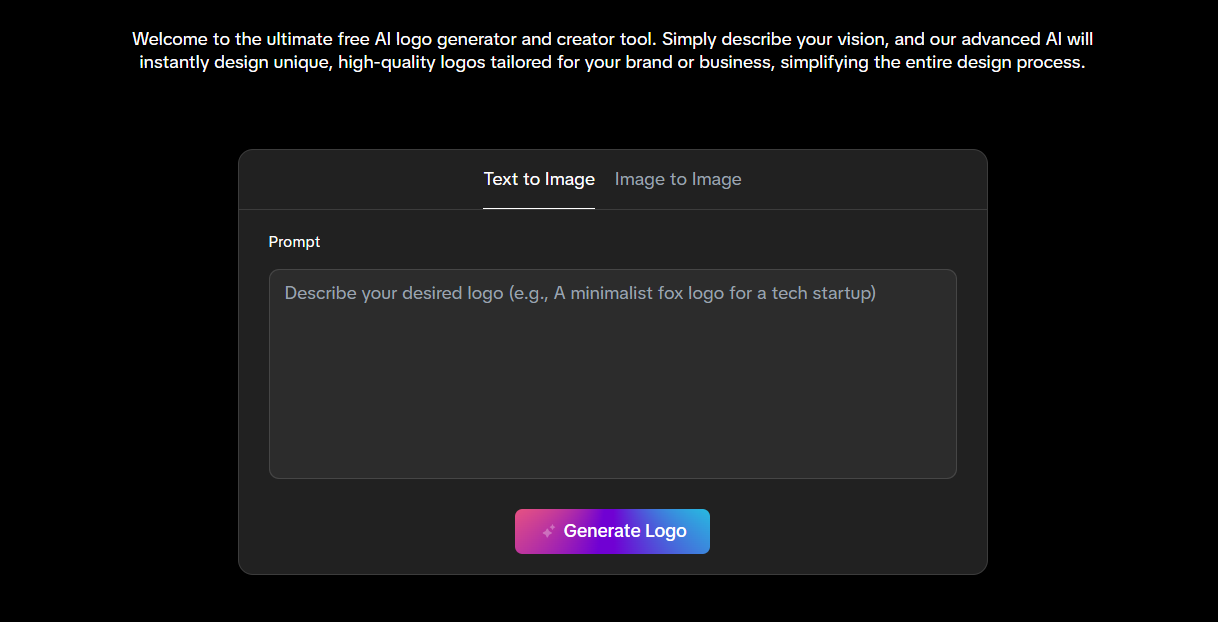
There are a lot of platforms out there, but many of them complicate the process with confusing menus or heavy ads. If you want a straightforward tool that does not waste your time, a solid option is this AI logo generator from aiai.com. The AI generator is super userfriendly, all you need to do is just picking your preferred method and type the description / upload the image .
Three Rules For A Cleaner design
Getting a great logo takes a little bit of trial and error. Computers tend to overcomplicate things, so you have to guide them. Here are a few solid rules to follow when typing out your instructions.
- Ask for a flat design. Logos need to look good whether they are on a massive billboard or a tiny phone screen. Adding the phrase “flat vector design” to your prompt stops the tool from adding unnecessary 3D shadows.
- Focus on one main object. Do not ask for a mountain, a bear, a river, and a tent all in the same picture. The result will look like a crowded painting instead of a logo. Pick one strong visual so the image stays clear and readable.
- Name your style clearly. Tell the generator if you want something vintage, geometric, or minimalist. A single style word helps the computer narrow down the exact vibe you are looking for.
Getting stuck on the branding phase is incredibly common for new creators. Just type out a few ideas or upload a quick sketch and see what happens. Once you have a graphic you like, you can check it off your list and get back to the actual fun part of building your project.

If you are searching for a reliable ai video generator that actually produces cinematic, usable footage instead of weird, melting faces, you Read more
Create a modern family crest in minutes with an AI Coat of Arms Generator. No design skills needed—just enter your Read more

It’s late December 2025. If your social feed looks anything like mine, the "Ice Angel" makeup look is back in full force, Read more
Create Technical Drawings Faster with an AI CAD Drawing Generator Creating technical drawings has always been a key part of Read more


