It’s late December 2025. If your social feed looks anything like mine, the “Ice Angel” makeup look is back in full force, and everyone is obsessed with piercing icy blue eyes.
But here’s the problem: traditionally, getting this look meant buying expensive prescription colored contacts. You were looking at spending $50+, waiting a week for shipping, and dealing with dry, irritated eyes—especially in this harsh winter weather.
Honestly? There is a much smarter way to do it now.
That’s why I use AIAI.com. It’s an all-in-one AI tool that gives you a natural, realistic blue eyes filter instantly. No money spent, no physical discomfort.
Why Creators Are Choosing AI Over Physical Contacts
Let’s look at the math. For most creators, the real bottleneck isn’t ideas—it’s time and money. Choosing between real contacts and an AI filter really just comes down to cost versus return.
The Direct Advantage of Low Cost
If you buy a decent pair of colored contacts, you are easily dropping
plus the cost of cleaning solution. And they expire in 30 days.
In contrast, the Blue Eyes Filter on AIAI.com is free. You don’t even need to download an app—you just do it right in your browser.
Saving Time and Risk
Editing with an AI filter takes seconds. Putting in contacts, fixing your makeup when you tear up, and setting up lighting takes hours.
Plus, you completely eliminate the risk of infection or dryness. For creators, switching to an AI eye color changer just makes sense. You get the same visual result for zero cost.
Beyond Selfies: 3 Ways to Use the Blue Eyes Filter
This isn’t just a novelty effect for one photo. It’s actually a super versatile tool for your content strategy.
1. Nailing the “Winter 2025” Aesthetic (Winter Core)
From the “Cold Girl” trend to the more mature Winter Core style, the secret is high contrast: cool-toned features against a grey, snowy background.
Skip the complicated makeup. Just use AI to overlay a Frosted Blue tint onto your iris. It makes your portraits look sharper and instantly fits that December vibe.
2. Digital Cosplay
You don’t need professional SFX makeup to have fun with character creation.
For example, if you (or your kids) want to cosplay the Snow Queen or a Na’vi character, adding a glowing blue eye filter upgrades the whole look instantly. It’s Digital Cosplay: movie-quality visuals without spending a dime on props.
3. Professional Branding (The “Blue Eye Theory”)
You’ve probably heard the theory on TikTok: lighter eyes in thumbnails get more clicks.
If you are updating your 2026 Profile Picture (PFP) for LinkedIn or Twitter, try subtly brightening your eyes. It creates a focal point in small avatars and makes you more memorable. Why not upload your headshot to AIAI.com and see if it makes a difference?
Why Use an “Online Blue Eyes Filter” Instead of In-App Effects?
A lot of people ask: Why not just use the filter on Instagram or TikTok?
It’s not about the tech; it’s about control.
An online tool like AIAI.com is better if you want:
- High-resolution images (Social apps compress your quality).
- Assets for portfolios or websites.
- Freedom to post anywhere without being stuck in one app’s ecosystem.
You can edit your photo in HD first, then post it wherever you want.
Quick Heads-Up: Blue Eyes vs. Blue Light
Just a quick note because search results can be confusing. Don’t mix these two up:
- Blue Eyes Filter:
👉 The aesthetic tool to change your eye color (what we are doing on aiai.com). - Blue Light Filter:
👉 Glasses or software to block screen light and stop headaches.
If you want to change your look, you are in the right place.
Step-by-Step: How to Apply a Realistic Blue Eyes Filter Online
You don’t need Photoshop skills for this. Here is my workflow:
Step 1: Upload
Go to aiai.com. Pick a high-res portrait. Tip: Make sure your eyes are well-lit and not covered by hair for the best results.
Step 2: AI Processing
Select the Blue Eyes Filter. The AI automatically detects your face and blends the blue color perfectly into your iris.
Step 3: Download
Save your HD image. Now you have a studio-quality portrait ready for your 2026 social media refresh.
In 2026, creating better content often means replacing physical props with digital tools that are faster, cheaper, and easier to reuse.
The Blue Eyes Filter on AIAI.com is a good example of this shift—doing more with digital tools instead of buying physical props. You save money, but keep the professional look.
Whether you are testing the “Blue Eye Theory” or just want a new winter aesthetic, try it out for yourself.
👉 [Try the Blue Eyes Filter for Free]
Nano Banana Pro: Unveiling the Updates and Usage Tips! This article is about Google DeepMind's Nano Banana Pro (Gemini 3 Read more
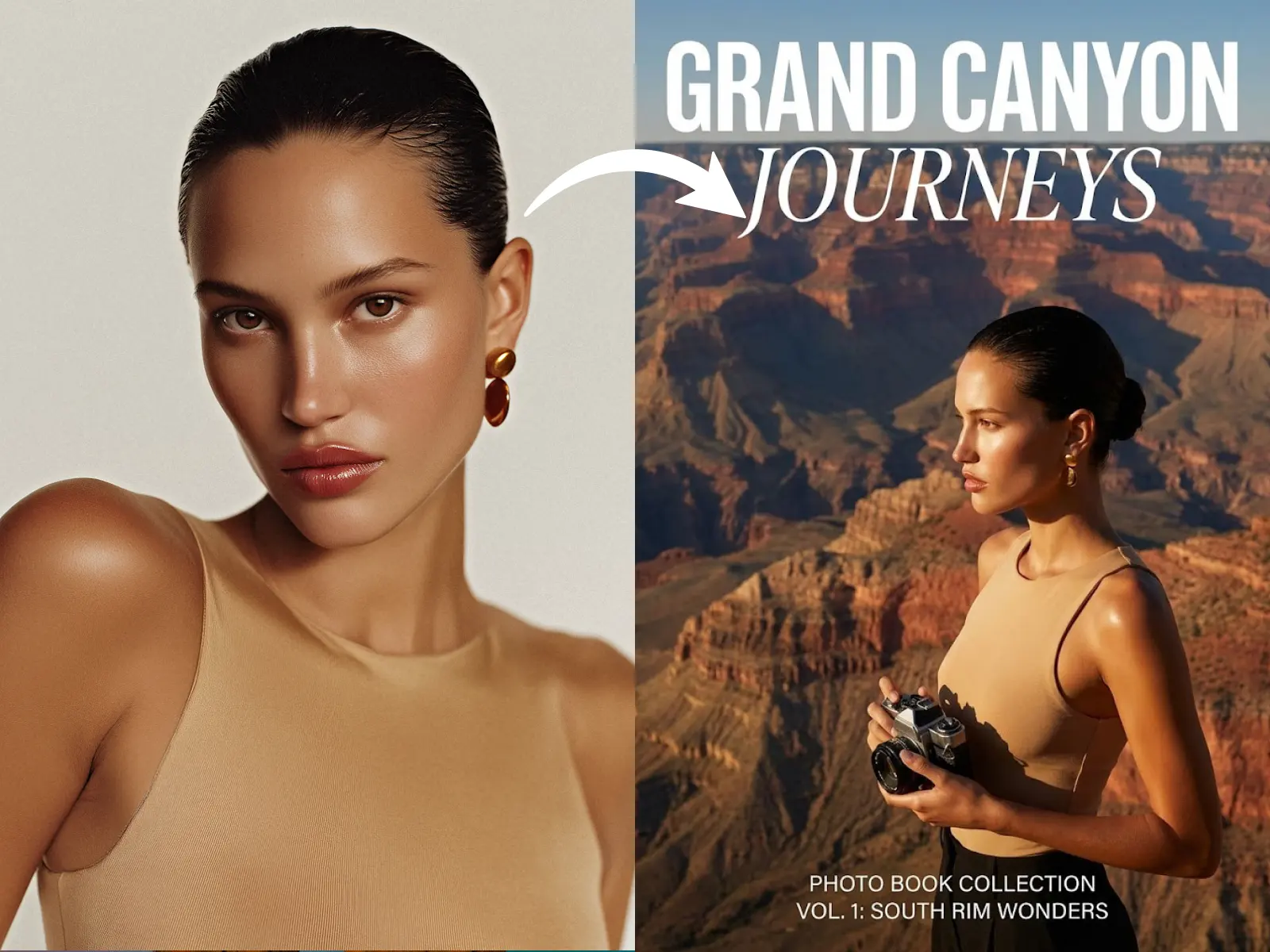
Transform your travel photos into professional magazine covers instantly with Nano Banana Pro's AI. Create stunning keepsakes, virtual travel experiences, Read more

Creating architectural concepts used to require advanced design software, technical expertise, and countless hours of manual work. Today, things are Read more

Stop sending boring text invites. Learn how to use AI tools like Nano Banana Pro to create stunning, custom party Read more


