Coats of arms used to belong only to royal families, knights, and historical lineages. Today, that visual language is making a comeback in a very different way—through digital design tools powered by AI.
One of the fastest-growing tools in this space is the AI Coat of Arms Generator, which allows anyone to create a personalized crest in just a few minutes, without any design background.
What Is an AI Coat of Arms Generator?
An AI Coat of Arms Generator is a tool that uses artificial intelligence to design a heraldic-style emblem based on your input.
Instead of manually learning complex heraldic rules, users simply provide a few keywords such as:
- Personal values (strength, wisdom, loyalty, ambition)
- Symbols (lion, eagle, sword, crown, tree, shield)
- Color preferences (gold, blue, black, red)
- Style direction (modern, medieval, luxury, minimal)
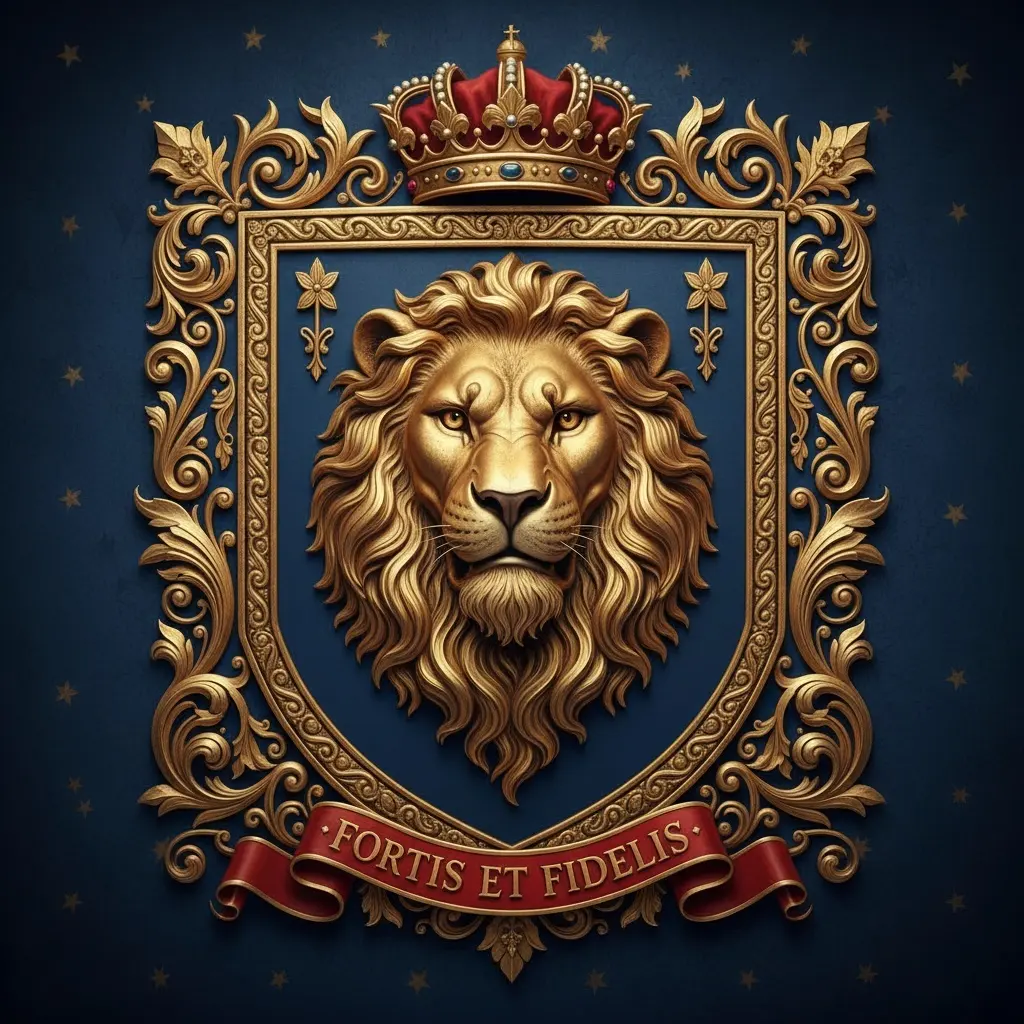
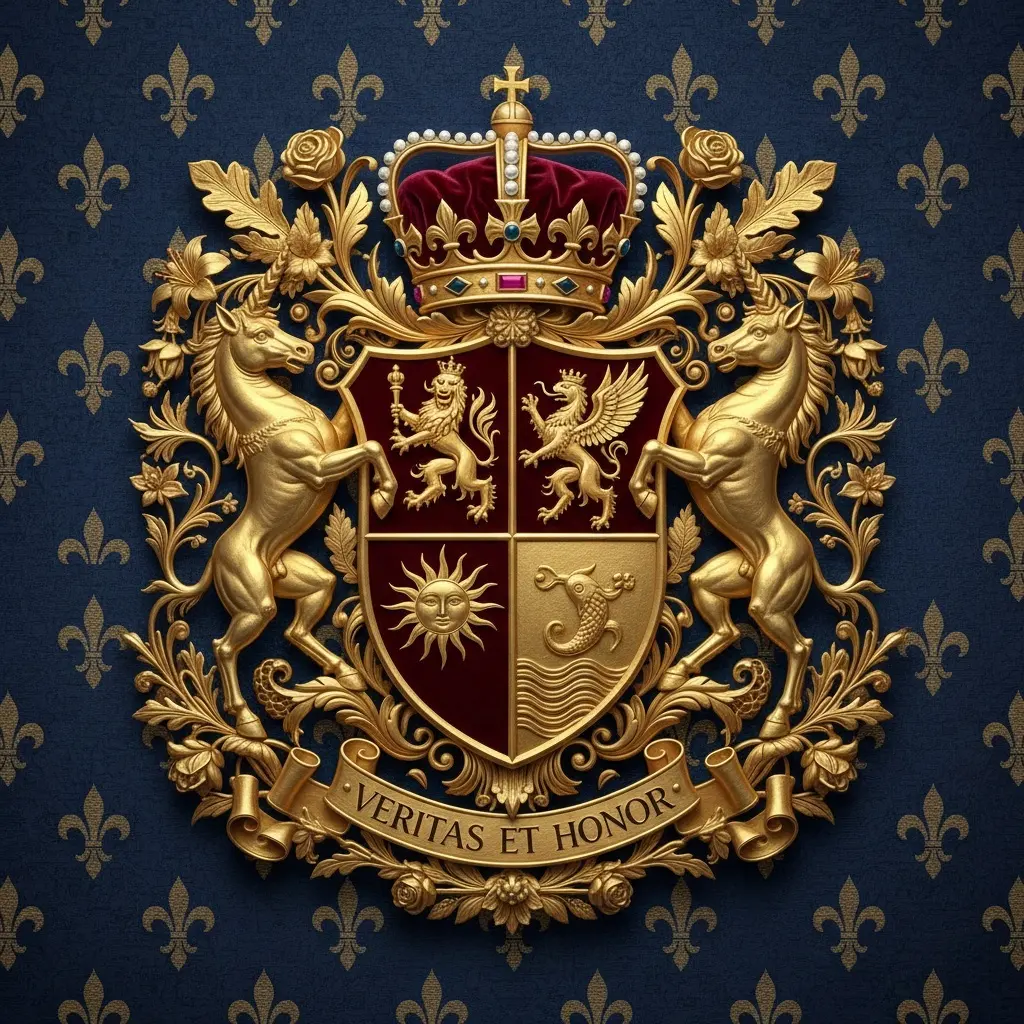
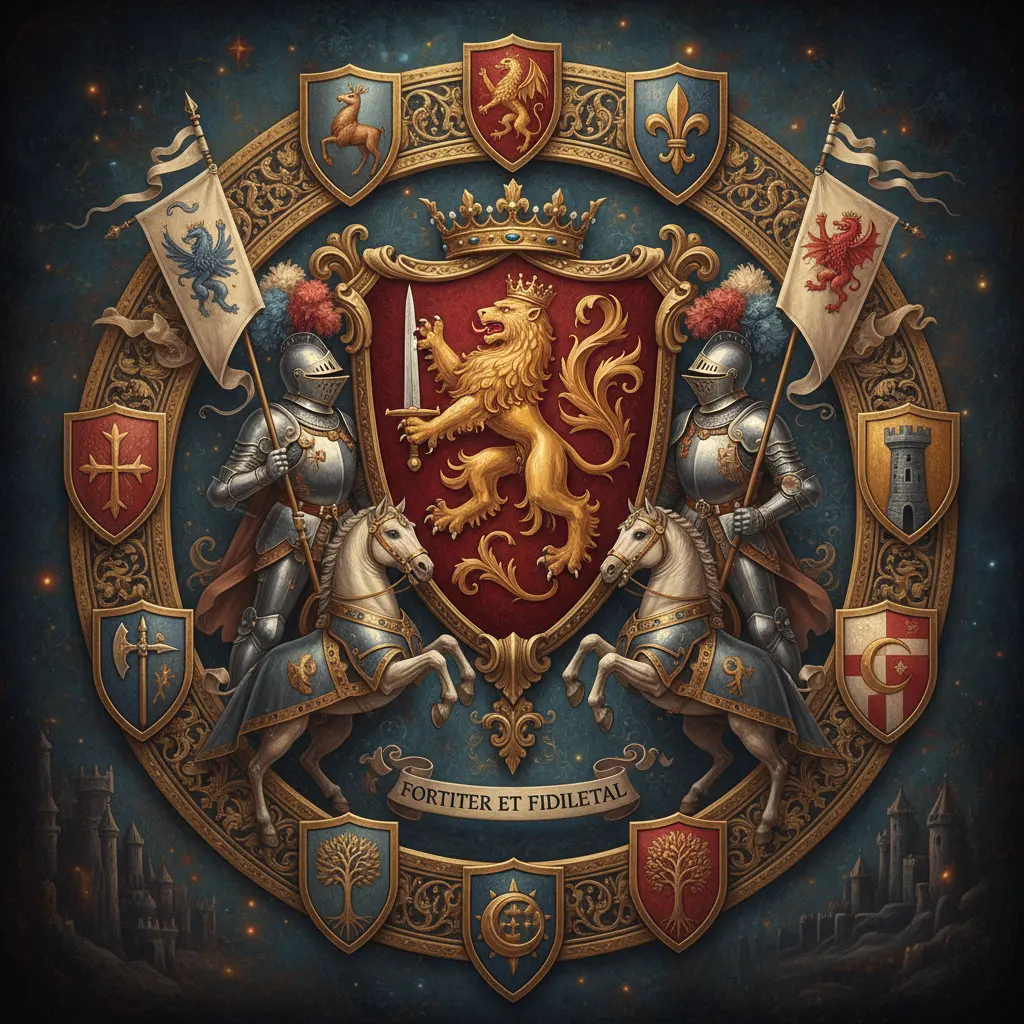
The AI then transforms these inputs into a structured visual crest with balanced composition and symbolic meaning.
Some newer design platforms even combine multiple AI models to improve layout accuracy and aesthetic consistency, making the output feel closer to a professionally designed emblem rather than a random illustration.
Why AI Coat of Arms Generators Are Becoming Popular
1. Identity-driven design is trending
People want visuals that feel personal and symbolic—not just decorative graphics.
2. No design skills required
You don’t need to understand heraldry, composition, or typography rules.
3. Fast iteration
You can generate multiple versions in seconds and compare styles instantly.
4. Useful for branding
Creators and small businesses often use AI-generated crests as logos, channel icons, or identity marks.
How the AI Design Process Works
Although different tools vary slightly, most follow a similar pipeline:
Step 1: Input your concept
You describe your identity or theme using keywords.
Example:
“wisdom, ambition, leadership, eagle, gold, navy blue”
Step 2: Symbol interpretation
The AI maps abstract concepts into visual elements:
- Eagle → vision, leadership
- Lion → courage, authority
- Sword → protection, strength
- Tree → growth, legacy
Step 3: Composition building
The system arranges shields, crests, banners, and ornaments into a balanced emblem.
Step 4: Output generation
You receive a finished coat of arms that can be downloaded or refined.
Some users prefer experimenting across different AI design platforms to compare how each model interprets symbolism differently—especially when they’re aiming for a more polished, brand-ready result.
Popular Styles You Can Generate
- Classic medieval heraldry
- Minimal modern crest design
- Luxury gold emblem style
- Fantasy-inspired symbols
- Corporate identity shields
What Makes a Strong Coat of Arms Design?
Even with AI, better input leads to better output:
- Use clear, specific keywords
- Combine complementary traits (e.g., wisdom + courage)
- Avoid overly random symbol lists
- Keep color themes consistent
Who Uses These Tools?
- Personal branding creators
- Designers exploring logo ideas
- Writers building fictional worlds
- Families creating symbolic identity visuals
- Small brands testing visual directions
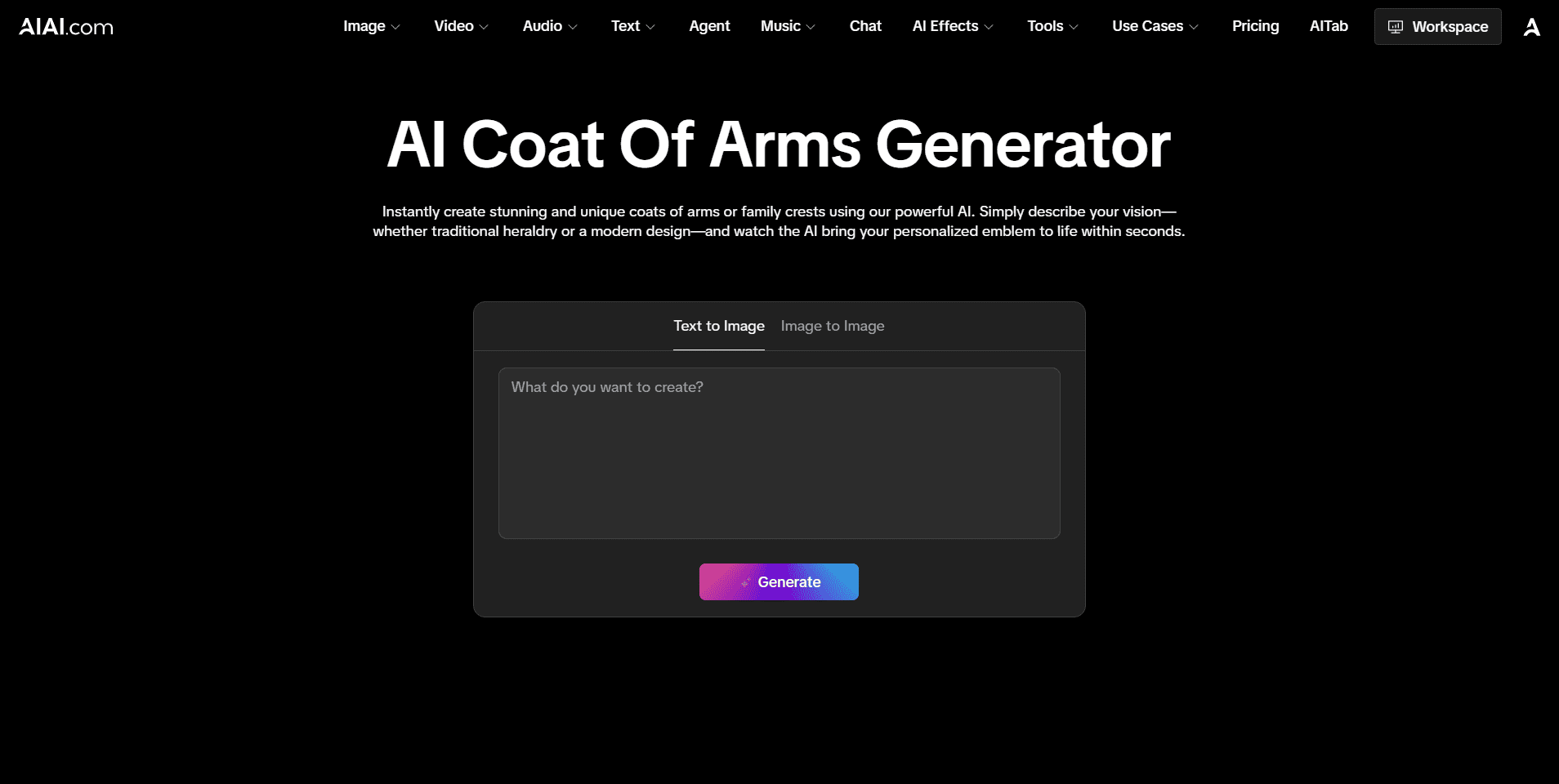
For users who want a smoother workflow, some integrated AI design platforms (such as AIAI image tools) make it easier to move from idea → generation → refinement without switching between multiple tools, which is especially useful when iterating visual identity concepts.
Limitations to Be Aware Of
- Not always historically accurate in heraldry rules
- Some outputs may feel overly decorative
- Symbol meanings depend on model interpretation
For formal genealogy or historical research, traditional references are still necessary.
FAQ: AI Coat of Arms Generator
1. What is an AI Coat of Arms Generator used for?
An AI Coat of Arms Generator is used to create personalized crest-style designs based on your input. It’s often used for personal branding, creative projects, family identity visuals, or even fictional world-building.
2. Do I need design experience to use it?
No. These tools are built for beginners. You just enter keywords like values, symbols, or style preferences, and the AI handles the composition and visual design.
3. Are AI-generated coats of arms historically accurate?
Not always. Most AI generators focus more on visual aesthetics and symbolism rather than strict heraldic rules. If you need historically accurate heraldry, traditional references are still recommended.
4. Can I use AI-generated coats of arms for branding?
Yes, many creators and small brands use AI-generated crests for logos, social media avatars, or visual identity systems. However, it’s always good to refine the output if you want a more professional brand feel.
Final Thoughts
The AI Coat of Arms Generator represents a shift from traditional, rule-heavy design to fast, AI-assisted visual storytelling. It allows anyone to turn abstract values into a structured emblem that feels personal and expressive.
As AI design tools continue to evolve, platforms that combine generation and refinement—like AIAI’s creative toolkit—are making it even easier to move from idea to finished visual identity in one flow.
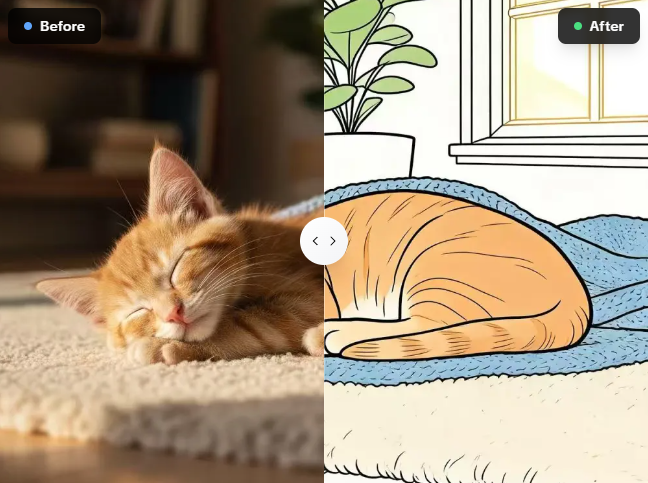
Tired of tracing pictures by hand? I use this free photo to line drawing converter on AIAI.com to turn complex Read more
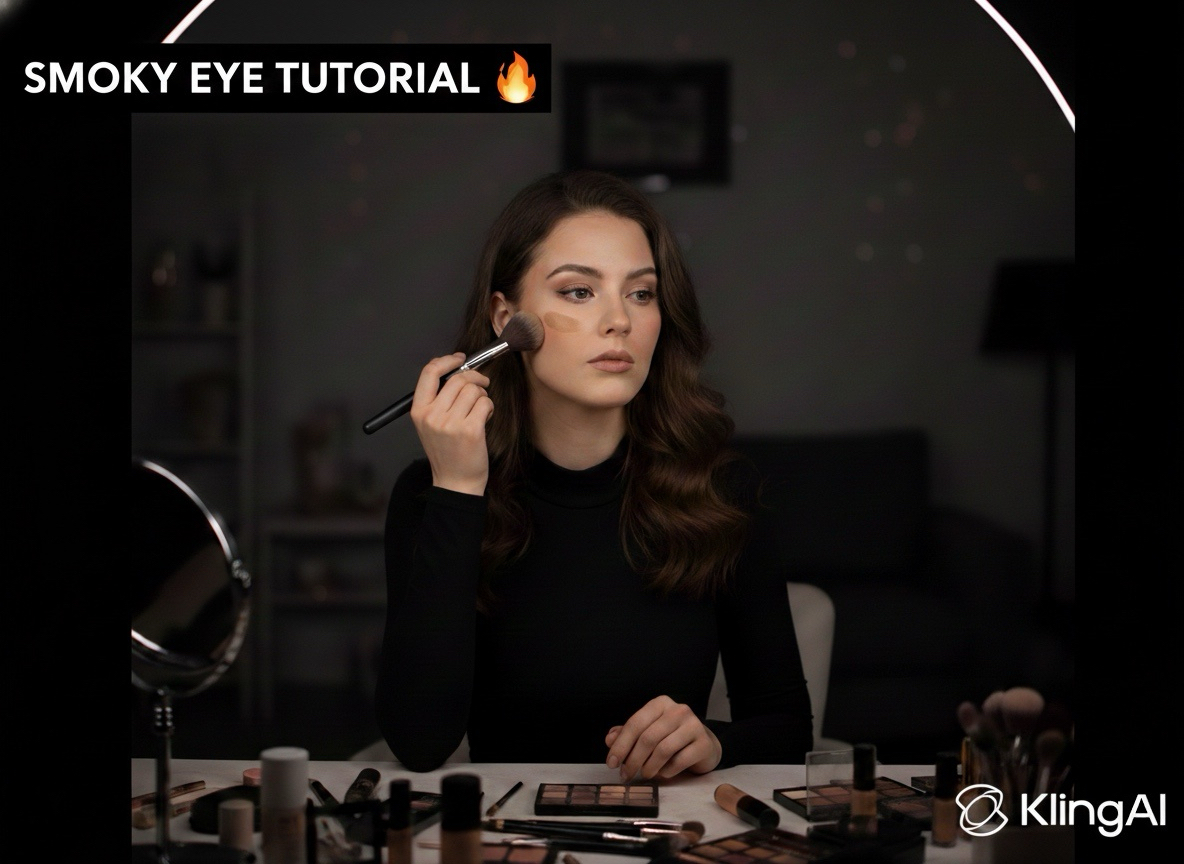
Looking for a kling ai remove watermark tool? I found the best AI solution that cleans 4K video instantly. No Read more
Looking for a unique romantic gift? Learn how to use an AI kissing video generator to turn your favorite couple Read more
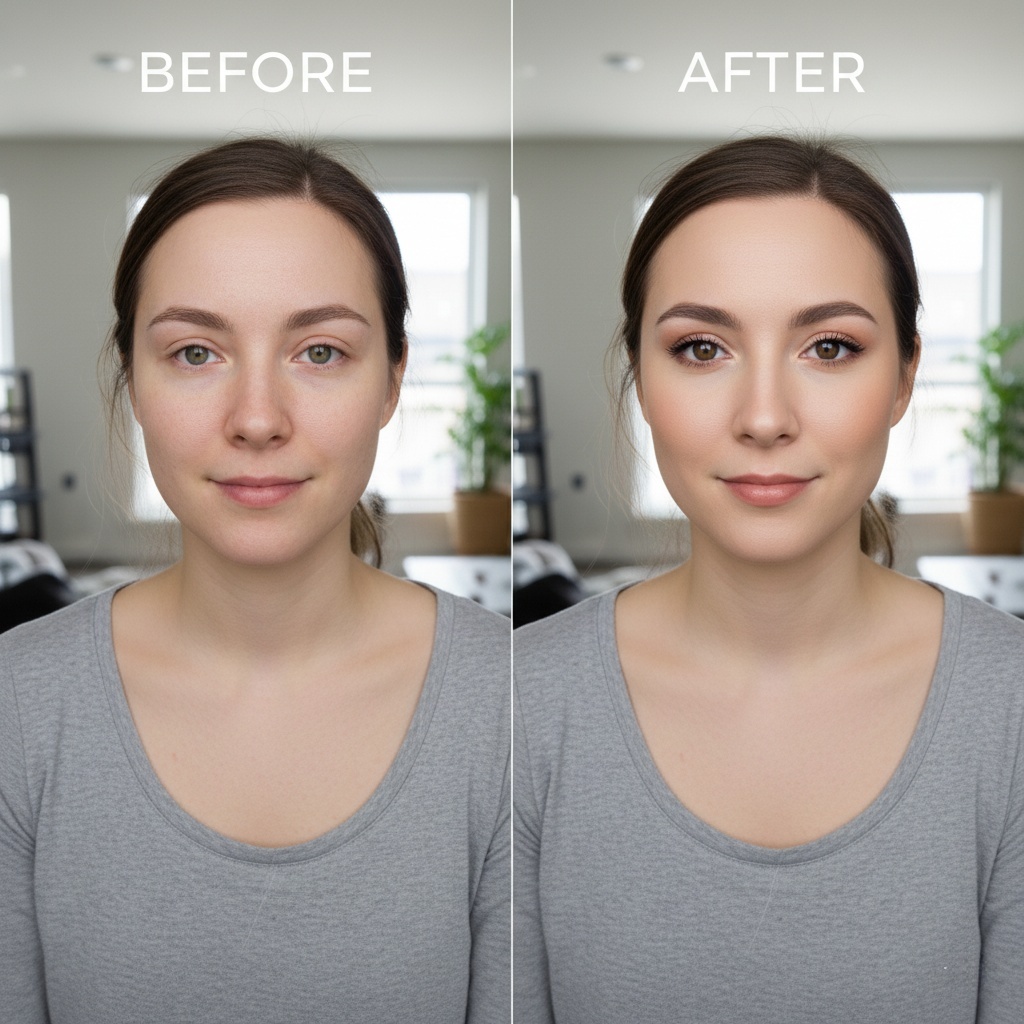
Transform your selfies with Nano Banana Pro, the ultimate AI makeup tool. Discover how to achieve flawless, realistic digital makeovers Read more


