Finding a decent tool for photo to line drawing conversions used to be the most frustrating part of my design workflow. A few months ago, I was working on a custom coloring book project and needed to trace dozens of complex photos. I tried doing it manually in Illustrator with the pen tool, but it took hours of tedious clicking. Then I tried the built-in “sketch filters” on various editing apps, and they just left a muddy, pixelated mess that I couldn’t use.
I realized I needed a smarter way to extract clean, crisp outlines without the technical headache. That’s when I stumbled upon the AI-powered converter on AIAI.com.
It uses advanced artificial intelligence to accurately capture essential details, transforming any regular photo into a stunning black and white sketch in seconds. Here is why this tool replaced my old manual tracing workflow, and how it can solve your creative bottlenecks.
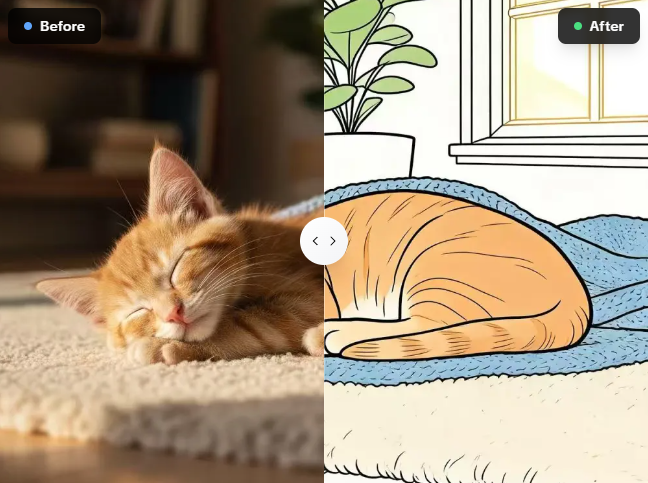
Why I Trust the Sketch Converter on AIAI.com
If you search online for ways to outline a picture, you will find hundreds of shady apps filled with ads. I ultimately chose the platform on AIAI.com because it is built for artists, designers, and hobbyists who want premium results without the hassle.
Here are the three reasons I keep using it:
- Free to Try with Registration: Instead of hitting a massive paywall right away, you can sign up to get free credits. This allows you to access the essential features, run a few conversions, and see the high-resolution quality for yourself before deciding to upgrade.
- 100% Private & Secure: Protecting my personal photos and client work is my top priority. AIAI.com guarantees that all uploaded images and generated line drawings are secured and automatically deleted from their servers after a short period.
- Zero Learning Curve: It is incredibly beginner-friendly. I don’t need any specialized editing skills or knowledge of vector nodes. Just a few clicks, and the AI does the heavy lifting.
4 Creative Scenarios Solved by This Photo to Line Drawing Tool
The ability to extract clean lines instantly opens up so many creative possibilities. Here are a few real-world scenarios where this photo to line drawing tool is an absolute lifesaver:
- Custom Coloring Pages: I love uploading photos of my pets (like my orange kitten sleeping) or family portraits, and converting them into clean outlines to print out as custom coloring sheets.
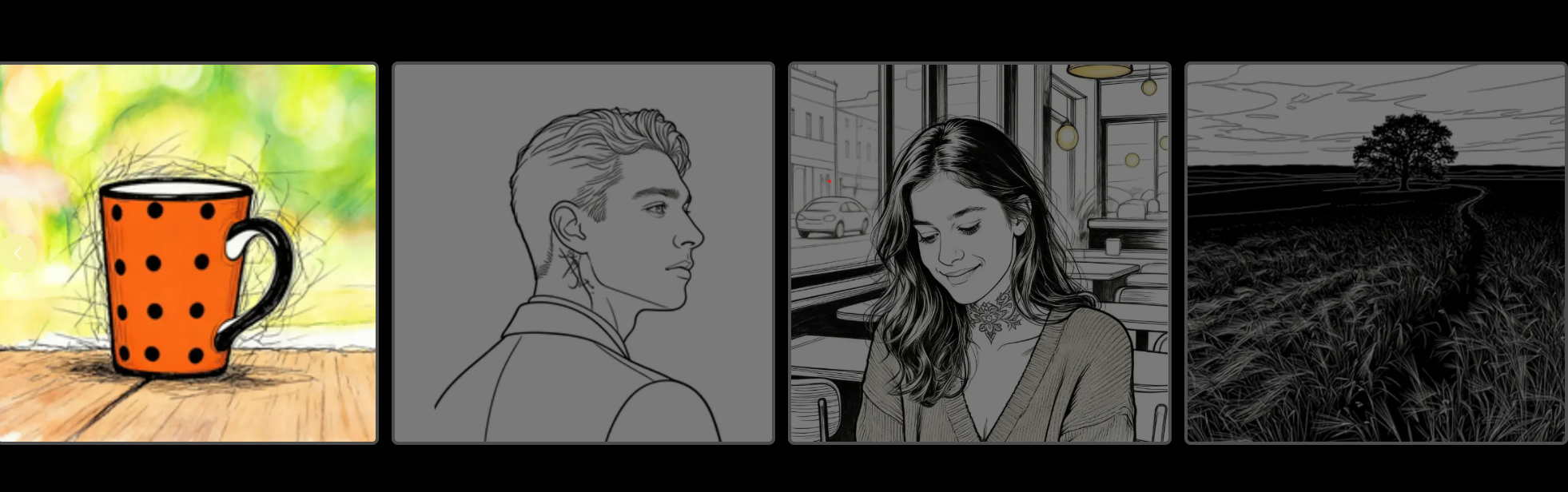
- Laser Engraving & Cricut Projects: CNC machines and vinyl cutters need high-contrast, clean lines. This tool captures the precise edges needed for flawless engraving on wood or acrylic (perfect for a photo of a polka-dot mug on a wooden surface).
- Minimalist Portrait Art: You can turn complex photos of people (like a portrait of a smiling woman or a man with a neck tattoo) into chic, monochrome line art illustrations for social media or framed prints.
- Tattoo Stencils: It is the perfect tool for quickly turning a real-life reference photo (like a lone tree in a field) into a tracing stencil for tattoo artists.
How to Convert Pictures into Line Art in 3 Simple Steps
You don’t need to install any heavy software to achieve high-quality results. The entire process takes less than a minute directly in your browser.
Step 1: Upload Your Image
Go to the tool on AIAI.com. Click the ‘Upload Photo’ button and select the picture you wish to transform. (It handles diverse images, from close-up portraits to wide landscapes).
Step 2: Let the AI Convert
Once uploaded, our advanced AI automatically processes the image. Unlike basic filters, it understands depth and contrast, creating a precise and detailed line art rendering instantly.
Step 3: Download Your File
Preview the stunning black and white sketch result. If you love it, click ‘Download’ to save your new line art file instantly to your device.
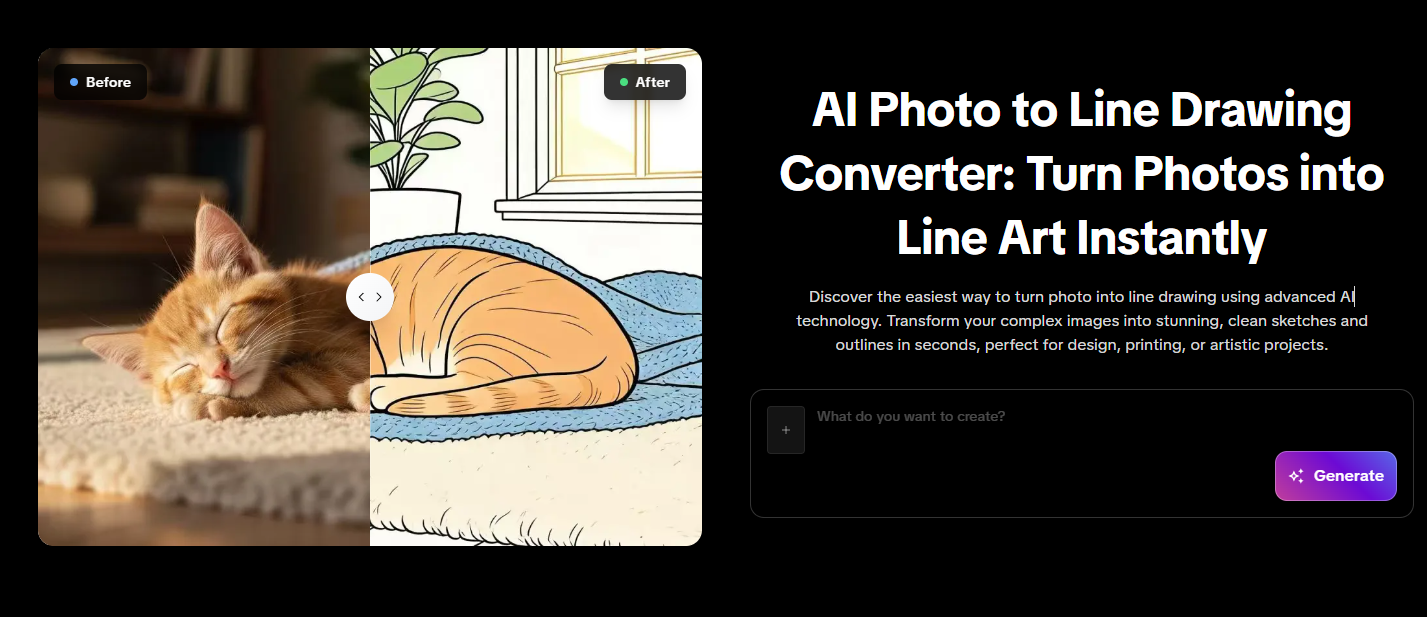
Try the Best Photo to Line Drawing Converter Today
Whether you are a professional designer looking to speed up your workflow, or a hobbyist wanting to create a unique piece of art, you no longer need to trace images by hand.
Experience the impressive transformation from a regular photo to a detailed black and white sketch today.
[Try the Photo to Line Drawing Converter For Free Now]
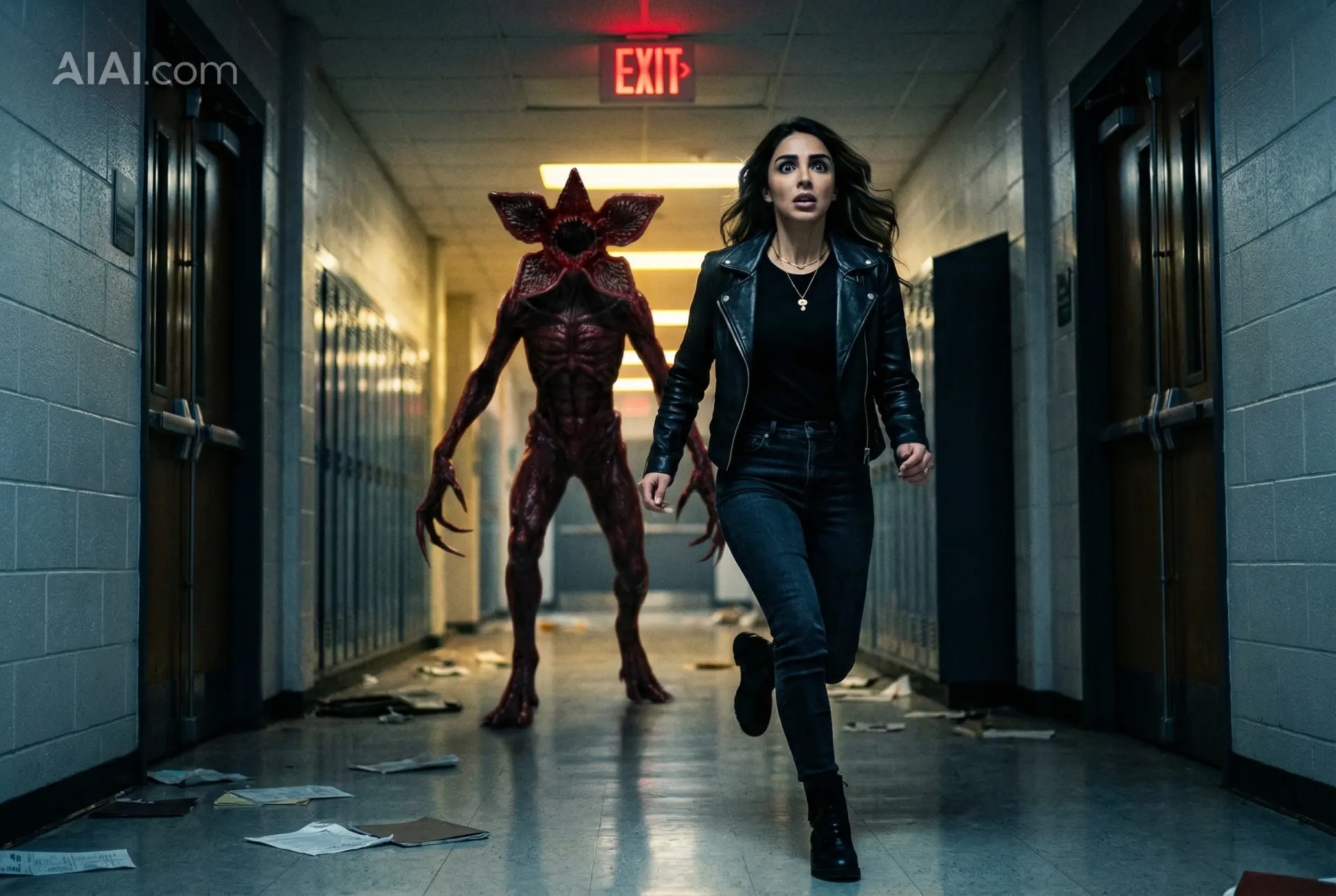
Discover how Nano Banana Pro's AI image-to-image feature can turn your ordinary photos into stunning "Stranger Things" themed artwork. Unleash Read more
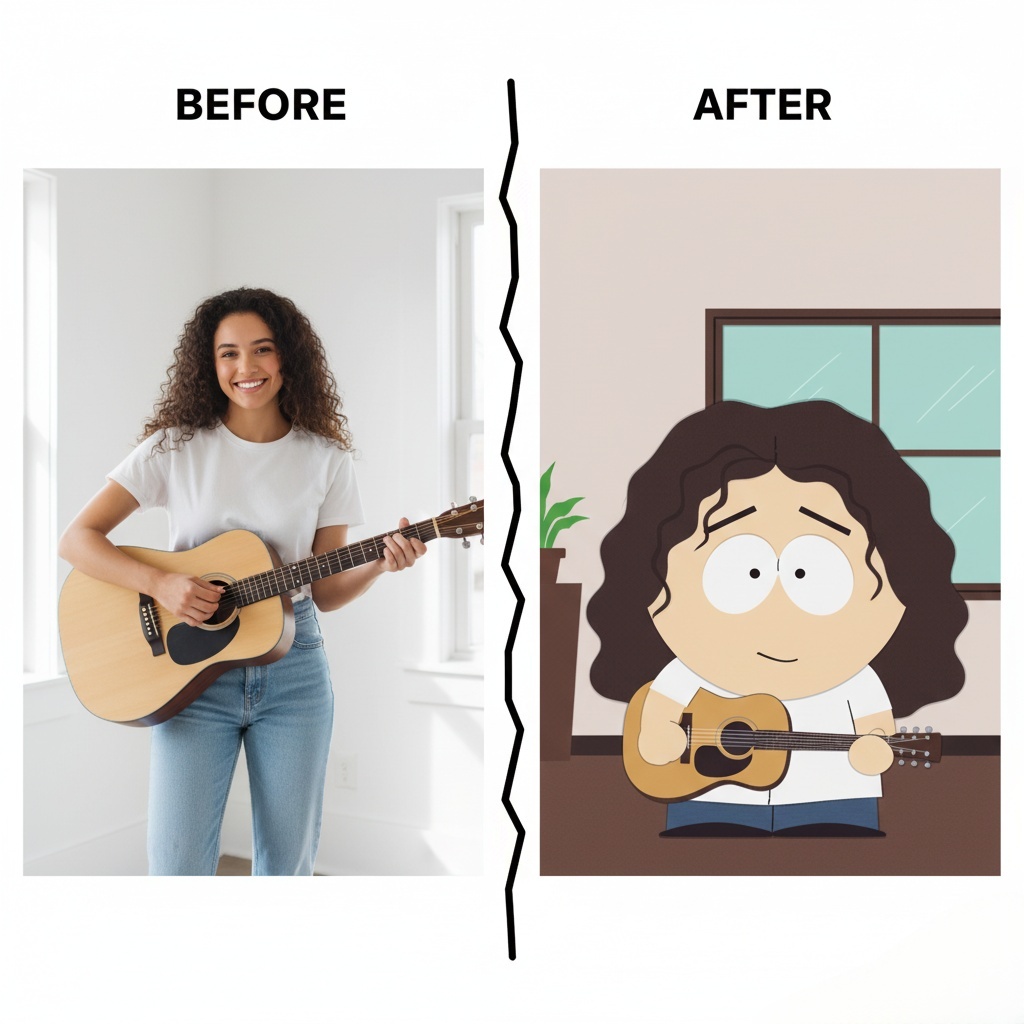
how to create your own South Park Make Characters! Upload a photo, customize hairstyles, outfits, and expressions, and bring your Read more
Nano Banana Pro: Unveiling the Updates and Usage Tips! This article is about Google DeepMind's Nano Banana Pro (Gemini 3 Read more
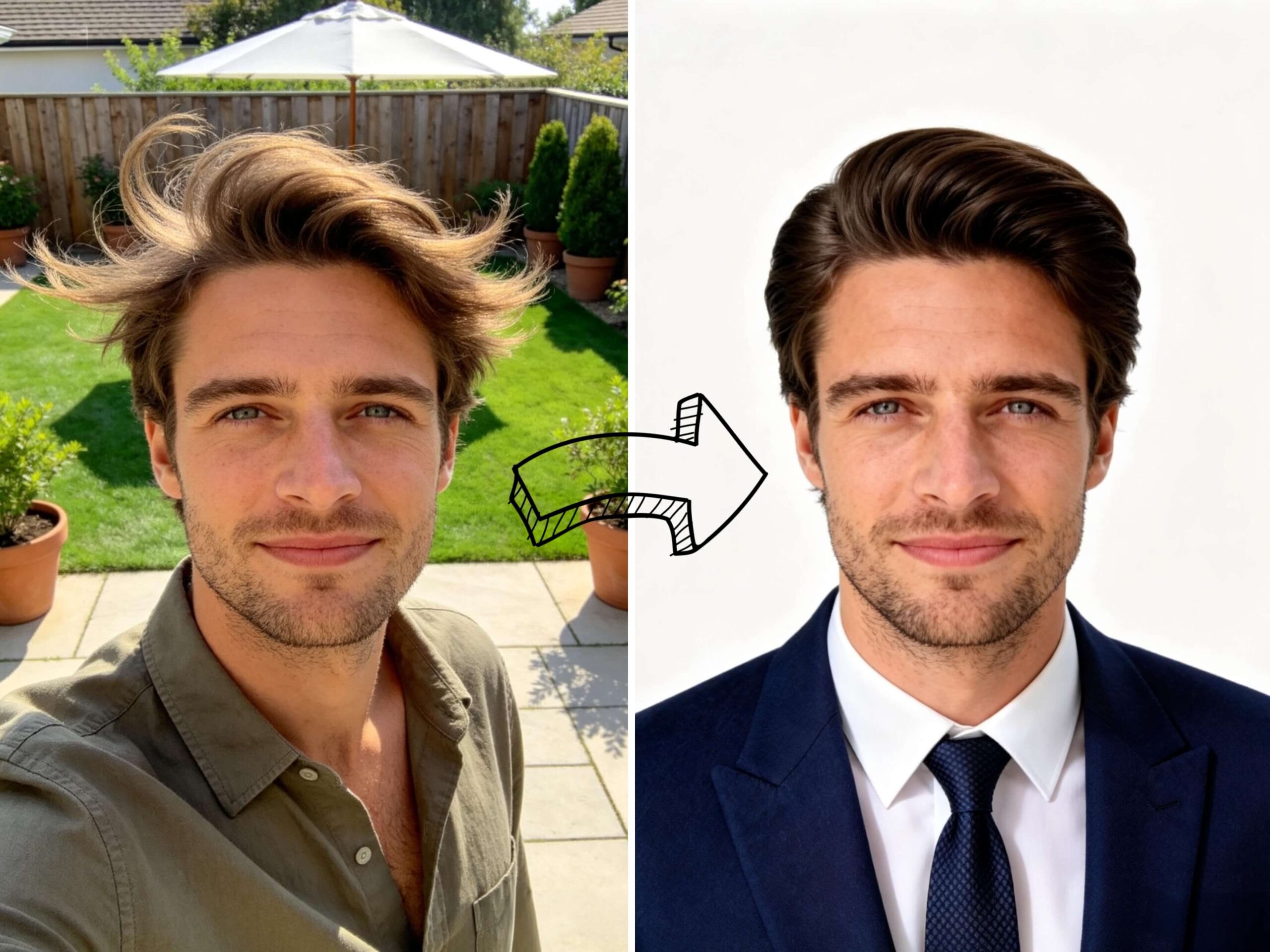
Need a professional headshot but hate the studio price? See how I used an AI professional headshot generator to turn Read more


