If you are looking for a Kling AI remove watermark solution that doesn’t blurry the video, I know the struggle. The videos themselves look insane, but that floating logo in the corner? It’s a dead giveaway. Nothing screams ‘amateur’ louder than a giant watermark on your client pitch or TikTok feed.
I spent the last few days testing ways to get rid of it without ruining the video quality, and I finally found a workflow that doesn’t involve spending 3 hours in After Effects.
If you are a content creator, keeping the watermark on your final video isn’t an option. Whether it’s for a client pitch or your social media feed, you need clean footage.
I’ve tested countless editors, and most just create a blurry mess. Recently, I found a workflow that actually delivers.
Below, I will break down the best tools, why I switched to AI, and how to remove Kling AI watermarks instantly without losing quality.
Can You Do This for Free?
This is the first question everyone asks. The short answer is: Yes.
If you Google “free watermark remover,” you’ll see a million options. I actually spent my whole Tuesday trying them out. Spoiler alert: most of them suck. Usually, they fall into two categories:
- The “Blur” Tools: You know those blur boxes that look like you’re censoring a crime scene? Yeah, that looks worse than the watermark. It draws more attention to the corner than the logo itself.
- The “Crop” Tools: You have to cut off the edges of your video, which ruins the cinematic composition Kling AI generated.
So while “totally free” tools exist, they usually cost you in video quality.
My Top Pick (The Best “Freemium” Option)
If you want professional results without paying a fortune, my top recommendation is AIAI.com.
Here is why I like it: While it is a professional-grade tool, they offer a free trial that lets you test the quality immediately. Unlike other “free” tools that leave a smudge, this is a dedicated Kling AI remove watermark solution.
The tech here is actually pretty cool. Instead of just smudging the pixels (which looks terrible), the tool analyzes the texture around the watermark. So if your video has a brick wall or moving water, it actually reconstructs that texture. It’s not 100% magic, but it’s pretty close.
Why I Stopped Using Manual Tools
I used to try to do this manually to save money. I tried masking it out in After Effects. My laptop sounded like a helicopter taking off, and it still looked jittery.
I don’t know the exact math behind AIAI.com, but the AI basically looks at the pixels next to the logo and ‘guesses’ what should be there. It paints over the logo like a really smart Photoshop artist.
The Advantages of AI Removal
When you use a dedicated tool, you aren’t just blurring pixels; you are using generative AI. Here are the significant advantages I experienced compared to generic tools:
- Auto Detection: I didn’t need to draw any boxes manually. The AI automatically detected the watermark, recognizing even complex or floating logos instantly.
- Lossless Quality: To me, the most important factor is that the platform doesn’t compress my video. The output file retains the original resolution, bitrate, and color grading.
- Dynamic Watermark Support: It perfectly tracks the movement of the watermark. If the camera pans, the removal stays locked on.
- Clear Restoration: It’s not a blur; it’s texture filling. If the watermark is over a tree, it reconstructs leaves. If it’s over a face, it reconstructs skin texture.
- Security: Your files are securely processed and deleted, unlike on some sketchy free sites that might keep your data.
Zero Learning Curve: No Video Skills Required
I am a creator, not a professional video editor. I don’t want to watch a 20-minute YouTube tutorial on “Keyframes” just to clean up a clip.
This is why this Kling AI remove watermark tool is superior for beginners:
- It works like a Magic Eraser: If you know how to use a highlighter pen, you know how to use this.
- No Timeline Editing: The AI tracks the movement for you. Just paint and go.
How to Use This Video Watermark Remover: Step-by-Step Guide
You don’t need technical skills. Here is the exact process to clean your AI generated videos:
Most reputable paid tools operate on integrity. Upon registration, this platform immediately gifts you 20 credits. This allows you to fully experience the Kling AI remove watermark features before spending a single penny.
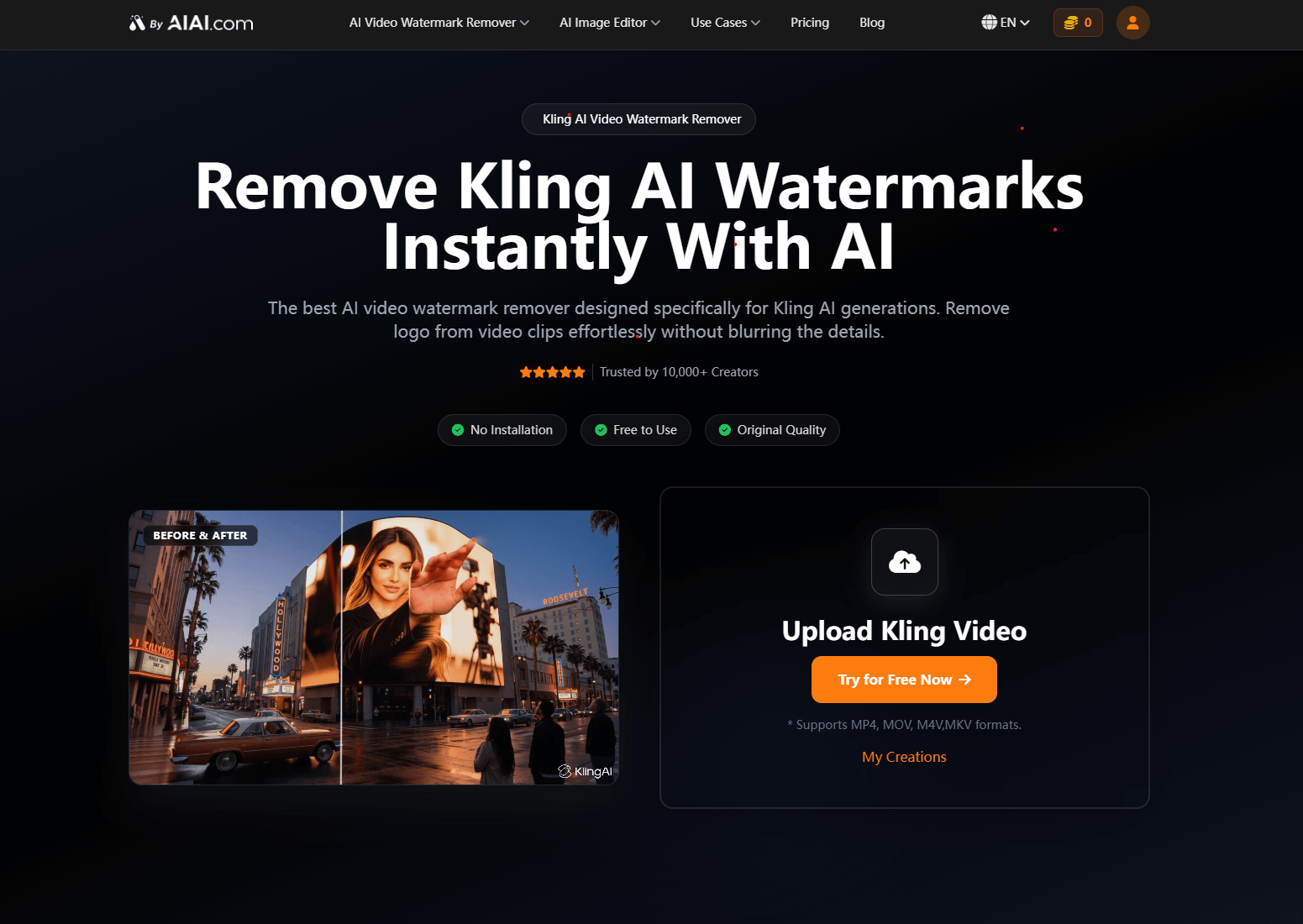
Step 1: :Upload Video
Import your generated clip into the tool. It supports all standard formats like MP4 and MOV.
Step 2: Auto-Detection
The AI automatically identifies text, logos, and timestamps.
Step 3: Download
Preview the result. If it looks clean, export your video in high resolution without quality loss.
Can You Remove Watermarks on Mobile?
Let’s face it: most of us are generating Kling AI videos to post on TikTok or Instagram Reels.
Transferring files from phone to computer just to remove a logo is a hassle. Since AIAI.com is fully browser-based, my workflow is simple:
- Generate video on mobile.
- Open the site on Safari/Chrome.
- Clean it and upload straight to TikTok.
It takes less than 2 minutes. You don’t need to be at your desk to look professional.
Application Scenarios
I don’t just clean videos for fun. Here is where a clean Kling AI remove watermark workflow is essential:
- Client Pitch Decks: Showing up with a watermarked video looks amateur. Cleaning it up makes the pitch look like a high-budget production.
- Social Media Ads (B-Roll): If you use AI video for TikTok ads, the Kling logo can’t clash with your brand’s text overlays.
- Stock Footage Extensions: When extending real footage with AI, the transition must be seamless. A popping watermark ruins the illusion.
Is It Worth Buying?
Here is my honest verdict:
If you just want to share a video with friends for fun, a free tool is probably enough.
However, if you want to improve efficiency and demand a higher quality video experience—whether you are a creator, marketer, or business owner—AIAI.com is absolutely worth the money.
Look, I hate subscriptions as much as anyone. But the starter pack is like $5. That’s literally less than my morning latte. For that price, I can fix about 10 videos. Saving an hour of frustration for the price of a coffee? That’s an easy ‘yes’ for me.
- With that $5, you can process about 50 seconds of video footage.
- If your TikTok videos average 5-7 seconds, that means you can process 7 to 10 videos.
For the price of a latte, you get 10 professional, clean videos ready for monetization. To me, that math makes sense.
Frequently Asked Questions (FAQ)
Q: Is this a free watermark remover video tool?
A: Yes! They offer a free trial for all new users. Simply sign up to receive free credits, allowing you to use their watermark remover video online free of charge to test the quality before committing.
Q: How does it actually remove the watermark?
A: It’s not just blurring; the tool uses advanced machine learning. It analyzes the footage, identifies the logo, and deletes watermark from video frames automatically, reconstructing the pixels to leave a clean background.
Q: Can I remove text from video in addition to logos?
A: Absolutely. The technology is designed to remove text from video, subtitles, timestamps, and brand logos efficiently without affecting the main subject of your footage.
Q: Does this work on mobile devices?
A: Yes. Since AIAI.com is web-based, you can use this watermark video remover on any device—including iPhones, Android phones, and tablets—directly through your browser. No app download needed.
Stop wasting time cropping your videos or accepting blurry results. For a professional finish that preserves your video quality, this is currently the most efficient solution on the market.
Ready to try it yourself?
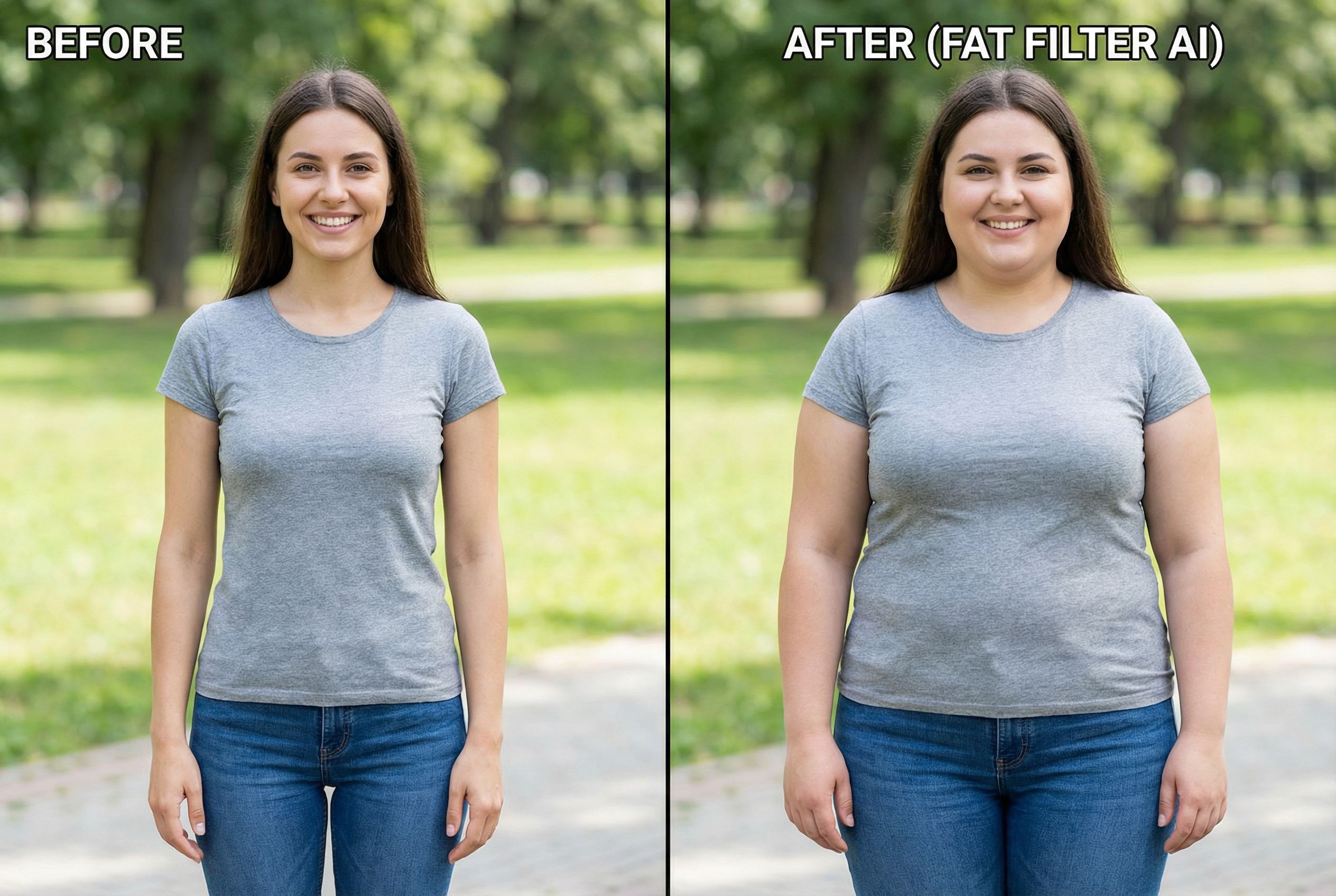
What Is an AI Image to Image Generator? An AI image to image generator is a form of generative AI Read more
AIAI: Your All-in-One Creative Hub for Turning Ideas Into Reality AIAI (official site: https://www.aiai.com/) is a comprehensive creative platform focused Read more

Why use an Image to Video generator instead of text? It offers superior stability and control. Learn how to combine Read more
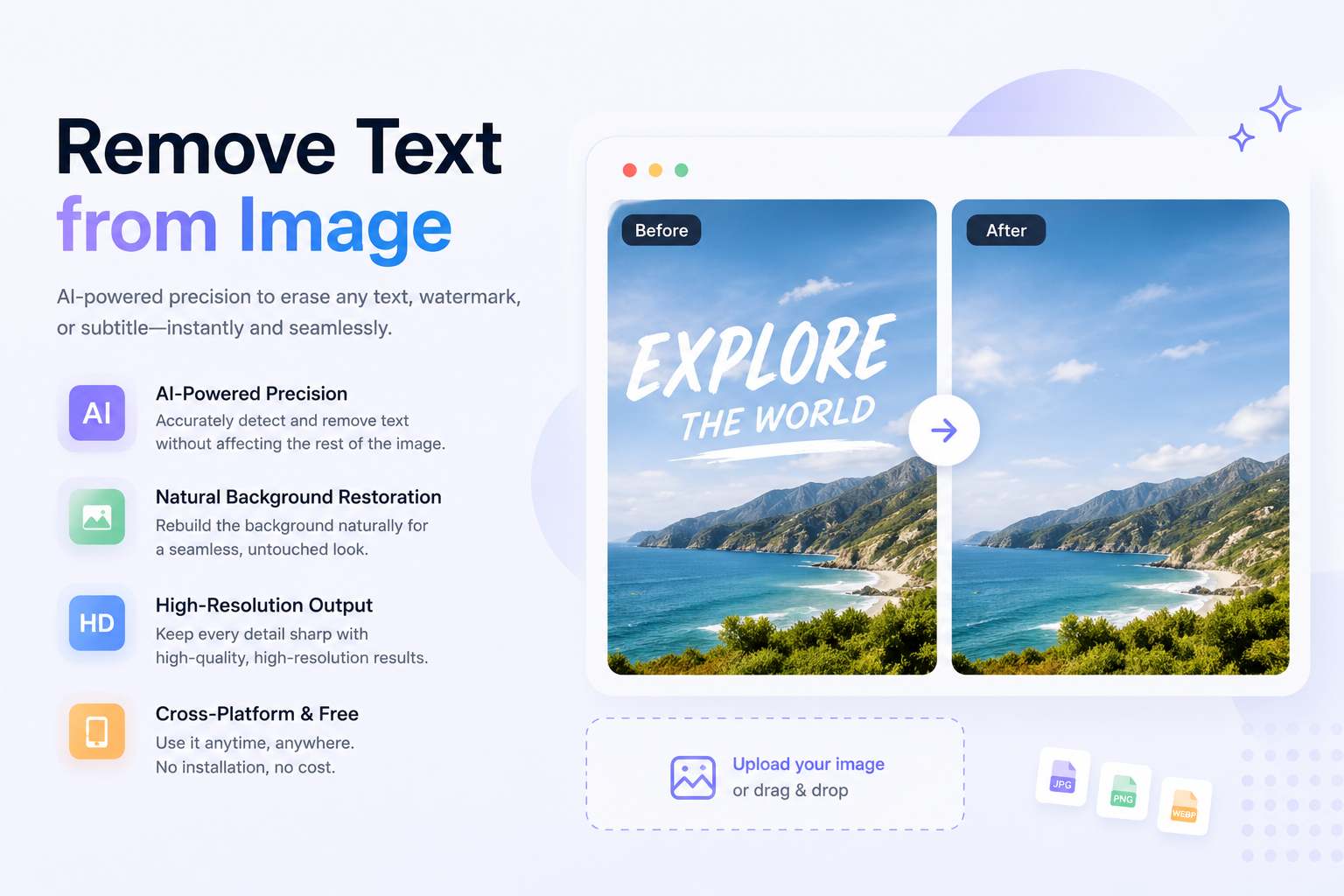
Remove text from image instantly with AI. Clean watermarks, subtitles, and overlays while preserving background quality and high-resolution details.


