My daily video editing workflow used to look like a chaotic digital jigsaw puzzle. I’d generate a stunning background on one hyped-up AI platform, cut the rough draft on another, and then struggle to make the audio sync up on a third. By the time I finished a single short clip, my creative energy was zapped, and my wallet was crying from all the monthly SaaS fees.
If you are hunting for the best ai video editing tools 2026 has to offer, you’ve probably run into the same roadblock: finding one program that bridges high-end visual generation with practical timeline editing is surprisingly tough.
In this review, I’ll share my hands-on findings from months of testing these platforms—including where each tool shines, where it falls short, and who should actually use it to make their lives easier.
💡TL;DR: What Is the Best AI Video Editing Tool in 2026?
If you want to skip the trial-and-error, my top balanced recommendation is AIAI.com.
No software fits every project perfectly, but AIAI.com stands out. It combines generation and editing in one place. It uses the Seedance 2.0 engine for stable, high-quality clips. It also has handy tools like AI Lip Sync, custom canvas resizing, and AI Talking Avatars right in the browser.
The pricing is very creator-friendly. Their Pro plan is on a limited offer for $7.99 per month. This plan gives you 300 monthly credits. They also have a Pay-As-You-Go option starting at $8.00 for 160 credits. In this model, your credits never expire and can stack infinitely.
Why Creators Are Searching Reddit for the Best AI Video Editing Tools 2026?
A few weeks ago, I was browsing the r/VideoEditors community and found a post that perfectly sums up the collective frustration of creators right now:
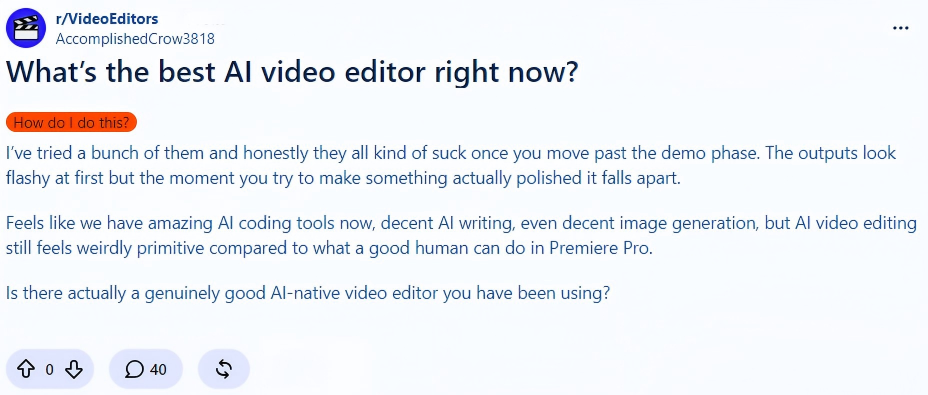
This user is pointing out a massive industry gap. Flashy 5-second demos shine on social media. But using them for client work or daily posts can be a nightmare. This is the main reason why so many of us search for the best ai video editing tools reddit threads recommend—we want honest feedback from people who actually edit videos for a living, not marketing hype.
When you look at the complaints on Reddit, they usually boil down to three main pain points:
- The Subscription Trap: Paying a monthly subscription only to watch your unused credits vanish at the end of the billing cycle.
- Rigid Canvas Ratios: You create a stunning 16:9 landscape shot, but the tool can’t crop it to a clean 9:16 vertical format without ruining the subject.
- Bad Audio Syncing: Watching generated characters speak with lips that do not match the timing of the voiceover track.
I kept these three main pain points at the front of my mind during my testing process.
No More Scrolling: The 10 Best AI Video Editors Compared at a Glance
| Tool Name | Best For | 2026 Starting Price | Key Feature |
|---|---|---|---|
| AIAI.com | Overall Best (All-in-One) | $7.99/mo (or $8.00 One-time) | Seedance 2.0, Lip Sync, Stackable Credits |
| Premiere Pro | Pro NLE Integration | $22.99/mo | Deep Firefly Video Model workflow |
| Runway Gen-4.5 | Advanced Motion Control | $12.00/mo (billed annually) | Multi-brush & direct camera control |
| Pika 2.5 | Playful FX & Viral Content | $25.00/mo (or Free limited) | Pikaffects & Studio physics-aware motion |
| Google Veo 3.1 | Real-world Simulation | API / Pay-as-you-go | Physics-accurate object movement |
| HeyGen | Marketing Avatars | $29.00/mo | Photorealistic Spokesperson, Translation |
| Kling AI 3.0 | Dramatic Motion Shots | $10.00/mo | Rich camera pans & long native duration |
| Descript | Text-Based Audio/Video | $16.00/mo | Doc-style transcription & edit |
| Invideo AI | Prompt-to-Video | $17.00/mo (billed annually) | Automatic script, stock footage & subtitles |
| Luma Dream Machine | Rapid B-Roll / Concept | $30.00/mo | Dynamic 3D cinematic action |
The Deep Dive: Reviewing the 10 Best AI Video Editing Tools of 2026
AIAI.com — Best Overall AI Video Suite for Smart Creators
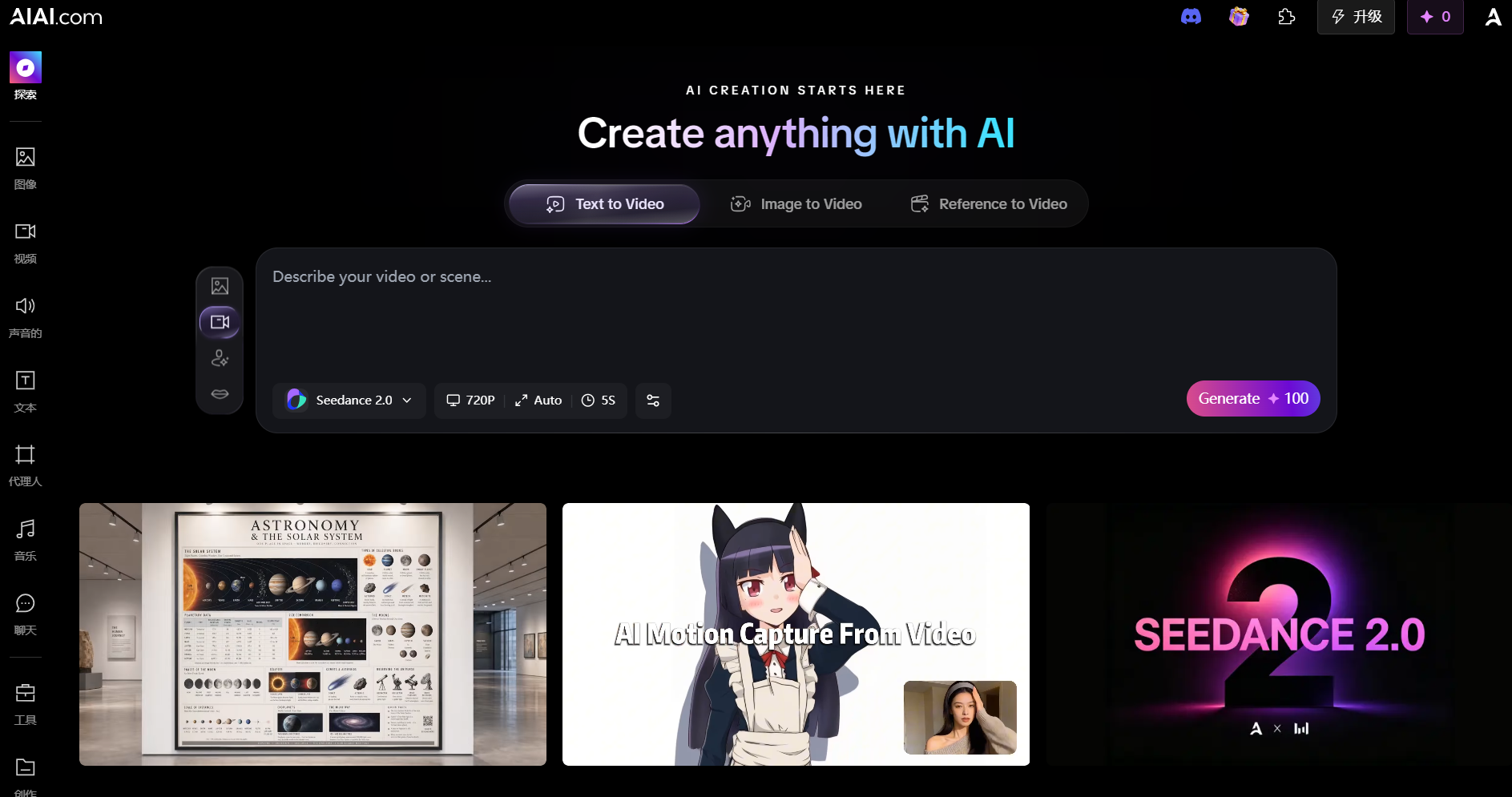
When I first signed up for AIAI.com, I was ready for another basic text-to-video prompt box that would spit out generic, warping clips. I’ve spent enough time on AI video generators to expect the usual: cool visuals, but absolutely no way to edit them. But after running a few tests with their Seedance 2.0 engine, I realized this is actually built for a real publishing workflow.
I dropped a 16:9 cinematic shot into their vertical 9:16 canvas for Reels. It resized the subject nicely, keeping the scene clear and sharp. Then, instead of exporting the clip to a different website to sync the voiceover, I did it right there on the same page using their AI Lip Sync tool. For a web-based suite, having generation, canvas control, and audio sync under one roof is a massive time-saver. For high-quality results without downloads, check out free online AI video editing tools like AIAI.com.
Key Features
- Seedance 2.0 Engine: Generates clean text-to-video and image-to-video assets with great prompt adherence and minimal morphing.
- Built-in Aspect Ratio Control: Supports 1:1, 3:4, 4:3, 9:16, 16:9, and 21:9 outputs at resolutions up to 1080P.
- AI Video Lip Sync: Upload any dialogue track and align the lip movements of generated characters automatically.
- AI Talking Avatars: Realistically styled digital actors designed to read scripts naturally.
Best For
- Creators who need to quickly adapt and publish the same video concept across multiple platforms.
- Small business owners looking to produce professional-looking video ads without a massive budget.
Pros & Cons
✅Pros
- Incredibly cheap Pro subscription ($7.99/mo) .
- Optional Pay-As-You-Go model with credits that never expire and stack.
- Runs completely in your web browser with zero local hardware strain.
- Fully watermark-free exports on paid plans .
❌Cons
- It does not feature a traditional multi-track timeline for heavy, frame-by-frame sound effects mixing.
Adobe Premiere Pro (powered by Firefly) — Best AI Tool for Professional Post-Production
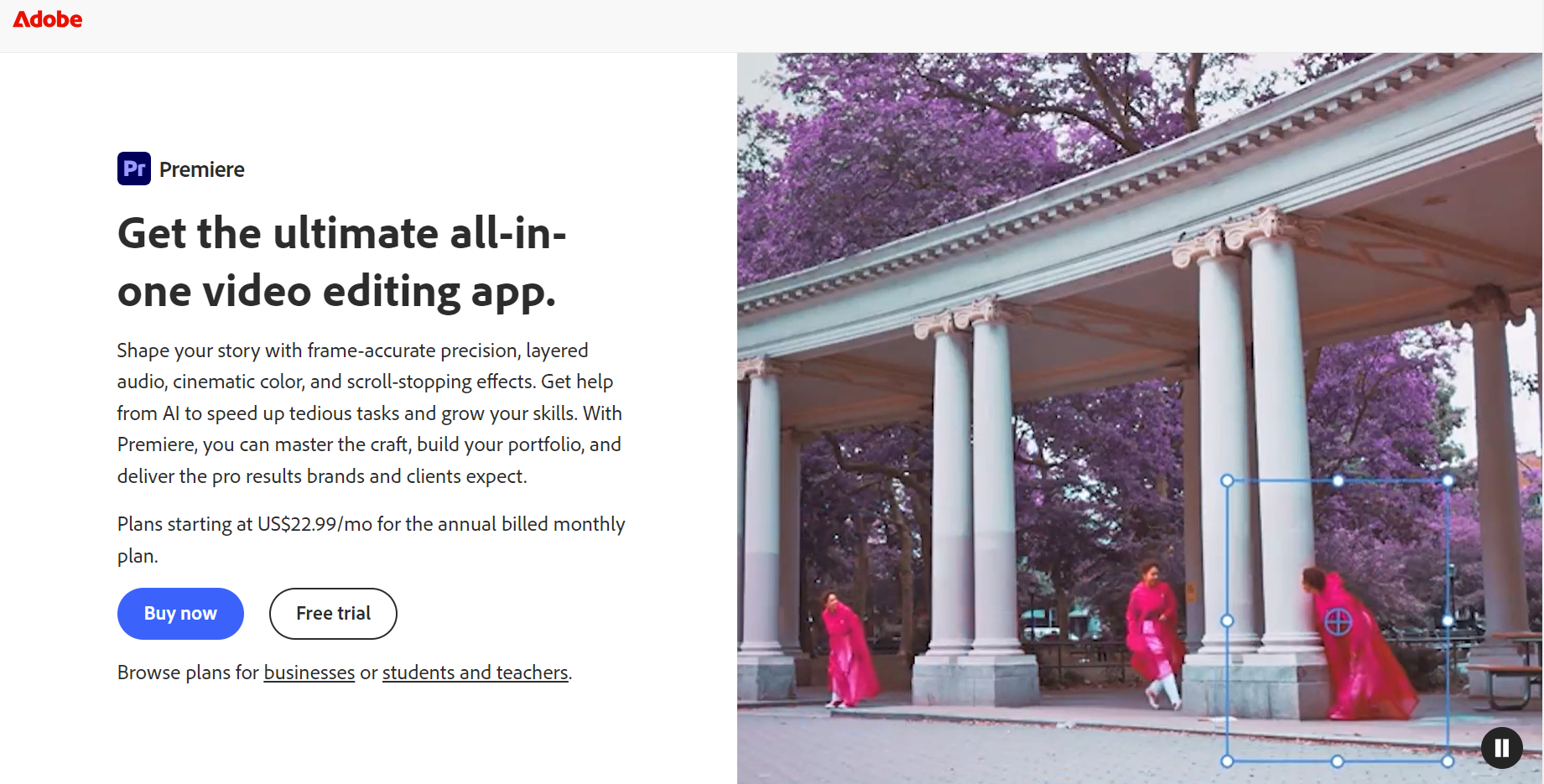
Premiere Pro is basically the old pickup truck of my editing suite—reliable, heavy-duty, and a little clunky. Adobe didn’t try to build a separate AI toy; they built AI directly into the timeline where professional editors already spend most of their lives.
I put the Firefly-powered Generative Extend tool to work on a commercial project last week. The raw drone footage of a coastline ended exactly two seconds too early, leaving a jarring freeze-frame on my cut. Instead of awkwardly stretching or slowing the clip, I simply dragged the edge of the video clip, and Premiere generated a perfect extra two seconds of moving water, sky textures, and camera drift. It was so smooth that the client didn’t even notice the artificial extension.
Key Features
- Generative Extend: Naturally adds matching frames to the beginning or end of your existing video clips.
- Text-Based Editing: Transcribes your audio and lets you cut the video simply by deleting words in the transcript.
- Generative Fill & Object Removal: Select and remove unwanted background objects with a simple brush tool.
Best For
- Professional video editors, agencies, and filmmakers who require precise timeline control.
Pros & Cons
✅Pros
- Industry-standard precision and control.
- Keeps you inside your existing professional desktop workflow.
- Powerful audio-restoration AI tools built directly into the mixer.
❌Cons
- Requires a very powerful local computer setup with a high-end graphics card.
- Expensive subscription pricing for casual creators.
- High learning curve if you are new to traditional video editing.
Runway Gen-4.5 — Best for Advanced Creative Motion Control
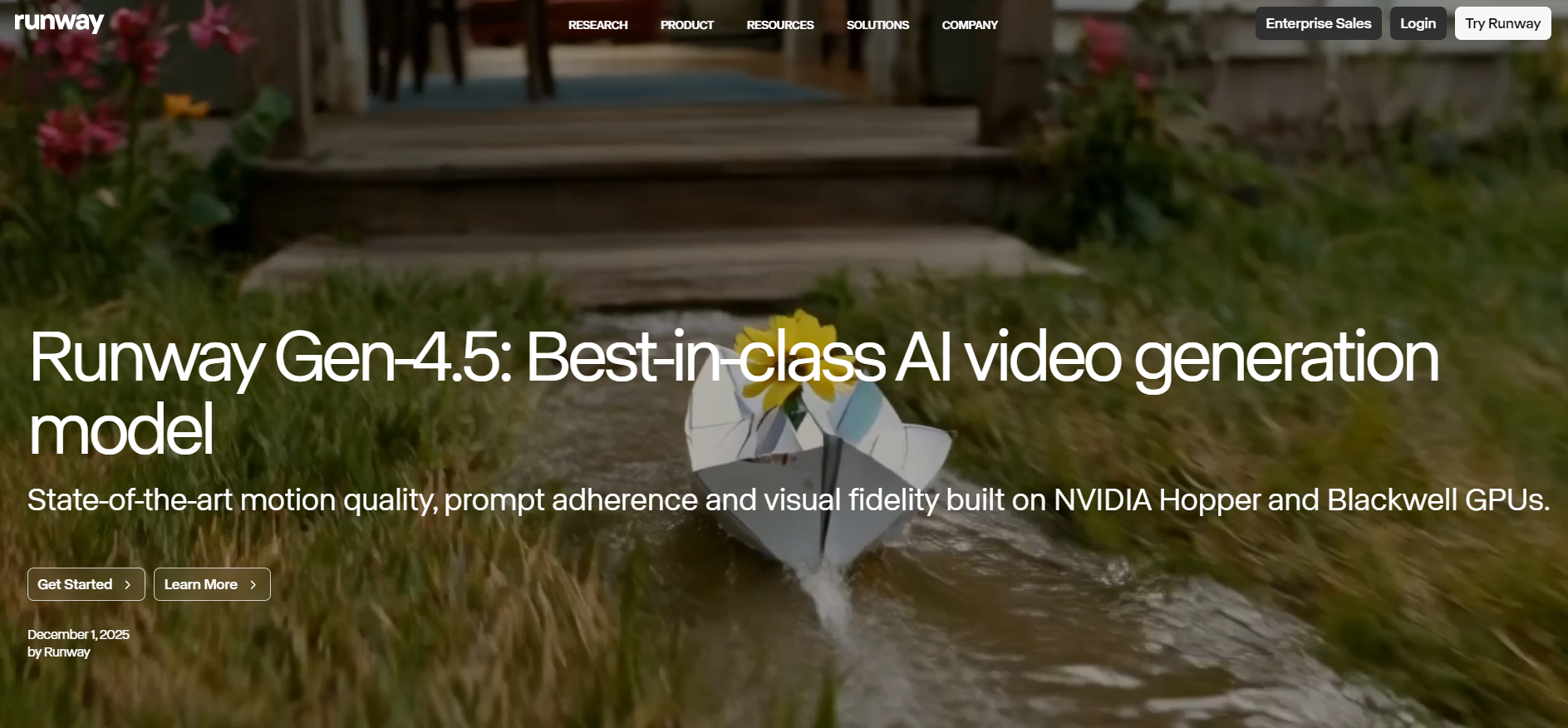
If you want to feel like a director instead of someone just rolling the dice with prompts, Runway Gen-4.5 is your playground. Most basic generators guess how your video should move, often warping the entire background. Runway behaves more like a physical set with its advanced node-based workflows and story panels.
I tested this by feeding it a static photo of a single candle on a wooden table. Using the Motion Brush, I painted just the candle wick. The resulting video had a natural, flickering flame while the wooden table and background stayed rock-solid. That level of selective control is exactly what keeps your AI shots looking professional instead of amateurish.
Key Features
- Multi-Motion Brush: Control up to five separate elements in a static image to make them move in different directions.
- Advanced Camera Control: Dictate exact camera zooms, pans, and tilts using simple vector controls.
- Video Inpainting: Highlight a specific area of a moving video and change it using a text prompt.
Best For
- VFX artists, independent filmmakers, and creative directors who want detailed control over motion.
Pros & Cons
✅ Pros
- Superior control over selective movement within generated frames.
- Highly artistic, cinematic visual style.
- Strong image-to-video consistency.
❌Cons
- Standard subscription plans are on the pricier side.
- Monthly subscription credits expire at the end of the billing cycle.
Pika 2.5 — Best for Playful FX and Viral Social Media Content
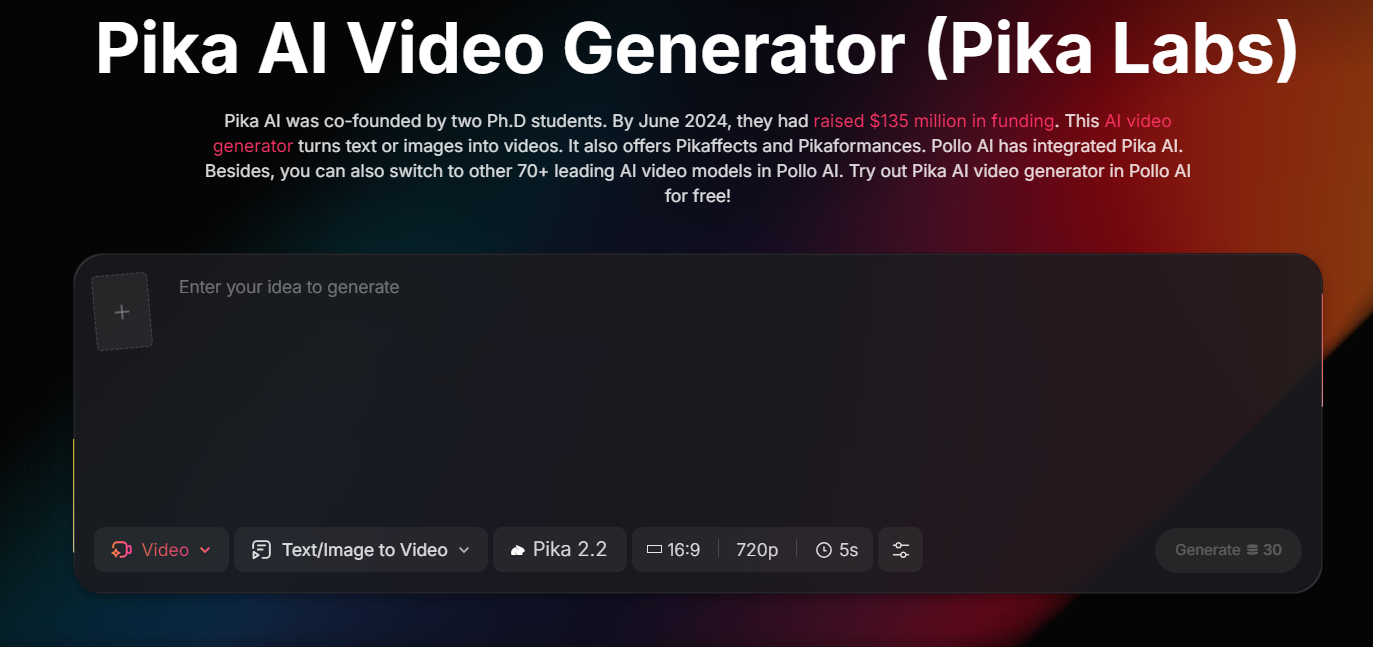
Pika 2.5 is the tool that basically broke my social feed earlier this year. If you’ve run into those satisfying, viral clips where real-world objects are suddenly squished, crushed, or melted like butter, you’ve seen Pika’s flagship “Pikaffects” in action.
I decided to test its mobile app on a static photo of a high-end leather sneaker. I selected the “crush it” effect, and the physics engine blew me away—it accurately simulated the compression of leather, making the shoe collapse as if a heavy physical weight had landed on it. It’s easily the most engaging, low-friction tool for creating quick, scroll-stopping social media content.
Key Features
- Pikaffects: Direct access to reality-bending motion presets (Melt, Squish, Explode, Cake-ify).
- Pika Agent: An interactive AI chat assistant that helps you refine prompts and build storyboard assets.
- Enhanced Physics Engine: Keeps body parts and environments from warping awkwardly during rapid motion.
Best For
- Social media creators, meme makers, and short-form video editors looking to hop on viral trends.
Pros & Cons
✅ Pros
- Incredibly fun and intuitive user interface.
- Best-in-class physics-based interaction.
- Great mobile app experience for on-the-go editing.
❌Cons
- The starting price is high ($25/mo) if you only use it for occasional effects.
- Prompts can sometimes require multiple generations to get the exact details right.
Google Veo 3.1 — Best for Physics-Accurate Real-World Simulation
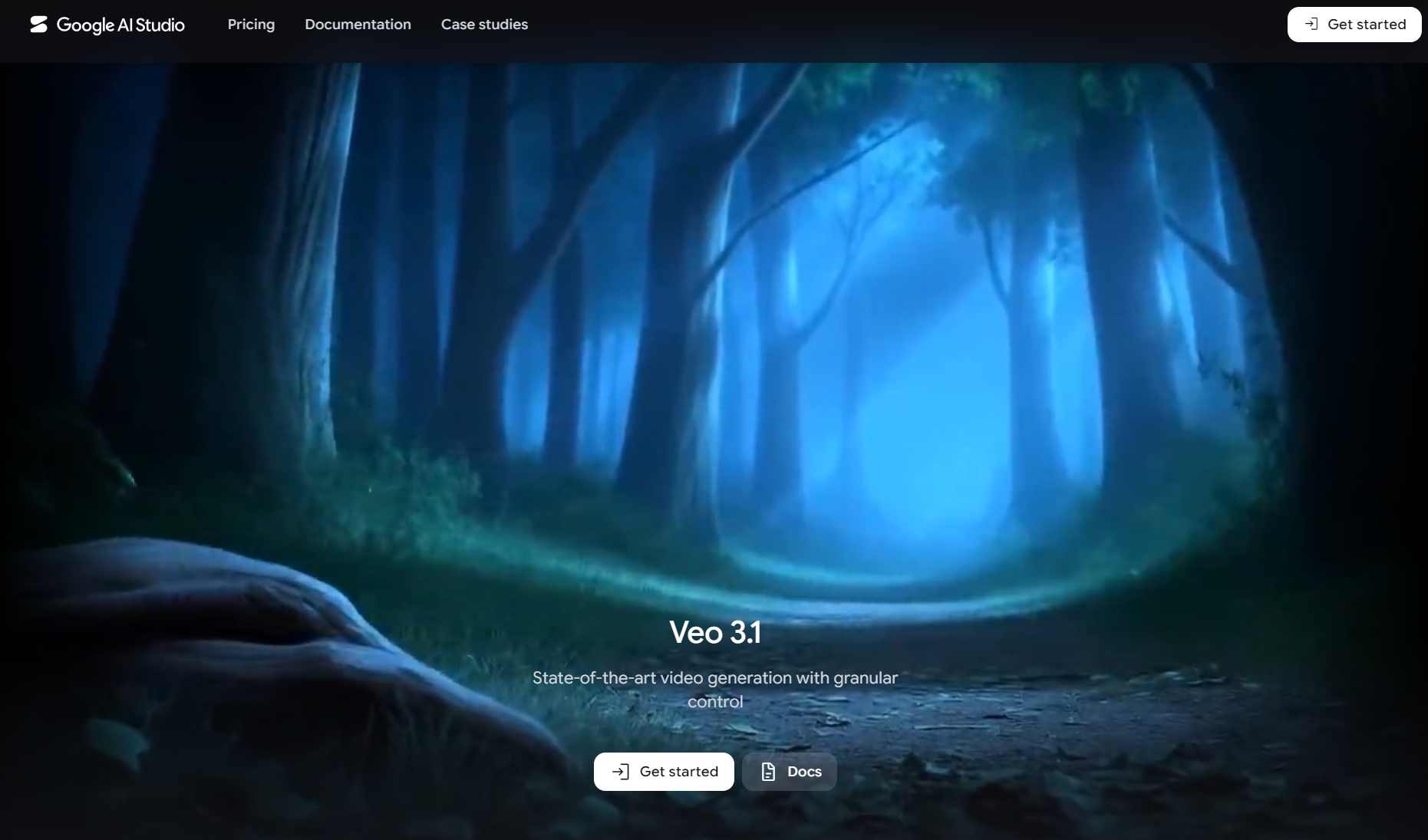
Google Veo 3.1 is the powerhouse you turn to when you need objects to behave exactly like they do in the real world. Google has poured immense research into making Veo understand complex physical forces and environmental lighting.
I pushed its limits by prompting: “thick maple syrup slowly drizzling over a rotating, wet strawberry under a macro lens.” The fluid dynamics of the syrup stretching and sticking to the strawberry’s seeds were incredibly lifelike, and the macro depth-of-field was perfect. There were none of the weird melting artifacts that usually plague AI-generated fluids.
Key Features
- Realistic Fluid and Material Physics: It manages tricky textures, like liquids, smoke, and hair, with ease.
- Audio-Visual Alignment: Matches environmental soundscapes directly with the visual events in the render.
- Detailed Camera Direction: Accurately parses long, technical camera movement prompts.
Best For
- 3D environment artists and cinematic filmmakers looking for flawless b-roll.
Pros & Cons
✅Pros
- Beautiful physical accuracy and lighting reflections.
- Very few visual artifacts or structural glitches.
❌Cons
- Mostly restricted to developers using Google Cloud APIs.
- No user-friendly crop, resize, or timeline tools for social media publishing.
HeyGen — Best AI Video Editing Tool for Marketing and Spokespersons
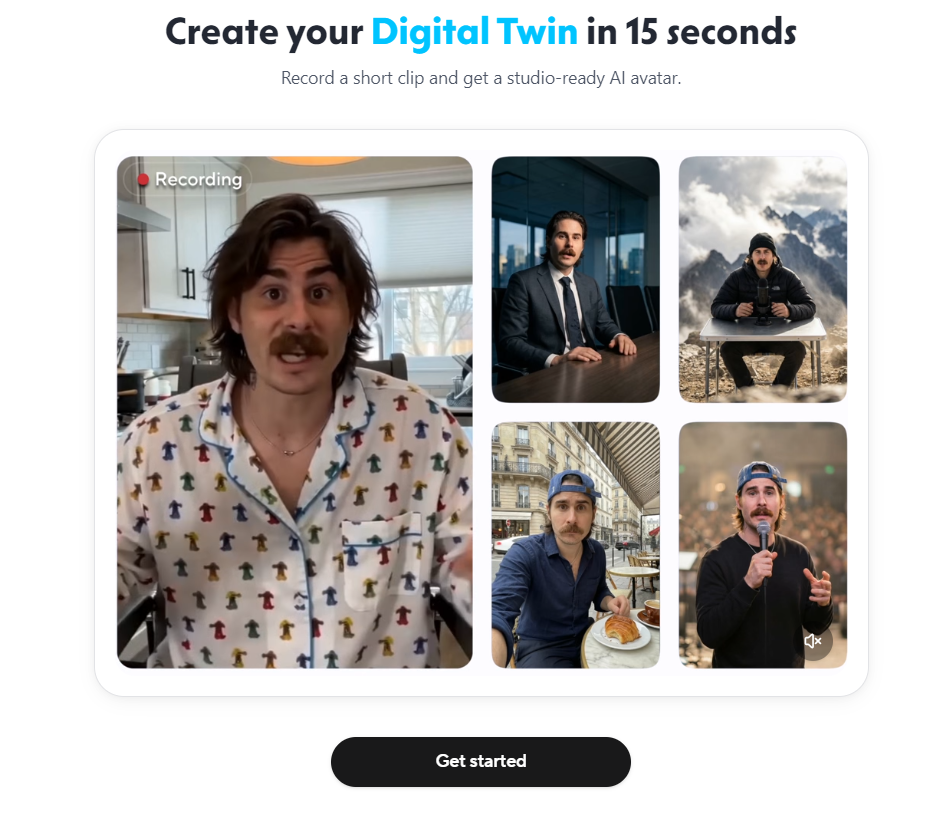
If your business needs a speaking presenter, HeyGen is the reigning champion. Putting a human face on camera is expensive, but HeyGen’s AI-spokespersons are remarkably photorealistic. It has easily become one of the best ai video editing tools for marketing.
I used it to translate a 2-minute product walkthrough from English to Spanish. The voice clone matched my exact vocal fry, but the truly impressive part was the mouth manipulation. HeyGen automatically warped my lip movements to match the newly generated Spanish syllables, bypassing the awkward dubbing delay that usually ruins translated marketing videos.
Key Features
- Realistic AI Avatars: Access over 100 digital actors with natural micro-expressions and body language.
- Voice Translation with Voice Cloning: Translate a video into dozens of languages while maintaining the original speaker’s vocal tone.
- Digital Twin Creation: Generate a highly accurate avatar of yourself using a brief smartphone recording.
Best For
- E-commerce brands, corporate training teams, and marketers localizing campaigns across multiple countries.
Pros & Cons
✅Pros
- Eliminates the need to hire actors, rent studio space, or buy expensive recording gear.
- Flawless translation and vocal cloning capabilities.
- Convenient templates for rapid ad production.
❌Cons
- High entry price ($29/mo) and credits are consumed quickly.
- Limited strictly to spokesperson layouts—cannot generate creative cinematic b-roll.
Kling AI 3.0 — Best for Large-Scale Dramatic Cinematic Shots

Kling AI 3.0 is the Chinese powerhouse that has been shaking up Western creators this year. It specializes in massive, sweeping cinematic action.
When I prompted Kling to create a wide-angle shot of a dragon flying through a winding mountain canyon, the sheer motion of the camera rotation was incredibly smooth. It kept the dragon’s scales sharp and detailed even during high-velocity turns, whereas other models tend to turn objects into a blurry mess when things speed up.
Key Features
- Native High-Definition Output: Renders sharp 1080p clips directly from the generator.
- Dynamic Camera Panning: Excels at sweeping camera movements and wide-angle action.
- Native Sound FX: Automatically generates matching background environmental audio.
Best For
- Social media creators looking to build dramatic, movie-style visual sequences.
Pros & Cons
✅Pros
- Handles fast-paced action and complex physics with minimal distortion.
- Cost-effective compared to many Western competitors.
- Highly immersive audio generation.
❌Cons
- The actual web-editor tools are very basic for text overlays or multi-clip editing.
Descript — Best AI Video Editing Tool for YouTube Creators
For anyone doing talking-head YouTube content or podcasts, Descript is a massive sanity saver. Editing video the old-school way—zooming in on waveforms to cut out “ums” and “ahs”—is tedious.
Descript lets you edit video like a Word document. I imported a messy 30-minute interview, searched for filler words, and deleted them all with a single click. The timeline cut itself automatically. Descript is easily one of the best ai video editing tools for youtube creators who want to edit long-form spoken content in record time.
Key Features
- Text-Based Video Editing: Cut or rearrange video clips on your timeline simply by editing the transcribed text document.
- One-Click Filler Word Removal: Instantly sweeps your timeline to delete “ums,” “ahs,” and long silent pauses.
- Overdub Voice Correction: Type in a corrected word, and Descript’s AI will speak it in your cloned voice.
Best For
- Podcasters, YouTubers, and educators who need to edit spoken-word video quickly.
Pros & Cons
✅Pros
- Saves hours of tedious rough-cutting; extremely easy to learn.
- Excellent transcript accuracy across multiple accents.
- Collaborative, cloud-based workspace.
❌Cons
- Not designed for generating custom cinematic footage or creative visuals.
- Modern pricing structure is based on strict media minutes.
Invideo AI — Best AI Video Editing Tool for Reels and Faceless Accounts
If you are running a faceless channel or trying to keep up with an aggressive social media posting schedule, Invideo AI is your ultimate cheat code. It is widely considered one of the best ai video editing tools for reels and quick social clips.
I decided to test its speed with a simple prompt: “Create a 60-second video about the history of the Py pyramids for Instagram Reels.” In less than five minutes, it wrote a tight script, matched it with licensed stock clips, generated a voiceover, and applied trendy, colorful subtitles. It is the ultimate low-effort, high-speed publishing tool.
Key Features
- Prompt-to-Video Workflow: Turns a simple sentence into a fully edited video with script, media, voiceover, and subtitles.
- AI Video Co-pilot: Give text commands like “make the voiceover more energetic” to edit the video instantly.
- Massive Stock Library: Pre-integrated with millions of high-quality licensed media clips.
Best For
- Social media managers, faceless content creators, and real estate agents who need high-volume video production.
Pros & Cons
✅Pros
- Incredibly fast turnaround times.
- Excellent for short, informative vertical videos.
- Very low learning barrier—highly intuitive.
❌Cons
- Relies heavily on stock footage, meaning videos can sometimes feel repetitive or generic.
- AI video styling options are limited.
Luma Dream Machine — Best for Rapid B-Roll and Conceptual Cinematic Clips
Luma’s Dream Machine is incredibly popular for generating fast, highly dynamic transition shots. If you need a quick 3-second cinematic pan through a neon-lit cyberpunk alleyway to bridge a gap in your timeline, Luma renders it in a flash.
It’s built for speed and fluid camera momentum. When I prompted it to generate a fast camera sweep through a futuristic train, the motion blur and spatial light reflections remained highly stable, with none of the distracting geometric warping that usually ruins fast-moving AI clips.
Key Features
- 3D Camera Sweeps: Smooth, sweeping camera rotations that feel physically natural.
- High-Speed Rendering: Renders clips much faster than many other high-end engines.
- Excellent Spatial Light Tracking: Keeps track of light and shadows across fast-moving shots.
Best For
- Storyboard artists and creators who need high-quality visual b-roll in a hurry.
Pros & Cons
✅Pros
- One of the fastest rendering speeds in the industry.
- Handles complex camera pans with very little warping.
- Completely web-based and easy to use.
❌Cons
- The web interface is extremely barebones.
- No built-in editing, transcription, or audio synchronization tools.
How I Tested These AI Video Editing Tools
To write this review, I didn’t just look at feature lists or marketing demos. I signed up for accounts, ran through plenty of trial credits, and tried to edit actual, real-world videos. I exported identical text prompts across different engines to compare prompt compliance, ran lip-sync tests with noisy audio files, and attempted to crop horizontal landscape footage into vertical formats to see which ones actually made my life easier.
Specifically, I measured each platform against four strict benchmarks:
- Aspect Ratio Flexibility: How easily can a creator generate a video and adapt it for YouTube (16:9) and Reels/TikTok (9:16) without losing focus?
- Audio-Video Alignment: Is the lip-syncing feature believable, or does it look robotic and out of sync?
- Pricing Model Fairness: Do unused credits roll over? Or do creators face monthly credit-clearing traps?
- Cloud Usability: Does the tool run smoothly on a standard laptop browser, or does it require a high-end local GPU?
My Final Verdict: Which AI Video Tool Wins in 2026?
At the end of the day, the right tool depends entirely on your specific workflow.
- If you’re a professional editor handling complex multi-cam timelines, Adobe Premiere Pro remains your go-to tool.
- If you edit long-form talking-head videos or podcasts, Descript will save you hours of tedious rough-cutting.
- However, if you’re a modern creator or marketer needing top-notch visuals and handy tools like Lip Sync and multi-platform resizing—without pricey monthly subscriptions—AIAI.com easily ranks among the best ai video editing tools 2026 has to offer.
Why let subscription anxiety kill your creative buzz? Head over to AIAI.com, grab your free credits, and give it a spin right now—your timeline (and your wallet) will thank you.

Stuck on your next build? Use the best Minecraft AI Generator to design custom skins from photos, visualize epic builds, Read more
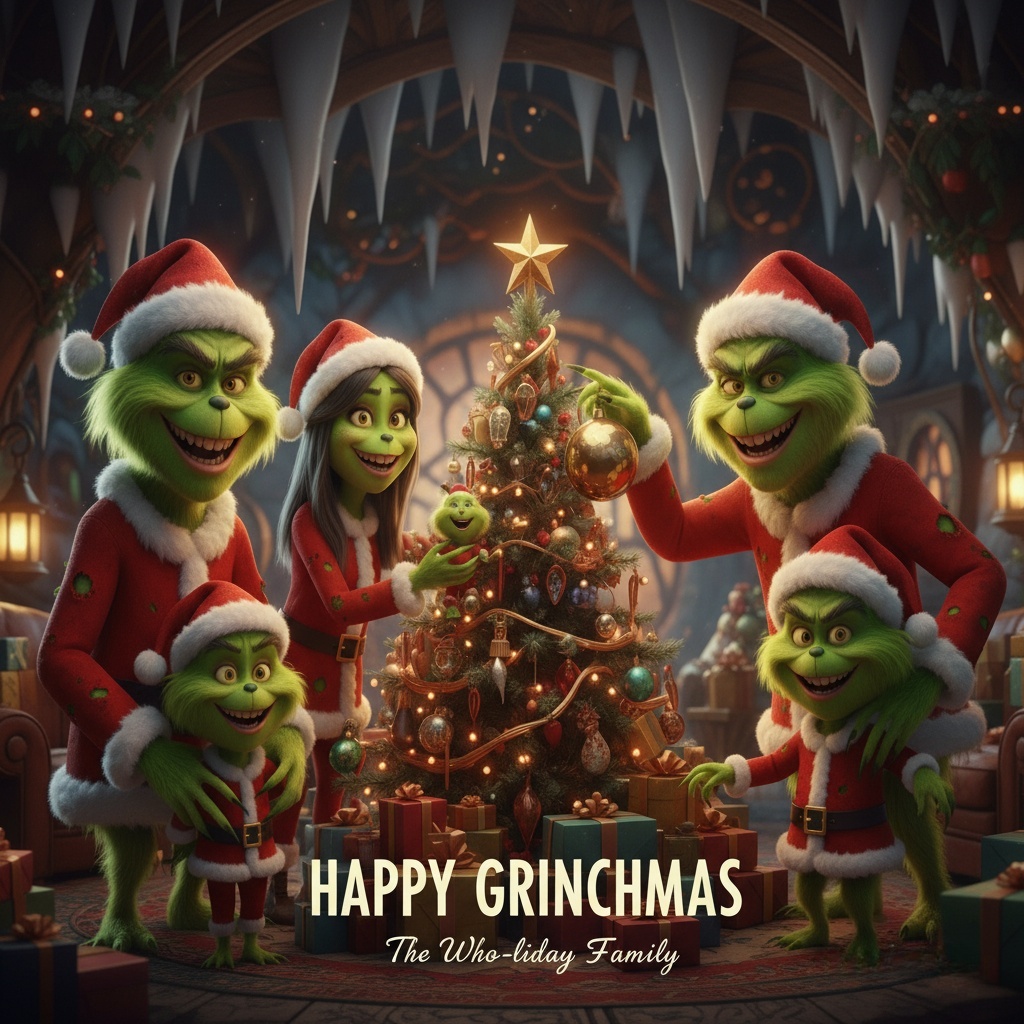
A Grinch filter lets you transform a regular photo into a Grinch-inspired image—green skin, expressive eyes, and that unmistakable “holiday Read more

Planning a marriage proposal? Discover how an AI image generator can transform your ideas into stunning visuals, helping you choose Read more

AItab: Turn Your Browser into a Smart Assistant in Seconds AItab connects with the aiai.com ecosystem. It turns web browsers Read more


