Flux.1 Review: Pro, Dev, Schnell & Kontext Versions Compared
If you want the top AI image generation tool, consider Flux.1 AI. It’s a must-see. Developed by Black Forest Labs, the team behind Stable Diffusion, Flux.1 has made a mark in AI creativity. Its image quality is exceptional, and it offers a range of options.
Flux.1 AI is a state-of-the-art series of AI image generation models from Black Forest Labs. This is the same team behind the popular Stable Diffusion. Flux.1 uses a cutting-edge multimodal and parallel diffusion transformer block design. It’s trained on 12 billion parameters. This shows the latest in AI image generation technology.
Unlike other AI image generation tools, Flux.1 uses a multi-version strategy. Each version caters to distinct usage scenarios and user requirements. This meets many needs, from business tasks to personal creative projects.
Key technical advantages of Flux.1 include:
• Exceptional image quality: The Pro version creates highly detailed and realistic images
• Strong prompt understanding: Accurately interpreting and executing complex text prompts
• Diverse output styles: Excellent performance from photo-realistic to artistic creative styles
• Flexible version selection: Multiple options based on quality, speed, and licensing needs
Detailed Explanation of Four Versions: Core Features
Flux.1 AI has four main versions, each with its own features and benefits:
Flux.1 Pro: Flagship Image Quality
The Pro version is the top product in the Flux.1 series. It offers the best image quality and detail.
• Top-tier image quality: Scores around 1060 in ELO tests, placing first among all text-to-image models.
• Precise prompt following: Capable of accurately understanding and executing complex text prompts
• Excellent detail rendering: Outstanding performance in lighting effects, texture details, and overall realism
• Diverse output: Ability to generate high-quality images in various styles
• Access method: Available only through API, no local download support
• Licensing restrictions: Primarily for commercial use, requires paid access
The Pro version suits professionals and businesses needing high-quality images. This includes advertising design, marketing materials, and high-end art creation.
Flux.1 Dev: Research-Oriented Balanced Choice
The Dev version is a simplified model of the Pro version. It delivers near-Pro quality but is designed for non-commercial use.
• Near-Pro quality: ELO test score of approximately 1050, only slightly below the Pro version
• Higher efficiency: More powerful than standard models while maintaining high processing efficiency
• Open weights: Can be downloaded and run locally, also accessible through API
• Hardware requirements: Need a strong GPU with at least 12GB VRAM and 32GB of system RAM
• Licensing restrictions: Limited to personal, scientific, and non-commercial use
The Dev version is perfect for researchers, students, and enthusiasts. It’s perfect for those who need top-notch results but want to avoid commercial licensing.
Flux.1 Schnell: Speed-First Lightweight Option
This version clearly focuses on efficiency and effectiveness: “Schnell,” meaning “fast” in German.
• Extremely fast generation speed: Capable of producing decent quality images in 1-4 steps
• Lower hardware requirements: Can run on GPUs with 12GB or less VRAM
• Open license: Available under Apache 2.0 license, allowing commercial use
• Quality compromise: Reduced detail and realism compared to Pro and Dev versions
• Flexible deployment: Can run locally or via API access
The Schnell version is great for users who need fast iteration, concept validation, or have limited hardware. It’s perfect for prototyping and quick creative exploration.
Flux.1 Kontext: Innovation Focused on Image Editing
Kontext is the latest addition to the Flux.1 family. It focuses on image editing through instruction-based features.
• Context-aware editing: Combines text and image inputs for precise edits
• Character consistency: Maintains visual continuity of characters and objects across scene transformations
• Precise local editing: Ability to modify specific parts of an image without affecting other areas
• Text processing advantages: Accurately modifies text while preserving original typography and effects
• Iterative editing workflow: Supports multi-step progressive editing
• Three sub-versions: Offers Dev, Pro, and Max variants
The Kontext version changes how we edit images. Users can now make precise changes just by using simple text instructions. This tool is especially good for professional editing that needs visual consistency.
Image Quality Comparison
The four versions show clear differences in image quality. These differences appear in many types of image generation tasks.
Photorealism
In generating photo-realistic images:
- Flux.1 Pro: Provides top-notch realism and detail. It excels in facial features, lighting effects, and material representation.
- Flux.1 Dev: Good quality, but it misses some subtle details and complex lighting.
- Flux.1 Kontext: Provides strong realism in editing, but it’s a bit behind in pure generation.
- Flux.1 Schnell: Can create realistic images. However, it lacks detail and texture compared to other versions.
Art and Illustration Styles
In creative and artistic style images:
- Flux.1 Pro: Offers the richest colors and finest artistic details
- Flux.1 Dev: Particularly excellent in children’s book styles and minimalist illustrations
- Flux.1 Kontext: Excels in style transfer and maintaining artistic consistency
- Flux.1 Schnell: Can create lively scenes but lacks finer artistic details
Text Rendering Capability
In terms of including text in images:
- Flux.1 Pro: Text is clear and naturally integrated into the image environment
- Flux.1 Kontext: Excels in text editing and keeps original typography intact.
- Flux.1 Dev: Text performs well but with slightly lower detail and clarity
- Flux.1 Schnell: Text integration is less natural with poorer readability
Complex Scene Handling
In processing complex scenes with multiple elements:
Flux.1 Schnell: May experience detail loss and element confusion in complex scenes
Flux.1 Pro and Dev: Can efficiently manage complex environments without losing clarity
Flux.1 Kontext: Excels at complex editing while maintaining scene consistency
Application Scenario Analysis: Best Choices for Different Users
Professional Commercial Applications
For commercial projects requiring the highest quality output:
• Best choice: Flux.1 Pro or Kontext [max]
• Applicable scenarios: Advertising design, marketing materials, product visualization, high-end art creation
• Advantages: Top image quality, precise prompt following, detailed output
• Example: An ad agency needs to make realistic product images for high-end clients.
Research and Non-Commercial Projects
For academic research, personal projects, and non-commercial use:
• Best choice: Flux.1 Dev
• Applicable scenarios: Academic research, concept art, personal creative projects
• Advantages: Near-Pro quality, local running capability, open weights
• Example: Researchers exploring aesthetic characteristics and creative possibilities of AI-generated art
Rapid Prototyping and Concept Validation
Scenarios needing rapid iteration and immediate feedback:
• Best choice: Flux.1 Schnell
• Applicable scenarios: Concept validation, storyboard creation, rapid content generation
• Advantages: Extremely fast generation speed, lower hardware requirements, commercial licensing
• Example: Game developers quickly generating concept art to validate visual direction
Precise Image Editing and Consistency Requirements
Scenarios needing character consistency or precise editing:
• Best choice: Flux.1 Kontext
• Applicable scenarios: Character design, brand asset management, localization workflows
• Advantages: Precise local editing, character consistency, excellent text processing
• Example: Marketing teams need to show the same product in different scenes. They must also keep brand consistency.
Hardware-Constrained Environments
For users with limited computing resources:
• Best choice: Flux.1 Schnell (optimised variant)
• Applicable scenarios: Laptop users, teams with limited GPU resources
• Advantages: Low hardware requirements, acceptable image quality, and fast generation
• Example: Freelance designers using mid-range laptops need to generate creative concepts.
Conclusion
When choosing a version of Flux.1, think about the users, their budget, the device, and how it will be used. No matter which version you choose, the Flux.1 series shows advanced technology in AI image creation. It provides excellent support to help users with their creative endeavors.
With ongoing community support, the ecosystem will continue to develop and diversify. This is good for users as it increases their options. There is no better time than now, to take full advantage and explore this technology.

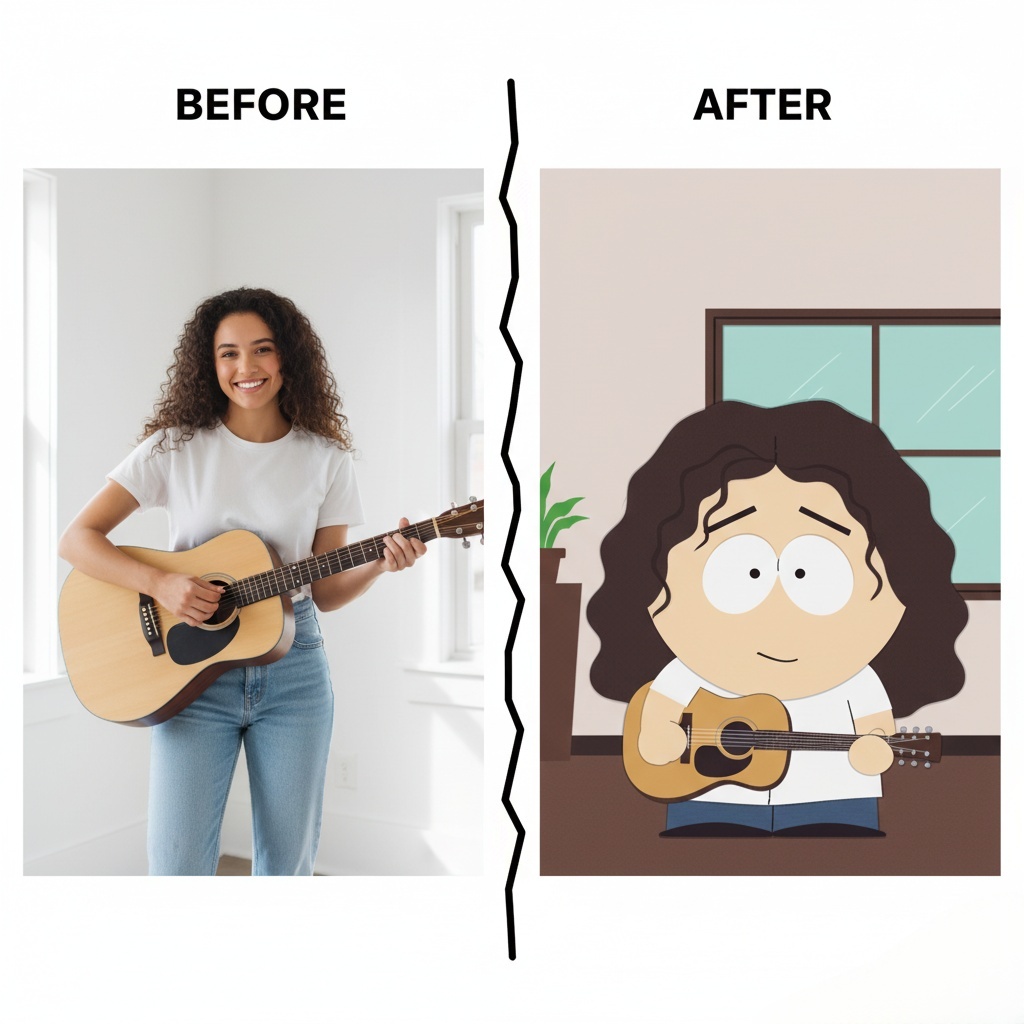
how to create your own South Park Make Characters! Upload a photo, customize hairstyles, outfits, and expressions, and bring your Read more

Create custom album covers with an AI album art generator. Upload a photo, apply styles, and add album titles instantly Read more

A Grinch filter lets you transform a regular photo into a Grinch-inspired image—green skin, expressive eyes, and that unmistakable “holiday Read more

Learn how to create a unique Custom Christmas Story Book for kids in 10 mins with AI tools. This easy Read more


