Designing your own custom creatures has never been easier thanks to the power of an AI Pokemon Generator. For decades, fans of the Pokémon series have dreamed of designing their own pocket monsters. We’ve all grabbed a pencil and sketched our own clumsy, unique Pokemon in notebooks, imagining what a Fire/Ice type wolf or a Ghost-type cat might look like.
But in 2025, you don’t need to be a professional concept artist to bring these ideas to life.
This technology has completely revolutionized the fan art community, allowing anyone to generate professional quality, authentic looking Pokémon designs in seconds. Whether you want to create a custom starter for a fan game, turn your pet into a battle companion, or simply visualize a creature from your dreams, AI tools are now powerful enough to make it happen.
In this guide, we will explore how to master the AI Pokemon generator workflow, write the perfect prompts, and create custom Pokémon artwork.
What Makes a Good AI Pokemon Generator?
Not all AI image generators are created equal. If you type “cute monster” into a generic tool, you will get a Pixar-style blob or a generic cartoon.
To create a true “Fakemon,” the AI needs to understand the specific visual language of the franchise. Nano Banana Pro has been fine-tuned to recognize specific art direction keywords, allowing it to replicate:
- The Sugimori Style: Signature watercolor washes, white highlights, and distinct black ink outlines.
- Elemental Design: Understanding that “Fire-type” implies flames and warm colors, while “Steel-type” implies metallic textures and bolts.
- Proportions Control: The balance between “cute mascot” (like Pikachu) and “fearsome beast” (like Tyranitar).
Step-by-Step: How to Write the Perfect “Fakemon” Prompt
This is the most popular way to use an AI Pokemon Generator. You describe the concept, and the AI builds the biology.
To get that authentic look, use this formula:
[Subject/Animal] + [Elemental Type] + [Body Shape/Pose] + [Art Style Keywords]
Example:
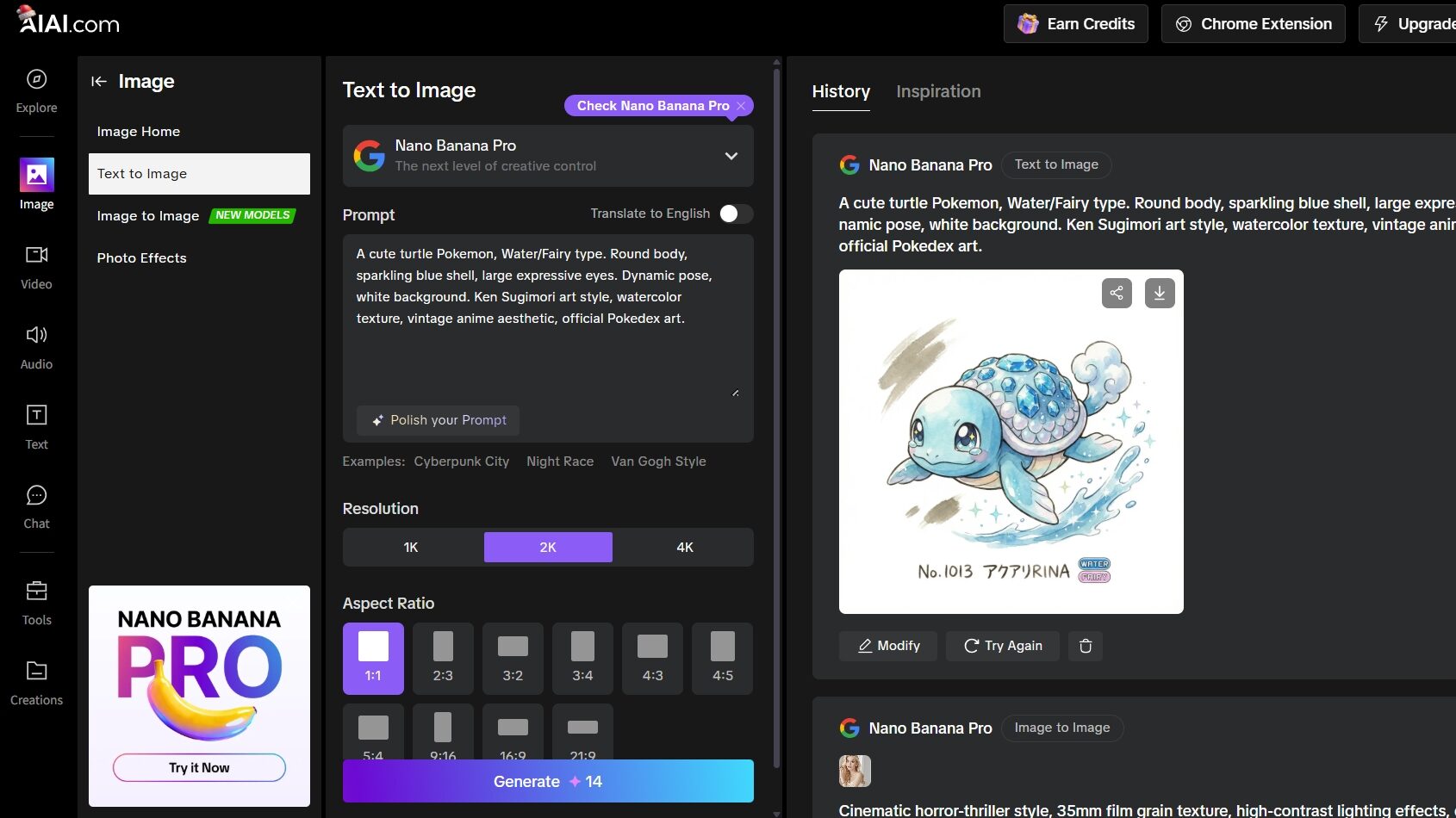
“A cute turtle Pokemon, Water/Fairy type. Round body, sparkling blue shell, large expressive eyes. Dynamic pose, white background. Ken Sugimori art style, watercolor texture, vintage anime aesthetic, official Pokedex art.”
Turn Your Pet into a Pokémon
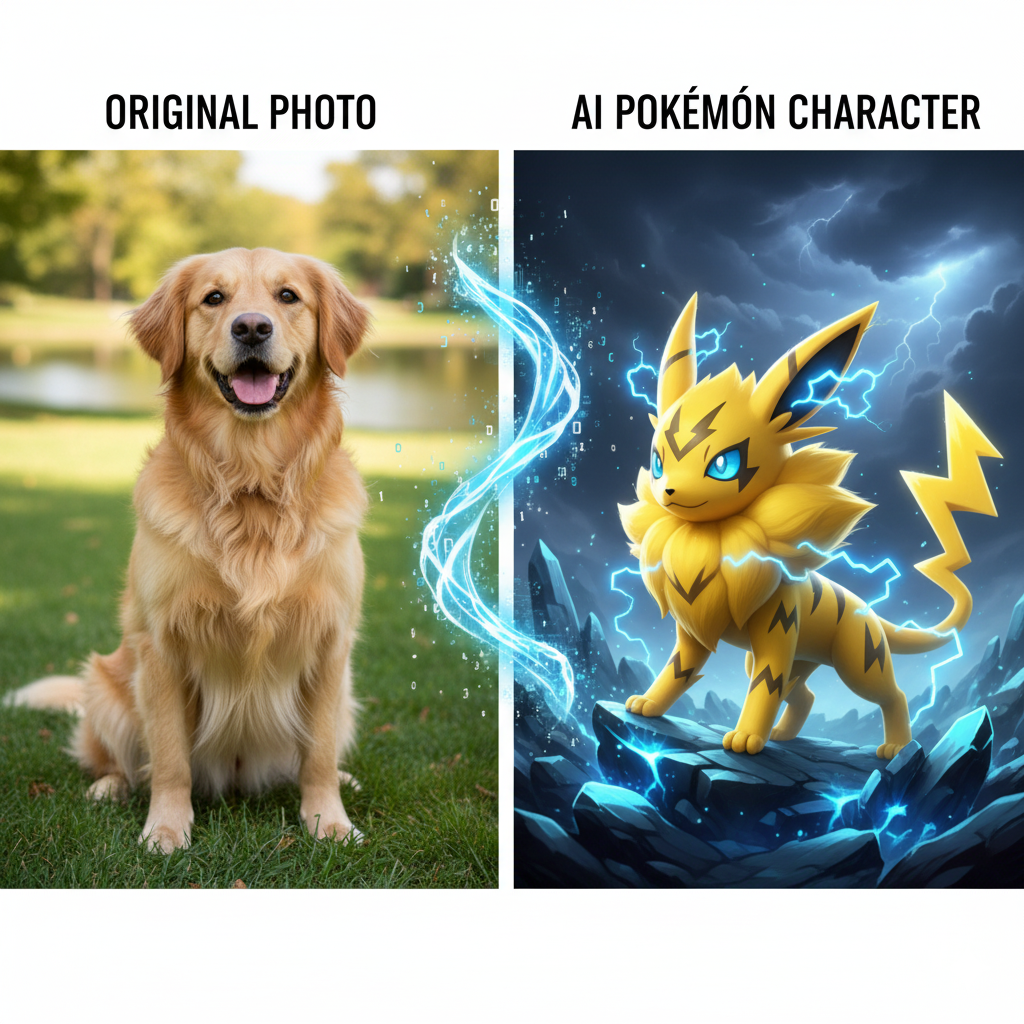
Using Image-to-Image technology, you can turn your real-life pet into Pokémon.
Step-by-Step Guide:
- Upload Your Photo: Open AIAI.com choose the Image-to-Image tool. Choose a clear, full-body photo of your pet.
- Enter the Prompt: For a Dog: “Fire type canine Pokemon, flames on tail, orange fur, determined expression, Sugimori style.” For a Cat: “Psychic type feline Pokemon, floating orb on tail, purple and pink fur, mysterious eyes, Sugimori style.”
- Generate: Watch your furry friend transform into a Pokémon!
Advanced Technique: Creating Evolution Lines
A true Pokémon fan knows that a monster isn’t complete without an evolution line. You can use AI to simulate the growth of your creature from “Basic” to “Stage 2.”
Stage 1 (The Basic Form):
Keywords to add: “Chibi, large head, small body, cute, baby pokemon, simple design.”
Stage 2 (The Middle Evolution):
Keywords to add: “Teenager, rebellious, sharper claws, bigger body, angrier expression, more details.”
Stage 3 (The Final Evolution):
Keywords to add: “Gigantic, complex armor, menacing, powerful stance, fully evolved, boss monster, ultimate form.”
This hands-on review takes a closer look at Vidu Q3, the latest AI video generation model, focusing on real-world performance Read more

How to Use the Kirkify AI Generator for Viral Memes If you've been on Twitter (X) or TikTok lately, you've Read more
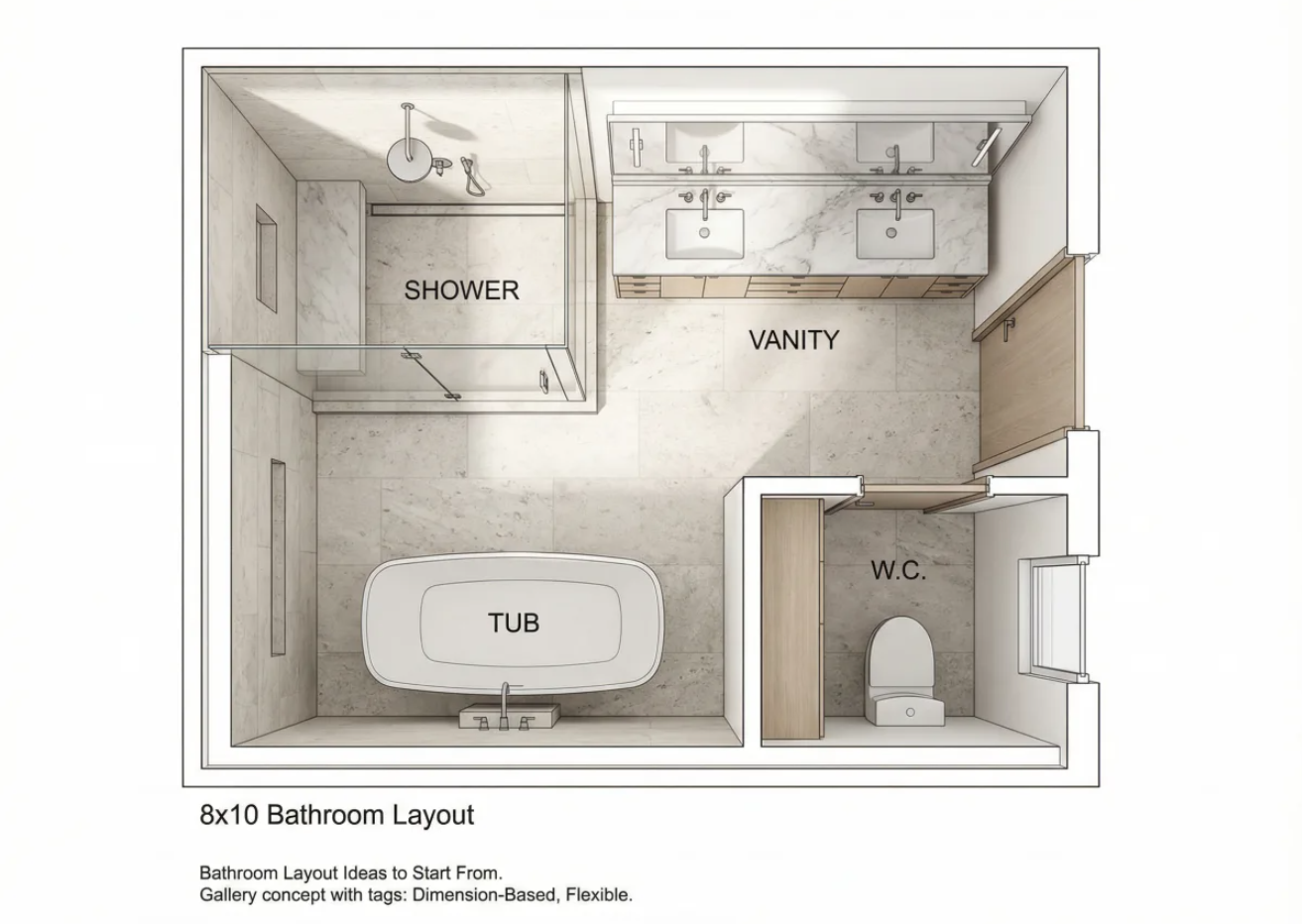
Avoid costly remodel mistakes. Discover exact NKBA clearances for your bathroom floor plan and learn how to visualize your layout Read more
A Grinch filter lets you transform a regular photo into a Grinch-inspired image—green skin, expressive eyes, and that unmistakable “holiday Read more


