A book cover really does shape the first impression. You’ve probably faced one of these situations before: you don’t have design skills, hiring a professional designer is out of budget, or the deadline is so tight there’s no time to wait. Even professional designers can run out of inspiration. In cases like these, an AI book cover generator can help you quickly create a professional-looking cover and move your project forward.
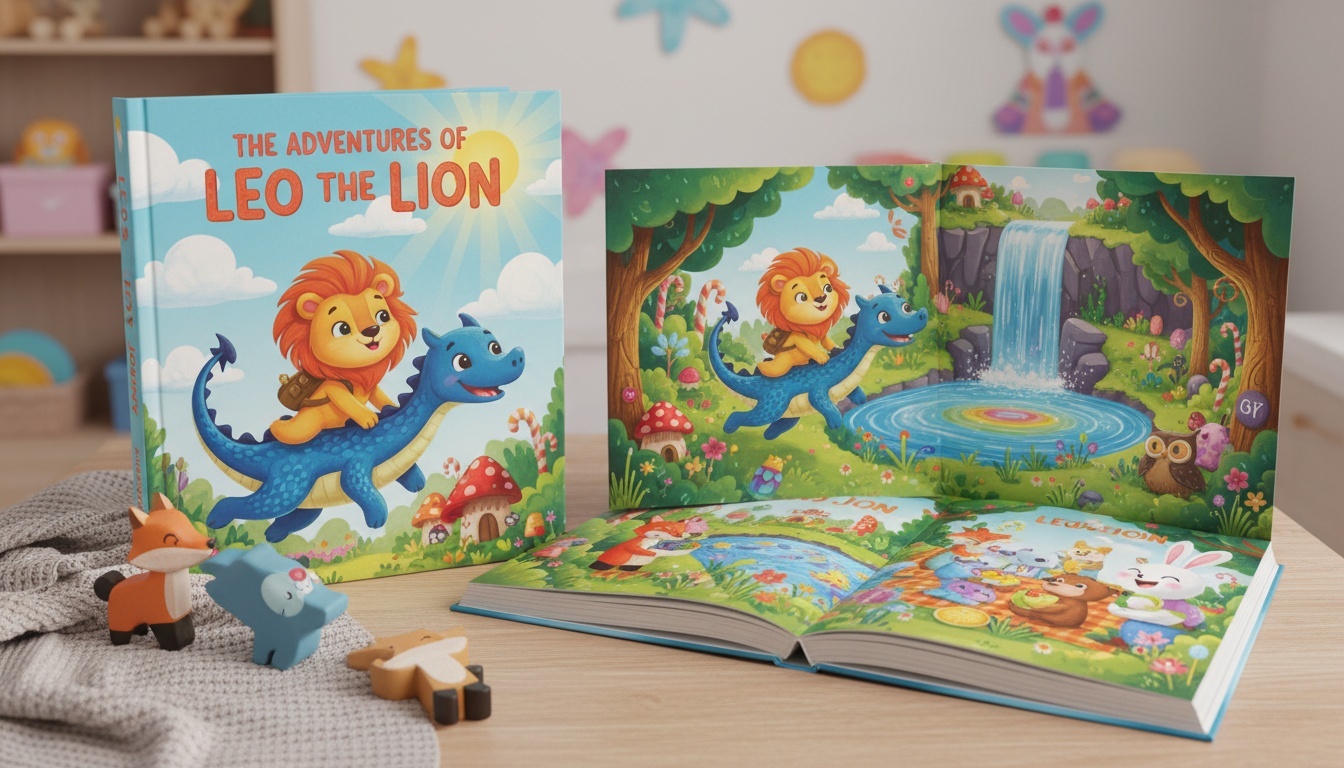
Who Should Use an AI Book Cover Generator
If you’re a first-time author, self-published writer, or even a blogger turning content into an ebook, an AI book cover generator can save you a lot of time. It’s perfect for anyone who wants to visualize their book cover before committing to a designer or who simply wants to experiment with different styles and ideas.
What to Look for When Using an AI Book Cover Generator
When using an AI Book Cover Generator, the focus isn’t on finding the “most advanced” tool—it’s about creating a cover that truly fits your book. The first thing to look at is whether the generated style matches your book’s genre. Romance novels, sci-fi stories, and business ebooks shouldn’t all look the same, and a reliable tool should understand these differences.
Next, check if you can easily adjust the title, author name, and layout. This is especially important for covers that may require frequent updates or tweaks. Finally, don’t overlook the quality of the exported cover. If you’re publishing an ebook, you need a clear, well-proportioned cover that’s ready to use. I personally recommend AIAI.com, which allows you to upload your book concept and quickly generate multiple cover options that look impressively natural.
Common Problems with AI-Generated Book Covers
AI isn’t perfect, and there are some things to watch out for:
- Some covers look too generic or repetitive
- Text placement can feel awkward
- Colors might appear slightly artificial
- Limited customization options in some free tools
From my experience, AI-generated book covers can feel a bit stiff and lack the unique creative touch that a human might add. For example, AI often struggles with designs that incorporate symbolic or conceptual elements, making it difficult to achieve more nuanced or sophisticated visuals. The key is to treat AI as a foundation, and then build on it to achieve the look you want. You can make simple edits or use other tools to further refine the cover.
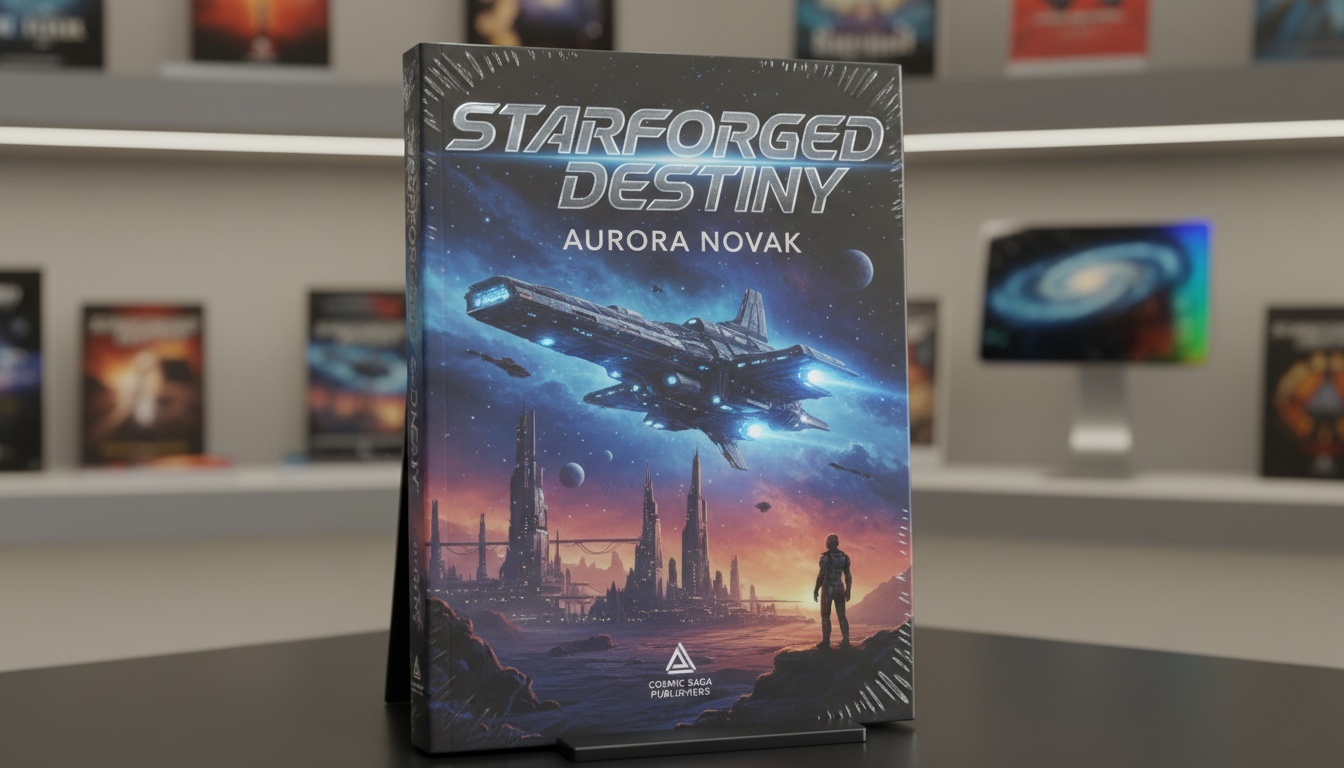
How to Create a Book Cover Using an AI Book Cover Generator
- Choose your book genre – This helps the AI pick the right visual style.
- Describe your book theme or mood – A few keywords can guide the design.
- Generate multiple options – Don’t settle for the first one; compare a few.
- Adjust text and layout – Make sure titles are readable and appealing.
- Download or refine – Pick the best version to use directly or tweak further.
Using AIAI.com’s raw image page with the Nano Banana Pro model allows you to more efficiently and effectively control the overall look of your cover, producing results that are both high-quality and visually appealing. It’s also a great way to quickly explore different ideas and find the cover that best fits your book.
When an AI Book Cover Is “Good Enough”
For digital publishing, experimental projects, or personal content, an AI-generated cover is often sufficient. It gives you a visually appealing cover that can attract readers without breaking your budget. Later, if your book gains traction, you can always invest in a fully custom cover.
Don’t stress over your book cover—an AI book cover generator like AIAI makes it easy to get something that looks professional. Play around, tweak a bit, and you’ll have a cover that really fits your book.

Create videos from text using AIAI’s text to video generator. Choose from multiple AI models, control video quality and length, Read more
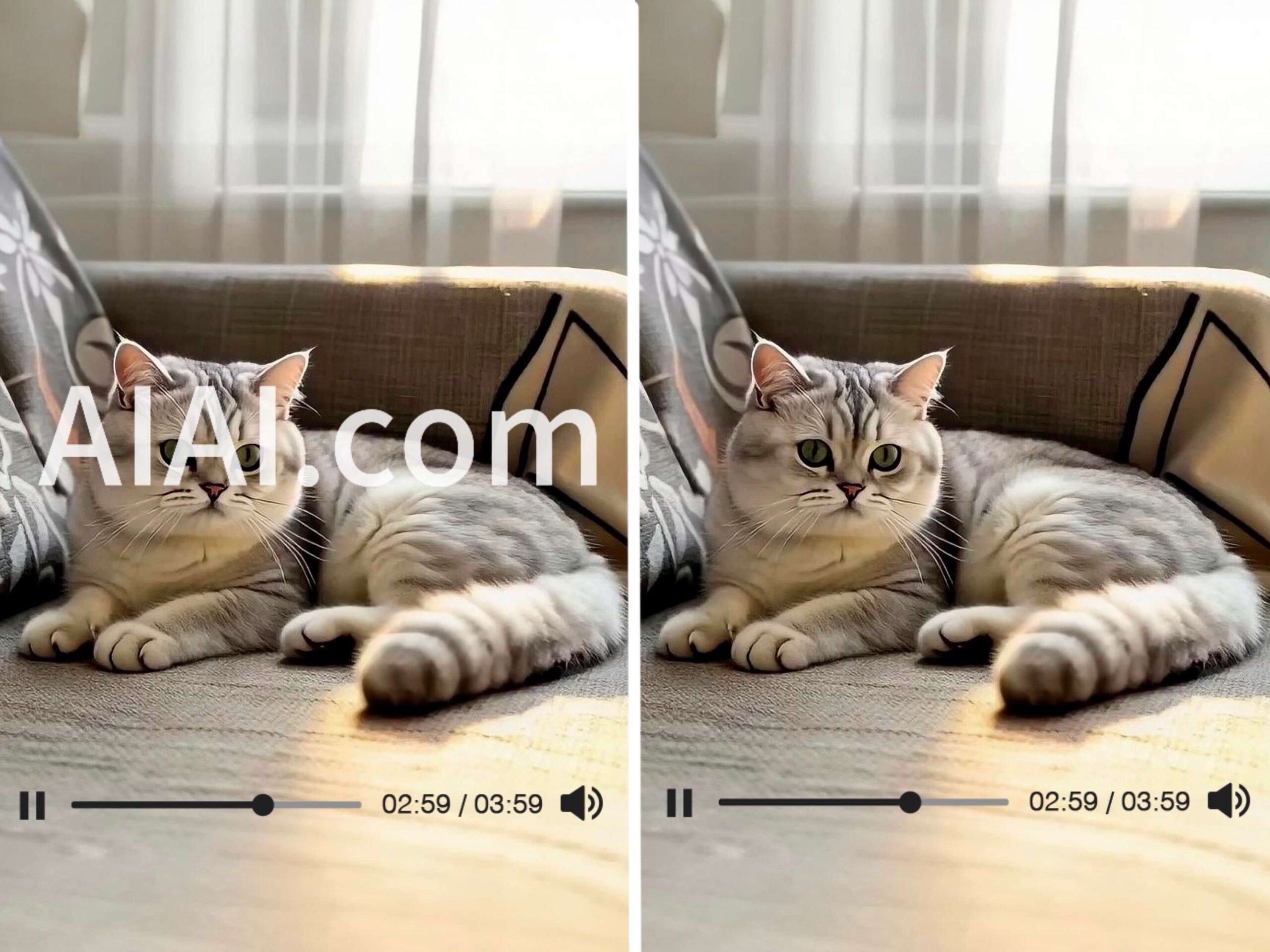
Struggling with watermarks on your clips? Learn how to remove watermark from video using AIAI.com. This AI video watermark remover Read more

Have nothing to wear? Use the best AI Outfit Generator to virtually try on clothes, mix and match styles, and Read more
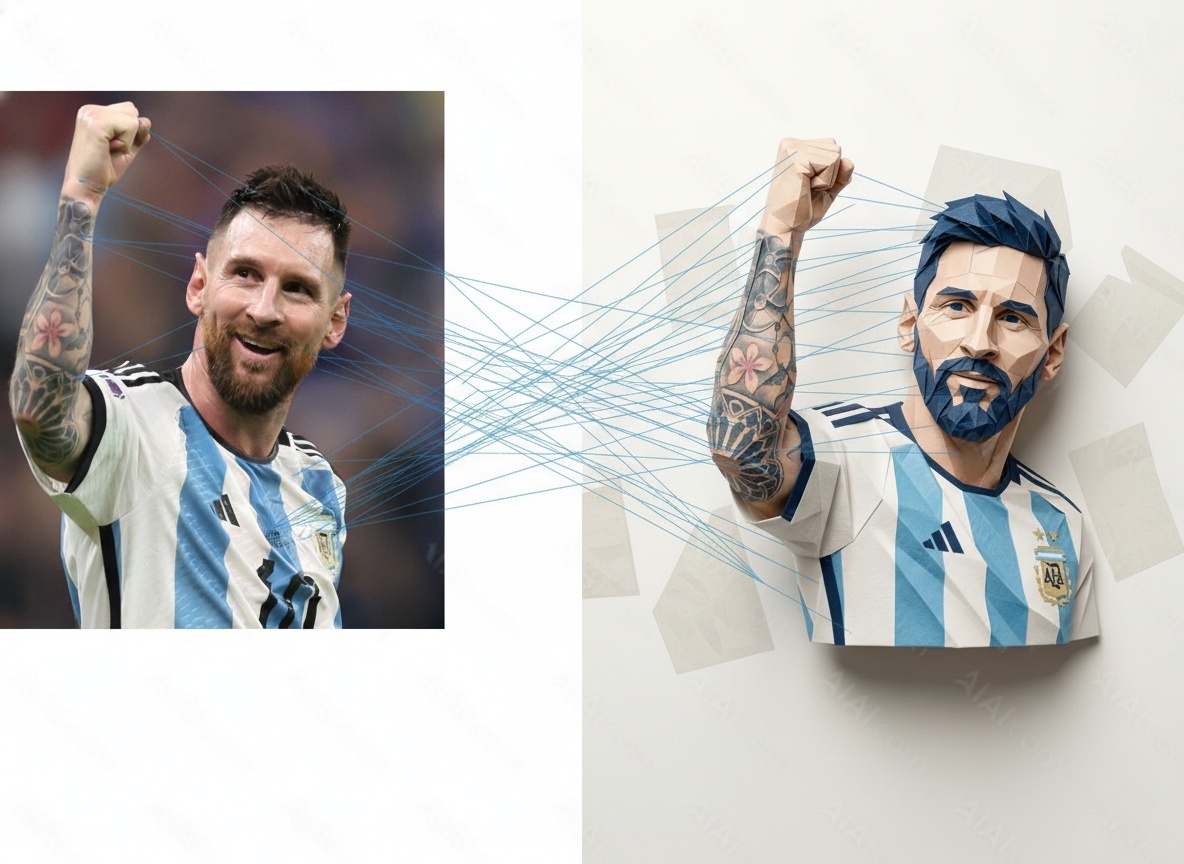
Curious about AI image transformations? This guide explains how image to image generators work, how I tested different models on Read more


