Curious about AI image transformations? This guide explains how image to image generators work, how I tested different models on AIAI, and tips to get the best results—without needing any tech skills. Perfect for content creators, designers, and hobbyists alike.
What Is an Image to Image Generator?
An image to image generator is an AI tool that transforms an existing image into a new version based on your instructions. Unlike text-to-image AI, it uses your original image as a reference.
You can use it to:
- Turn a rough sketch into a realistic portrait
- Convert photos into anime or cartoon styles
- Adjust lighting, backgrounds, or colors
- Transform images into oil paintings, watercolor, or cinematic styles
In my experience, this makes the creative process much faster and more predictable than starting from scratch with text prompts.
How Image to Image AI Works
Most modern image-to-image tools use latent diffusion. Here’s a simplified breakdown:
- Image Encoding: The AI compresses your image into a mathematical representation (latent space).
- Noise Injection: Controlled noise is added to allow creative transformation.
- AI Reconstruction: The AI rebuilds the image based on your style instructions.
A key parameter is denoising strength:
| Denoising Strength | What Happens |
|---|---|
| Low | Keeps original structure mostly intact |
| Medium | Balanced transformation |
| High | Can significantly alter details for creative effects |
💡 Pro tip from my tests: When editing portraits, I noticed that denoising above 0.7 sometimes distorted facial features, so I usually keep it around 0.5–0.6.
Testing AIAI: Multiple Models, Real Results
I spent some time experimenting with AIAI.com, a platform that combines multiple image-to-image AI models and one-click style effects in one dashboard.
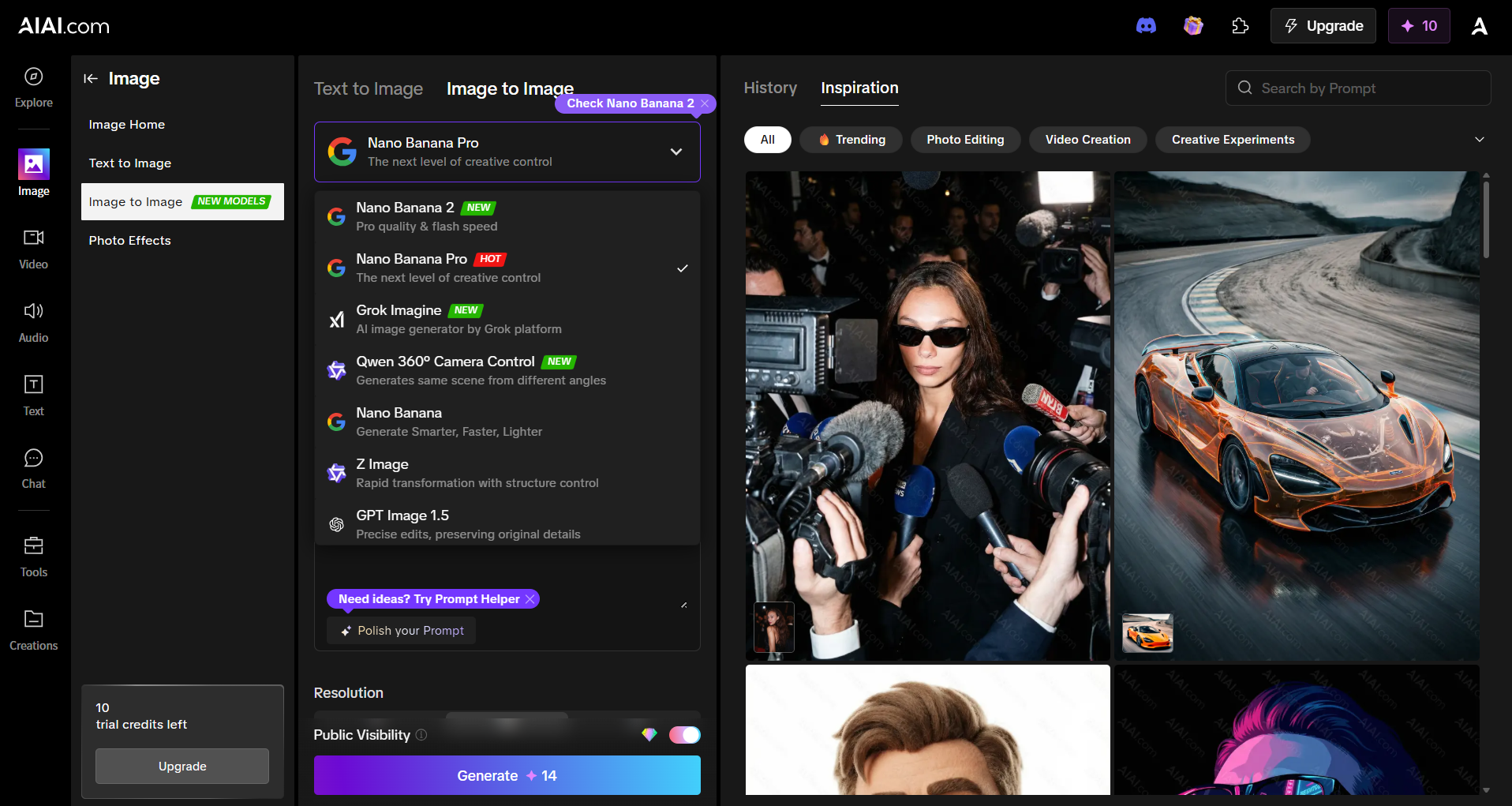
Nano Banana Pro
Nano Banana Pro model is my go-to choice for most image-to-image tasks. It delivers a solid balance of speed and quality, making it suitable for everything from quick previews to polished outputs.
From my experience:
- Speed: Generates images quickly, usually within a few seconds per image.
- Detail: Captures textures and facial features well, though extremely complex scenes may need slight adjustments.
- Flexibility: Works for a wide range of styles, from photorealistic edits to creative transformations.
Grok Imagine
I tried this model for some abstract art transformations. It produced surprisingly creative and unexpected results, which is great for concept art or social media experiments.
Qwen 360° Camera Control
This one lets you change camera angles and perspective. For instance, I could turn a standard portrait into a slightly elevated cinematic shot—something most AI tools don’t handle natively.
One-Click AI Photo Effects for Instant Image Transformations
Another feature I found useful on AIAI.com is its library of one-click AI photo effects. Instead of writing detailed prompts, you can simply choose a preset style and transform an image in seconds.
These presets make it easy to experiment with different looks without adjusting multiple settings.
Some popular effects include:
- AI professional headshots – turn casual photos into studio-style portraits
- AI hairstyle transformations – preview different hairstyles on your photo
- Cartoon and anime styles – convert portraits into animated characters
- Vintage film effects – recreate classic photography looks
- 3D character styles – transform photos into stylized figures
When I tried a few of these effects, the workflow was straightforward: upload a photo, pick a style, and generate variations instantly. For beginners, this one-click approach makes image-to-image editing much easier.
Popular Use Cases for Image to Image Generators
- Social Media Content: Quickly turn photos into eye-catching posts.
- Concept Art: Transform sketches into polished illustrations in seconds.
- E-commerce: Swap backgrounds or enhance product shots without reshoots.
- Digital Art & Hobby Projects: Explore styles and create fan art.
- Marketing Visuals: Produce campaign-ready visuals with consistent aesthetics.
Tips for Better Results
- Start with a clear input image. Low-quality inputs limit output.
- Experiment with multiple models. Each model interprets images differently.
- Adjust denoising strength carefully. Too high can distort features; too low may under-transform.
- Use one-click effects as inspiration. They help you discover styles before fine-tuning prompts.
- Generate multiple variations. Often, the best image comes after 2–3 iterations.
Future of Image to Image AI
From my perspective, AI image generation is advancing fast:
- Video-to-video transformations are emerging.
- Real-time style transfer during video calls is coming.
- 3D scene understanding will allow more accurate object manipulation.
- Personalized models (training AI on your own photos) will soon be easier for non-technical users.
Platforms like AIAI are already experimenting with some of these features, closing the gap between professional artists and hobbyists.
Frequently Asked Questions
Q: Do I need design experience?
No. Tools like AIAI are beginner-friendly. Upload an image, pick a model or style, and watch the AI transform it.
Q: Can AI-generated images be used commercially?
Check the platform’s terms. AIAI clearly outlines usage rights.
Q: Which model should I start with?
If you’re new, I recommend Banana or the one-click effects. Once comfortable, explore Pro for detailed images or Grok/Qwen for creative experimentation.
Q: Is image to image AI free?
AIAI offers free credits to start, with paid plans for higher-volume or premium models.
Final Thoughts
Image to image generators are no longer just experimental AI—they’re practical tools for creators. From casual experimentation to professional content creation, AI can save hours of work.
In my testing, AIAI.com stood out because it combines:
- Multiple AI models (Nano/Banana/Pro, Grok Imagine, Qwen 360° Camera Control)
- One-click trending effects
- Beginner-friendly interface with advanced controls
✅ Even if you’ve never used AI for image editing, it’s simple to start experimenting and get results that are both creative and usable.
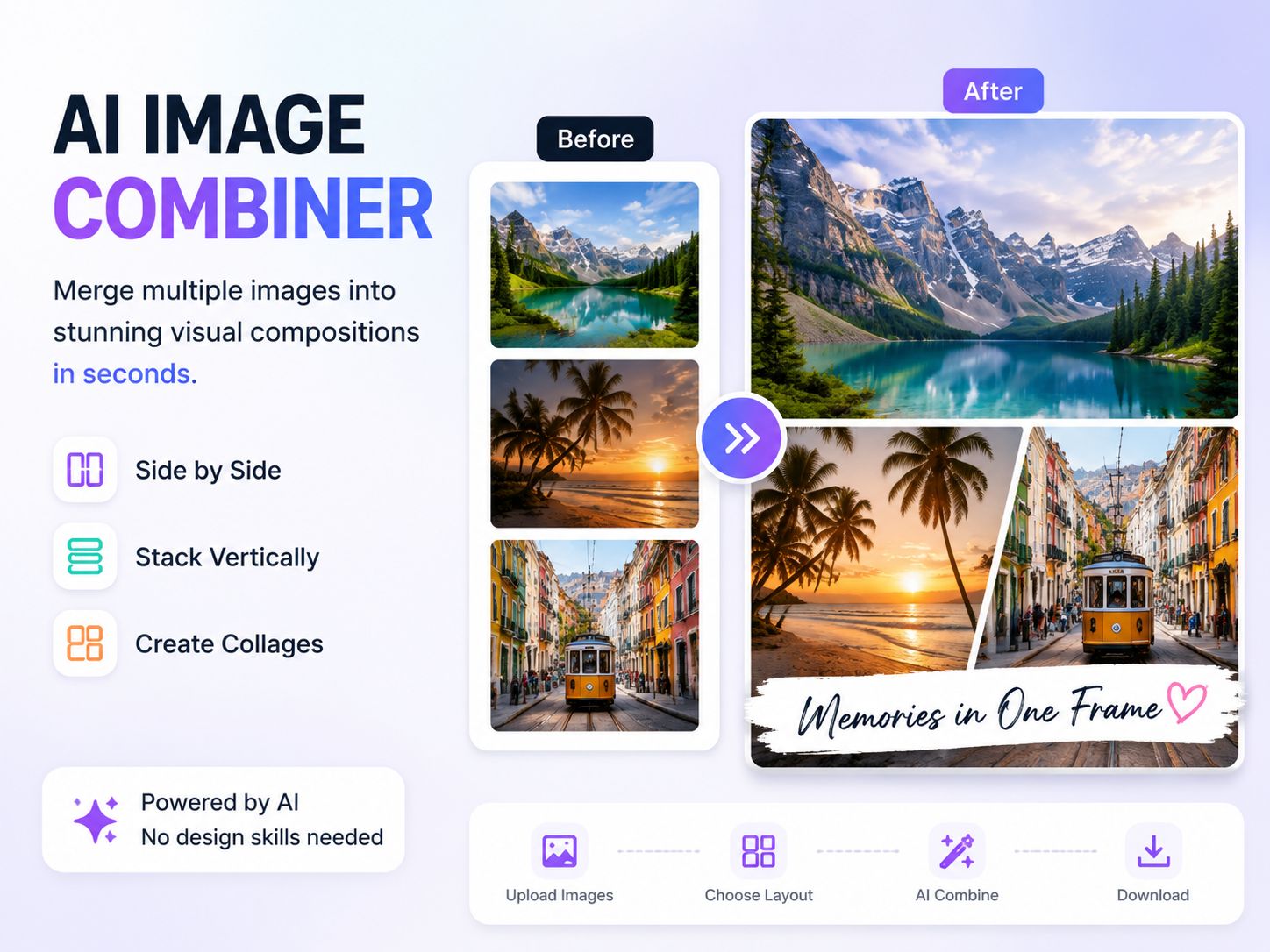
Merge multiple images into beautiful compositions instantly with AI Image Combiner. Create side-by-side photos, vertical layouts, and collages using AIAI.com—no Read more
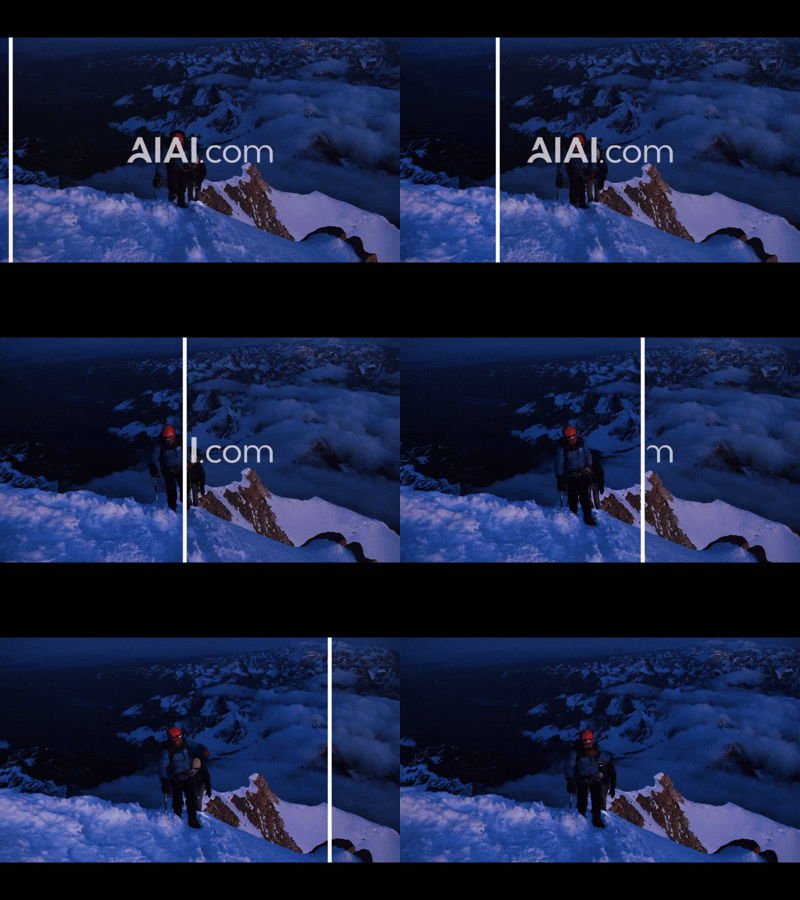
Discover how a video text remover can quickly and easily remove subtitles, watermarks, and unwanted text from your videos. Learn Read more
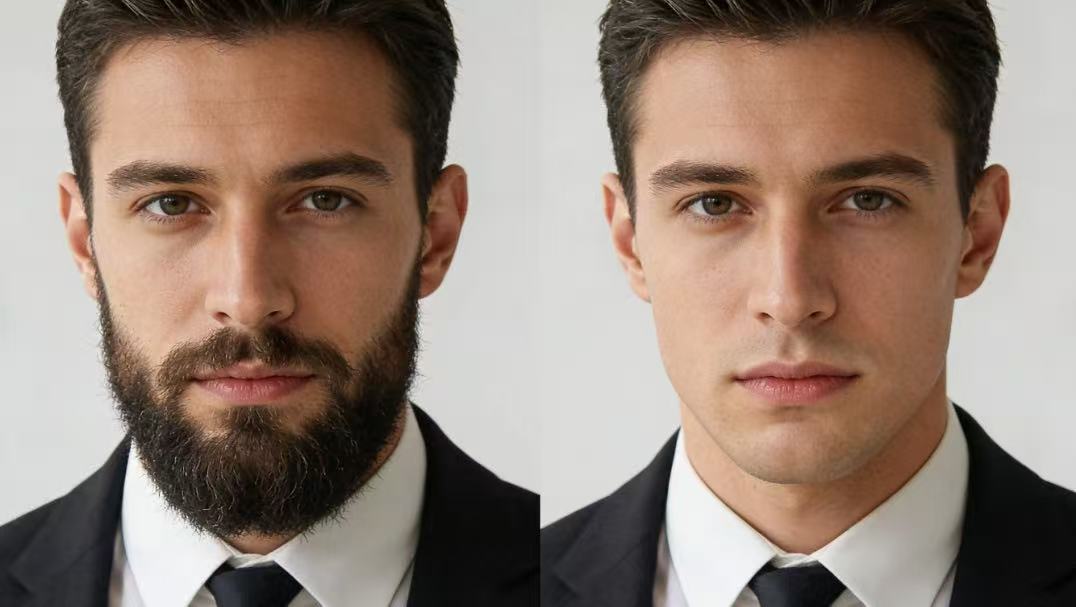
Discover Nana Banana Pro, the ultimate AI beard removal tool. Effortlessly create realistic clean-shaven photos with natural skin texture and Read more
Create Realistic Body Transformations from Photos Have you ever wondered what you'd look like with six-pack abs, a lean athletic Read more


