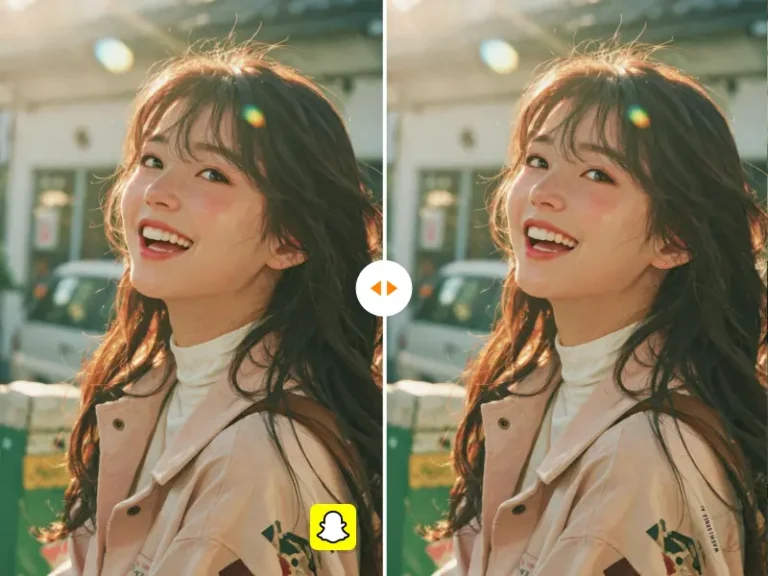
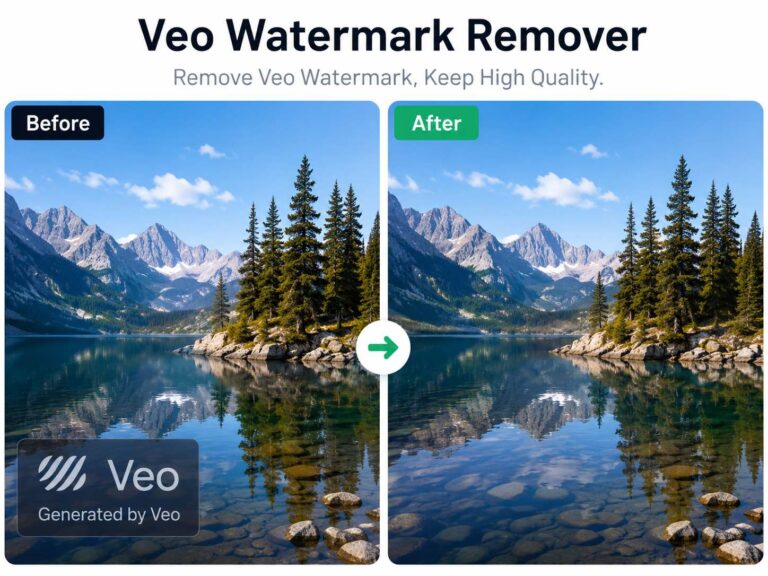
You finally find the perfect video footage, only to have it completely blocked by a watermark… Some watermarks sit right in the center, while others are tiled across the whole screen. Manually blurring them with a mosaic just makes the video look patched and ugly. Crop it? Then the framing suddenly looks all off. So, what can you do? Keep reading!
Why Traditional Video Watermark Removal Is Falling Behind
For years, removing watermarks mainly relied on two techniques:
- Mosaic blurring
- Edge stretching to cover logos
While these methods technically hide the watermark, they leave obvious visual traces. Blurred blocks damage texture consistency, stretched areas look artificial, and the final result is often flagged as low-quality by platforms.
What Is a Video Watermark Remover Today
A modern video watermark remover is no longer just a blurring or cropping tool. It refers to systems that either reconstruct masked pixels using AI or retrieve original, watermark-free video data without re-encoding.
Two Real-World Approaches to Removing Sora Watermarks
According to a post in the Reddit community r/SoraAi, user crazy_fisher shared his hands-on testing experience with removing watermarks from Sora-generated videos. Based on his experiments, current solutions generally fall into two distinct approaches. These community-driven tests reflect real-world usage scenarios, where watermark removal tools are pushed beyond ideal demo conditions.
1. AI Inpainting / Re-generation
This method requires re-uploading the full video and letting an AI regenerate the watermark area.
While it can work in certain cases, the downsides are significant:
- Processing time often takes several minutes per clip
- Motion continuity and lighting consistency can be distorted
- Results vary unpredictably from one render to another
In short, you are trading speed and reliability for a chance at acceptable output.
2. Link-Level Parsing (No Re-rendering)
The second approach skips re-rendering entirely.
By processing the official Sora share link directly, link-level parsing retrieves the original raw video file without re-encoding. In practice, this reduces processing time to just a few seconds while preserving image quality comparable to GPT Pro’s HD exports — with no additional compression.
Because this method avoids pixel regeneration altogether, it also eliminates many of the artifacts associated with traditional or AI re-rendering techniques.

What Actually Matters When Choosing a Video Watermark Remover
Price alone doesn’t tell you much. What really matters is whether the tool can meet modern quality expectations at a structural level.
1. Texture Awareness
A strong tool should recognize the difference between textures like skin, grass, or buildings.
High-density semantic models ensure that after the watermark is removed, the reconstructed texture blends naturally with its surroundings — avoiding awkward or artificial-looking patches.
2. Motion Tracking Accuracy
Floating or moving watermarks are especially tricky.
This is where Optical Flow tracking matters. Accurate motion tracking ensures that during fast camera movements, repaired areas don’t flicker, drift, or fall out of sync with the rest of the video.
3. Resolution Compensation
Removing a watermark means breaking and rebuilding pixels.
Top-tier Video Watermark Removers often include built-in AI upscaling, allowing them to restore clarity — even for 4K footage — while removing logos at the same time.
Practical Things to Watch Out For
Transparent watermarks: Adjust smoothness carefully to avoid overfilling or distortion.
Content authorization: Always ensure you have the right to modify the video.
Avoid double compression: Export using the original bitrate to prevent color banding.
Tip: For a fast and high-quality option, AIAI.com’s video watermark remover handles transparent and moving watermarks smoothly, while preserving your original video resolution.
Frequently Asked Questions About Video Watermark Removal
Why do traditional watermark removal methods fail on AI-generated videos?
Traditional methods like blurring, cropping, or simple inpainting were designed for static or predictable footage. AI-generated videos often contain complex textures, dynamic lighting, and synthetic motion patterns, which makes visual patching more noticeable and less reliable.
What makes Sora watermarks harder to remove than typical logos?
Sora watermarks are frequently placed in motion-heavy or visually dense areas of the frame. When combined with tiling or transparency, this makes manual editing and basic AI inpainting more prone to flicker, texture loss, and temporal inconsistency.
Is link-level parsing the same as downloading a video without a watermark?
Not exactly. Link-level parsing processes the official Sora share link to retrieve the original video data without re-encoding. It does not alter pixels or regenerate frames, which is why it can maintain quality comparable to native HD exports.
Is it legal to remove watermarks from AI-generated videos?
Legality depends on the platform’s terms of service and your usage rights. Always ensure you are authorized to modify or redistribute the video before using any video watermark remover.
Why does re-rendering often reduce video clarity?
Re-rendering introduces additional compression and reconstruction steps. This can affect sharpness, fine textures, and motion continuity — especially in high-resolution or fast-moving footage.
Traditional watermark removal methods aren’t failing because they’re obsolete — they’re failing because expectations have changed. A modern Video Watermark Remover isn’t about hiding a problem. It’s about preserving visual integrity while removing it entirely. And as both viewers and algorithms become more quality-sensitive, that difference matters more than ever.
Learn how to cleanly remove the Google Veo watermark without blurring or cropping. Use AI watermark remover to erase logos Read more
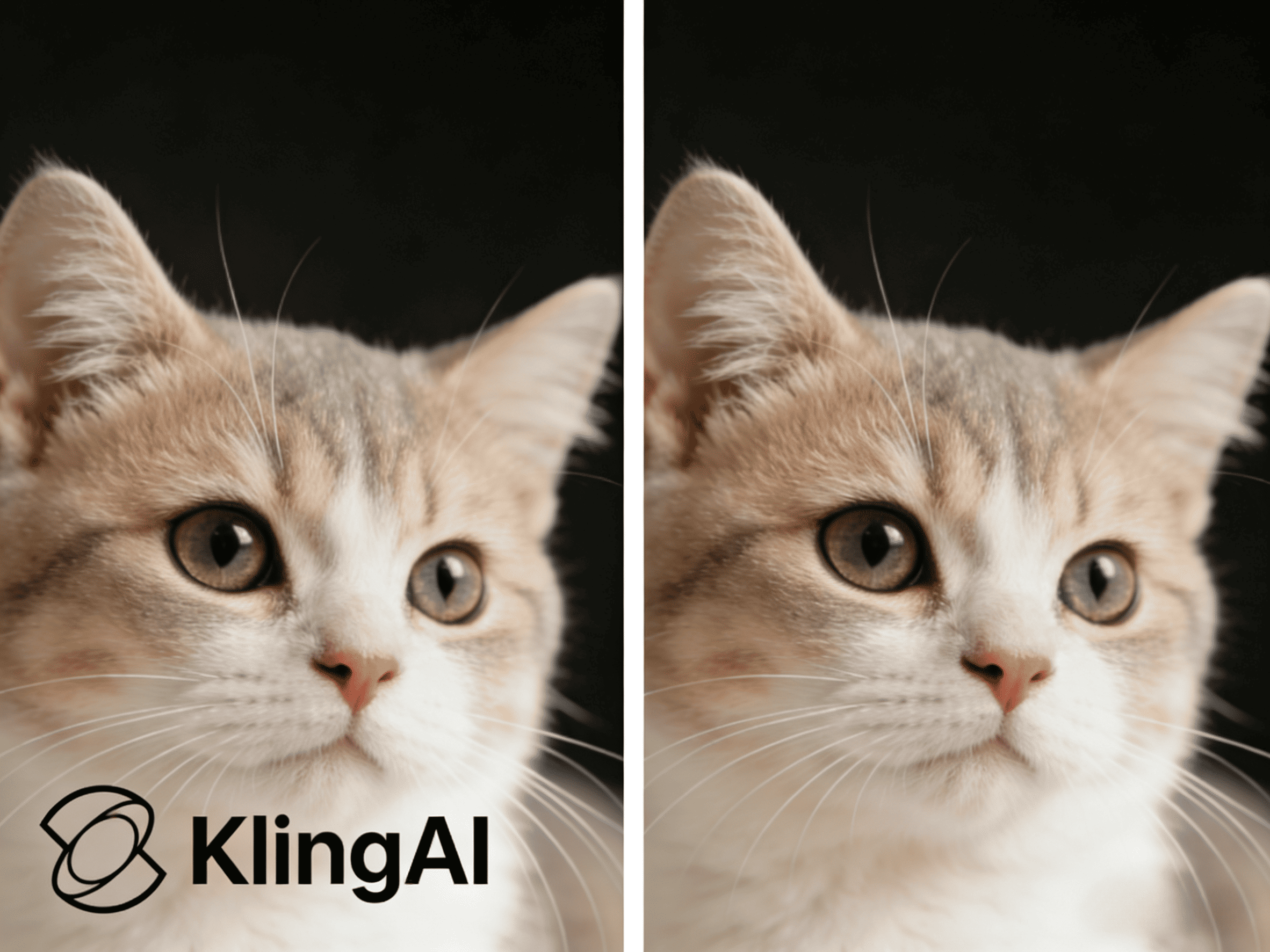
Watermarks often appear on videos generated with Kling AI, which can be inconvenient when sharing or editing content. This guide Read more
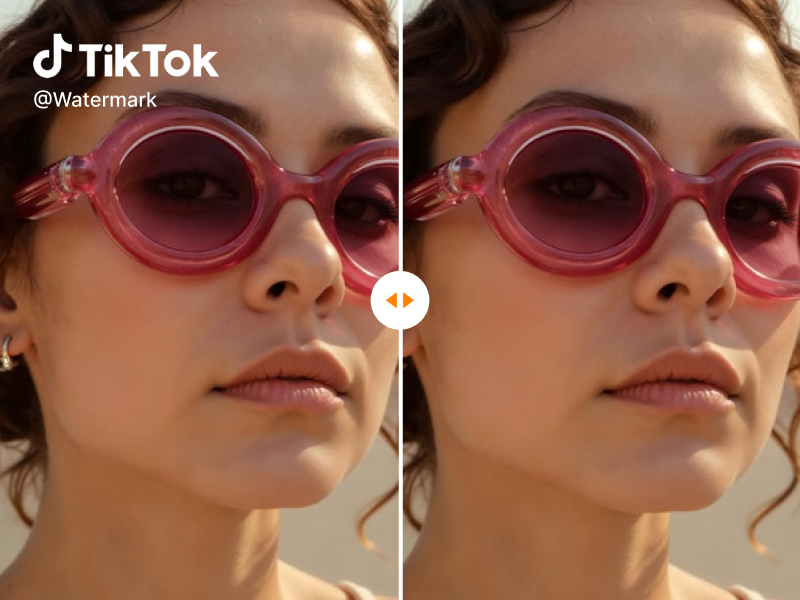
Looking for a reliable free video watermark remover? I tested AIAI.com. It uses AI technology to automatically remove watermarks while Read more
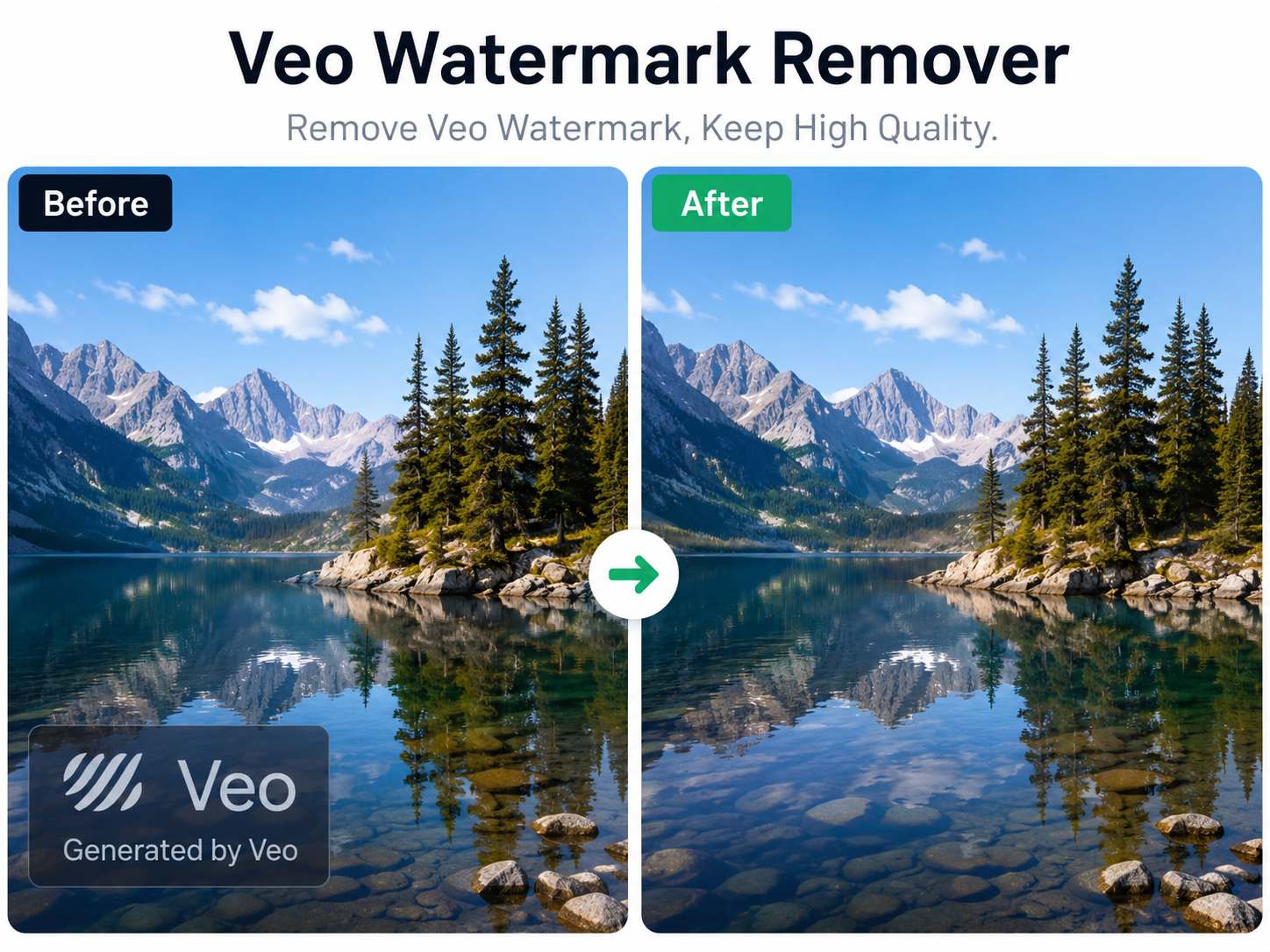
Artificial intelligence has made video creation faster than ever. With Google's Veo model, creators can generate cinematic videos from simple Read more