If you’ve been experimenting with Kling AI, you’ve probably noticed something pretty common with AI video tools — exported videos often come with a watermark.
For casual use it may not matter much, but if you’re posting the video on TikTok, YouTube, Instagram, or a website, that watermark can feel a bit distracting.
That’s where a Kling AI watermark remover becomes useful. With the help of AI-powered tools, you can clean up the watermark and keep the video looking more polished.
In this guide, we’ll walk through how Kling AI watermarks work, why people remove them, and how to remove them easily using an online AI tool.
What Is Kling AI?
Kling AI is an AI video generation platform developed by the Chinese tech company Kuaishou.
It allows users to create videos from:
- text prompts
- images
- simple scene descriptions
Many creators use it to generate:
- short cinematic clips
- concept videos
- AI storytelling content
- social media videos
However, depending on the export settings or account tier, generated videos may include a Kling AI watermark.
Why Do Kling AI Videos Have Watermarks?
Watermarks are commonly used by AI platforms for a few reasons:
1. Branding
The watermark helps promote the platform when videos are shared online.
2. Free plan limitations
Many AI tools add watermarks to exports created with free accounts.
3. Content attribution
It indicates that the video was created using a specific AI model.
While that makes sense from a platform perspective, creators often want a clean version of the video for editing or publishing.
What Is a Kling AI Watermark Remover?
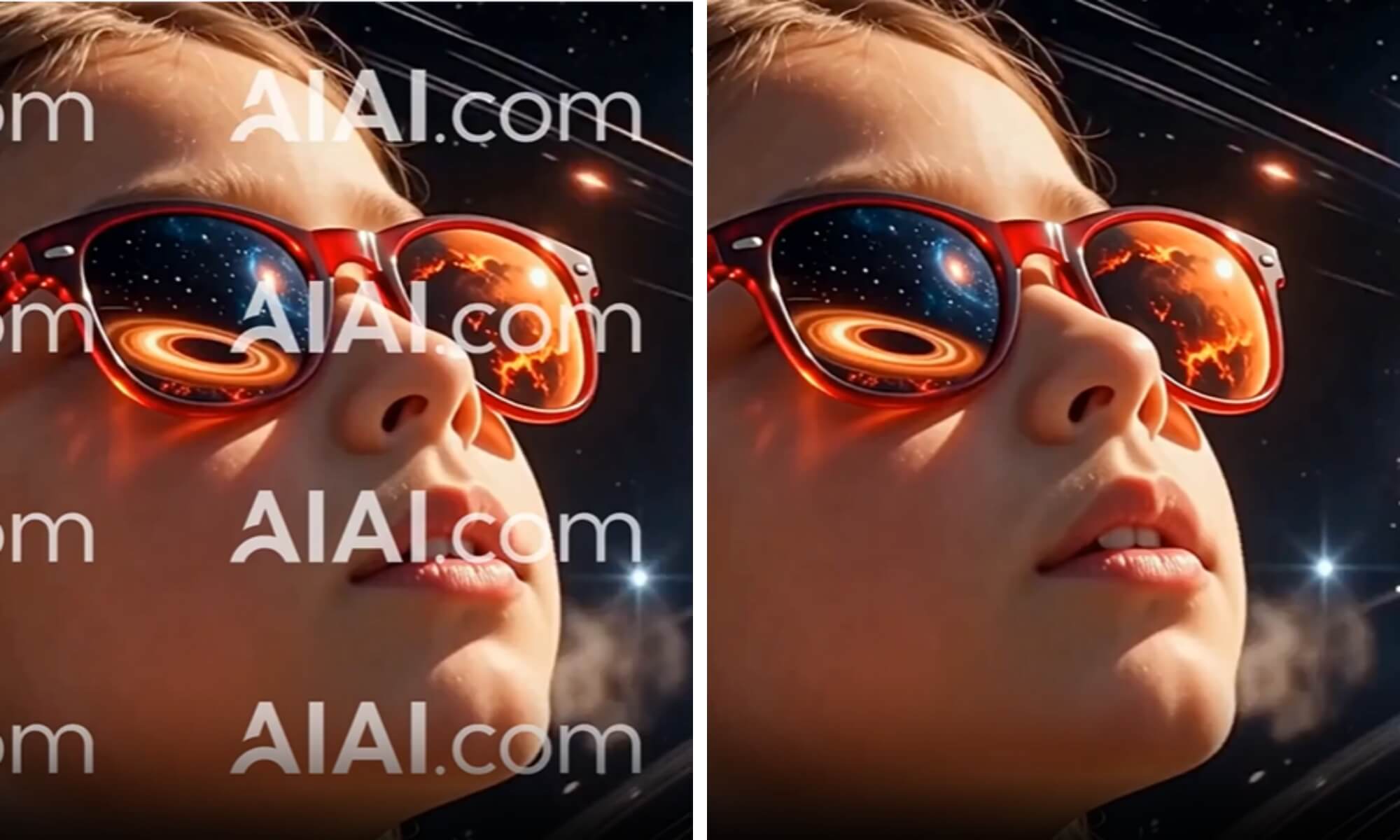
A Kling AI watermark remover is a tool that removes logos, text marks, or overlays from a video using AI-powered video processing.
Instead of simply cropping the video, modern AI removers can:
- detect the watermark area
- reconstruct the background
- fill the removed area with generated pixels
This produces a much cleaner result without damaging the rest of the frame.
Many creators now use online tools like AIAI.com to handle this automatically.
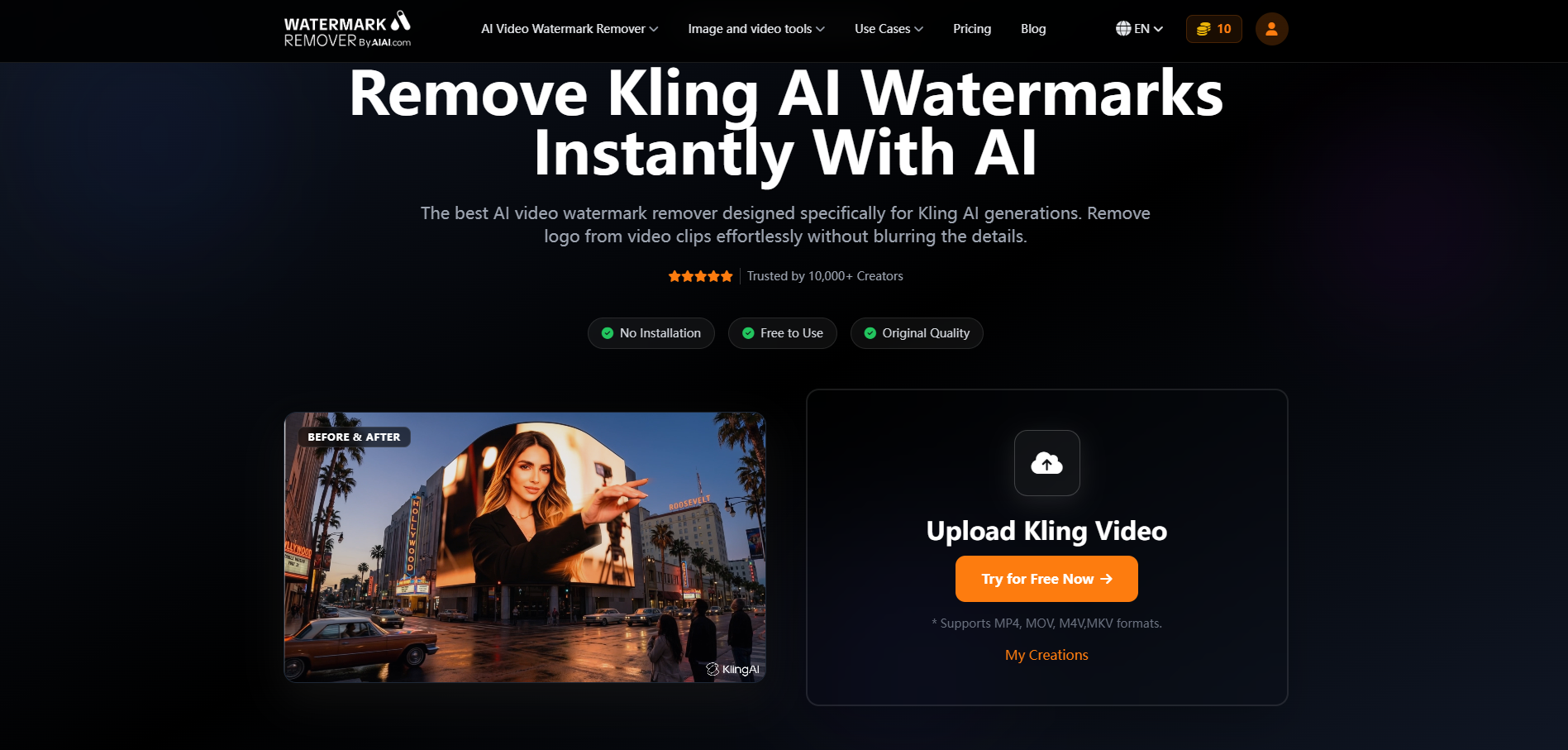
How to Remove a Kling AI Watermark (Step-by-Step)
Here’s the simple workflow most AI watermark removers follow.
1. Upload Your Video
Go to an online AI watermark remover tool and upload the Kling AI video file.
Most tools support formats like:
- MP4
- MOV
- WebM
The video is processed directly in the browser.
2. Select the Watermark Area
Next, highlight the watermark location.
For Kling AI videos, the watermark is typically placed in:
- the bottom corner
- the top edge
- a small logo overlay
The AI will automatically analyze that region.
3. Let the AI Process the Video
The AI model reconstructs the background behind the watermark.
Instead of cutting the frame, it fills the removed area using surrounding pixels and motion information.
Processing usually takes a few seconds to a couple of minutes depending on video length.
4. Download the Clean Video
Once processing is complete, download the cleaned version of your video.
You’ll get a watermark-free file ready for:
- editing
- posting on social media
- embedding on a website
Tips for Getting the Best Watermark Removal Results
AI watermark removers work best when a few conditions are met.
Use high-resolution videos
Higher resolution gives the AI more pixels to reconstruct the background.
Avoid overlapping objects
If the watermark overlaps faces or moving objects, removal becomes harder.
Process short clips first
If you’re unsure about quality, test with a short clip before processing the full video.
When Should You Remove a Kling AI Watermark?
Creators usually remove watermarks in situations like:
- reposting AI-generated videos to social media
- editing AI clips into a longer video project
- creating promotional or marketing content
- embedding videos in blog posts or websites
A clean frame simply looks more professional and less distracting.
Final Thoughts
With AI-powered tools such as AIAI.com, removing watermarks no longer requires complicated editing software. In most cases, you can upload the video, mark the watermark area, and download the cleaned version in just a few minutes.
For creators who regularly work with AI-generated videos, having a simple watermark removal workflow can save a lot of time and keep your content looking polished.
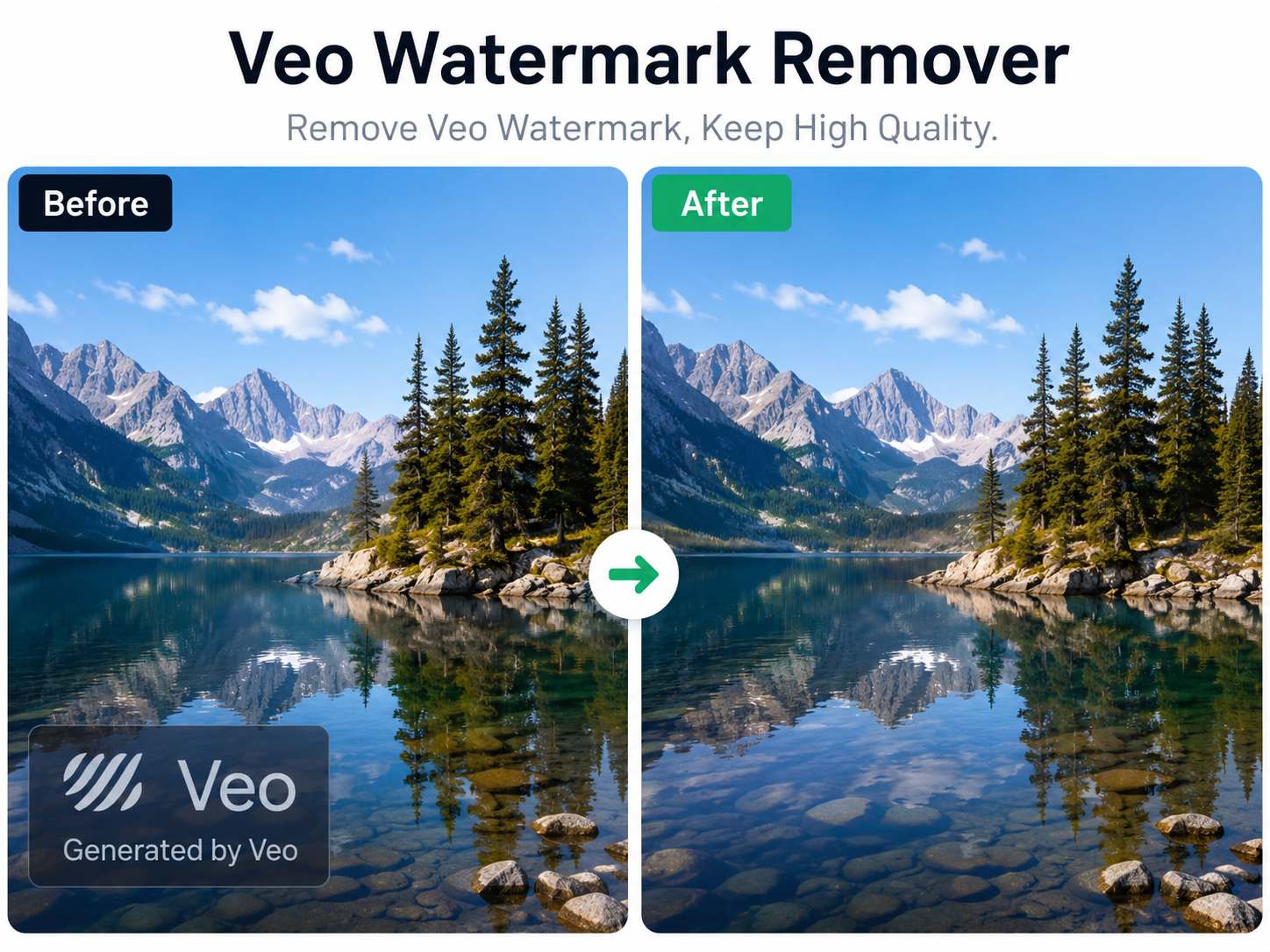
Artificial intelligence has made video creation faster than ever. With Google's Veo model, creators can generate cinematic videos from simple Read more

Generated a masterpiece with OpenAI but hate the branding? Discover the best Sora 2 watermark remover. Use AI video in-painting Read more

Need to remove subtitles or watermarks from a video? Use AIAI’s AI video text remover to clean up footage instantly Read more
Stop cropping your videos to hide logos. I tested a new AI tool that auto-detects and removes watermarks without ruining Read more