AI video tools are evolving fast, and Vidu’s latest update, Vidu Q3, shows clear improvements. After spending some time testing it, here’s my hands-on take on its strengths and limitations.
1. Cinematic 1080P Quality That Feels Natural
The first thing you notice is the jump in image quality. Vidu Q3 now supports full 1080P video, and unlike some AI tools, the clarity doesn’t come from artificial sharpening. Frames are clean, detailed, and well-balanced, even in high-contrast scenes.
Camera motion has also improved:
- Natural push-ins and pull-backs
- Smooth tracking shots without jitter
- Better stability in fast-moving scenes
I tested running sequences, close-up action, and dynamic tracking shots. Compared to earlier versions, the motion now feels intentional and less prone to random frame glitches.
2. Audio and Video Generated Together (Macro-Level)
The most noticeable upgrade is integrated audio generation. Vidu Q3 produces background music, environmental sounds, and visuals simultaneously, rather than layering stock audio afterward.
Importantly, this works best at a macro level: the overall mood and pacing match the scene. For example, in a nighttime city chase:
- Footsteps and movement cues blend naturally
- Ambient city sounds fill the background
- Music matches the tension
However, micro-level audio synchronization—like keys turning or lip-synced dialogue—is still not supported. So while the scene feels alive overall, tiny sound effects may not always land perfectly.
3. Longer Videos with Improved Coherence
Vidu Q3 extends the maximum clip length to 16 seconds, compared to the 4–8 second limit of earlier tools. This extra duration allows:
- Camera movements to breathe
- Actions to unfold naturally
- Emotional pacing to feel smoother
Success rate for coherent motion is higher than in previous short clips, but longer videos still carry higher trial-and-error costs. Each failed 16-second render consumes more credits and time, so experimentation can be expensive.
4. More Stable Visual Physics
Thanks to the underlying U-ViT architecture (diffusion + transformer), Vidu Q3 reduces common AI “hallucinations”:
- Objects are visually more stable and less prone to melting or warping
- Lighting and shadows behave more consistently
- Character movements generally appear more natural
That said, complex interactions—like overlapping limbs, extreme fast motion, or liquids—can still look unrealistic. Stability has improved relative to prior versions, but physics is not perfect, and subtle inconsistencies remain.
5. Intelligent Camera Control
Vidu Q3 introduces smart camera control, allowing creators to directly guide camera movement using prompts.
- Specify push-ins, pull-backs, or tracking shots in natural language.
- The AI interprets the instructions to produce smooth, cinematic motion.
- Works seamlessly with text-to-video, image-to-video, or reference-based workflows.
This approach makes it possible to control the visual storytelling without manual keyframing, giving creators more freedom while keeping production fast and intuitive.
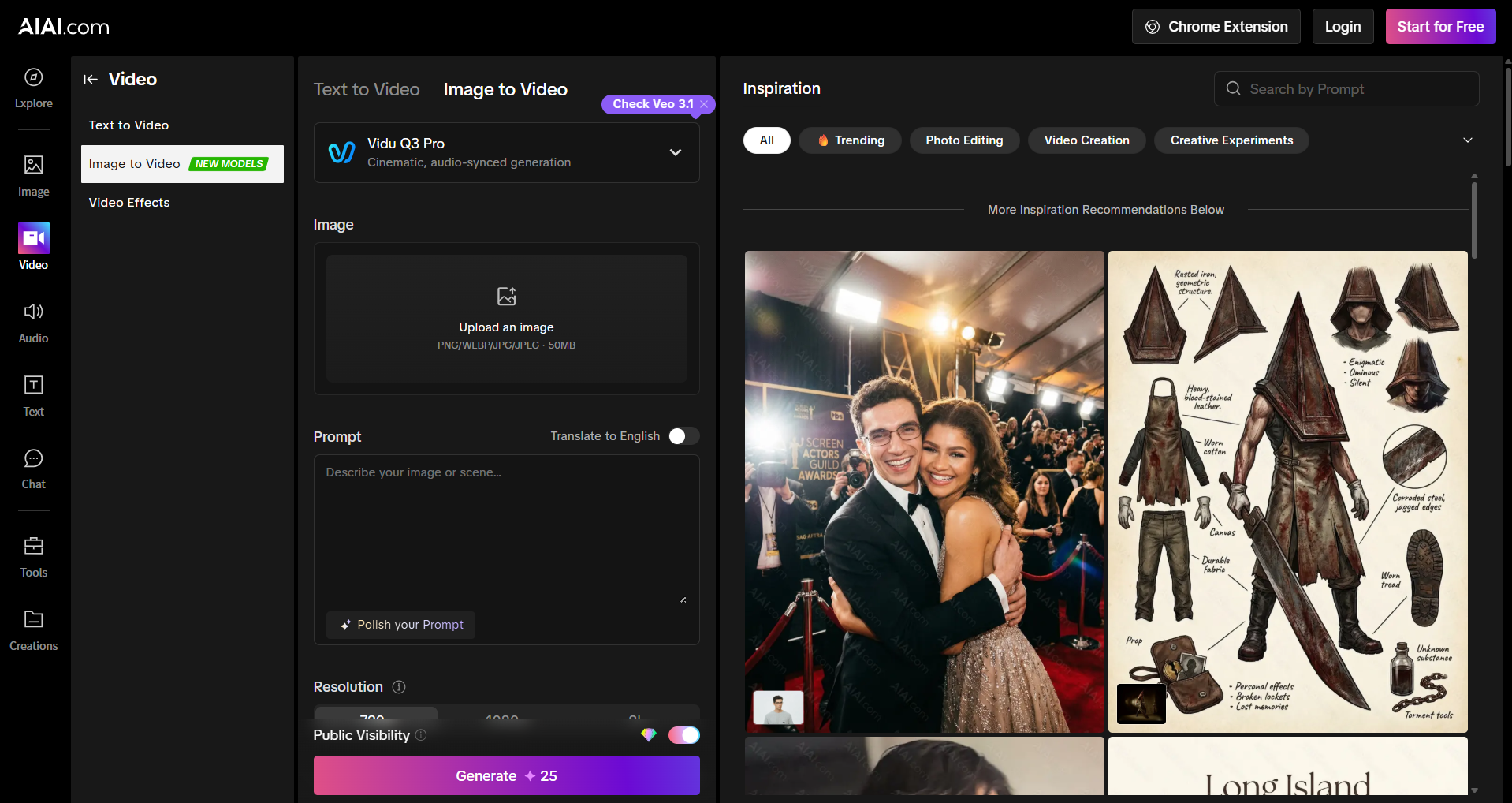
New users can test Vidu Q3 on AIAI.com with free credits to get a feel for its motion quality and overall output.
Limitations to Keep in Mind
Even with these improvements, Vidu Q3 has practical limitations:
- Physics Breakdowns in Complex Scenes
- Limb intersections, deformation, or extra fingers may appear in fast-action sequences
- Liquids and debris sometimes behave unnaturally
- Audio-Visual Micro-Synchronization
- No lip-synced dialogue
- Fine-tuned effects like locks turning may not always align
- Queue Times and Costs
- Longer renders can take over 20 minutes on free or low-tier plans
- Failed generations of long clips consume significant credits
Final Thoughts
Vidu Q3 marks a meaningful step forward in AI video creation:
- 1080P visuals with cinematic motion
- Longer, more coherent clips up to 16 seconds
- Improved visual stability
- Integrated audio that captures the overall mood
It’s not perfect—micro-level audio and complex physics can still fail—but it has moved past the “experimental” stage into a practical creative tool. Compared with other tools like Sora, Runway, or Pika, Vidu Q3 now deserves a spot in serious creators’ toolkit—not as a novelty, but as a usable option for concept videos, mood pieces, and short-form AI content.

What is Nano Banana AI Image Generator - A Full Understanding What is Nano Banana? In the field of artificial Read more
Nano Banana Pro: Unveiling the Updates and Usage Tips! This article is about Google DeepMind's Nano Banana Pro (Gemini 3 Read more
Struggling to design eye-catching posters without graphic design experience? Discover how an AI poster generator can turn simple text prompts Read more

Create a custom 3D Floor Plan online without complex CAD software. Select your size, layout priorities, and style to visualize Read more


