Creating a poster should be simple, but for many people, it quickly becomes a frustrating process of adjusting layouts, choosing fonts, and fixing design mistakes. Without professional design experience, even basic promotional materials can take hours to complete.
An AI poster generator changes that. Instead of starting from a blank canvas, you can turn a simple text prompt into a polished, professional poster in minutes, saving both time and effort.
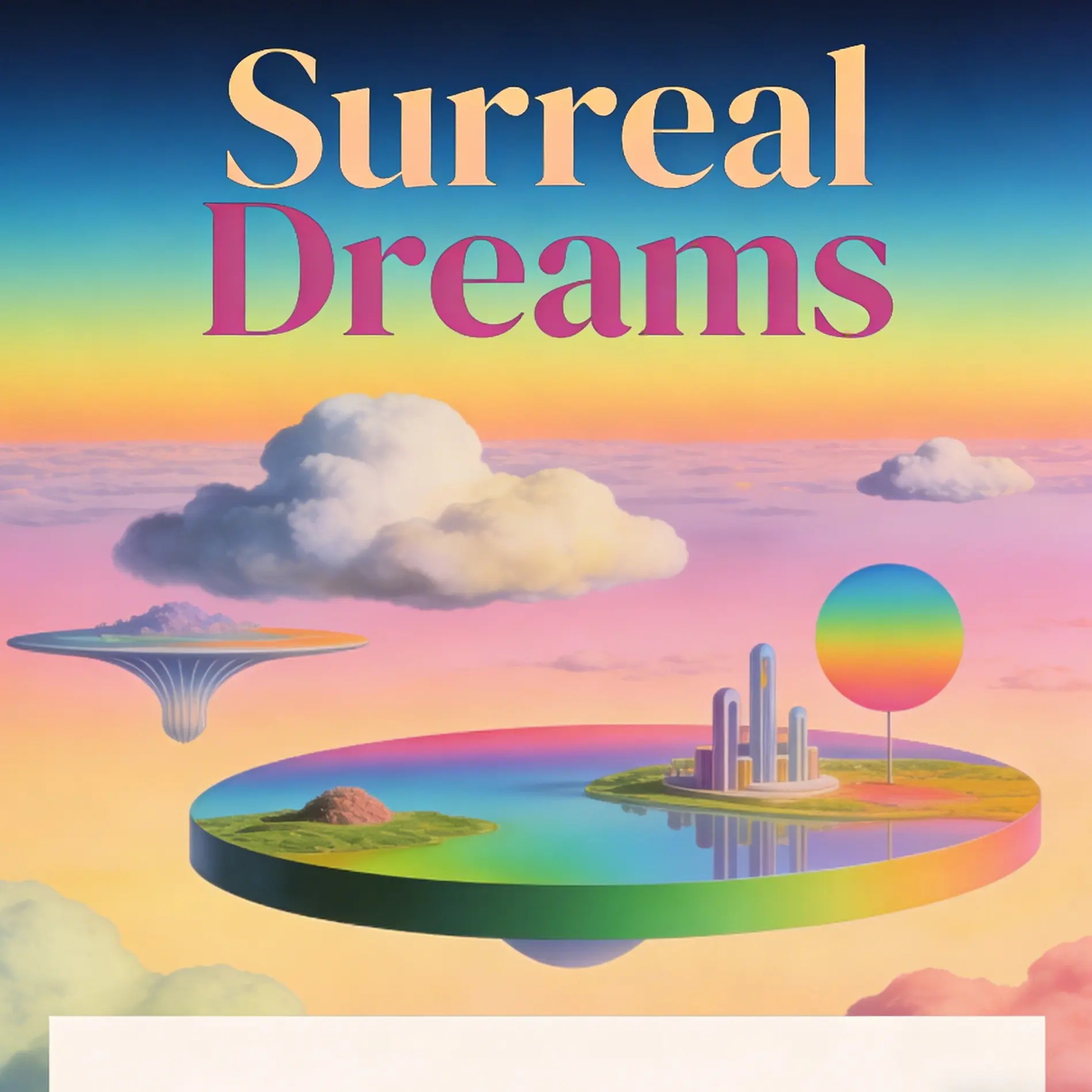
What an AI Poster Generator Actually Does
AI poster generators are intuitive web tools that translate your ideas into structured visual layouts. They bridge the gap between your creative vision and technical execution, allowing anyone to create professional-looking designs without mastering design software.
Common usage approaches:
- Text-to-Design: Describe the mood, style, and details of your event. For example: “A minimalist poster for an indie acoustic concert, warm lighting, retro fonts, cozy café background.” The AI interprets your prompt into a cohesive layout.
- Style Mixing: Upload an image or background style you like, and let the AI adapt it into a poster with your text elements integrated seamlessly.
This approach provides a strong design foundation in seconds, eliminating the frustration of starting from a blank canvas.
The Design Principles Behind AI Posters
Professional-looking AI posters are not just random layouts—they follow established design principles:
- Color Theory: AI can suggest complementary or analogous color palettes, ensuring your poster evokes the intended mood without clashing colors.
- Typography Hierarchy: By analyzing your text content, AI prioritizes headings, subheadings, and body text for clarity and readability.
- Balance and Alignment: AI algorithms automatically distribute visual elements to maintain symmetry, alignment, and visual flow.
- Whitespace Management: Proper spacing between elements ensures the poster doesn’t feel cluttered, enhancing legibility and aesthetic appeal.
These principles allow even beginners to produce designs that look intentional and polished.
Three Practical Tips for Better AI Poster Designs
Be Specific About the “Vibe”
Generic prompts like “cool poster” won’t yield focused results. Specify style, era, or mood—e.g., vintage 1970s, modern minimalist, cyberpunk, or watercolor illustration—so the AI can select fonts, colors, and layouts that match.
Keep Text Prompts Focused
Most AI tools excel at generating visuals but struggle with detailed text placement. Generate the background layout first, then overlay specific event details with a simple editor for clarity.
Choose the Right Aspect Ratio Early
Determine your output format upfront. Vertical ratios (3:4, 9:16) are ideal for print, while square or horizontal formats suit digital social media posts. Correct ratios prevent stretched or cropped visuals.
Professional Use Cases for AI Poster Generators
- Event Marketing: Create posters for concerts, conferences, or community gatherings quickly.
- Social Media Campaigns: Generate visuals optimized for platforms like Instagram, Facebook, or LinkedIn.
- Internal Communications: Produce notices, announcements, or training posters with consistent branding.
- Creative Projects: Explore experimental layouts, mixed media, or artistic styles without heavy software skills.
Why Using an AI Poster Generator Saves Time and Improves Results
Designing posters manually often involves trial-and-error with templates, colors, and fonts. AI poster generators:
- Provide rapid visual drafts based on your input
- Reduce design mistakes and inconsistencies
- Free up time to focus on content and strategy rather than technical design details
Creating professional posters no longer has to be a chore. Before spending hours adjusting templates or paying for expensive design services, try running a quick test with an AI poster generator. In just a few clicks, you can achieve a clean, cohesive, and visually appealing layout.
Conclusion
Creating a compelling poster no longer requires advanced design knowledge or hours of manual editing. A modern AI poster generator combines design intelligence, automation, and creative flexibility to help anyone produce professional-quality visuals quickly.
Whether you’re promoting an event, launching a product, growing a social media presence, or creating educational content, AI can dramatically simplify the design process while improving visual quality.
If you’re still spending hours adjusting text boxes, experimenting with colors, and searching for the right layout, it may be time to switch to an AI-powered workflow and discover how quickly professional poster creation can become.
Black Friday Visual Guide: From Black Friday Banners to Multi-Scene Product Images, AI Helps Merchants Succeed in Black Friday Marketing Read more
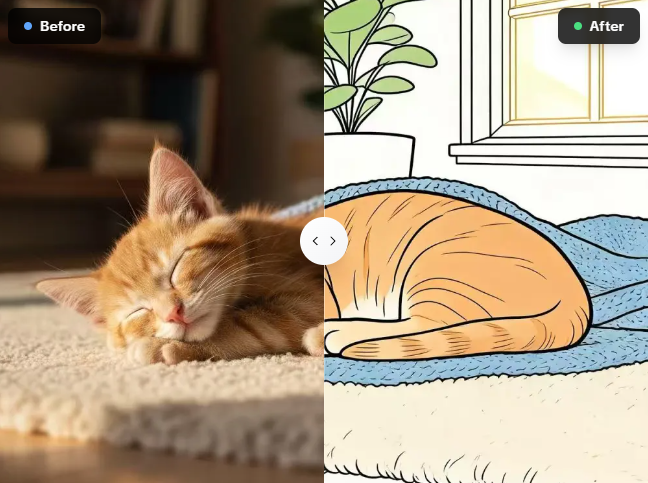
Tired of tracing pictures by hand? I use this free photo to line drawing converter on AIAI.com to turn complex Read more
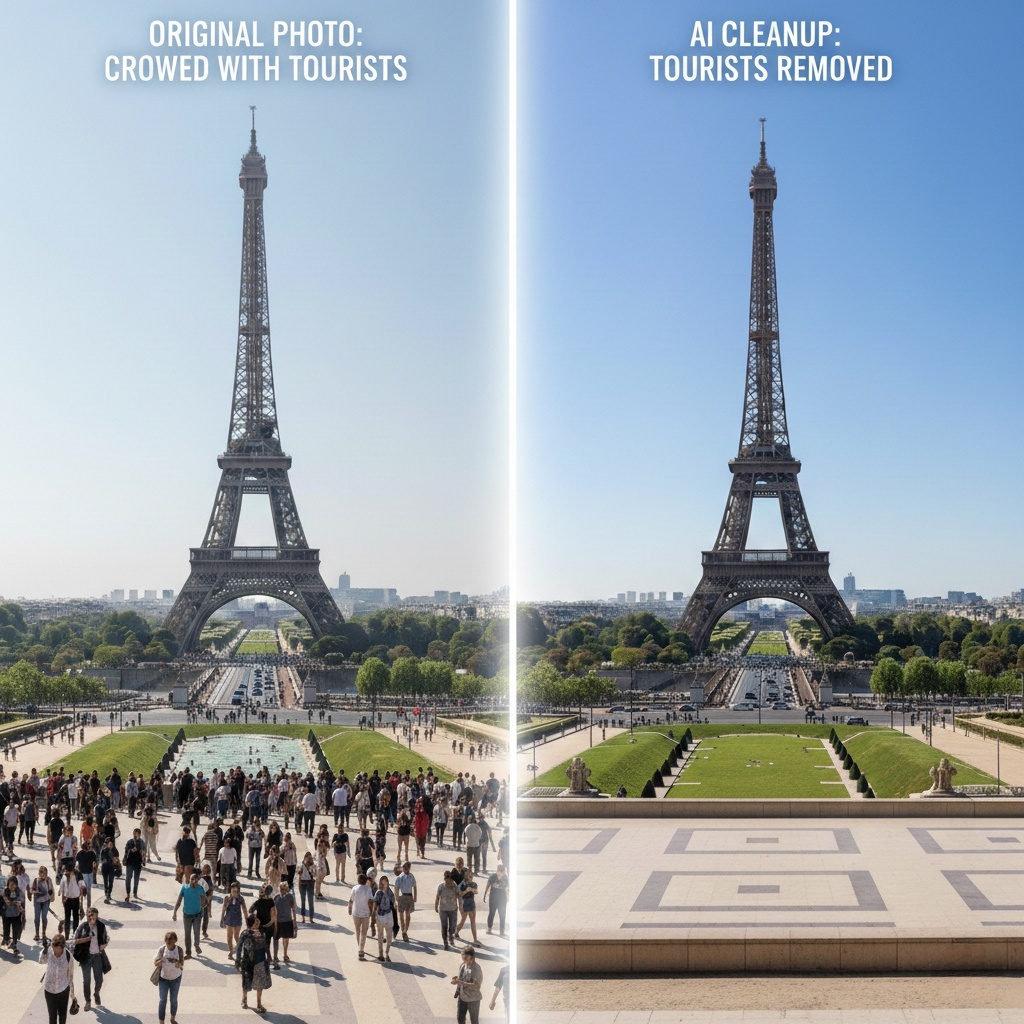
Ruined photo? Use the best AI Object Remover to instantly erase tourists, watermarks, and clutter. Learn how to clean up Read more

Want to turn yourself into a vintage collectible? Discover the best AI Action Figure Generator to transform photos into custom Read more


