Video Text Remover: Remove Text from Video Instantly with Advanced AI
Have you ever recorded a great video only to realize that unwanted text appears on screen? Maybe it’s a subtitle, watermark, caption, or label that doesn’t belong in the final version. Editing that text out manually can be frustrating and time-consuming. Traditional video editing tools often require frame-by-frame work or complicated masking techniques.
This is where an AI video text remover becomes incredibly useful.
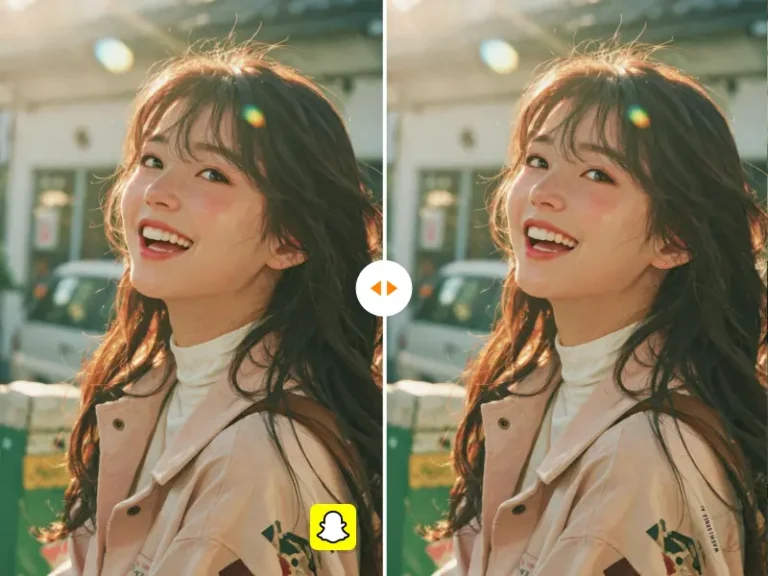
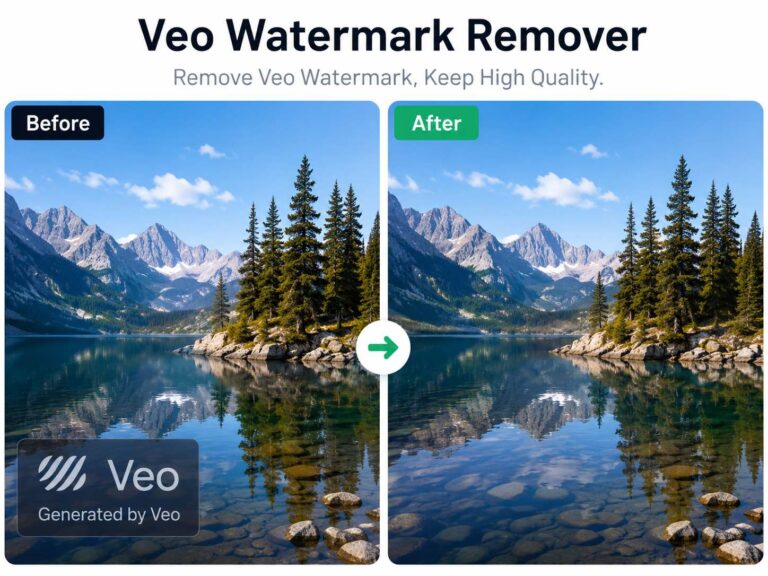
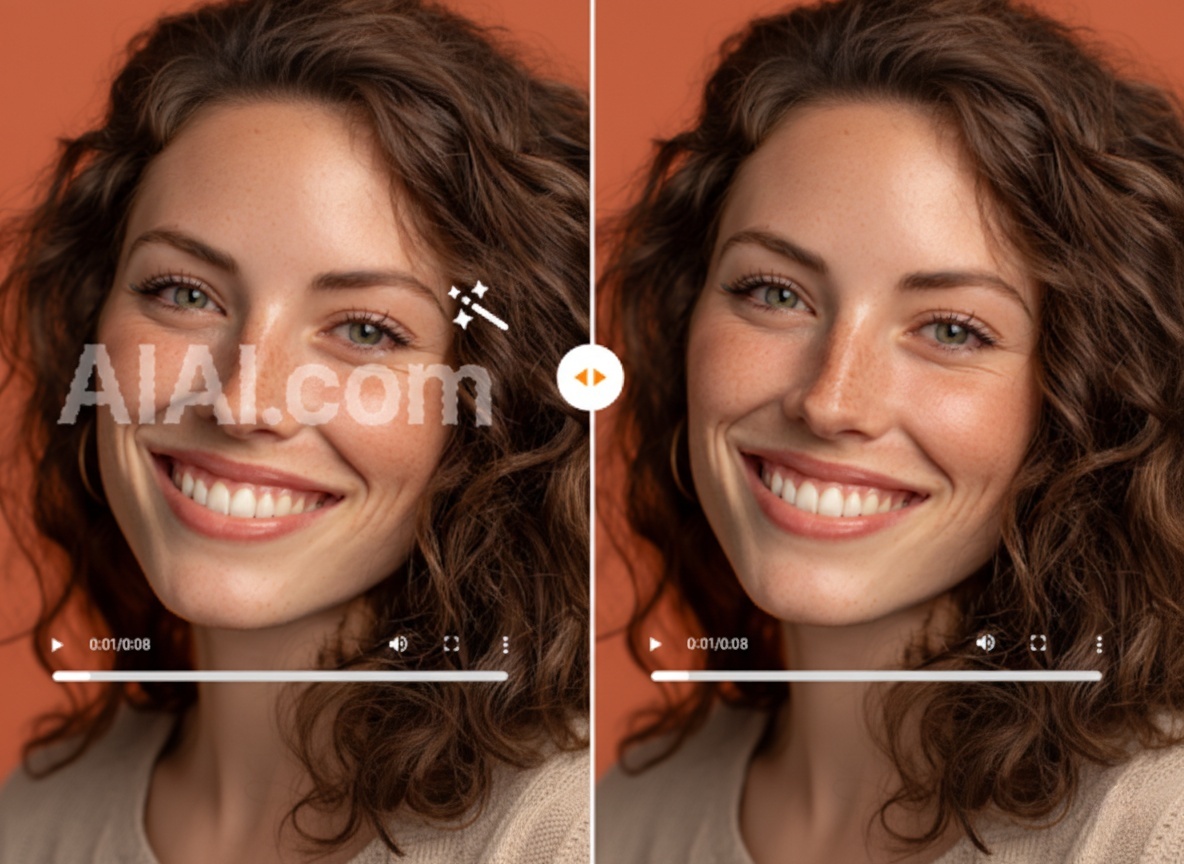
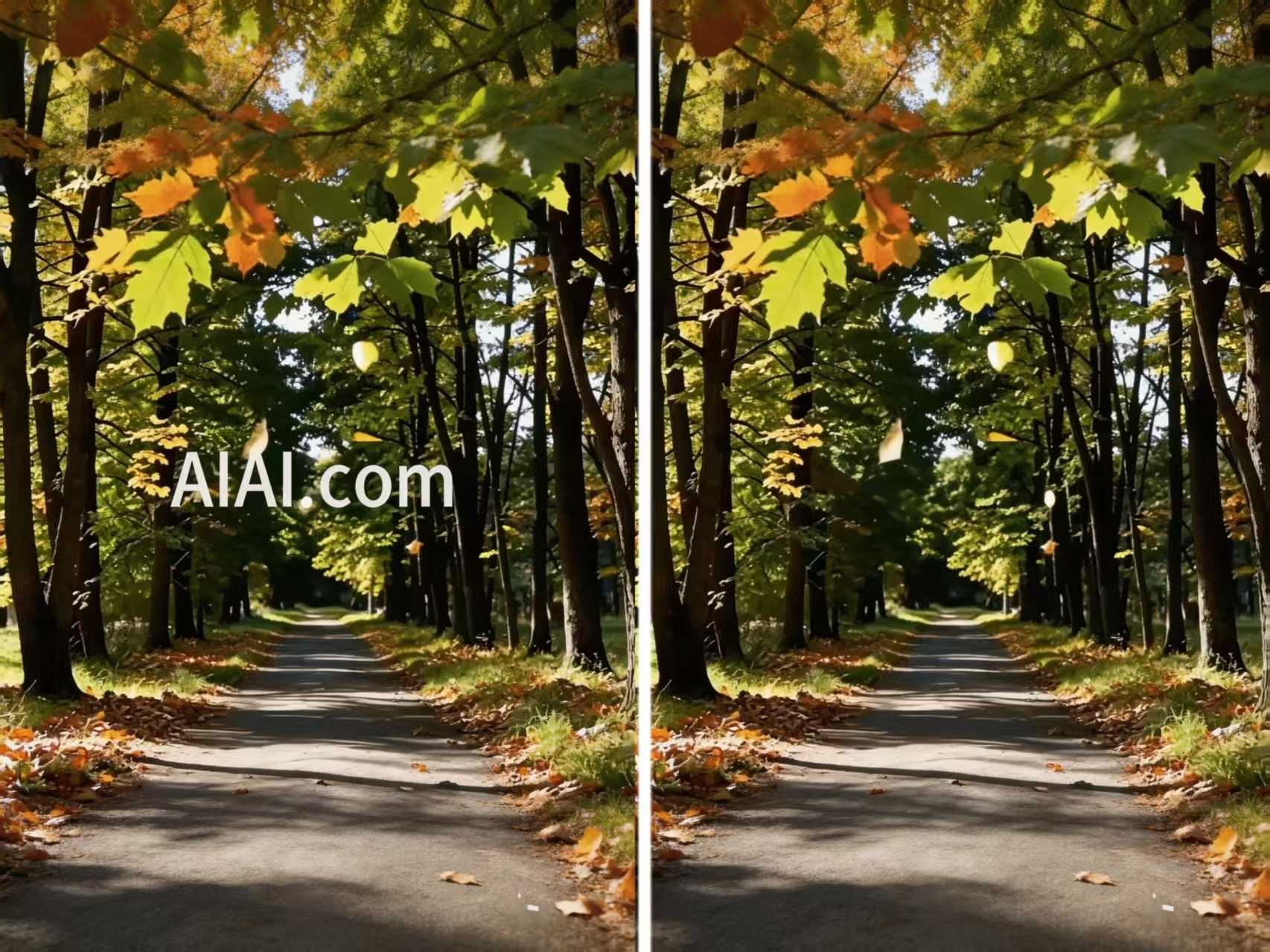
With AIAI’s video text remover, users can quickly remove unwanted text from videos while preserving the natural background and motion. Instead of rebuilding frames manually, AI analyzes the scene and reconstructs the missing areas automatically. The result is a cleaner video without distracting overlats.
Why Removing Text from Videos Is Often Difficult
Many creators underestimate how difficult it is to remove text from video footage.
1. Text Is Embedded in Multiple Frames
Unlike images, videos contain dozens of frames per second. Removing text requires the edit to remain consistent across every frame.
2. Moving Backgrounds Make Editing Harder
If the camera or objects move, the background behind the text changes constantly. This makes manual editing extremely complex.
3. Watermarks and Captions Block Important Visuals
Text overlays can cover faces, products, or key elements in the scene, reducing the overall quality of the video.
These challenges explain why AI-based video editing tools are becoming increasingly popular.
How an AI Video Text Remover Works
A modern video text remover uses AI to detect text regions and reconstruct the visual information behind them.
The system typically performs three steps:
- Text detection – identifying the area where text appears
- Frame analysis – understanding surrounding pixels and motion
- Background reconstruction – filling the removed area naturally
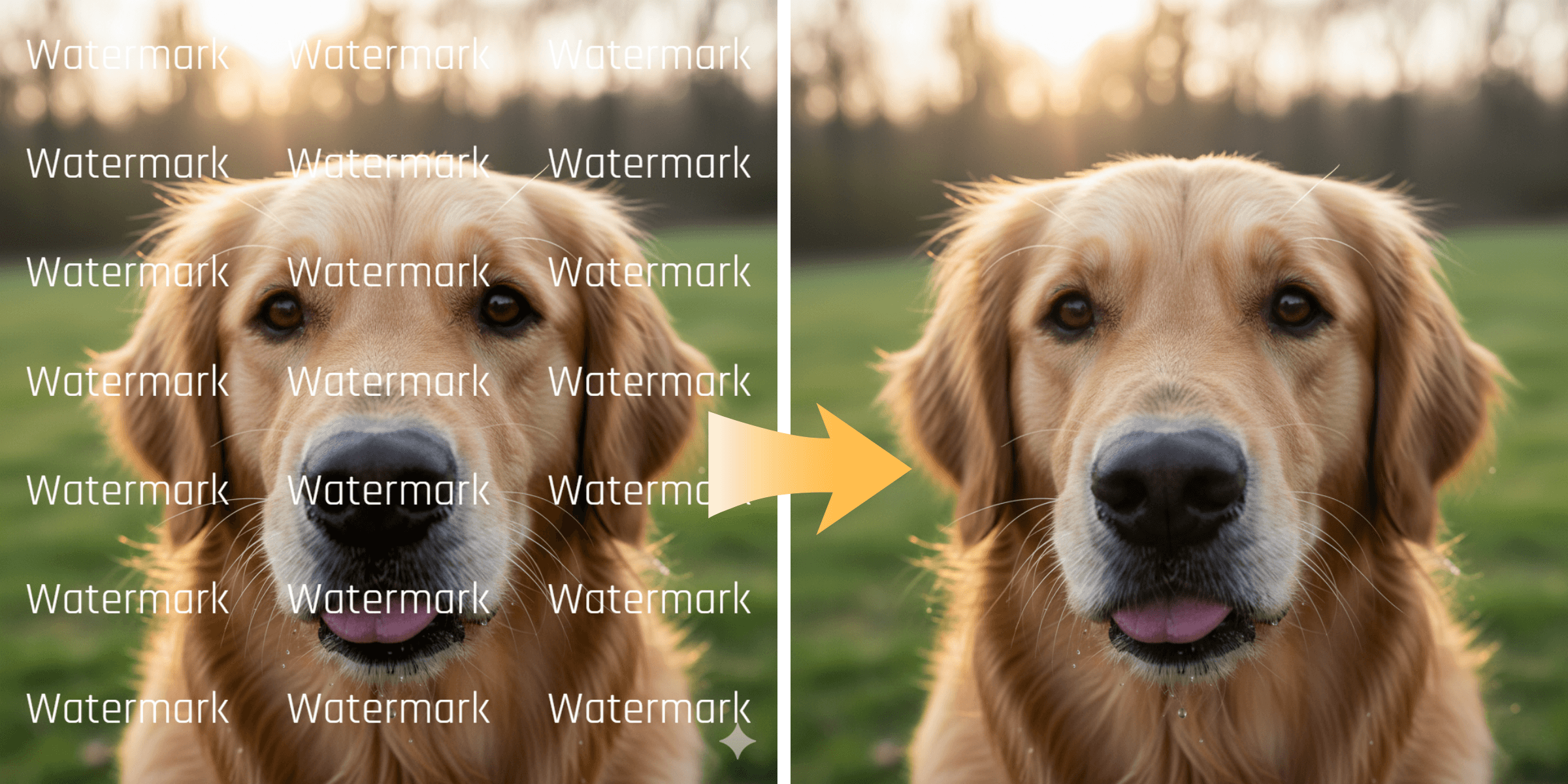
Instead of leaving visible artifacts, the AI blends the corrected area into the scene so the edit looks seamless.
How to Remove Text from a Video on AIAI
Using AIAI’s video text remover is designed to be straightforward.
Step 1: Upload Your Video
Upload the video that contains subtitles, watermarks, or unwanted text.
Step 2: Let AI Detect the Text
The AI scans the video and identifies text areas automatically.
Step 3: Remove and Process
Once detected, the system removes the text and reconstructs the background across frames.
Step 4: Download the Clean Video
After processing, you can download the video with the text removed and ready for use.
Real Use Cases for AI Video Text Removal
1. Cleaning Up Social Media Content
Creators often reuse clips from older videos, but they may include outdated captions or overlays.
An AI video text remover helps remove those elements quickly so the clip can be reused on platforms like TikTok, Instagram, or YouTube.
2. Removing Watermarks from Stock Footage
Sometimes a draft video contains watermark text that shouldn’t appear in the final version. AI-based tools can remove the watermark area and restore the background.
3. Fixing Subtitles in Recorded Videos
Recorded presentations, tutorials, or interviews may include subtitles that need adjustment or removal.
Instead of re-recording the entire video, AI editing can remove the original text and allow creators to add new captions later.
Why AI Video Editing Is Becoming Essential
Video content is now produced faster than ever. Creators often need quick edits without spending hours in professional editing software.
AI video tools help by automating complex processes such as:
- removing objects
- fixing visual artifacts
- cleaning up overlays like text
This allows creators to focus more on storytelling and less on technical editing.
Clean Up Your Videos in Seconds
Unwanted text shouldn’t ruin an otherwise great video.
With AIAI’s video text remover, creators can instantly remove captions, labels, and watermarks while maintaining natural video quality. The AI handles the heavy lifting, allowing users to produce clean, professional visuals with minimal effort.
For anyone working with video content—whether social media creators, marketers, or editors—AI text removal provides a faster and smarter editing workflow.
Learn how to remove watermarks from video without installing any app. By leveraging AI Video Inpainting on AIAI.com, you can Read more
Struggling with stubborn watermarks on your videos? Learn how to remove watermark on video seamlessly using AI-powered tools like AIAI.com Read more

Looking for a reliable text remover from video free tool? I tested AIAI.com to erase TikTok watermarks and hardcoded subtitles. Read more
Remove unwanted logos, social media stamps, and trial watermarks from your clips. Learn how WatermarkRemover.aiai uses AI to easily clean Read more