If you’ve ever downloaded a video from TikTok, you’ve probably noticed that moving watermark bouncing around the screen.
At first, it doesn’t seem like a big deal. But the moment you try to repost that video on platforms like Instagram Reels or YouTube Shorts, it suddenly feels… a bit off.
That’s exactly why more people are looking for a TikTok watermark remover—especially ones powered by AI. And after actually trying one (like the AIAI tool), I kind of get the hype now.
Why Removing TikTok Watermarks Actually Matters
This isn’t just about aesthetics (although yeah, it does look cleaner).
Here’s when it really makes a difference:
- You’re reposting your own content across platforms
- You want a more professional-looking video
- The watermark blocks part of the visuals
- You’re building a content page or brand
A clean video just gives you more flexibility. No distractions, no weird floating logo.
The Problem with Traditional Methods
Before AI tools, removing a watermark usually meant:
- Cropping the video (and losing part of the frame)
- Blurring the watermark area (which looks obvious)
- Using editing software frame by frame (takes forever)
I’ve tried the cropping method before… and yeah, it works, but your composition is basically ruined.
That’s where AI tools feel like a small upgrade that actually changes the experience.
How AI TikTok Watermark Removers Work
Instead of just hiding the watermark, AI tools do something smarter.
They:
- Detect where the watermark is (even if it moves)
- Analyze the surrounding pixels
- Fill in the background naturally
So instead of a blur or crop, the video looks almost untouched.
It’s one of those things that’s hard to explain until you see it—but the difference is pretty obvious.
My Experience Using AIAI to Remove a Watermark
I didn’t expect much at first, but the workflow on AIAI is surprisingly simple.
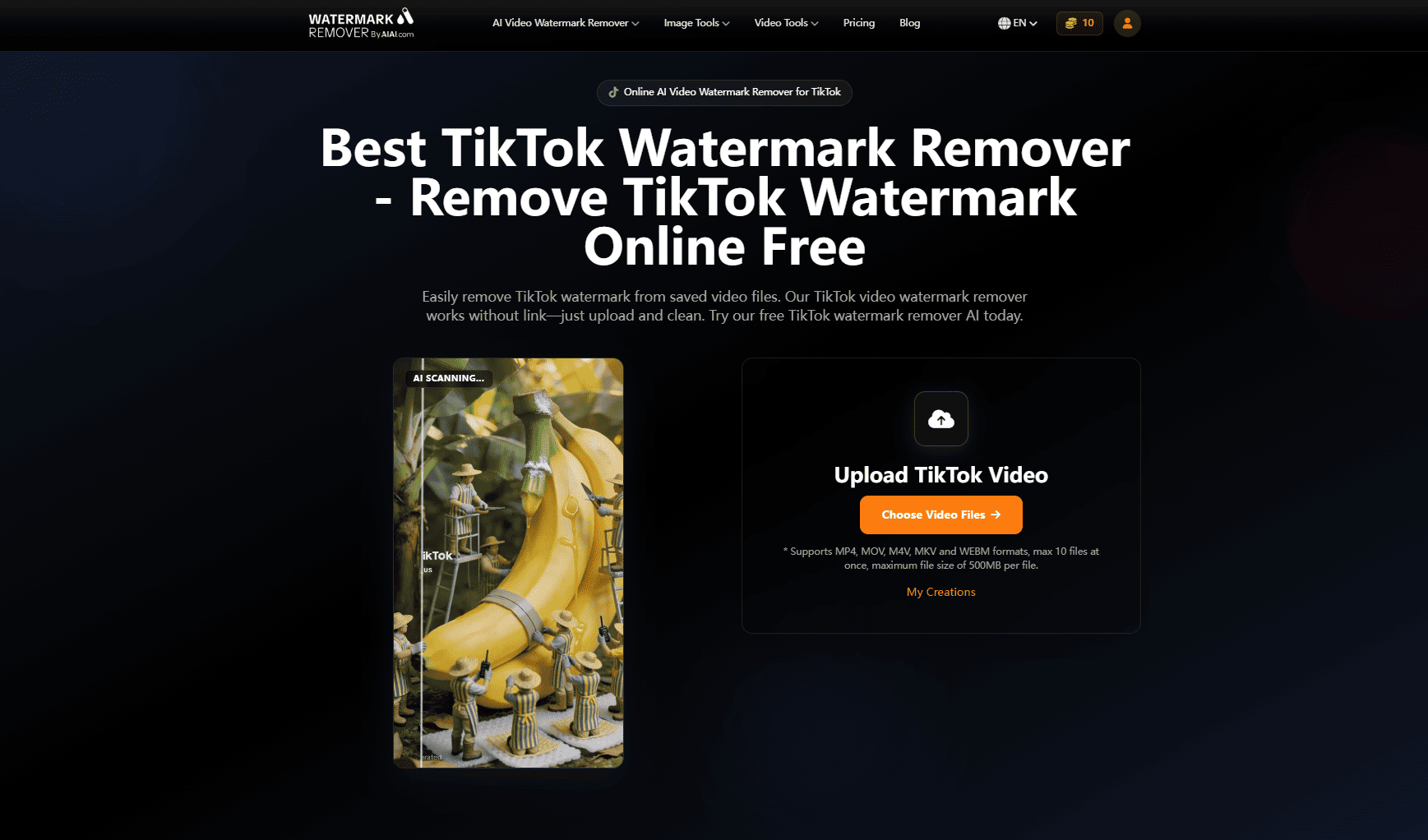
The interface basically walks you through it in three steps:
1. Save & Upload
You download the TikTok video and upload it into the tool. Nothing complicated here—just drag and drop.
2. AI Auto-Detection
This is the part I liked the most. The AI automatically identifies the watermark, logo, or text overlay.
No need to draw boxes or manually select anything.
Even the moving watermark? It tracks it without issues.
3. Download
After processing, you can preview the result and download a clean version of your video.
That’s it. No editing timeline, no learning curve.
It honestly feels less like “editing” and more like clicking a cleanup button.
What I Noticed After Using It
A few things stood out right away:
No Cropping Needed
The full video frame stays intact, which makes a big difference.
Better Quality Than Expected
I was expecting some blur or weird patches, but most of the time it looked pretty natural.
Fast Processing
It only takes a few seconds, even for longer clips.
Beginner-Friendly
You don’t need any editing skills at all.
When You’ll Actually Use a TikTok Watermark Remover
If you only download videos occasionally, you might not care much.
But if you:
- Post regularly on multiple platforms
- Manage social media accounts
- Create short-form content
- Run a blog or brand page
Then this becomes one of those tools you keep using without thinking about it.
Is It Okay to Remove Watermarks?
Quick note here, because it does come up.
- If it’s your own video, you’re completely fine
- If it’s someone else’s content, it’s better to get permission before reposting
The tool itself isn’t the issue—it’s just about how you use it.
Final Thoughts
A TikTok watermark remover might sound like a small thing, but once you start repurposing content, it actually becomes pretty useful. And with AI tools like AIAI, the whole process feels much easier than it used to be—no cropping, no manual edits, no hassle.
It’s one of those low-effort upgrades that quietly makes your content look cleaner and more flexible. And yeah… after trying it once, it’s kind of hard to go back.

Introduction A few weeks ago, I was working with a small product team trying to quickly visualize a new workspace Read more

AI watermark remover from video instantly with AI. AIAI.com’s video-to-video watermark remover cleans footage while preserving motion and visual quality.
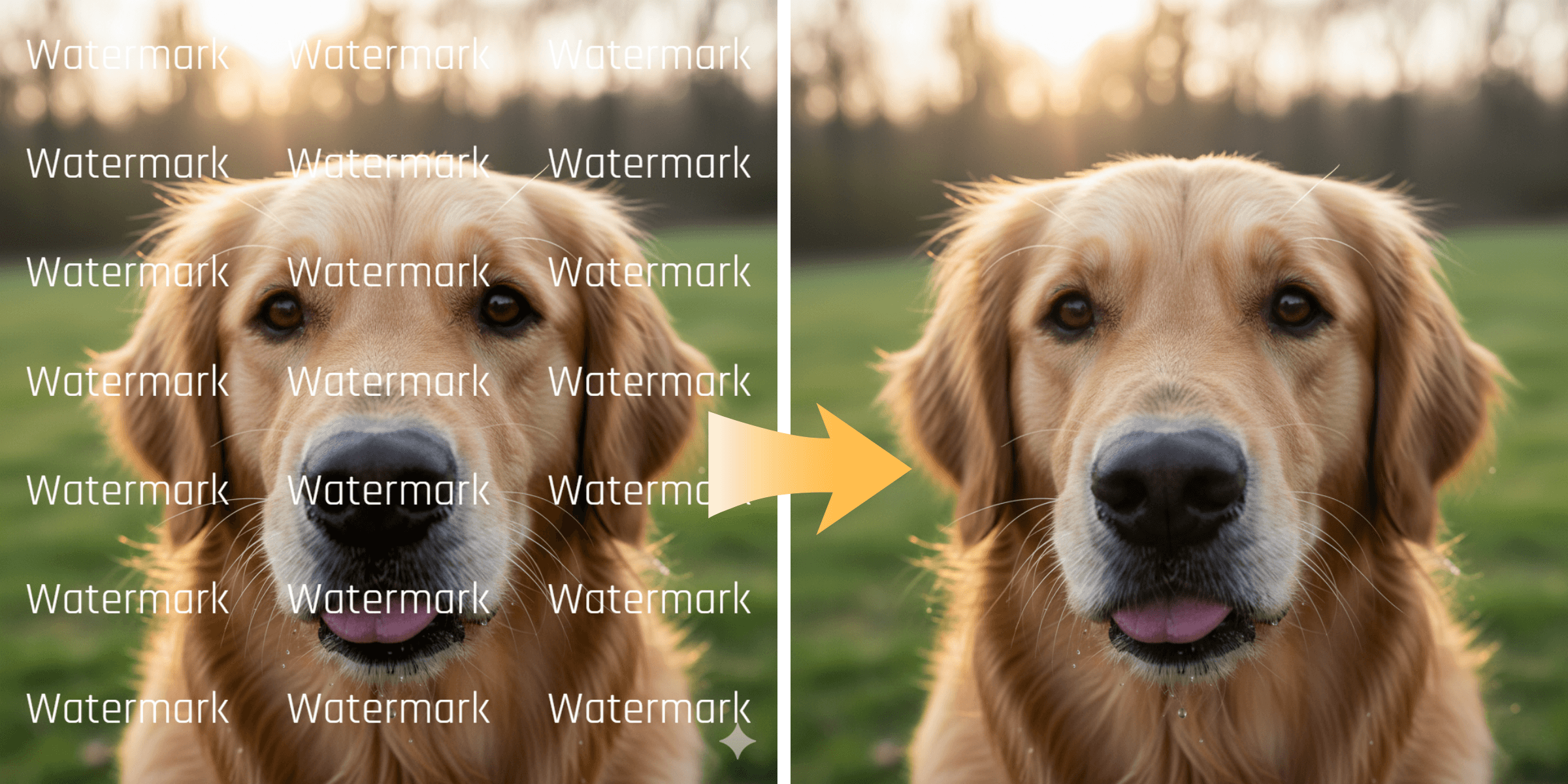
Remove unwanted logos, social media stamps, and trial watermarks from your clips. Learn how WatermarkRemover.aiai uses AI to easily clean Read more

ChatGPT-5 Technical Analysis: Core Capabilities and Applications Guide ChatGPT-5 has officially launched after much anticipation and many development iterations. This Read more


