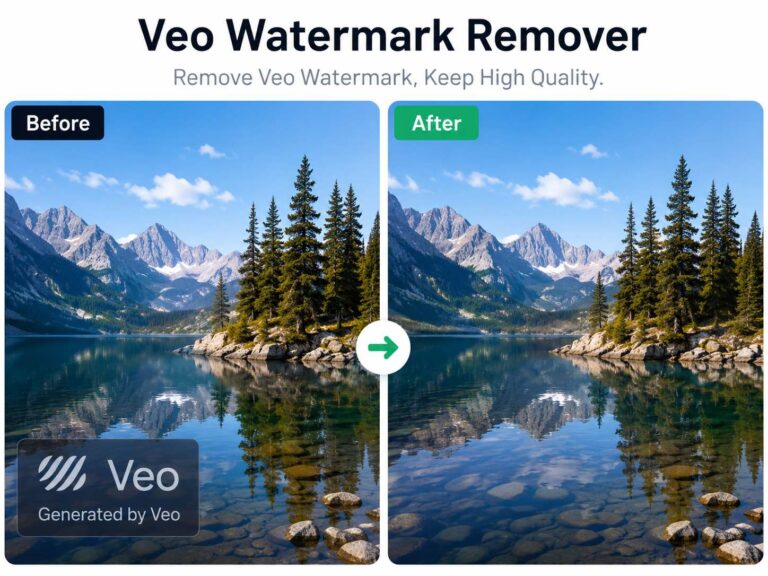
Remove Logos from Videos Easily with Gemini Logo Remover
When working with existing video content, tools like Gemini Logo Remover have become essential for creators who need to remove logos without starting over.
Whether it’s an outdated watermark, unwanted branding, or a logo placed in the wrong position, removing it manually can take hours—or require rebuilding the entire video. That’s why more creators are use AIAI.com to turning to AI-powered solutions to clean up visuals quickly while keeping the original footage intact.
Why Removing Logos from Video Is Still a Pain Point
Even experienced editors run into the same issue: logos are easy to add, but difficult to remove.
The main challenge isn’t just covering the logo—it’s maintaining visual consistency. Logos often sit on top of:
- moving backgrounds
- textured surfaces
- important visual elements
Even experienced editors run into the same issue, logos are easy to add
In video, this becomes even more complex because every frame needs to match seamlessly.
How AI Tools Like Gemini Logo Remover Approach the Problem

Instead of relying on manual masking or blurring, AI tools analyze the surrounding content and reconstruct the missing area.
This process typically includes:
- detecting the logo across frames
- understanding motion and lighting changes
- rebuilding the background naturally
The goal is not just removal—but making it look like the logo was never there.
Real Use Cases
Updating Old Content for New Campaigns
Scenario:
A brand wants to reuse previously published video content, but the original footage includes outdated logos or branding.
How it helps:
Instead of reshooting or editing from scratch, tools like Gemini Logo Remover can clean up the visuals, making the content ready for reuse across new campaigns.
Cleaning Watermarks from Draft or Licensed Clips
Scenario:
A creator is working with preview clips or draft exports that contain visible watermarks.
How it helps:
AI-based logo removal can eliminate these overlays, allowing the footage to be used in presentations or early-stage edits without distractions.
What Makes AI-Based Logo Removal More Practical
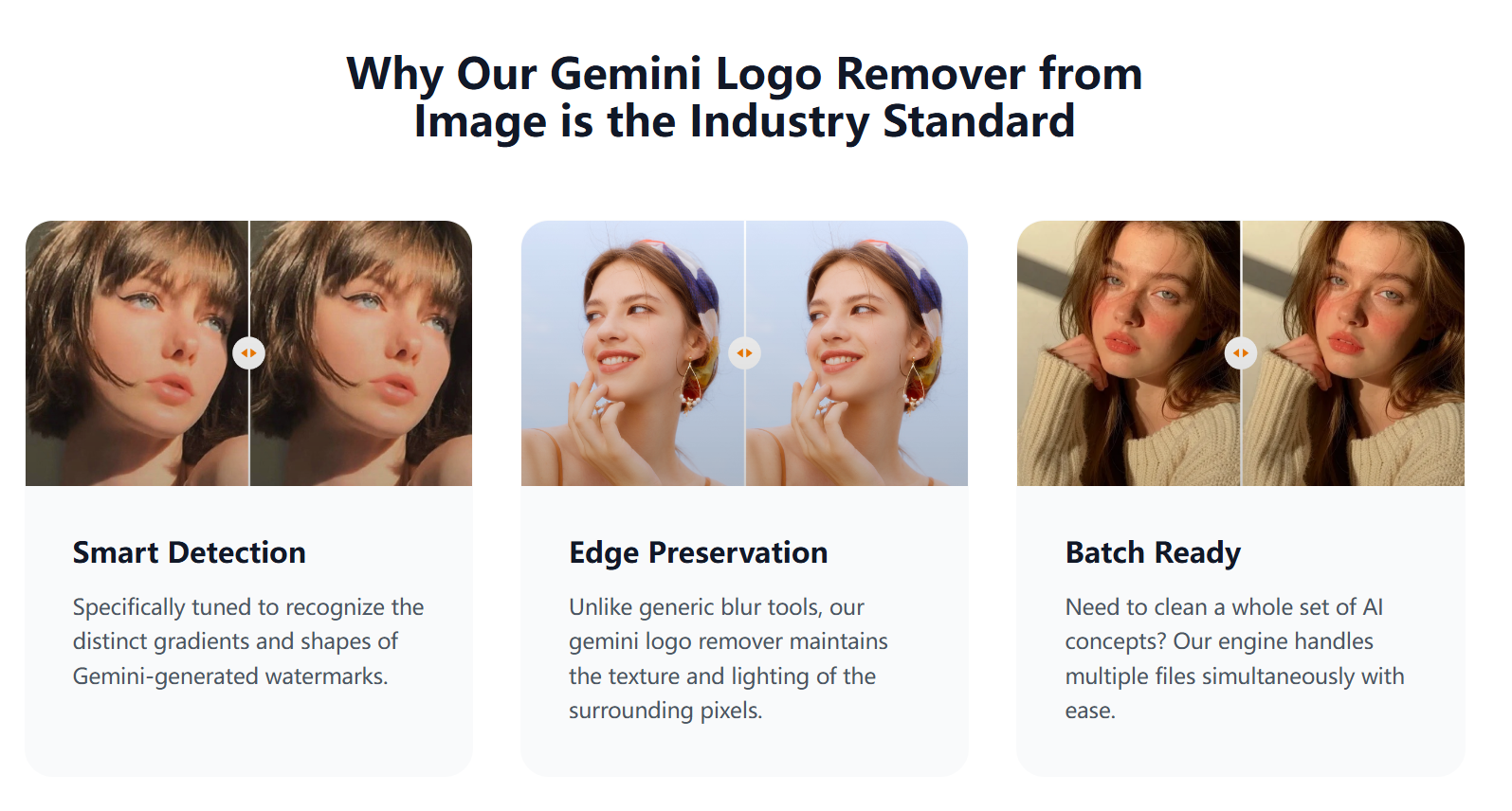
Compared to traditional methods, AI tools reduce the need for:
- frame-by-frame editing
- complex masking workflows
- manual reconstruction
This makes the process:
- faster
- more consistent
- accessible to non-experts
A More Efficient Way to Work with Existing Footage
The ability to remove logos without rebuilding content changes how creators approach video editing.
Instead of treating watermarked content as unusable, tools like Gemini Logo Remover make it possible to refine and reuse existing assets efficiently.
As AI continues to improve, tasks like logo removal are becoming less of a technical challenge—and more of a simple step in the workflow.
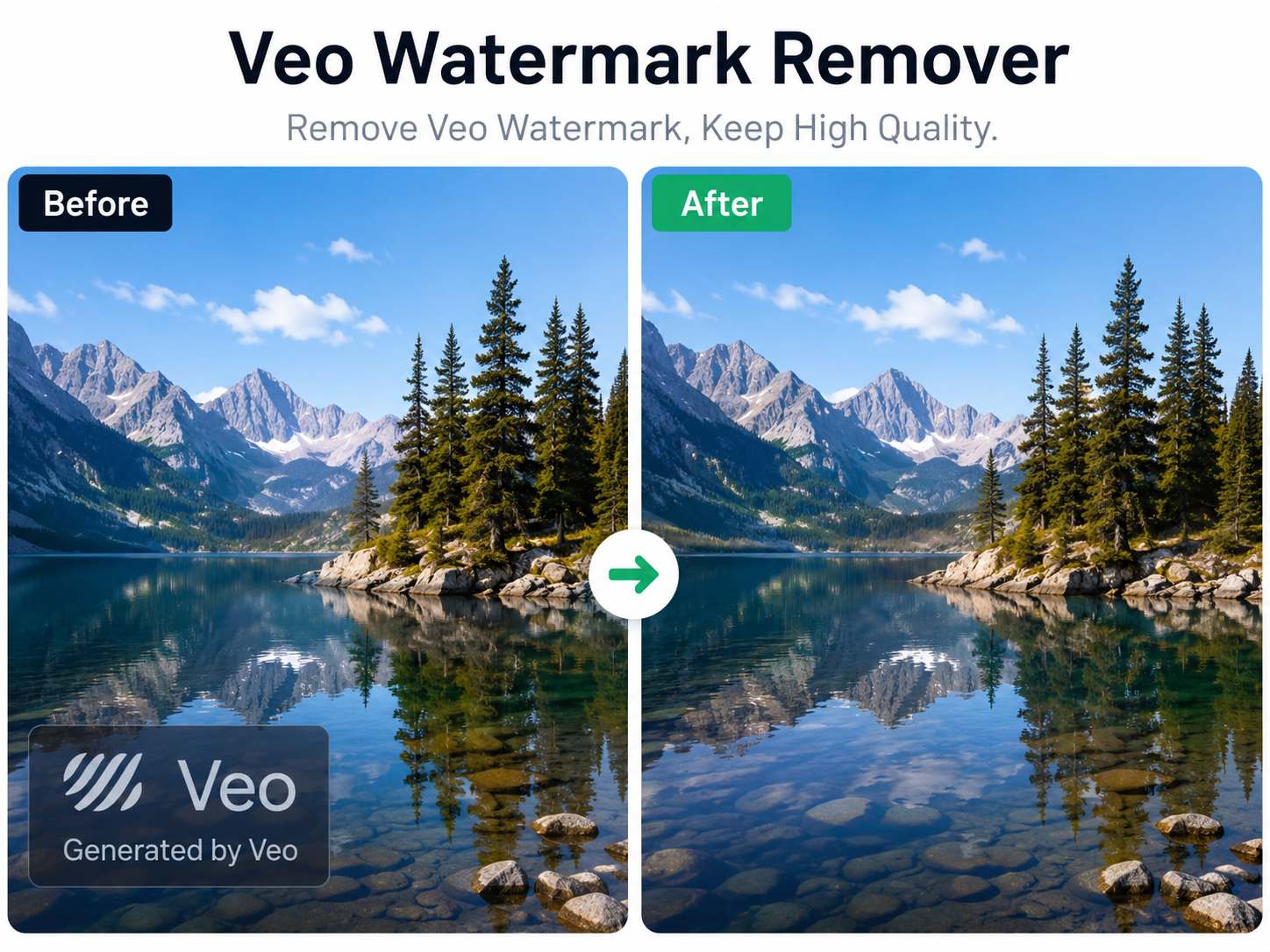
Artificial intelligence has made video creation faster than ever. With Google's Veo model, creators can generate cinematic videos from simple Read more
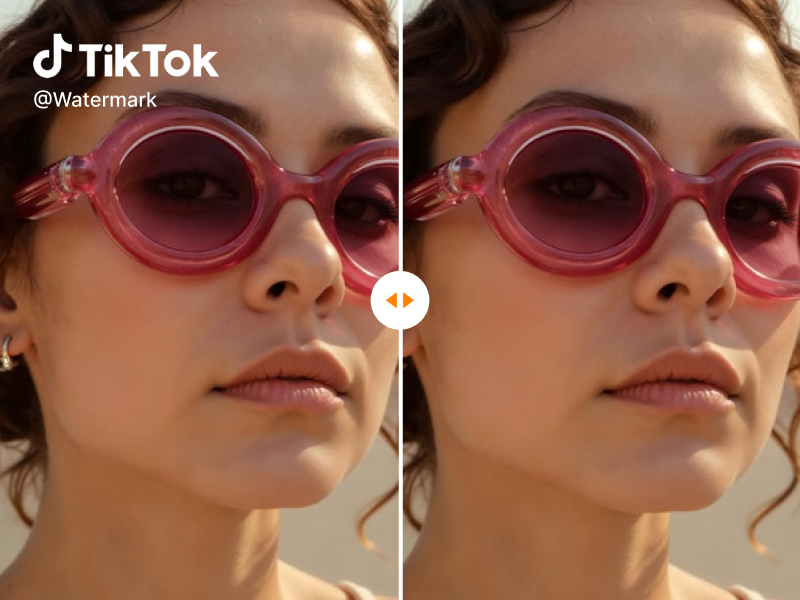
Looking for a reliable free video watermark remover? I tested AIAI.com. It uses AI technology to automatically remove watermarks while Read more
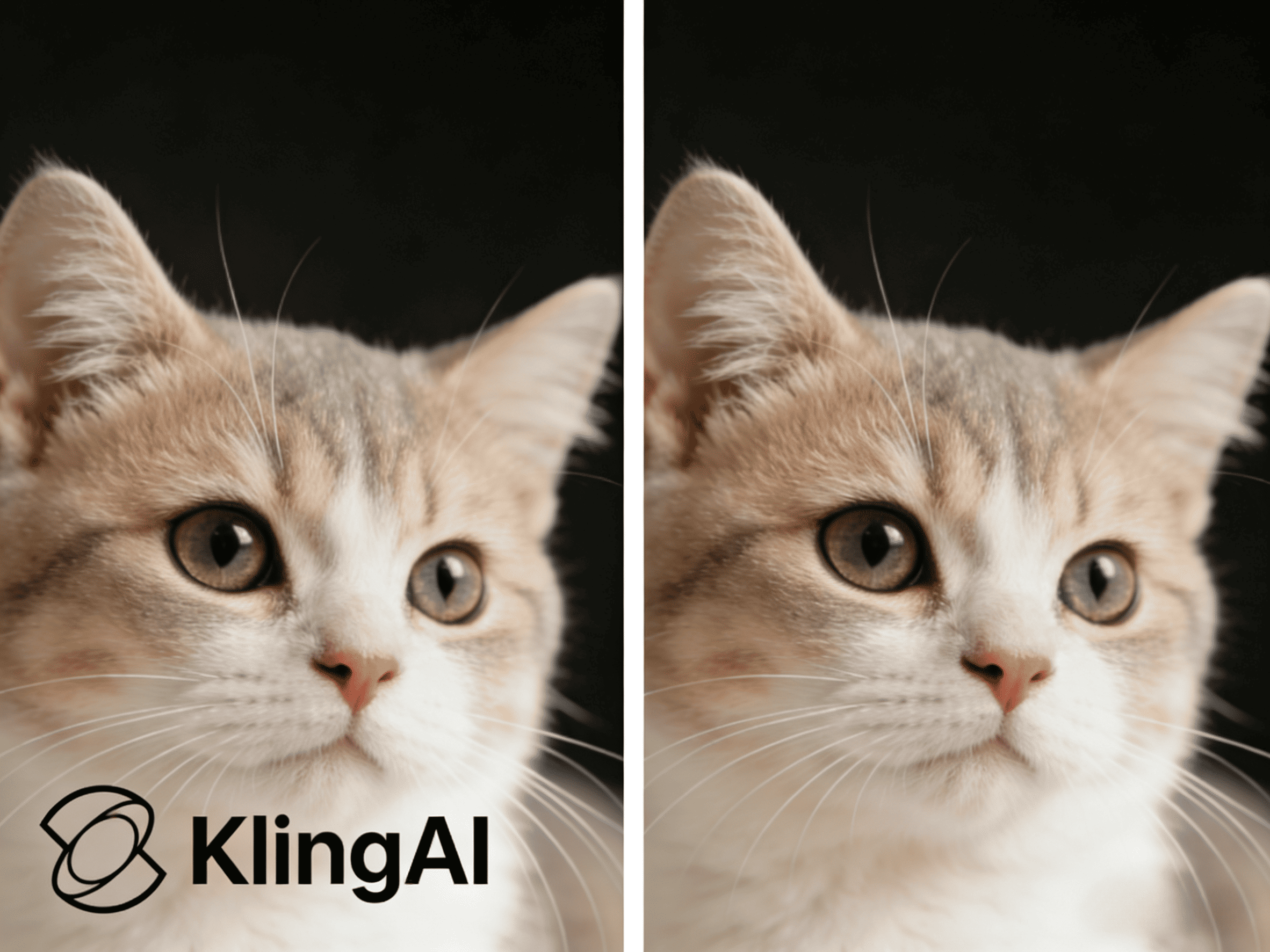
Watermarks often appear on videos generated with Kling AI, which can be inconvenient when sharing or editing content. This guide Read more

Looking for a reliable text remover from video free tool? I tested AIAI.com to erase TikTok watermarks and hardcoded subtitles. Read more