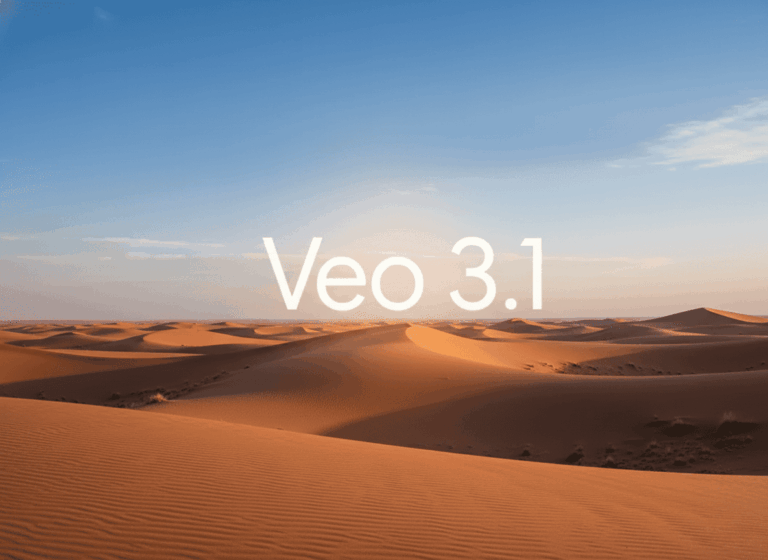
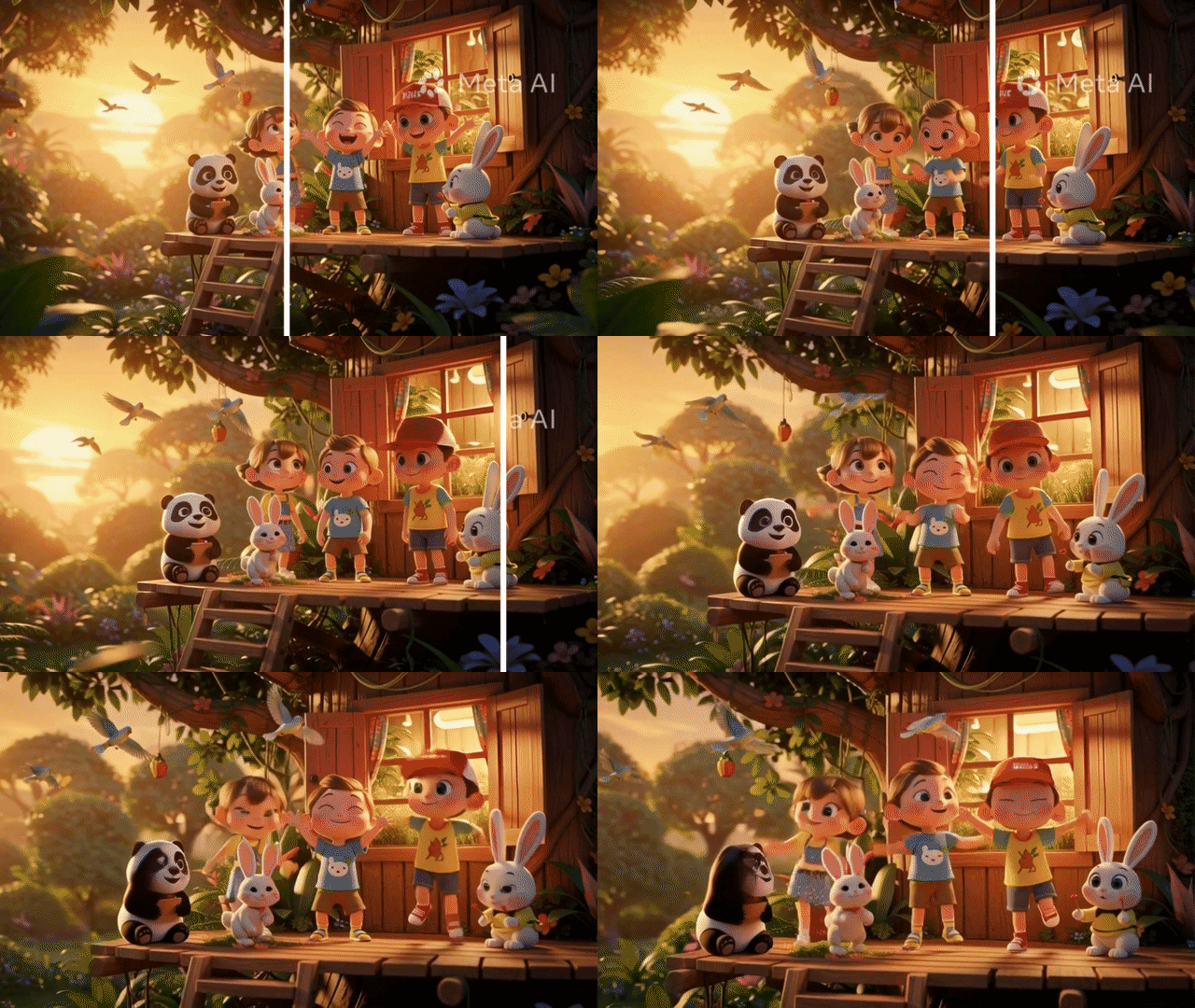
Artificial intelligence has made video creation faster than ever. With Google’s Veo model, creators can generate cinematic videos from simple text prompts in minutes instead of spending hours filming and editing.
However, many users face the same challenge after generating their videos: the visible Veo watermark. Whether you’re creating content for social media, marketing campaigns, client presentations, educational materials, or personal projects, a watermark can make an otherwise professional-looking video appear unfinished. While some users attempt to crop the watermark out, this often damages the video’s composition and reduces visual quality.
That’s where an AI-powered Veo Watermark Remover becomes useful. Instead of manually editing frames or sacrificing part of the video through cropping, modern AI can intelligently remove watermarks while preserving the surrounding content. On AIAI.com users can upload Veo-generated videos, automatically detect watermark areas, and generate cleaner versions without requiring advanced editing skills.
In this guide, you’ll learn how Veo watermark removal works, why AI performs better than traditional methods, and how to remove watermarks from Veo videos quickly while maintaining professional quality.
What Is a Veo Watermark Remover?
A Veo Watermark Remover is a specialized AI tool designed to eliminate visible watermarks from Veo-generated videos.
Traditional watermark removal methods often involve:
- Cropping the frame
- Blurring the watermark
- Covering it with overlays
- Editing frame by frame
These techniques are either time-consuming or produce noticeable visual artifacts.
An AI-powered solution works differently. Instead of simply hiding the watermark, the AI analyzes the surrounding image information and reconstructs the missing area. This process allows the original scene to remain intact while removing distracting elements.
For creators who want a cleaner final result, AI watermark removal offers a faster and more professional workflow.
Why Do Users Want to Remove Veo Watermarks?
The growing popularity of AI-generated video content means more creators are encountering watermarks in their exported files.
Here are the most common reasons users search for a Veo Watermark Remover.
Professional Presentation
A watermark can distract viewers from the message you’re trying to communicate.
Whether you’re:
- Presenting to clients
- Publishing marketing content
- Building a portfolio
- Creating educational resources
clean visuals often create a stronger impression.
Better Social Media Performance
On platforms like:
- TikTok
- Instagram Reels
- YouTube Shorts
- Facebook Reels
screen space is limited. Removing unnecessary visual elements helps keep attention focused on the content itself.
Preserve Original Composition
Cropping is often the first solution people try.
Unfortunately, cropping can:
- Cut off important visual elements
- Change framing
- Reduce resolution
- Damage cinematic composition
AI removal preserves the full frame.
How AI Removes Watermarks from Veo Videos
Understanding the technology helps explain why modern AI tools can produce cleaner results.
Step 1: Watermark Detection
The AI identifies the watermark’s location within the video.
It recognizes:
- Text overlays
- Logos
- Embedded branding elements
without requiring frame-by-frame manual editing.
Step 2: Scene Analysis
After locating the watermark, the AI examines surrounding areas.
It analyzes:
- Colors
- Textures
- Edges
- Motion patterns
to understand what should exist behind the watermark.
Step 3: Content Reconstruction
Using advanced generative algorithms, the system recreates missing visual information.
This process is often referred to as inpainting. Rather than covering the watermark, AI generates new pixels that blend naturally into the scene.
Step 4: Video Export
The cleaned video is rendered and exported.
The result is a video that appears more natural and visually consistent than basic blur or crop-based methods.
How to Remove a Veo Watermark Using AIAI.com
One reason creators choose AIAI.com is its simplified workflow.
You don’t need professional editing experience to get started.
Upload Your Veo Video
Begin by uploading your video file.
Supported workflows typically include common formats such as:
- MP4
- MOV
- WebM
Let AI Detect the Watermark
AIAI.com’s AI automatically identifies watermark regions.
This saves time and reduces the need for manual selection.
Remove the Watermark
Once detected, the AI reconstructs the affected area.
The system intelligently fills missing details while preserving visual consistency.
Download Your Clean Video
After processing is complete, simply export and download the watermark-free version.
The entire process can take only minutes depending on video length and resolution.
Tips for Better Watermark Removal Results
Following a few best practices can improve output quality.
Upload the Original Export
Whenever possible, use the original Veo-generated file.
Additional compression can reduce AI reconstruction accuracy.
Use High-Resolution Videos
Higher-resolution footage contains more information, making it easier for AI to generate convincing results.
Avoid Repeated Re-Exports
Each export can introduce compression artifacts. Working from the original source generally produces cleaner results.
Review Before Publishing
While AI can generate impressive results, reviewing the final video helps ensure everything looks natural before sharing.
Higer resolution footage contains more information, making it easier for AI to generate convincing results. each export can introduce compression artifacts. working from the original source generally produces cleaner results.
Common Challenges When Removing Veo Watermarks
No technology is perfect.
Certain scenarios may require additional processing.
Watermarks Over Moving Subjects
Fast-moving people, animals, or vehicles can be more difficult to reconstruct accurately.
Highly Detailed Backgrounds
Complex textures such as:
- Crowds
- Forests
- Cityscapes
may require more advanced reconstruction.
Low-Quality Source Videos
If the original video is heavily compressed, AI has less information available for generating missing content.
Starting with higher-quality footage generally produces better results.
Final Thoughts
As AI-generated video becomes increasingly popular, more creators are searching for efficient ways to improve their final output. A Veo Watermark Remover offers a smarter alternative to cropping, blurring, or manual editing. By using AI to detect and reconstruct watermark areas, creators can preserve the original composition while producing cleaner, more professional-looking videos.
Whether you’re creating social media content, marketing campaigns, educational resources, or creative projects, AIAI.com’s AI-powered Veo Watermark Remover helps simplify the process and save valuable editing time.
Instead of sacrificing quality or spending hours in video editing software, you can upload your Veo-generated video, let AI handle the heavy lifting, and download a cleaner result in just a few clicks.
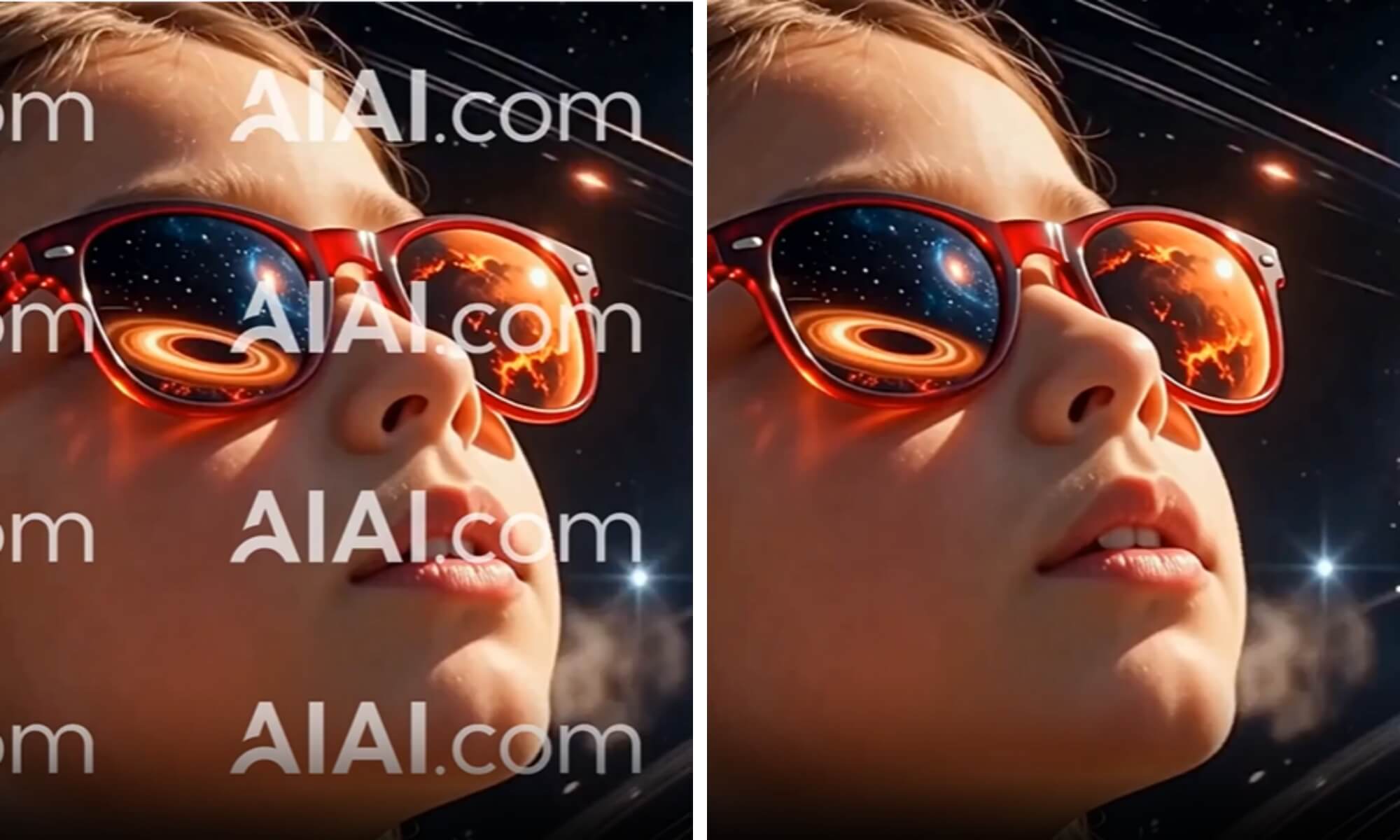
Stop cropping your videos to hide logos. I tested a new AI tool that auto-detects and removes watermarks without ruining Read more

Learn how to remove watermarks from video without installing any app. By leveraging AI Video Inpainting on AIAI.com, you can Read more

Need to clean up your Veo clips? I found the only watermark remover that handles complex motion and rain physics. Read more
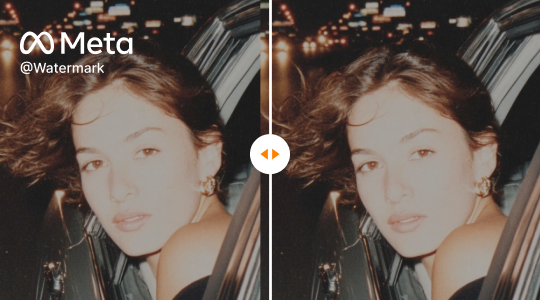
Effortlessly remove Meta watermarks from your videos using AIAI.com's AI video-to-video technology. Preserve original quality and clarity for professional, unbranded Read more