I’ve always liked the look of traditional pencil drawings. A simple graphite sketch can make a portrait feel personal, while a few rough lines can turn an ordinary photo into something that looks like it belongs in a sketchbook. The problem is that creating a convincing pencil drawing by hand takes time and practice.
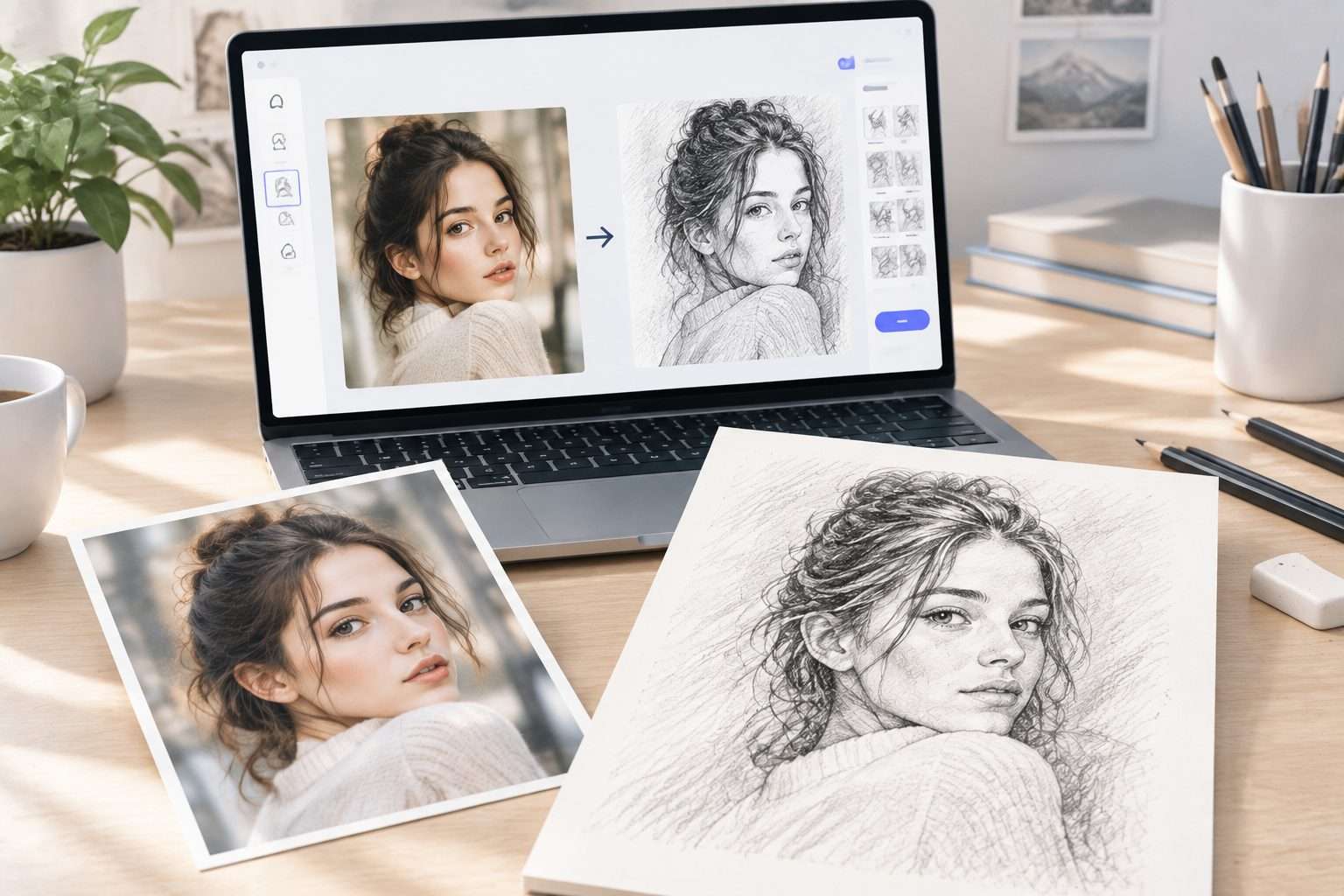
That’s where an AI Pencil Drawing Generator can help. You can start with a text prompt or an existing image, choose the kind of sketch you want, and let AI handle the drawing process. I compared several popular options to see what each one is actually good at, from realistic portraits to more artistic pencil styles.
Best AI Pencil Drawing Generators at a Glance
| Tool | Best For | Photo to Sketch | Style Control | Ease of Use |
|---|---|---|---|---|
| AIAI AI Pencil Drawing Generator | Realistic AI pencil sketches | ★★★★★ | ★★★★★ | ★★★★★ |
| Adobe Firefly | Professional AI sketch creation | ★★★★☆ | ★★★★★ | ★★★★☆ |
| Fotor AI Sketch Generator | Turning photos into sketches | ★★★★★ | ★★★★☆ | ★★★★★ |
| Picsart SketchAI | Mobile sketch and AI art | ★★★★☆ | ★★★★☆ | ★★★★☆ |
| Canva AI | Design and sketch workflows | ★★★☆☆ | ★★★★☆ | ★★★★★ |
| Midjourney | Artistic pencil styles | ★★★★☆ | ★★★★★ | ★★★☆☆ |
These ratings are a practical comparison of how directly each tool fits a pencil-drawing workflow. They are not a ranking of the platforms overall. Some are dedicated sketch tools, while others are broader AI image-generation or design platforms.
What Is an AI Pencil Drawing Generator and How Does It Work?
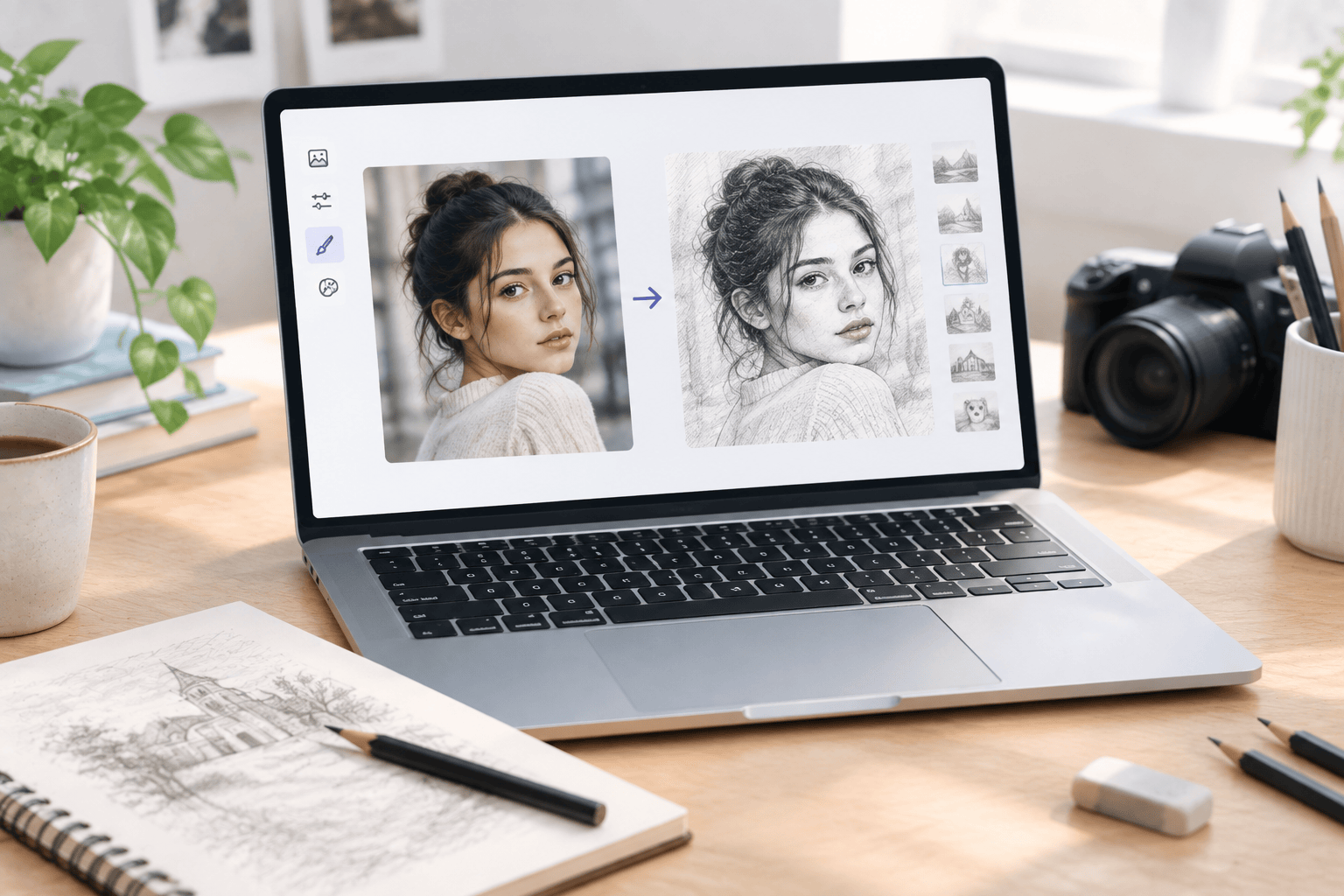
An AI pencil drawing generator uses image-generation or image-transformation technology to create artwork that resembles a traditional pencil drawing.
Depending on the tool, you can usually begin in one of two ways. You can describe what you want with a text prompt, or you can upload an existing image and ask the tool to transform it into a sketch.
The AI then analyzes the visual information and generates an image using elements associated with pencil artwork, such as graphite shading, outlines, cross-hatching, contrast, and different line weights.
This makes the technology useful for more than simple photo filters. You can create portraits, landscapes, animals, architectural sketches, concept drawings, and completely new scenes from a description.
6 Best AI Pencil Drawing Generators to Create Realistic Pencil Sketches
1. AIAI AI Pencil Drawing Generator — Best Overall Tool for Creating AI Pencil Sketches
AIAI AI Pencil Drawing Generator is the first tool I would look at if your main goal is creating pencil-style artwork without dealing with a complicated design workflow.
What I like about this type of dedicated generator is the straightforward process. You can start with a text prompt or upload a photo, then adjust drawing-related parameters before generating the result. The available options include styles such as graphite, charcoal, and cross-hatching, along with controls related to line weight and contrast.
That gives you more control over the final appearance than simply applying a generic black-and-white filter. You can also use it for different categories of artwork, including portraits, landscapes, animals, still life, architecture, and botanical subjects.
If you’re specifically searching for an AI Pencil Drawing Generator Free option, AIAI is also worth checking because its generator is available to use without requiring a traditional drawing workflow.
Pros:
- Supports both text-to-image and image-to-image generation
- Designed specifically around pencil drawing and sketch creation
- Offers several sketch styles and drawing parameters
- Simple workflow for beginners
- Useful for portraits, objects, landscapes, and other subjects
Cons:
- Less suitable if you need a complete graphic design editor
- Advanced users may want more extensive post-generation editing tools
2. Adobe Firefly — Best Professional AI Sketch Generator
Adobe Firefly is a broader generative AI platform rather than a pencil-only tool, but it can be useful when you want more control over the visual direction of a generated sketch.
You can work with text prompts and reference images, and Adobe provides sketch-oriented styles such as pencil sketch, line art, crosshatching, and shading. This makes Firefly a practical choice when the pencil effect is only one part of a larger creative project.
Pros:
- Strong prompt and style controls
- Supports reference images
- Useful for broader creative workflows
Cons:
- More complex than a dedicated pencil generator
- Some features depend on Adobe’s current generative AI access and usage limits
3. Fotor AI Sketch Generator — Best for Turning Photos into Pencil Drawings
Fotor is a convenient option if your main goal is turning an existing photo into a sketch. Its AI sketch workflow is built around uploading an image and selecting an appropriate sketch style.
This makes it especially useful for profile photos, portraits, and other images where you already have the subject and simply want to change its visual treatment.
Pros:
- Simple photo-to-sketch workflow
- Good fit for portrait images
- Easy for beginners to understand
Cons:
- Less focused on creating completely new scenes from scratch
- Available features and usage limits can vary by account and plan
4. Picsart SketchAI — Best for Mobile Sketch and AI Art Creation
Picsart SketchAI takes a slightly different approach. Instead of focusing only on traditional pencil conversion, it combines sketch creation with a broader AI-art workflow.
That makes it interesting if you want to experiment with different interpretations of a sketch rather than simply reproduce a photograph as a realistic graphite drawing. It can also make sense for people who already use Picsart for editing and social content.
Pros:
- Combines sketch generation with a larger creative ecosystem
- Useful for experimenting with different AI-art styles
- Convenient for mobile-oriented creative workflows
Cons:
- Not as focused on traditional pencil realism as dedicated sketch tools
- Some functionality may depend on the current app and account setup
5. Canva AI — Best for Design and Sketch Workflows
Canva’s AI sketch and drawing tools are useful when the sketch is going into a larger design rather than being the final image by itself.
For example, you might want to create a rough visual from a sketch and then place it inside a presentation, social media graphic, poster, or other design. Canva is particularly convenient for that kind of workflow because generation and layout can happen in the same environment.
Pros:
- Easy to combine generated visuals with other design elements
- Beginner-friendly interface
- Useful for presentations and social media designs
Cons:
- Not a dedicated photo-to-pencil generator
- Sketch generation is only one part of the broader Canva workflow
6. Midjourney — Best for Artistic Pencil Drawing Styles
Midjourney is better suited to people who care about the artistic interpretation of a pencil drawing rather than simply converting a photo into graphite.
You can use image prompts alongside text prompts and describe the medium you want, such as graphite pencil, rough pencil lines, detailed cross-hatching, or hand-drawn sketch textures. The results can be highly stylized, which is useful for concept art and visual experimentation.
The trade-off is that Midjourney requires more prompt experimentation. If all you want is a quick photo-to-pencil conversion, a dedicated sketch generator can be simpler.
Pros:
- Strong artistic style generation
- Supports image prompts
- Good for creative and conceptual pencil artwork
Cons:
- Requires more prompt experimentation
- Less direct for simple photo-to-sketch conversion
How to Create a Pencil Drawing with AI in Just a Few Steps
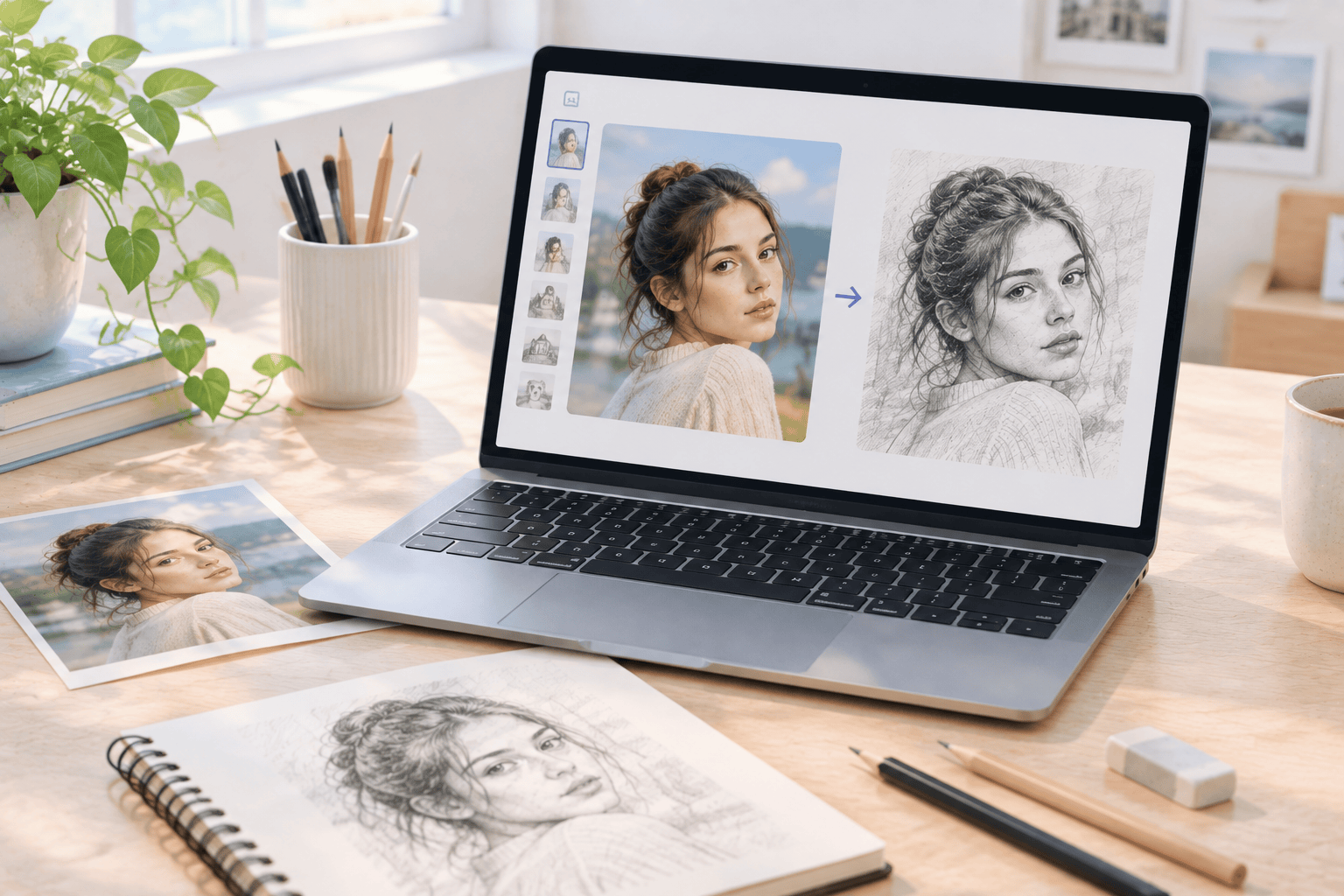
If you’re new to AI sketch tools, the process is usually much easier than it sounds. Here’s a simple workflow you can use with a dedicated AI pencil generator.
Step 1: Choose a Photo or Write a Prompt
Start by deciding what you want to create. If you already have a portrait, pet photo, object, or landscape, upload the image if your chosen tool supports image-to-image generation.
If you want something completely new, write a text prompt describing the subject and the drawing style.
Step 2: Choose the Pencil Style
This is where the final result can change quite a bit. Look for options related to graphite, charcoal, cross-hatching, line weight, shading, or contrast.
For a realistic portrait, I would usually keep the prompt fairly specific and avoid piling on too many style descriptions. A simple instruction such as “detailed graphite pencil portrait with natural shading and visible pencil texture” gives the generator a clear direction.
Step 3: Generate and Refine the Result
Generate the first version and check the areas that matter most to you. Look closely at the eyes, hands, hair, facial contours, and small details if you’re working with a portrait.
If something looks too smooth or too digital, adjust the prompt or sketch settings and generate another version. Small changes can make a noticeable difference in the amount of pencil texture and shading.
How to Choose the Right AI Pencil Drawing Generator for Your Needs
There isn’t one tool that fits every pencil-drawing project. I would choose based on what you actually want to make.
- For straightforward pencil sketches: A dedicated tool such as AIAI is easier to focus on because the workflow is built around sketch generation.
- For professional creative workflows: Adobe Firefly gives you broader generative image controls.
- For converting photos: Fotor is particularly straightforward when your starting point is an existing image.
- For mobile AI art: Picsart can be useful if you want sketching alongside other creative effects.
- For designs and social content: Canva makes sense when the generated artwork will become part of a larger layout.
- For highly artistic results: Midjourney is worth considering if you’re comfortable experimenting with prompts.
Another thing I would check is how much control you have after the first generation. If you’re making a quick profile image, simplicity may matter more than advanced controls. If you’re creating concept art or a detailed illustration, style and prompt control become much more important.
Frequently Asked Questions About AI Pencil Drawing Generators
Can AI turn a photo into a pencil drawing?
Yes. Many AI image tools support image-to-image generation or dedicated photo-to-sketch workflows. You can upload a photo and select or describe a pencil style, depending on the platform.
What is the best AI Pencil Drawing Generator for beginners?
A dedicated generator is generally easier for beginners because you don’t have to work through a large design or image-generation interface. AIAI, for example, combines photo or prompt input with drawing-style controls in a relatively direct workflow.
Can I create a pencil drawing from text?
Yes. Tools that support text-to-image generation can create pencil-style artwork from a written description. Your prompt can include the subject, composition, medium, shading, and level of detail.
Is there an AI Pencil Drawing Generator Free?
Yes, some AI sketch tools offer free access or free usage options, although limits can vary between platforms and can change over time. If you specifically want a free option, check the current usage terms of the tool before starting a large project.
Can AI create realistic pencil portraits?
Yes. AI can create realistic-looking pencil portraits, especially when you provide a clear source image or a detailed prompt. However, small facial features and other fine details can still vary between generations, so it is worth checking the result carefully.
Final Thoughts: Which AI Pencil Drawing Generator Should You Choose?
The right tool depends mostly on the kind of sketch you want to create. If your main goal is a straightforward pencil-drawing workflow, a dedicated generator can save you from working through unnecessary design features. If you want broader creative control, platforms such as Adobe Firefly or Midjourney give you more room to experiment.
For someone specifically looking for an AI Pencil Drawing Generator, I would start with AIAI’s AI Pencil Drawing Generator. It keeps the workflow focused on sketch creation while supporting both text and image inputs, which covers most of the basic use cases I would expect from this type of tool.
The nice thing about AI pencil generation is that you don’t need to know how to draw before you start experimenting. A photo, a simple idea, and a few good style instructions can be enough to produce something that feels much closer to a hand-drawn sketch.

What is Nano Banana AI Image Generator - A Full Understanding What is Nano Banana? In the field of artificial Read more
Planning your big day? Use the best AI Wedding Photo Generator to try on dresses, visualize venues, and create stunning Read more
Finding a reliable AI Body Generator can be challenging because creating realistic full-body AI images requires more than just generating Read more

Animated emojis are becoming a new way to express emotion online. AI Image to Animated Emoji makes it easy to Read more