We are two weeks out from Valentine’s Day. You know what that means.
Your feed is about to be flooded with the exact same three photos:
- The blurry “dinner at a dark steakhouse” pic.
- The “look at these flowers he bought me” story.
- The photo montage set to that one emotional audio trending right now.
Look, I’m not hating. It’s cute. But it’s also… a lot of the same.
If you are looking for something new this year, you need to hop on the AI Couple Trend. It’s a fun way to see what you and your partner would look like if you lived in a completely different universe.
Here is how to take that selfie sitting in your camera roll and turn it into different characters using our AI powered filters and AI image generator, Nano Banana Pro.
Step 1: Choose Your Aesthetic (3 Viral Styles)
We have a few preset styles. You can pick the one that matches your relationship energy.
1. The Disney Pixar AI Look
The Vibe: Golden Retriever Boyfriend x Black Cat Girlfriend.
This is the style you’ve seen all over TikTok. It takes your photo and gives it that glossy, 3D animated couple look. Everyone ends up adorable. Even if you’re hungover in the original photo, you’ll look like a Pixar-level Prince Charming here.
- Best for: The “Soft Launch” (if you want to show you’re dating someone but want to be a little mysterious about it).

2. The Tim Burton Style Filter
The Vibe: Deadly but Romantic
If your idea of a romantic date is watching horror movies or reading gothic novels next to each other, skip the Disney look. Go for the Tim Burton character creator instead. Everything turns spindly, gothic, and moody. Very Corpse Bride, very Nightmare Before Christmas.

3. The Studio Ghibli Anime Filter
The Vibe: Cottagecore and Chill.
This one is just pretty. It turns your photo into that soft, Ghibli anime style portrait. Think green fields, fluffy clouds, and that peaceful main-character energy.
- Best for: Printing it out and putting it on a card, because your mom would genuinely think it’s lovely.

Step 2: Advanced AI Prompts for Couples (Nano Banana Pro)
Okay, the filters are cool, but they are technically just “filters.” If you want to actually change the scenario: like, if you want to be wearing spacesuits or standing in a cyberpunk city, you need to use more advanced AI image generator tool like Nano Banana Pro.
This tool can completely rewrite the reality around you while still keeping your features. I played around with it this morning; here are three AI prompts I used. You can just copy-paste these.
🧬 The “Cyberpunk Date Night”
Use this if you want to look cool.
Prompt: Cinematic shot of a couple wearing futuristic techwear jackets, standing in a rainy cyberpunk city street at night, neon pink and blue signs reflecting in puddles, Blade Runner aesthetic, highly detailed.
🎬 The “Period Drama Romance” (Bridgerton Vibe)
Use this if you want to look like the main characters of a romance novel.
Prompt: Regency era oil painting of a couple attending a royal ball, soft pastel colors, wisteria flowers in background, wearing intricate silk ballgown and velvet tuxedo, romantic lighting, Bridgerton art style, dreamy and elegant.
⚡ The “Super Couple” (Marvel/DC Style)
Use this if you want to look heroic.
Prompt: Cinematic shot of a superhero couple standing on a rooftop overlooking a metropolis, wearing armored tactical suits with glowing neon accents, epic cape blowing in wind, dramatic lighting, Marvel movie poster aesthetic, hyper-realistic.

Tips for the Best AI Results
AI is powerful, but it’s no magic. To avoid getting a result where you have seven fingers or a melting eye, keep these in mind:
- Don’t hide your face: If your hand is covering your chin in the photo, the AI won’t know where your face ends. Use a clear shot.
- Lighting matters: If your selfie is super grainy and dark, the result will probably be weird. Use a photo taken in daylight.
- Have fun with it: If the first one looks goofy, just hit [generate] again.
FAQ: Common Questions about AI Couple Photos
Can I print my AI couple photo for a Valentine’s card?
Yes. Nano Banana Pro generates high-resolution images, so you can print them on cards, canvas, or gifts without losing quality.
Can I use these filters on my pets?
Yes! The Disney Pixar AI dog trend is huge right now. Our model recognizes cats and dogs, so you can turn your pet into a movie character too.
Is it free to use Nano Banana Pro?
We offer free credits so you can try these AI tools without paying. For unlimited high-res generations, you can upgrade the membership.
Do you save the photos I upload?
Privacy is our priority. Your images are processed to generate the artwork and then automatically deleted. We do not use your personal photos to train our public models.
Happy Valentine’s (or Galentine’s) Day. Go make something cool.
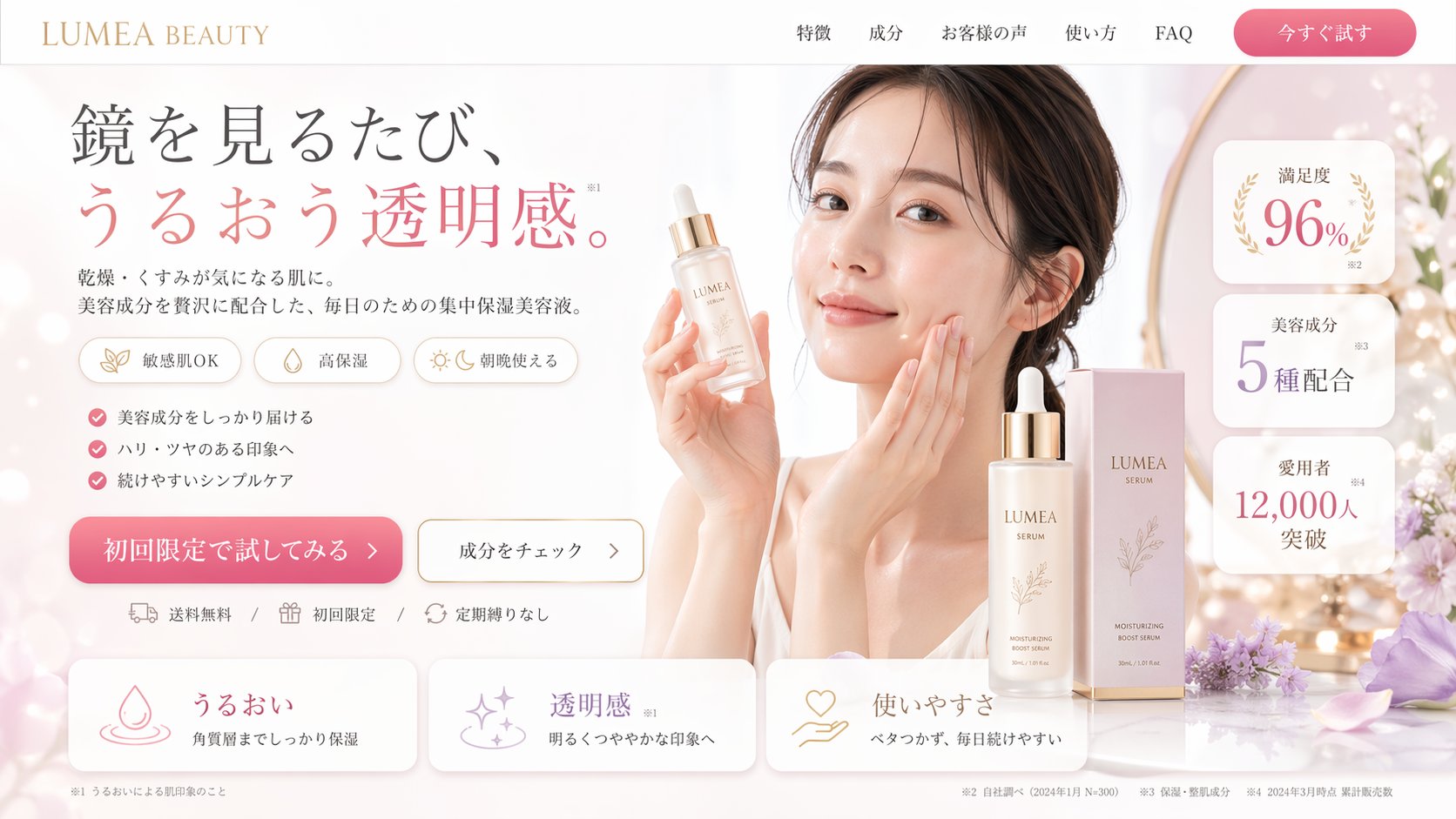
In the past, my workflow for a skincare client was a logistical marathon. Today, it’s a streamlined creative sprint. Let’s Read more
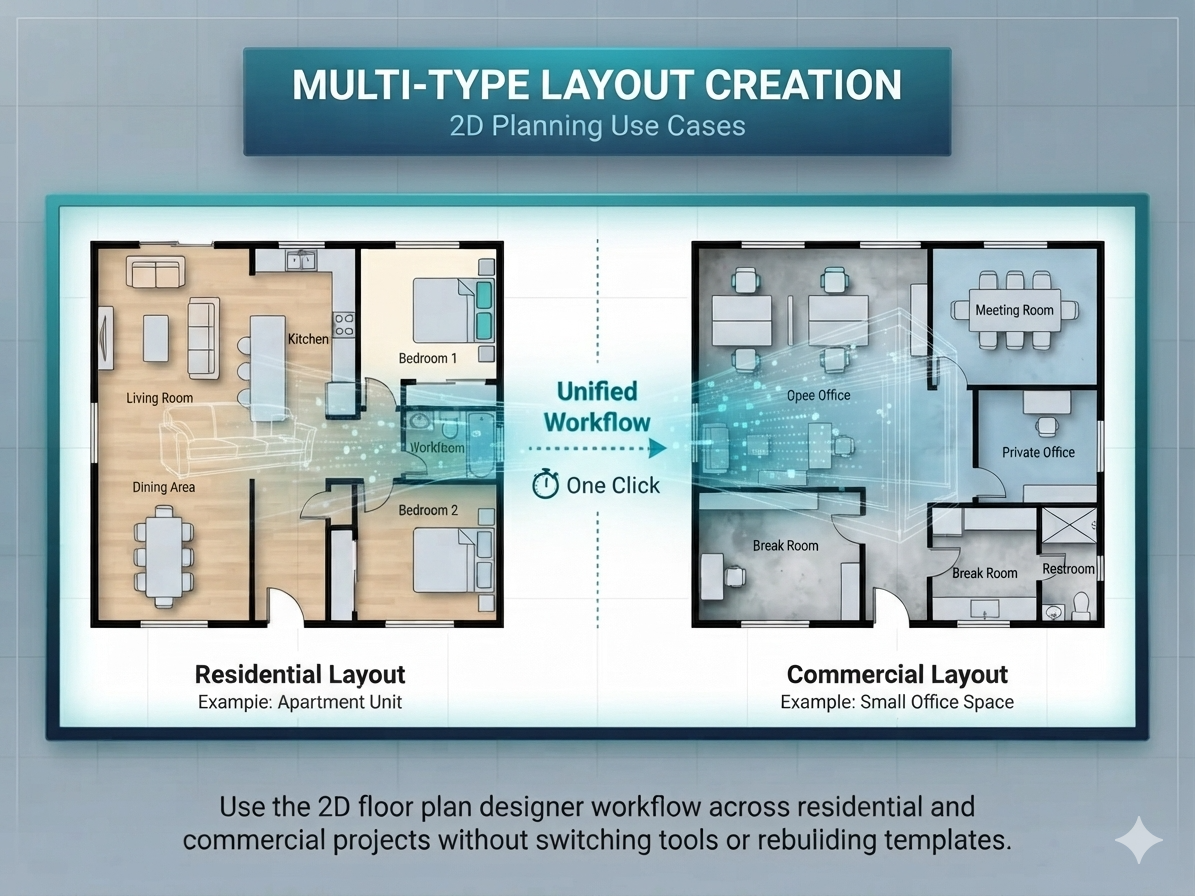
“I've tried downloading a few tools, but they've sucked.” If you’ve ever stared at a blank CAD canvas late at night, Read more
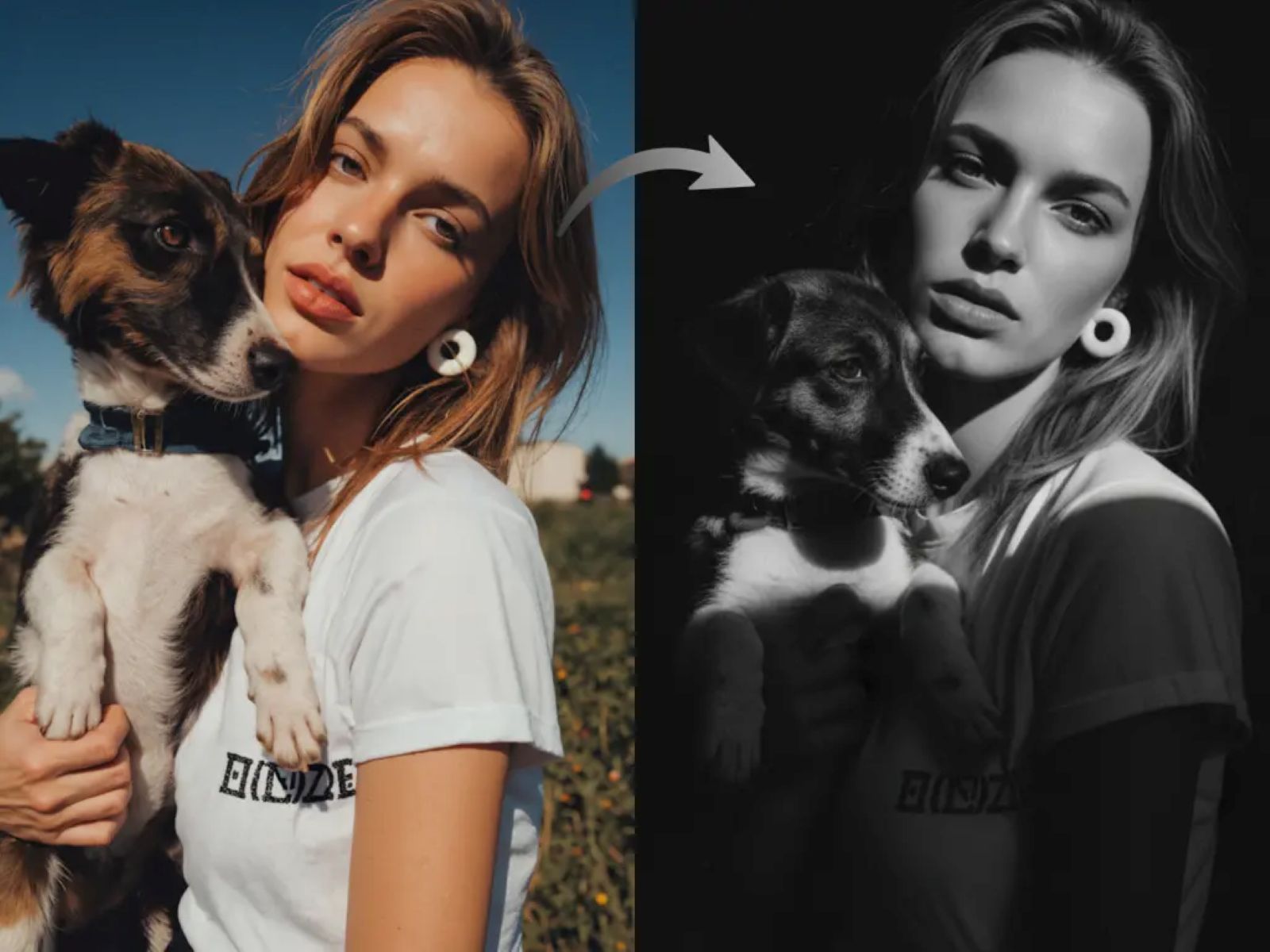
AI Black and White Art Portrait instantly convert your portraits into stunning black and white art using Nano Banana Pro's Read more
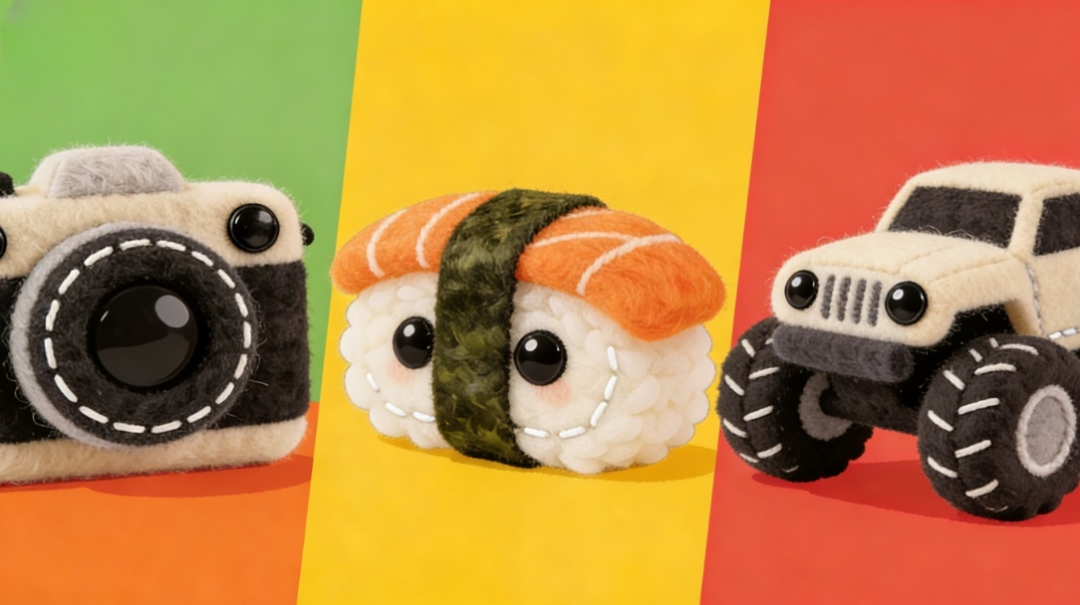
This ultimate guide teaches you to turn anything into cute, hyper-realistic plush toys using Nano Banana Pro AI, mastering specific Read more


