AI Photo Restoration is an automated process that uses deep learning (Generative AI) to repair damaged digital images. It identifies defects like scratches, tears, and blurriness, and intelligently fills in the missing details.
The best tool for this in 2026 is AI Photo Restoration from AIAI.com. It combines scratch removal, facial enhancement, and colorization into a single click, allowing you to restore vintage photos to 4K quality in seconds.

Why Do Photos Degrade?
Physical photographs are biological and chemical time bombs. Over decades, UV light fades the ink, humidity causes mold, and physical handling creates cracks and creases. Even if you keep them in a photo frame, they are slowly disappearing.
In the past, saving these photos meant hiring a digital artist. They would spend hours manually using the “Clone Stamp” tool in Photoshop to hide every scratch. This manual labor often cost $30 to $100 per photo.
AI Photo Restoration has democratized this process. It allows anyone with a scanner (or a smartphone camera) to become a professional archivist.
How AI “In-painting” Works
It is important to understand that AI doesn’t just “blur” the scratches. It reconstructs reality.
Our tool is trained on millions of pairs of “damaged” and “pristine” images.
- Detection: The AI scans the image to identify “noise” (scratches, dust, tears).
- In-painting: It looks at the surrounding pixels. If a scratch goes through a suit jacket, the AI generates the texture of the fabric to fill the gap. If it goes through a face, it uses anatomical knowledge to rebuild the skin.
- Upscaling: Finally, it increases the pixel count, turning a small, grainy 4×6 scan into a sharp digital file.
Why Choose AI Over Manual Photoshop?
You might be wondering, “Can’t I just do this in Photoshop?” You can, but the difference in efficiency is staggering. Here is why AI Photo Restoration is becoming the standard for both amateurs and professionals.
- Speed (Seconds vs. Hours): Manual restoration involves zooming in at 400% and clicking on every single dust speck. Restoring a heavily damaged photo can take a skilled artist 2 to 5 hours. With an AI tool, the same process takes about 10 to 20 seconds.
- Face Enhancement
This is the “killer feature” of AI. Old cameras often took blurry photos, especially of moving subjects. Manual editing cannot easily “unblur” a face because the data isn’t there. AI, however, can use facial recognition algorithms to reconstruct sharp eyes, teeth, and skin texture, making your ancestors look clearer than they ever did in the original print. - AI Colorization. This is the emotional hook. Seeing history in black and white feels distant. Seeing it in color feels like now. The AI analyzes the grayscale values to predict accurate colors. It knows that military uniforms were khaki, grass is green, and sky is blue. It breathes life into monochrome moments.
Step-by-Step: Restoring Photos with AIAI.com
Ready to clean up your digital scans? Follow this simple workflow.
Step 1: Digitize Your Physical Prints
Before you can use AI Photo Restoration, you need a digital file.
- Best Method: Use a flatbed scanner at 300 DPI (dots per inch) or higher.
- Easy Method: Use a scanning app on your smartphone (like Google PhotoScan) to take a glare-free photo of the print.
Step 2: Upload to the AI Tool
Go to the AI Photo Restoration page. Drag and drop your image file (JPG, JPEG or PNG).
Step 3: Process & Download
Click generate. Once the processing is complete, you can save the restored image to your device. Now you can share it on social media or print it out to frame.

Comparison: AI vs. Apps vs. Photoshop
| Feature | AI Photo Restoration | Mobile Phone Apps | Photoshop |
| Speed | Instant (~10s) | ~30 Seconds | Slow (30+ Mins per photo) |
| Skill Level | Zero (One-click) | Low (Automated) | High (Professional training) |
| Cost | Free Trial/Affordable | Freemium (Ads) | Expensive |
| Colorization | AI Context Aware | Random Filters | Manual Painting |
Learn how to create unique Christmas cards with AI in 5 easy steps. Use Nano Banana Pro on AIAI.com for Read more
Trying to find an AI video generator that is actually free without holding your creations hostage can feel like a Read more
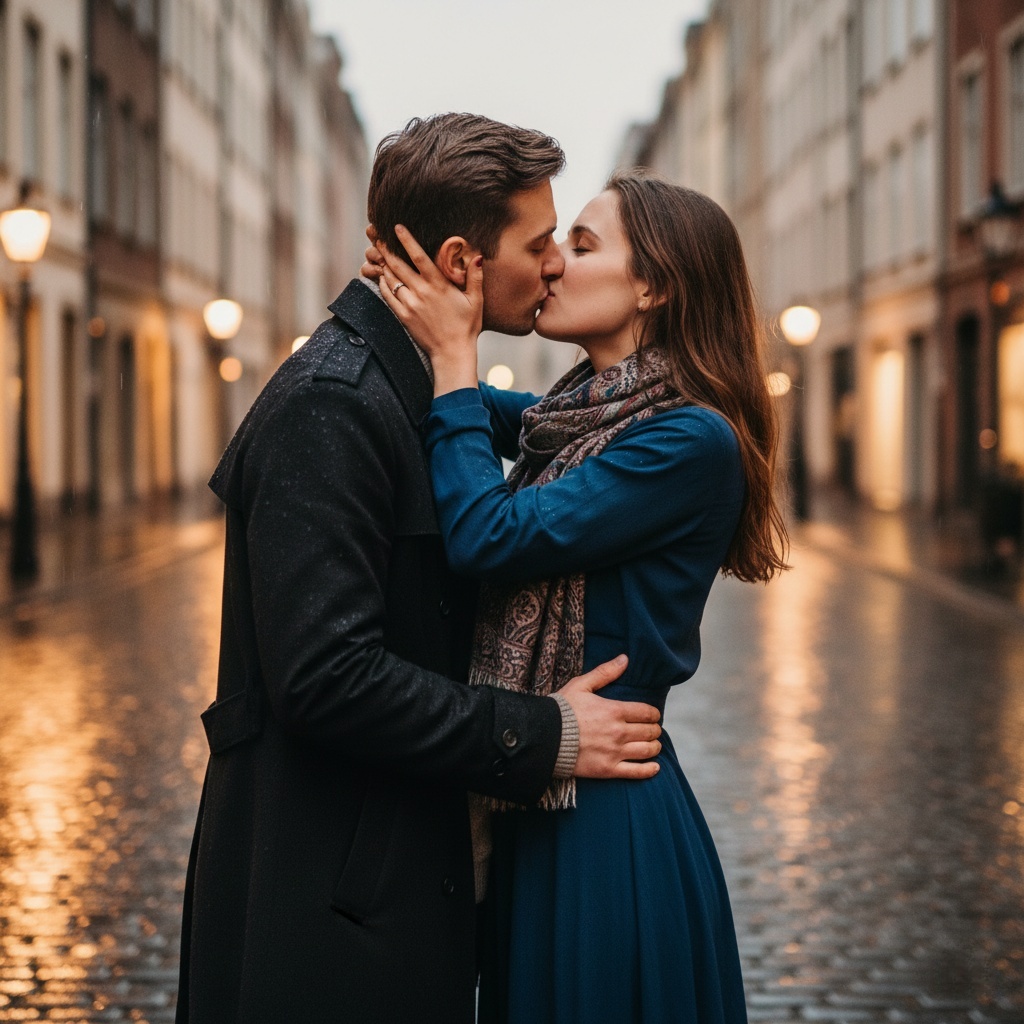
Turn static photos into natural-looking AI kissing videos. Our AI kissing video generator fixes face glitches, keeps identities stable, and Read more
Read our Vidu Q3 review (2026) to see why it’s the best AI video generator for speed. Compare Vidu Q3 Read more


