Every Dungeon Master (DM) knows the struggle. You have spent weeks writing a campaign, designing a dungeon, and crafting the perfect lore. But when the players finally reach the boss room, describing the monster with words isn’t enough. You want to show them the terror.
In the past, unless you were a skilled concept artist or had the budget to commission illustrations, you were stuck using generic images from a Google search.
In 2026, you don’t need a pencil to create fear. You need an AI Monster Generator.
With tools like Nano Banana Pro, you can conjure unique, terrifying, or majestic beasts in seconds. This technology allows you to blend biology, elements, and art styles to create species that have never existed before.
Here is your guide to mastering creature creation with AI.
What is an AI Monster Generator?
An AI Monster Generator is both a specialized text-to-image and image-to-image engine trained on millions of images of animals, insects, mythical beasts, and concept art.
Unlike generic AI tools that might struggle with complex anatomy (like extra limbs or wings), a dedicated creature model understands “Monster Logic”:
- Texture Blending: It knows how to merge scales with fur, or metal with flesh (Cybernetics).
- Anatomy: It can generate distinct body types, from humanoid “Orcs” to amorphous “Slimes” or Eldritch horrors.
- Atmosphere: It adds dramatic lighting and fog to enhance the menacing vibe.
Why Use an AI Monster Generator?
Why is this tool so popular? It’s not just about saving time; it’s about breaking creative blocks.
- Unique Hybrids: The human brain struggles to visualize things it has never seen. AI excels at blending concepts. Want a mix between a T-Rexand a Giant Squid? AI can merge that biology seamlessly.
- Visual Consistency: You can generate an entire bestiary of monsters that share the same art style (e.g., “Dark Fantasy Oil Painting” or “Sketchbook Style”).
- Specific Attributes: Unlike stock photos, an AI Monster Generator listens to your specific lore. If your monster needs “six glowing red eyes and obsidian skin,” you can get exactly that.
Step-by-Step: How to Design the Perfect Beast
Generating a scary monster is easy. Generating a good monster requires a formula. To get professional results from Nano Banana Pro, use this structure:
The Formula: [Base Creature] + [Mutation/Element] + [Art Style] + [Vibe]
Example : The Fantasy Boss (RPG Style)
Prompt:”A colossal golem made of cracked obsidian and flowing magma. Burning core in chest, heavy armor plating. D&D manual art style, oil painting, dramatic rim lighting, epic scale.”

Advanced Technique: AI Monster Generator(Image-to-Image)
Sometimes, you have a rough idea of the shape, but you can’t render the details. This is where Image-to-Image shines.
- Upload Your Reference Image: Go to the AI Monster Generator from AIAI.com and upload your base image. You can upload a picture of your cat, a household appliance (like a vacuum cleaner), or a rough sketch.
- Describe the Prompt: Tell the AI exactly what kind of nightmare you are building. Focus on textures, materials, and vibe. Write prompt of what you want. Prompt Example (Pet to Monster): “Turn this cat into a demon. Horns, red skin, bat wings, fire background.”
- Generate: Click “Generate.” Now you can enjoy your creative monsters.
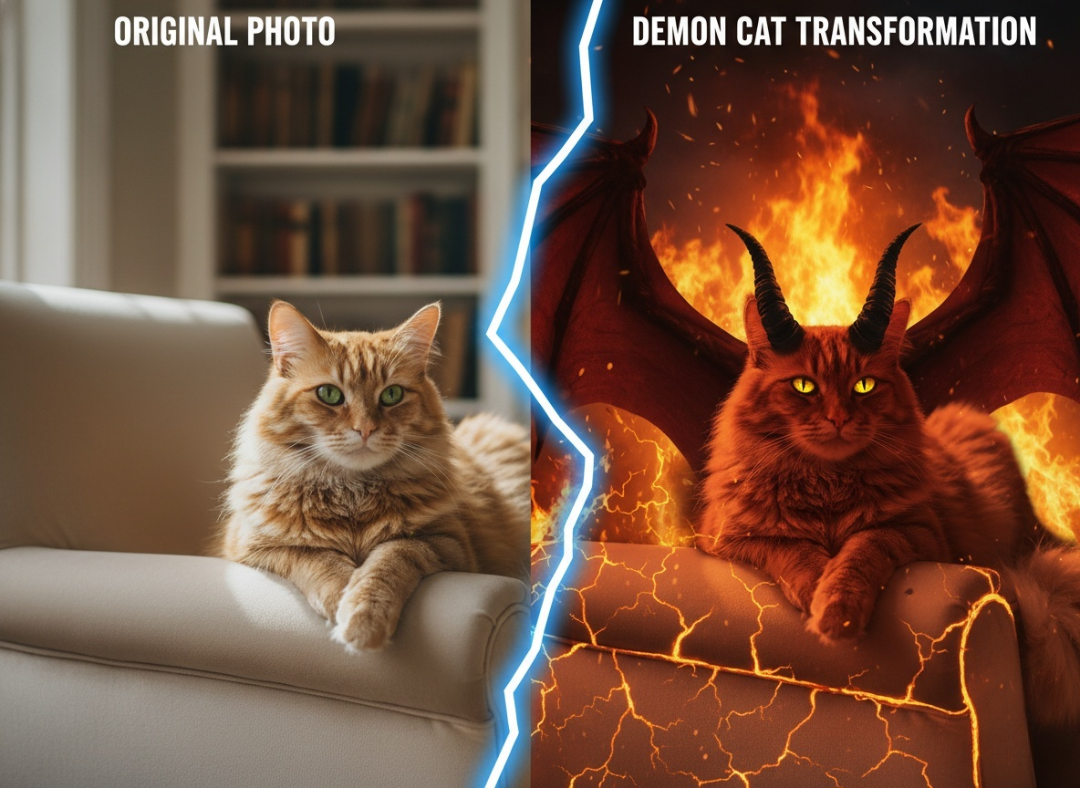
This is an incredibly fun way to create unique creature silhouettes that feel organic because they are based on real-world geometry.
Discover the best AI music generation tools in 2026. Compare AI song generators, music creation platforms, and tools for creating Read more
If you’ve ever tried to create a recurring character using AI, you know the pain. You generate a stunning protagonist Read more
How to Change Eye Color Using AI with Nano Banana Pro Changing eye color in photos used to require manual Read more
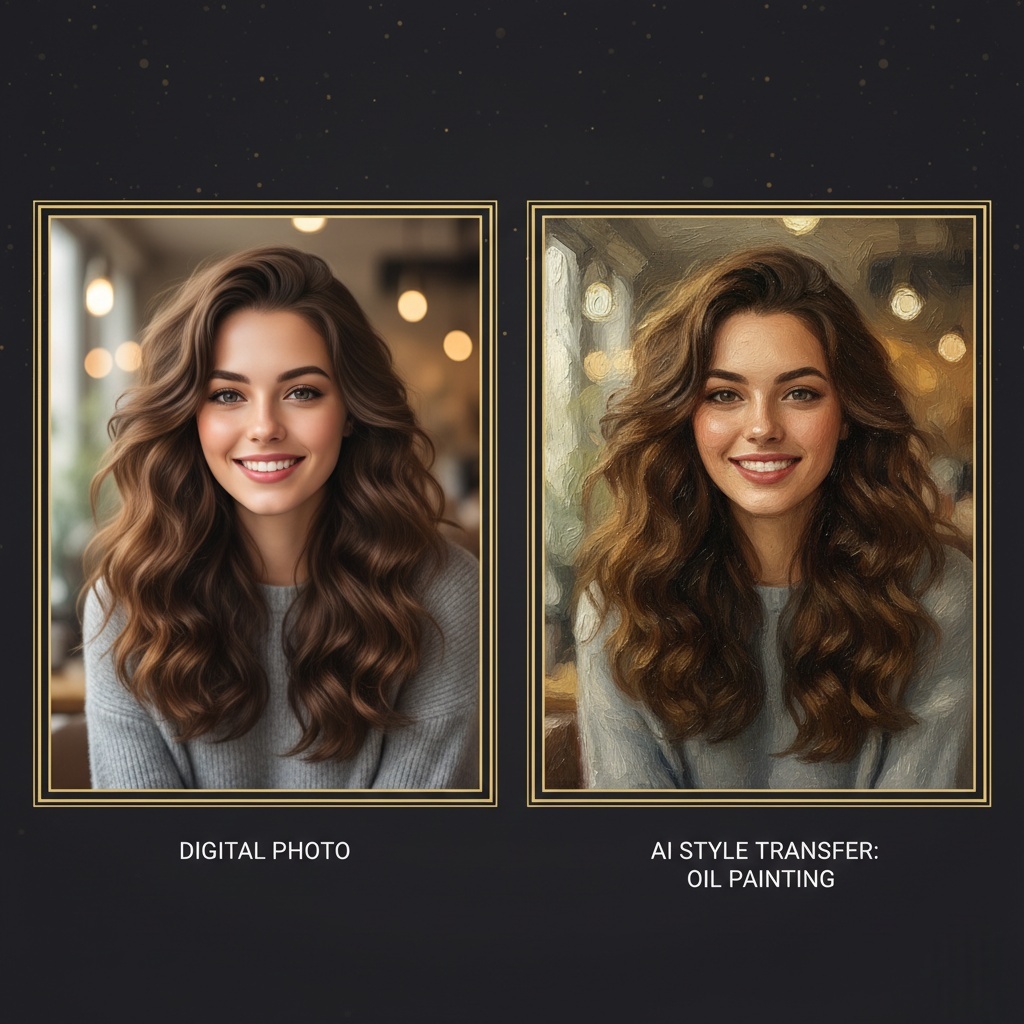
Want to turn a photo to oil painting? Discover the best AI tool to transform your digital images into textured, Read more


