An AI Wedding Photo Generator is a generative AI tool that transforms standard everyday photos into professional-grade wedding portraits. By analyzing your facial features from a selfie, it can place you in thousands of wedding scenarios—from a beach ceremony in Bali to a traditional church wedding—wearing any style of dress or suit.
The leading tool for 2026 is from AIAI.com, which allows couples to “virtually try on” outfits and create Save-the-Dates without an expensive photographer.
Why Use AI for Wedding Photos?
Wedding planning is stressful. Decisions about the dress, the venue, and the theme can be overwhelming and expensive.
In the past, you had to physically visit a bridal boutique to see if a “Mermaid Cut” dress suited you. You had to fly to a location to see if it fit your vibe.
In 2026, the AI Wedding Photo Generator solves this “imagination gap.”
It acts as your digital crystal ball. Before you spend thousands of dollars on a photographer or a custom gown, you can use AI to visualize exactly how you and your partner will look. It is the ultimate tool for pre-wedding visualization.
Top 3 Use Cases for Couples
1. Virtual Dress & Suit Try-On
Finding the perfect outfit is the hardest part.
- The Problem: You don’t know if you want a Boho lace dress or a modern satin gown.
- The AI Solution: Upload your selfie and generate images of yourself in 10 different dress styles. See which neckline flatters you and which fabric photographs best, all from your couch.
2. DIY “Save the Date” Cards
Engagement shoots are expensive (averaging $500+).
- The AI Solution: Use the AI Wedding Photo Generator to create stunning, romantic portraits of you and your partner. Whether you want a sunset beach vibe or a snowy winter wonderland, you can generate the perfect image for your digital invitations for free (or a low subscription fee).
3. Venue Visualization
Can’t decide between a destination wedding in Santorini or a rustic barn wedding?
- The AI Solution: Generate portraits of yourselves in both settings. Seeing the lighting and the atmosphere can help you make the final decision on your venue theme.
Step-by-Step Guide
Ready to see yourself as a bride or groom? Follow this simple workflow.
Step 1: Choose Your Source Photos
You need clear selfies of yourself (and your partner, if applicable).
- Tip: Use photos with good lighting, facing forward. Avoid photos with sunglasses or hats.
Step 2: Upload to the Generator
Go to the AI Wedding Photo Generator. Upload a clear, front-facing selfie.
Step 3: Select a Style / Theme
You can write a custom prompt.
- Classic: Traditional white gown, veil, church setting.
- Rustic/Boho: Flower crown, lace dress, sunset field, warm lighting.
- Destination: Beach wedding, tropical flowers, linen suit, ocean background.
- Cultural: Indian Lehenga, Chinese Qipao, or Nigerian Gele. Our AI honors diverse cultural traditions with accurate details.
Step 4: Generate
Click “Generate.” In seconds, the AI will merge your facial features with the scene. You can then download the high-resolution image.
Writing the Perfect Wedding Prompt
If you want a specific look, you can use the “Text-to-Image” feature within the generator. Here is a formula for the perfect wedding photo:
Formula:
[Couple/Person Description] + [Outfit Details] + [Location/Vibe] + [Lighting/Style]
Example Prompt:
“A happy couple on their wedding day. The bride is wearing a long-sleeve lace mermaid gown with a long veil. The groom is wearing a navy blue tuxedo. Background is a sunset cliff in Santorini, Greece. Golden hour lighting, cinematic, photorealistic 8k, romantic atmosphere.”
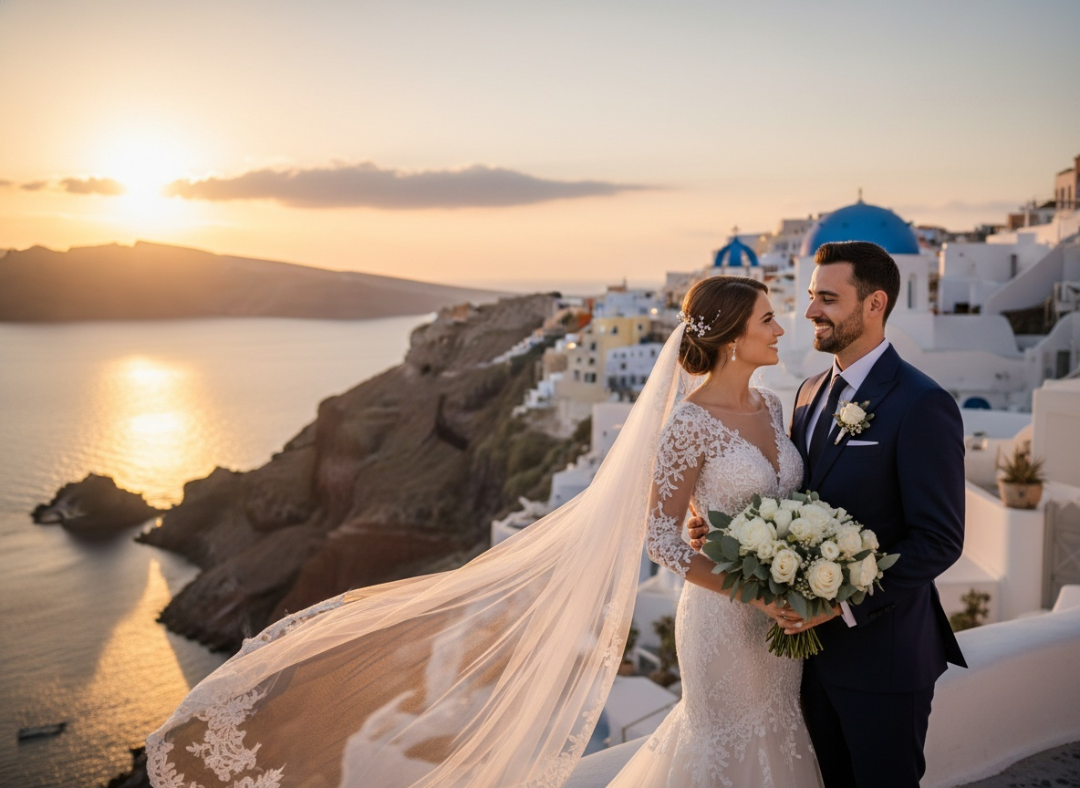
Comparison (AI vs. Real Photoshoot)
| Feature | AI Wedding Photo Generator | Real Pre-Wedding Shoot |
| Purpose | Visualization, Planning, Fun | Capturing Real Memories |
| Cost | Free / <$20 | $500 – $3,000 |
| Time | 30 Seconds | 1 Full Day or more |
| Locations | Unlimited | Limited to physical location |
| Authenticity | Synthetic (Dreamlike) | Authentic (Real emotion) |
Conclusion: Use AI for “Save the Dates,” invitations, and planning. Use a Real Photographer for the actual wedding day to capture the candid moments and real emotions.
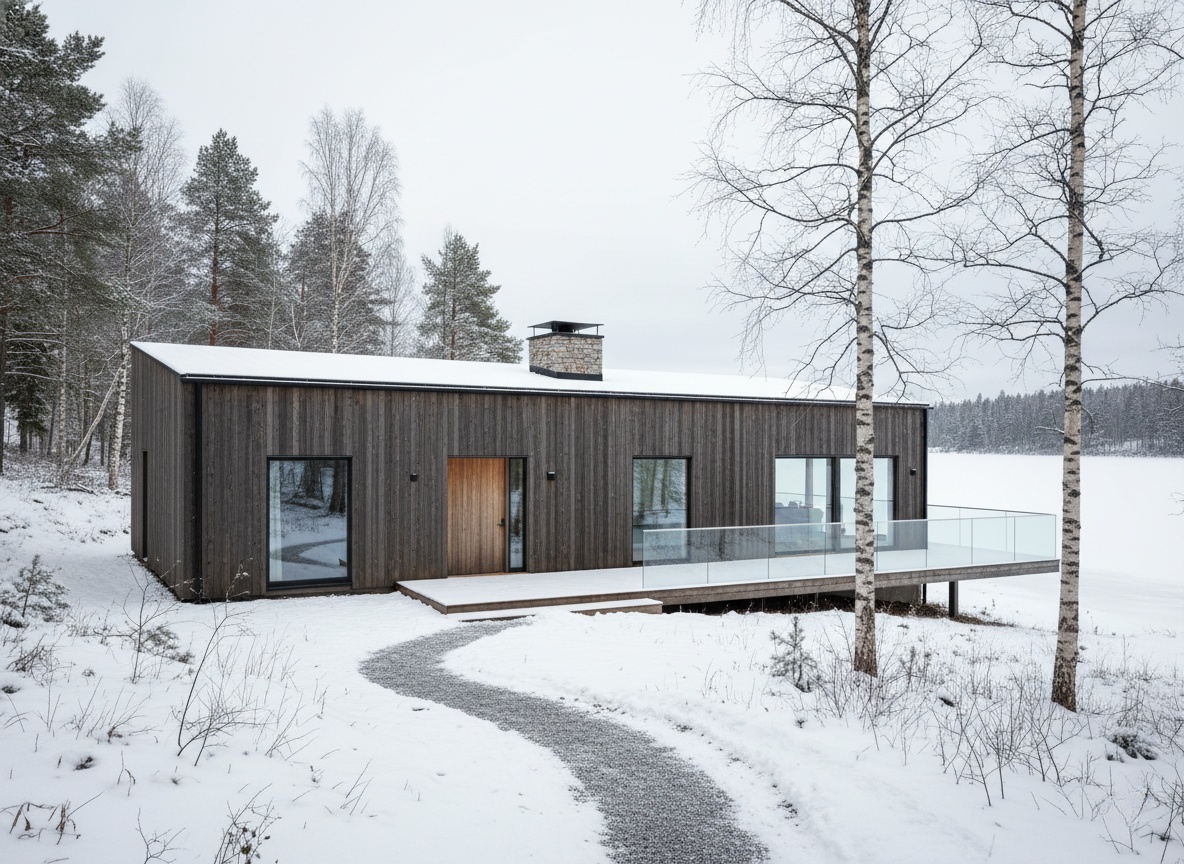
Creating building concepts doesn’t have to take days. With an AI architecture generator, you can turn simple ideas into visual Read more
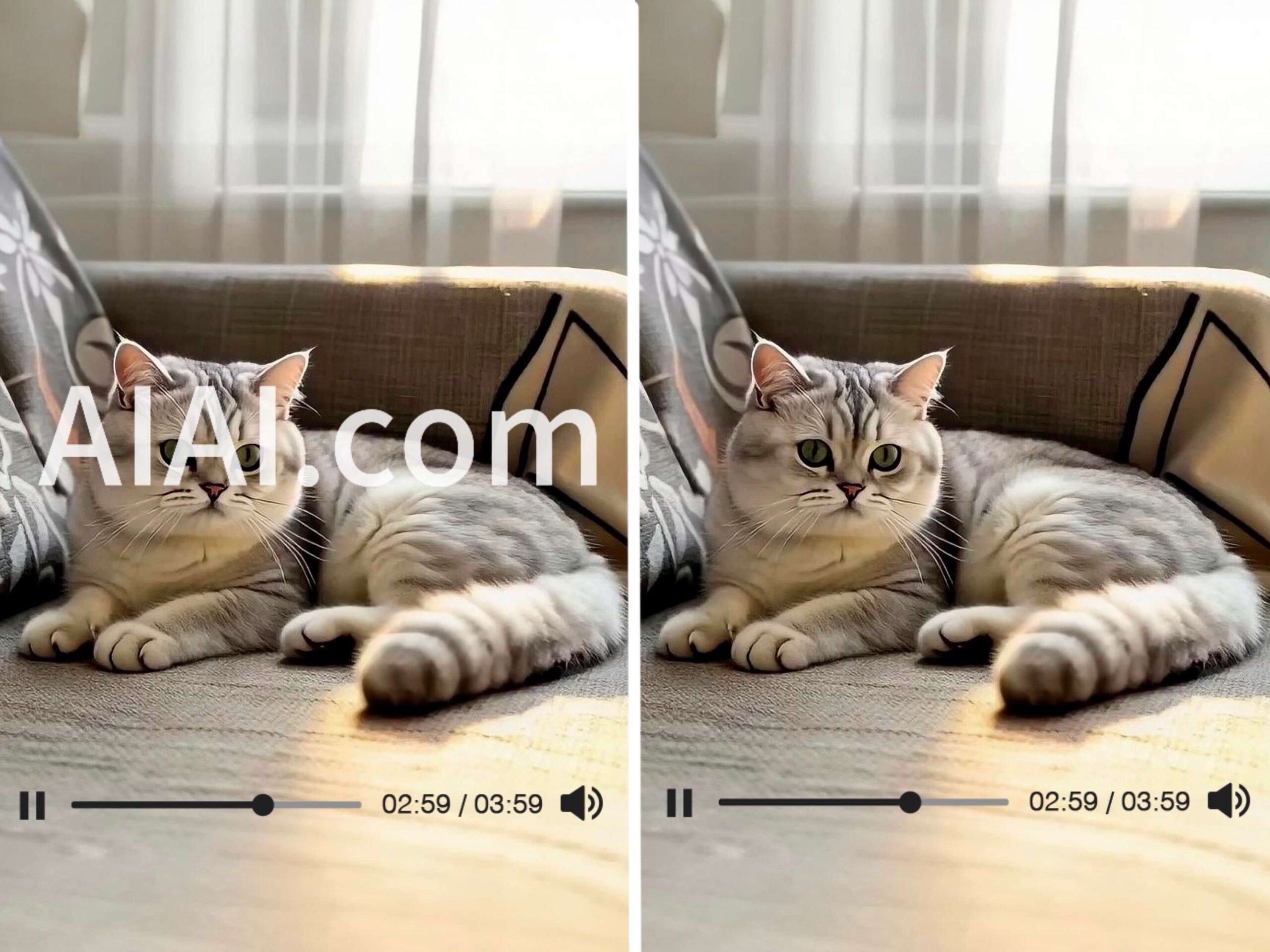
Struggling with watermarks on your clips? Learn how to remove watermark from video using AIAI.com. This AI video watermark remover Read more
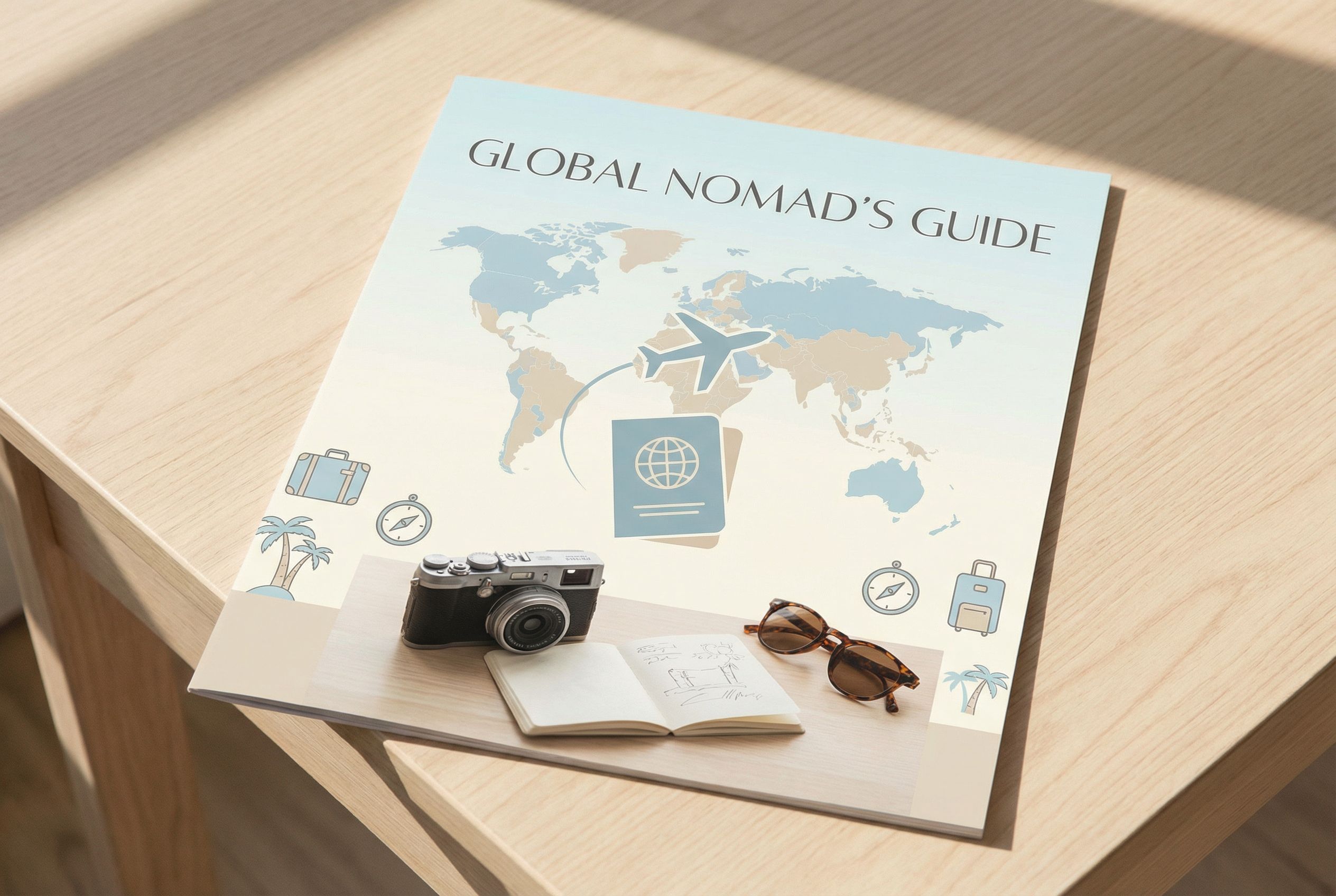
Learn how to create engaging, photorealistic travel tips infographics using Nano Banana Pro. This guide covers step-by-step instructions, real prompts, Read more
We all take digital photos with our phones every day. They’re clear, convenient, and easy to save—but somehow, they often Read more


