Static images can capture a moment, but videos capture attention.
With platforms like TikTok, Instagram Reels, and YouTube Shorts becoming increasingly video-driven, creators are looking for easier ways to turn existing images into engaging short videos.
However, traditional video editing requires:
- animation skills
- editing software
- time-consuming workflows
AI video generation has changed this process.
Now, users can transform a simple image into a dynamic video with realistic movement, camera effects, and cinematic animation—all powered by AI. Whether you want to animate a portrait, create product videos, or bring artwork to life, AI makes video creation accessible without professional experience.
In this guide, we’ll compare the best free AI image to video tools 2026, explore their key features, and explain how AIAI.com helps users create videos through text to video, image to video, and reference to video technology.
Why Are People Turning Images into Videos?
Static Images Are Losing Attention
Social platforms increasingly prioritize video content.
A simple photo may communicate information, but movement creates:
- stronger engagement
- longer viewing time
- better storytelling
Existing Images Have More Creative Potential
Many users already have:
- travel photos
- product images
- AI artwork
- portraits
AI allows these images to become dynamic content instead of remaining static.
Examples:
- A landscape photo becomes a cinematic scene
- A product image becomes a promotional video
- A portrait becomes an animated character
Video Creation Is Becoming Easier
Previously, creating videos required:
- cameras
- actors
- editing software
AI removes many technical barriers.
What Can AI Video Generators Do?
Image Animation
Users upload an image and AI creates movement.
Examples:
- facial expressions
- camera zoom
- environmental motion
- object movement
Suitable for: photography, portraits, artwork
Creating Videos from Ideas
Instead of starting with an image, users can describe a scene.
For example: “a futuristic city at night with flying cars”
AI can generate a complete video concept.
Using Reference Images for Better Control
Reference-based generation allows users to provide visual guidance.
This helps maintain:
- visual direction
- character appearance
- style consistency
How to Choose the Right AI Video Tool?
Output Quality
A good AI video generator should maintain:
- image details
- realistic motion
- natural transitions
Creative Control
Different users need different levels of control. Beginners may prefer: simple upload-and-generate workflows
Advanced creators may need:
- reference images
- prompt controls
- style adjustments
Generation Speed
For social media creators, fast generation is important. A practical tool should allow users to quickly test different ideas.
Multiple Creation Modes
The most flexible platforms support different workflows:
- image-based creation
- text-based creation
- reference-based creation
AIAI.com: Create Videos from Images, Text, and References
AIAI.com provides an all-in-one AI creation platform that helps users transform ideas and visuals into videos. Instead of requiring complex editing skills, users can create videos through three different approaches.
Image to Video
Turn existing images into dynamic videos.
Users can animate:
- portraits
- product photos
- illustrations
- travel images
For example:
A beach photo can become a moving cinematic scene with waves, camera movement, and atmospheric effects.
Text to Video
Turn written ideas into videos.
Users simply describe what they want to create.
Examples:
- cinematic storytelling scenes
- creative concepts
- promotional visuals
AI generates the video based on the description.
Reference to Video
Reference-based generation gives creators more control over the final result.
By uploading reference images, users can guide:
- character design
- visual style
- scene direction
This is especially useful for maintaining consistency across multiple videos.
Best Use Cases for AI-Generated Videos
Social Media Content
Creators can transform:
- photos
- illustrations
- memes
into engaging short videos.
Popular uses:
- Instagram Reels
- TikTok videos
- YouTube Shorts
Product Marketing
Brands can create:
- product demonstrations
- promotional clips
- advertising visuals
without expensive video production.
E-commerce Content
Product photos can become:
- lifestyle videos
- animated showcases
- promotional content
Personal Memories
Users can bring memories to life:
- special moments
- travel photos
- family pictures
Creative Projects
Artists and designers can use AI videos for:
- concept visualization
- storytelling
- mood creation
Best Use Cases for AI Image to Video Tools
Social Media Content
Convert:
- photos
- illustrations
- product images
into engaging videos.
Marketing Videos
Create:
- ads
- product demos
- promotional clips
E-commerce
Transform: product image → product showcase video
Personal Memories
Animate:
- wedding photos
- travel memories
- family pictures
Fianl Thoughts
AI video generation is changing the way people create content. Instead of spending hours learning complex editing software, users can now transform simple images and ideas into engaging videos with AI.
From animating personal photos to creating marketing visuals and cinematic scenes, AI-powered video tools make professional-looking content accessible to everyone.
With flexible workflows including image-based creation, text-driven generation, and reference-guided videos, platforms like AIAI.com provide creators with more possibilities to bring their ideas to life.
This ultimate guide teaches you to turn anything into cute, hyper-realistic plush toys using Nano Banana Pro AI, mastering specific Read more
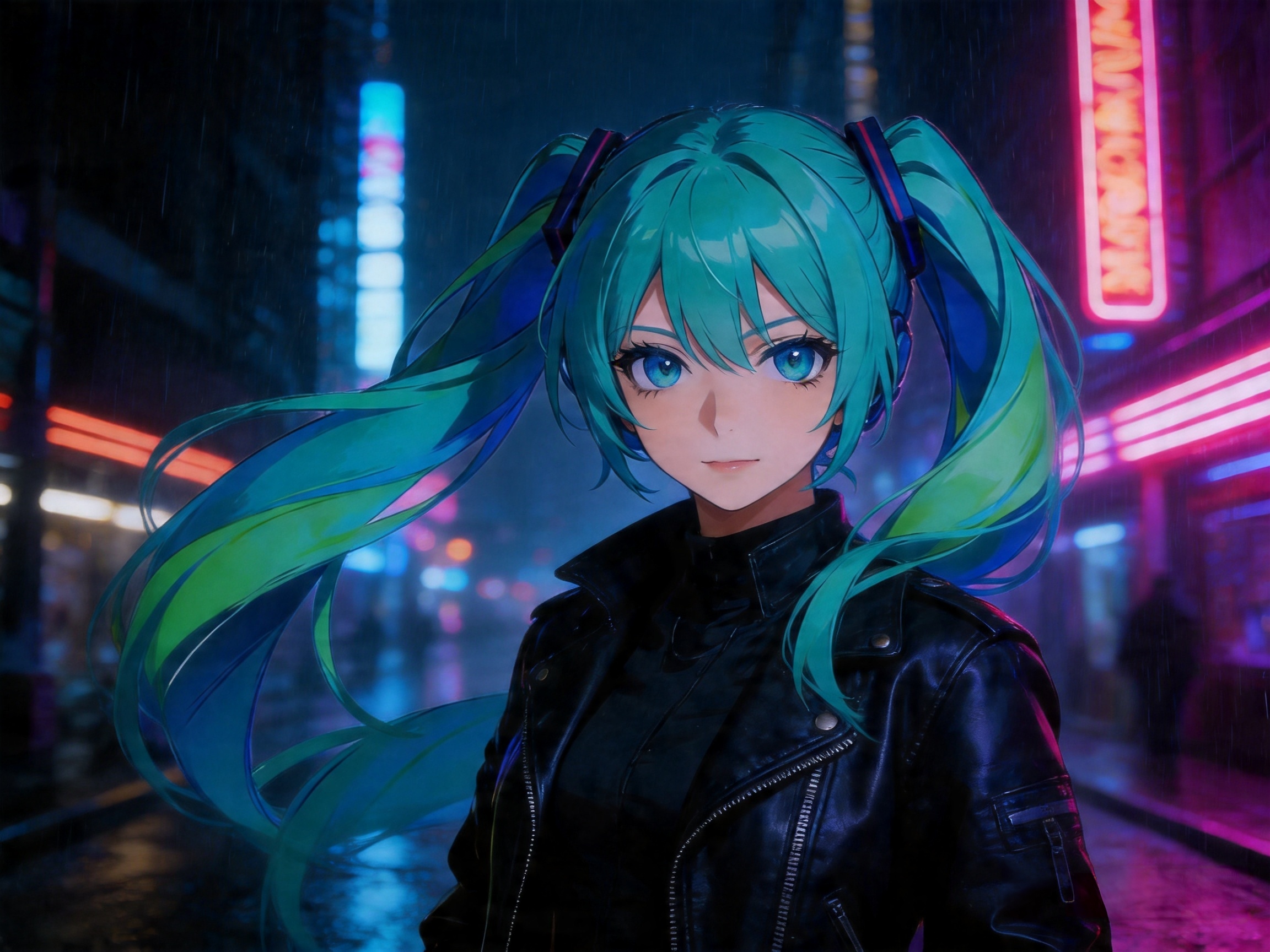
If you’ve ever tried to create a recurring character using AI, you know the pain. You generate a stunning protagonist Read more
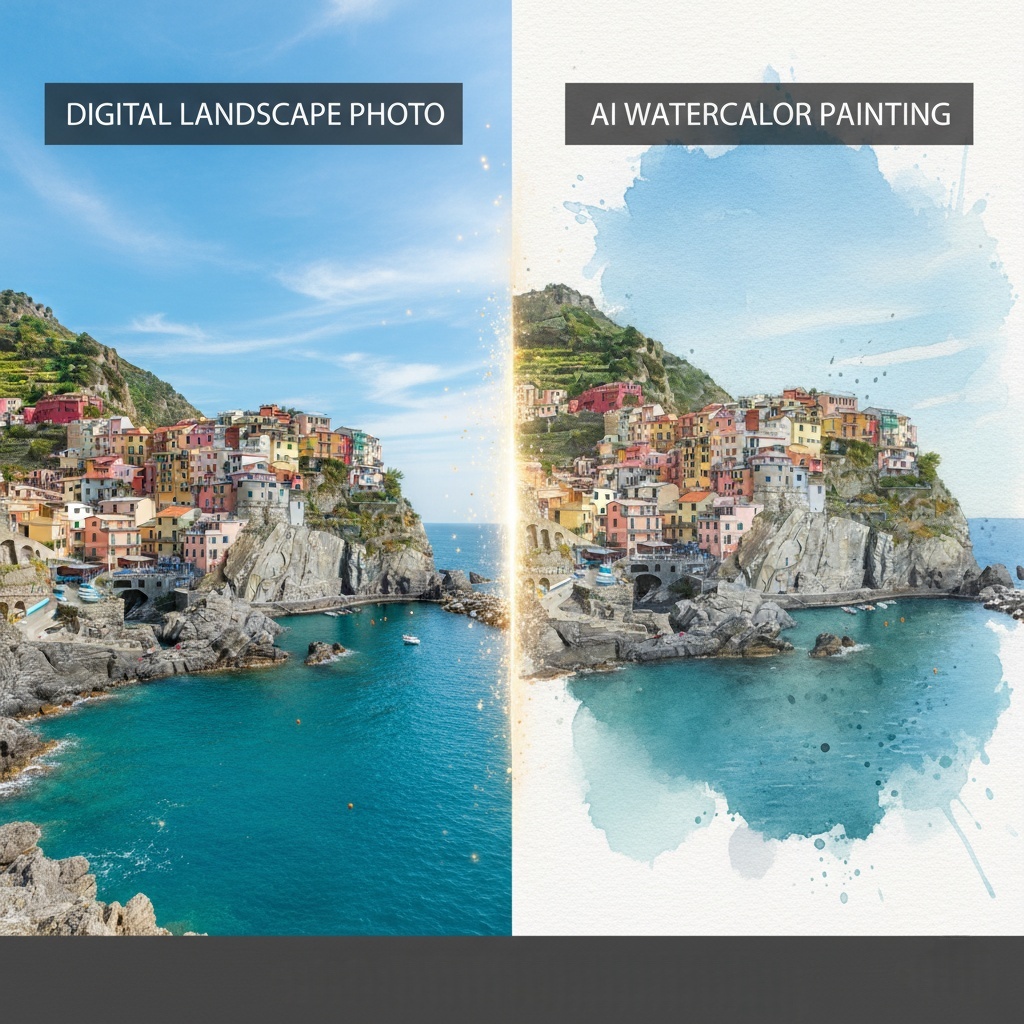
Want to turn a photo to watercolor? Discover the best AI tool to transform your digital images into soft, dreamy Read more
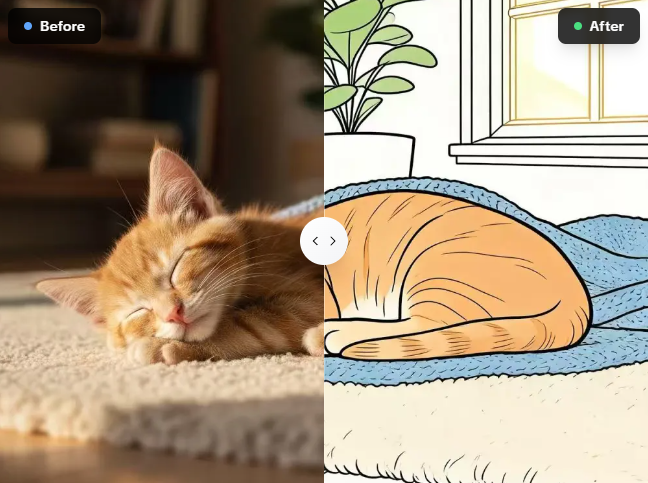
Tired of tracing pictures by hand? I use this free photo to line drawing converter on AIAI.com to turn complex Read more