There was a time I thought removing a watermark from a video was just… not worth the effort.
You either cropped the whole frame and messed up the composition, or you spent way too long trying to hide it in editing software.
But recently I tried to remove watermark from video using AI, and it honestly made things a lot easier than I expected.
If you’re dealing with the same problem, here’s what actually works (and what doesn’t).
What Does It Mean to Remove Watermark from Video Using AI?
When people talk about using AI for this, they’re usually referring to tools that can:
- detect the watermark automatically
- remove it across all frames
- rebuild the background so it looks natural
So instead of just blurring or covering the watermark, an AI tool to remove watermark from video actually tries to fill in the missing details.
That’s why the result can look surprisingly clean.
When You Might Need This
This isn’t just for edge cases. A lot of normal situations come up:
- You exported a video with a trial watermark
- You don’t have the original editable file anymore
- You want to reuse your own content
- You’re cleaning up clips for social media
I’ve used AI to remove watermark from video on older clips, and it saved me from re-editing everything from scratch.
AI Tools I’ve Actually Used to Remove Watermarks from Video
I’ve tried a few different tools to remove watermark from video using AI, and honestly, the experience varies a lot depending on the tool.
These are a few that I’ve personally used and felt were worth mentioning — mostly because they’re easy to get into and don’t require much setup.
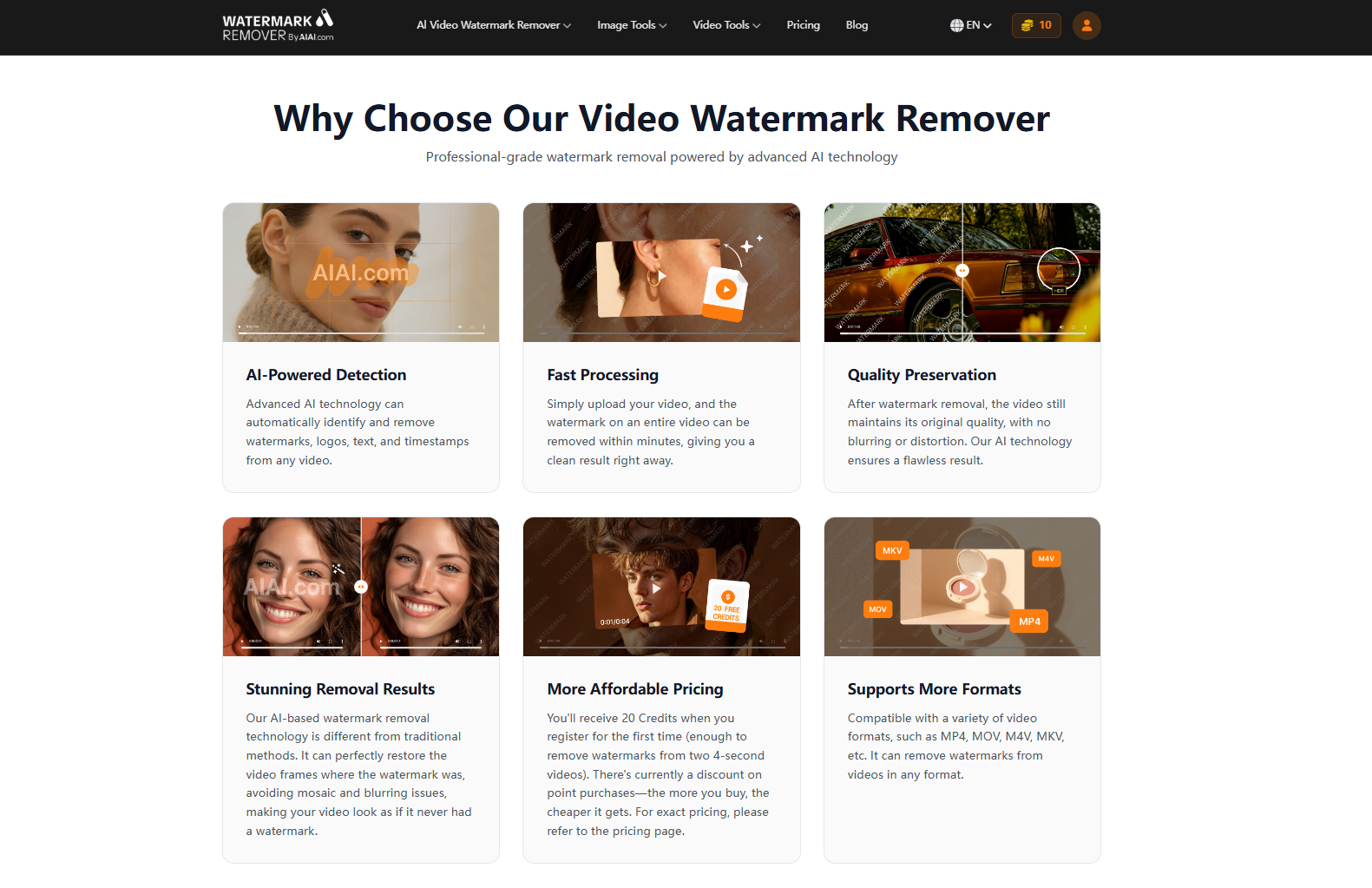
AIAI Video Watermark Remover
This is probably the one I ended up using the most.
The process is very straightforward — upload the video, select the watermark, and let it process. That’s basically it. I didn’t have to mess with settings, which I liked.
It worked well for simpler cases, especially when the watermark was static or placed near the edge.
How to Remove Watermark from Video Using AI (Step-by-Step)
Most tools follow almost the same flow:
- Upload your video
- Select the watermark area
- Let the AI process it
- Preview and download
That’s it.
If you’ve never edited video before, this is probably the easiest way to remove watermark from video using AI without learning complicated software.
What Affects the Results
Not every video will give perfect results.
From experience, here’s what matters:
Easier to remove:
- Static watermarks
- Simple backgrounds (walls, sky, flat colors)
Harder to remove:
- Moving watermarks
- Watermarks over faces
- Detailed textures (hair, patterns)
- Low-quality videos
Even a good ai tool to remove watermark from video can struggle when there’s too much detail behind the watermark.
Tips That Make a Big Difference
These are small things, but they help more than you’d think:
- Use the highest resolution version you have
- Don’t select too large of an area
- Try different AI modes if available
- Run the process more than once if needed
If you’re trying to get clean results when you remove watermark from video ai, these tweaks are worth it.
Is It Legal to Remove Watermarks?
This depends on how you use it.
- Your own content → generally fine
- Other people’s copyrighted content → can be risky
If you’re unsure, it’s always safer to double-check usage rights.
Final Thoughts
If you asked me a while ago, I would’ve said removing watermarks from video is annoying and not really worth it.
Now? Using AI, it’s actually pretty straightforward.
If you need to remove watermark from video using AI, most tools can get you decent results in just a few minutes — especially for simple cases.
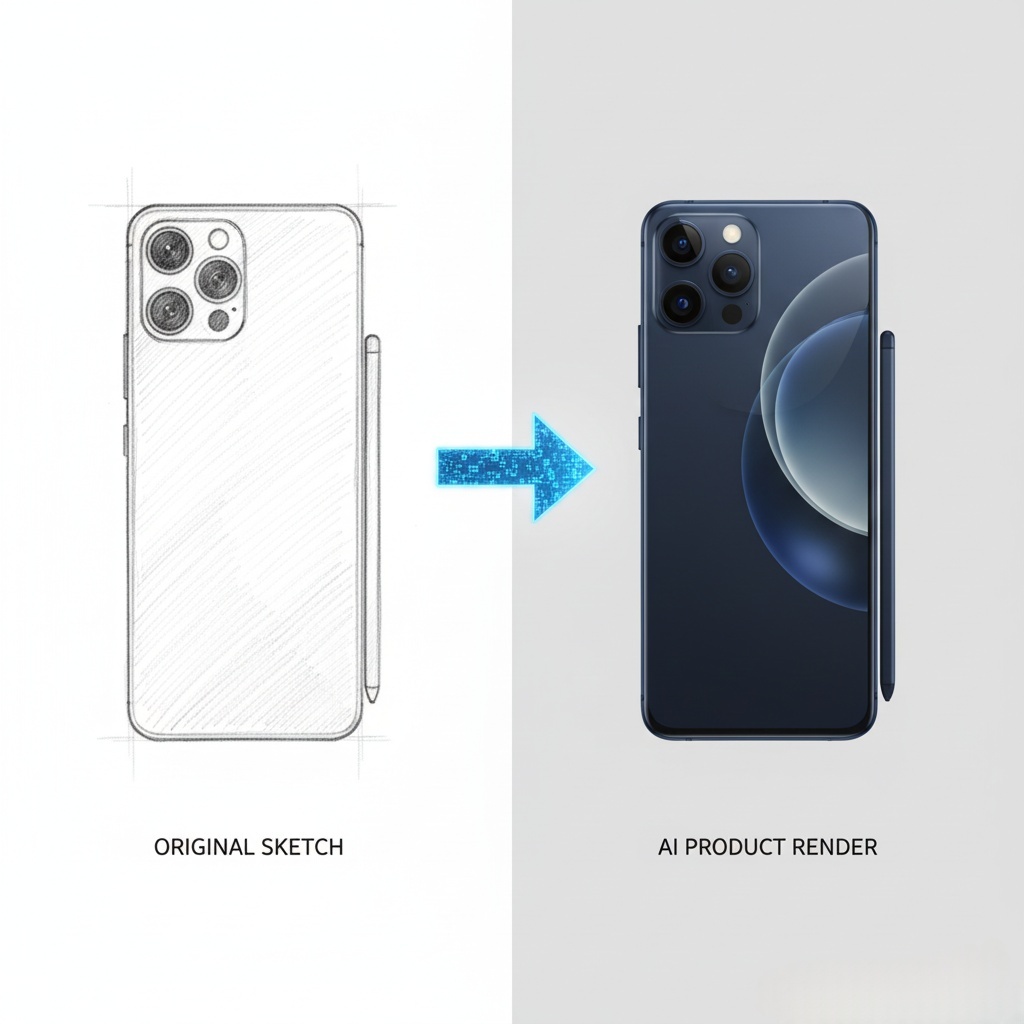
Looking for the best AI image to image generator? Learn how to style transfer, turn photos into cartoons, and keep Read more

Discover the best free AI image to video tools in 2026. Compare top AI video generators for realistic animation, social Read more

Learn how to create a unique Custom Christmas Story Book for kids in 10 mins with AI tools. This easy Read more
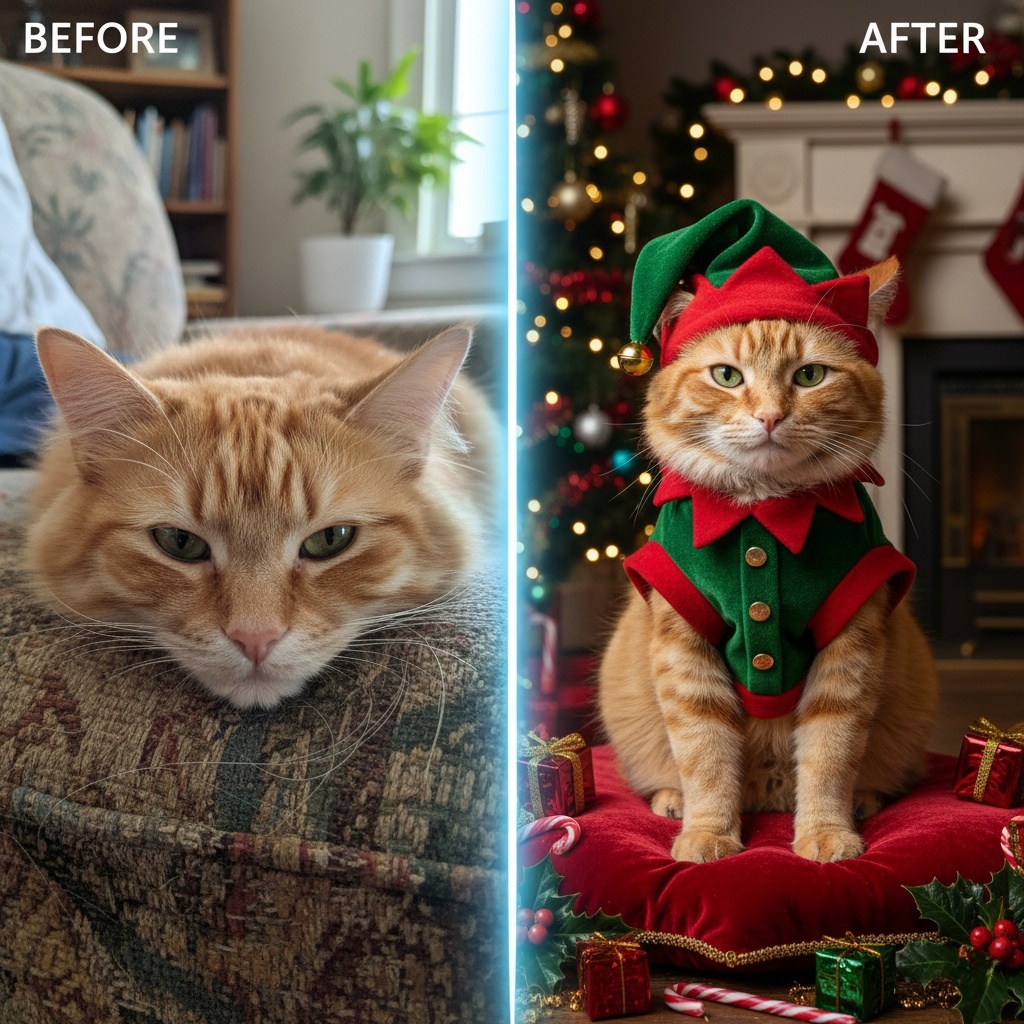
Turn your pet into a Christmas character without costumes or chaos. Explore easy AI pet photo ideas for holiday cards, Read more


