A Minecraft AI Generator (Image-to-Image) is a tool that transforms real-world photos or sketches into Minecraft-style assets. Unlike text generators where you have to describe what you want, this tool works by Voxelizingyour uploaded image.
With Minecraft AI Generator from AIAI.com, you can simply upload a selfie to generate a custom skin, or upload a sketch of a castle to see it rendered as a blocky masterpiece in seconds.
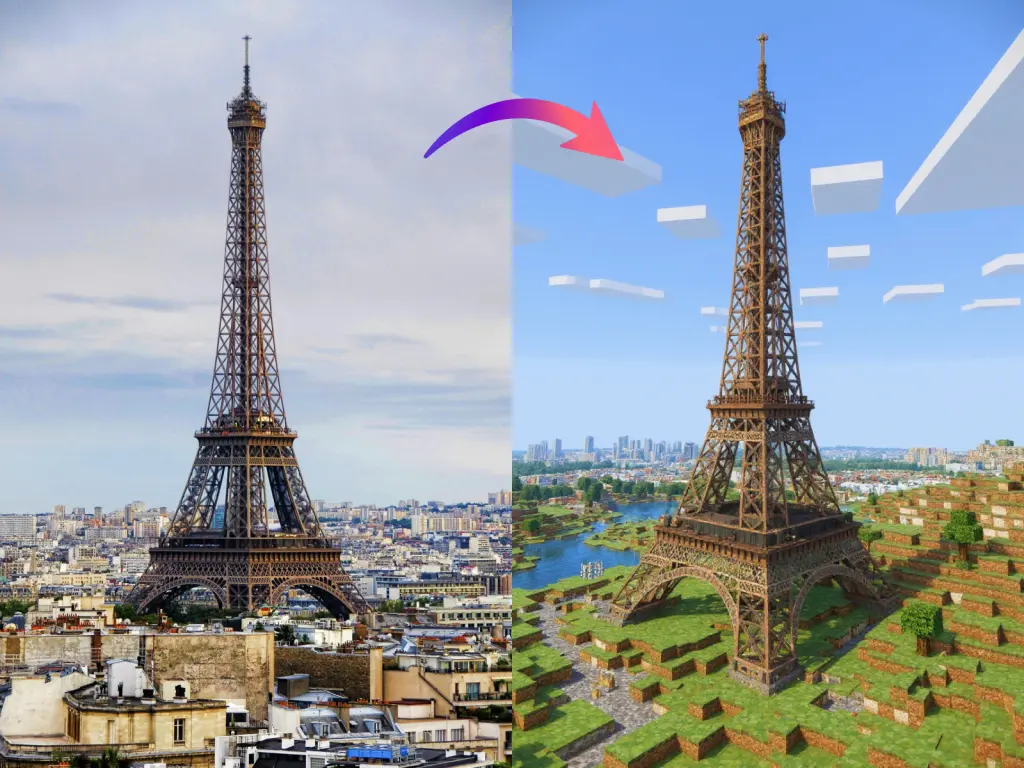
Why “Minecraftifying” Photos is the New Trend
Why is everyone using this specific tool? It’s about bridging the gap between the real world and the game world.
1. The Ultimate Build Reference
Builders often struggle to translate real-world architecture into blocks. By uploading a photo of a real castle or a modern mansion into the Minecraft AI Generator, you get a perfect reference image. You can see exactly which blocks (Brick vs. Terracotta) matches the real colors best, acting as a visual blueprint.
2. Viral Social Content
The “Minecraft vs. Reality” trend is huge on TikTok and YouTube Shorts. Creators use this tool to show a split screen of a real location and its AI-generated Minecraft counterpart. It’s engaging, nostalgic, and visually satisfying content that gets millions of views.
3. Unique Profile Pictures (PFPs)
Bored of standard anime or cartoon avatars? Upload your selfie to create a unique, blocky version of yourself. It captures your likeness but renders it with that iconic low-poly charm, perfect for Discord servers or gaming channels.
Step-by-Step Guide
You don’t need to write a single word. Follow this simple visual workflow.
Step 1: Upload Your Reference Image
Go to the Minecraft AI Generator. Drag and drop your file.
- For Skins: Use a well-lit photo where your clothes are clearly visible. Stand straight.
- For Builds: Use a sketch with clear outlines or a photo of a real building you want to recreate.
Step 2: Generate & Download
Click the button. In moments, your photo is transformed. Download the high-res image to use as a wallpaper, a build reference, or a meme template.
Comparison (AI vs. Manual Creation)
| Feature | AI Minecraft Generator | Manual Skin/Build |
| Skin Creation | Instant (from Photo) | 1-2 Hours (Pixel art skill needed) |
| Concept Art | Unlimited Variations | Requires drawing skills |
| Cost | Free / Low Subscription | Free (Time-consuming) |
| Originality | Unique generation | Often copying tutorials |
Frequently Asked Questions about Minecraft AI Generation
Q: Can I import the generated image directly into Minecraft as a schematic or world file?
A: No, this tool generates a 2D visual reference (an image), not a 3D map file. Think of it as the ultimate blueprint. You can generate a stunning building from a photo and then use it as a visual guide to build it block-by-block in Creative or Survival mode. It’s perfect for inspiration but doesn’t interact with your game files directly.
Q: Do I need to write complex prompts to get good results?
A: Not at all! Our Minecraft AI Generator is purely Image-to-Image. This means you don’t need to learn prompt engineering or describe textures. Simply upload a photo of a real house, a sketch, or a person, and the AI handles the translation into blocks automatically. It’s faster and more accurate than typing.
Q: Does it work with hand-drawn sketches?
A: Absolutely. If you can doodle it, we can build it. Draw a rough outline of a castle or a monster on paper, take a photo, and upload it. The Minecraft AI Generator will interpret your lines as blocks and render a realistic 3D-style version of your drawing.
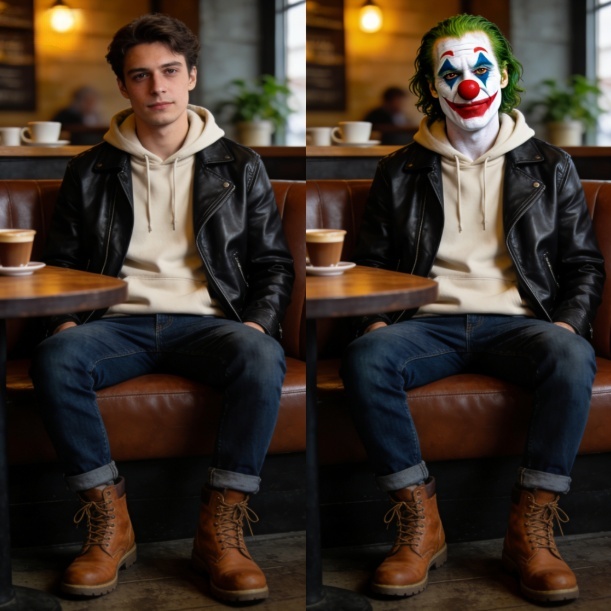
Transform your photos using Nano Banana Pro’s AI clown filter. This guide covers Image-to-Image, 4K resolution, and precise text commands Read more
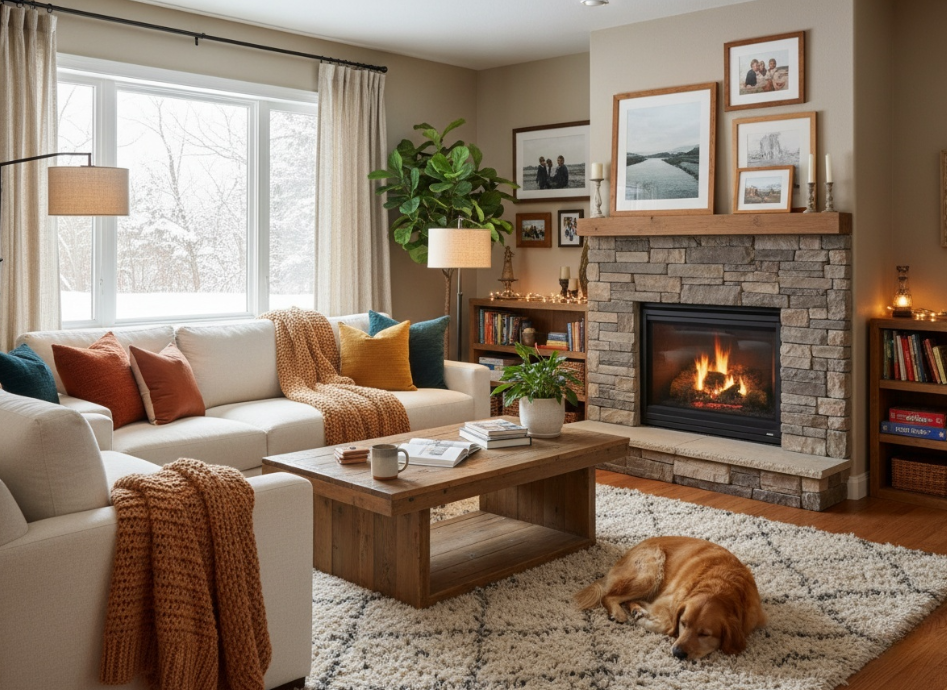
Want to see your dream room before spending a dime? Discover how an AI home design generator uses simple photos Read more
Read our Vidu Q3 review (2026) to see why it’s the best AI video generator for speed. Compare Vidu Q3 Read more
Creating architectural concepts used to require advanced design software, technical expertise, and countless hours of manual work. Today, things are Read more


