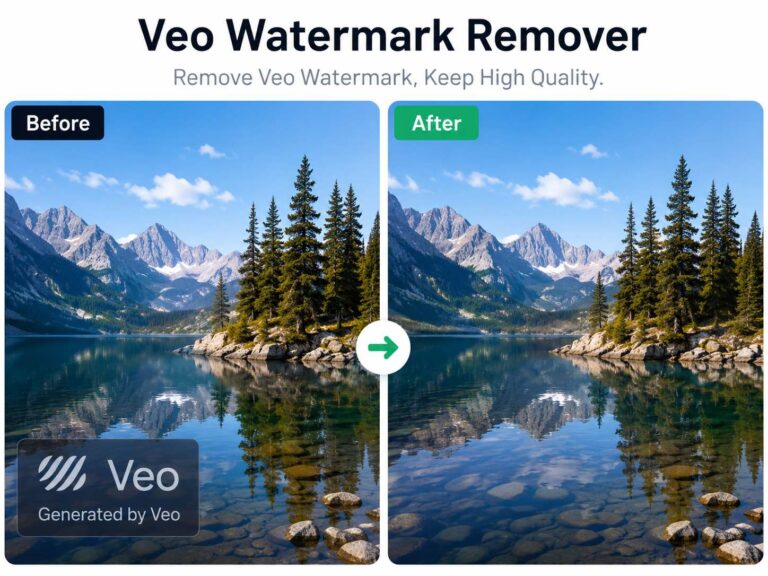
Yes, you can remove watermark from video without installing any app. Browser-based AI tools, simple cropping, and overlay methods all work — but each affects video quality differently. Below, you’ll find the safest and most effective ways to do it, step by step.
3 Ways to Remove Watermark from Video Without App
Method 1 – Use an Online AI Watermark Remover
If you want to remove watermark from video without app installation, the simplest and most convenient solution is to use a browser-based AI tool. Instead of downloading desktop software or installing a mobile app, everything runs online — you upload your video, process it, and download the cleaned version.
This method is ideal if you’re using a shared computer, a work device with restricted permissions, or simply prefer not to install extra programs.
One practical solution is using an online Video Watermark Remover powered by AI, such as AIAI.com. Because it operates entirely in the browser, you can access it from Windows, Mac, iPhone, or Android without installing any application.
Why Online AI Removal Works Better Than Basic Methods
Traditional methods like cropping or blurring only hide the watermark. Cropping reduces the frame size and affects composition, while blur tools leave visible distortion.
AI-powered tools work differently.
Instead of covering the watermark, the system analyzes nearby pixels and reconstructs what should naturally exist behind it. This produces a cleaner and more professional-looking result.
Most AI systems rely on two core mechanisms:
Spatial Reconstruction
The AI examines surrounding textures, lighting, color gradients, and patterns. It then generates new pixel data that blends seamlessly with the background.
Temporal Consistency
Since video is a sequence of moving frames, the AI also compares frames before and after the watermark area. If visual information is visible in adjacent frames, it can use that data to maintain smooth playback and avoid flickering artifacts.
This is why AI-based tools are generally more effective when you need to remove watermark from video without app installation while preserving quality.
Step-by-Step: How to Remove Watermark Without Installing an App
Here’s how the process typically works on platforms like AIAI.com:
- Open the online watermark remover page in your browser.
- Upload your video file (common formats like MP4 and MOV are supported).
- Let the AI automatically detect the watermark, or manually select the area.
- Start processing and wait while the system reconstructs the background.
- Download the cleaned video once processing is complete.
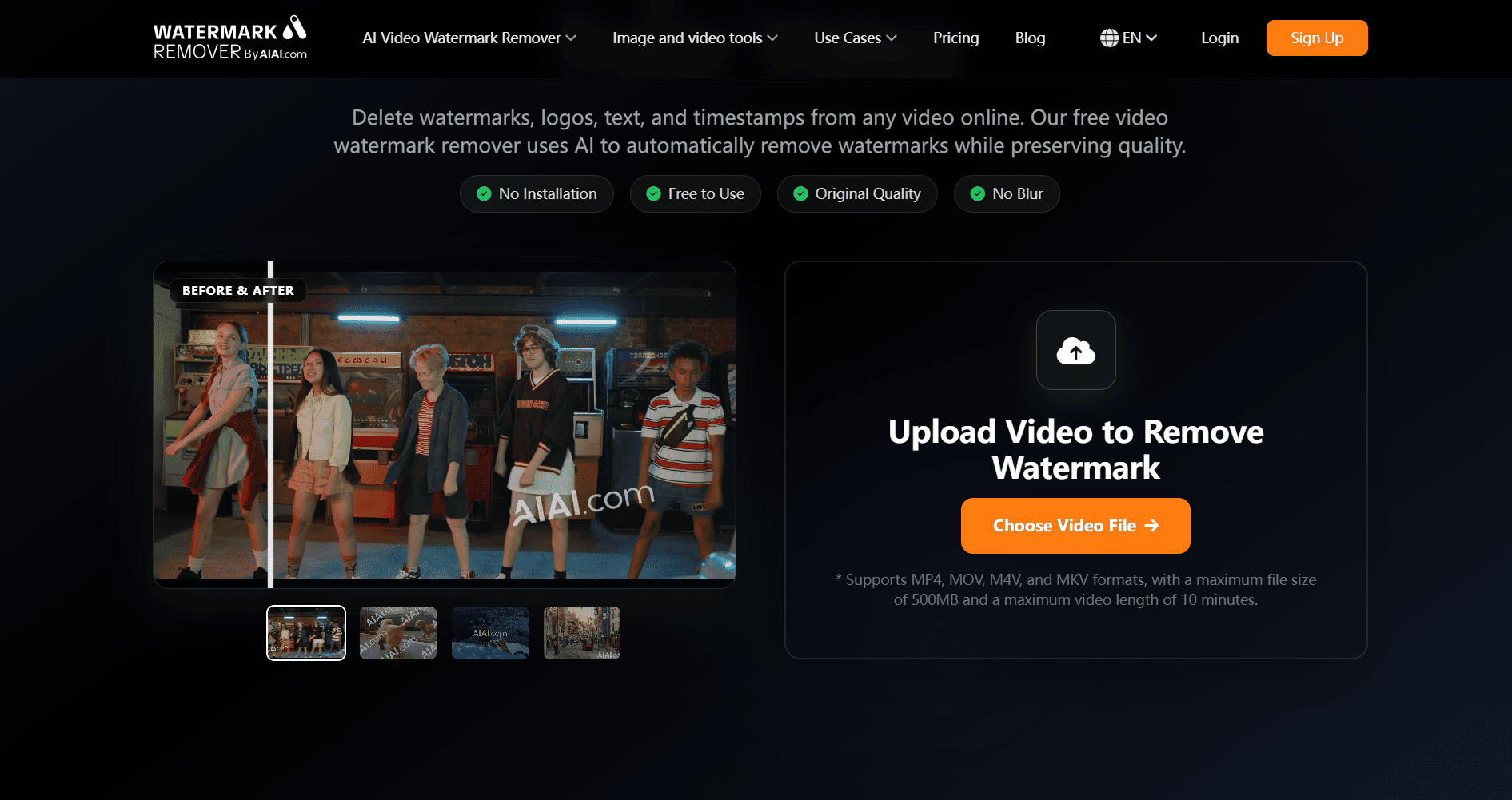
Processing time depends on file size and resolution, but short 1080p videos usually finish quickly.
Advantages of Using AIAI.com
- No software or app download required
- Works across Windows, macOS, iOS, and Android
- Preserves original video composition
- Designed to maintain resolution whenever possible
- Suitable for static corner watermarks
For users specifically searching how to remove watermark from video without app tools, a browser-based AI solution like AIAI.com offers one of the most practical balances between convenience and output quality.
When This Method Works Best
Online AI removal performs best when:
- The watermark is static
- It appears in a corner
- The background is relatively consistent
- You want to keep the full video frame
For complex animated or moving logos, results may vary slightly. However, for most creators, marketers, and casual users, this method remains the easiest way to remove watermark from video without installing additional software.
Why Not Just Crop or Blur?
Cropping reduces the frame size.
Blurring leaves visible distortion.
If your goal is to remove watermark from video without app while preserving composition and clarity, AI-based browser tools usually provide a better balance between convenience and quality.

Method 2 – Crop the Watermark Out
If the watermark sits at the edge of the video, cropping is the fastest solution.
You can use:
- Built-in iPhone editor
- Android gallery editor
- Browser-based video trimmers
Just trim the edge slightly until the watermark disappears.
Pros
- Completely free
- No AI processing required
- Works instantly
Cons
- Changes video composition
- May cut important visual elements
- Reduces overall frame size
This works best when the watermark is small and positioned in a corner.
Method 3 – Blur or Cover the Watermark
Another simple option is covering the watermark area.
You can:
- Add a blur block
- Place a sticker
- Insert a logo overlay
- Add text to cover the original watermark
This doesn’t technically “remove” the watermark — it hides it.
Best For
- Social reposts
- Short promotional clips
- Non-professional use
It’s not ideal for polished commercial videos, but it works in quick situations.
Remove Watermark from Video Without App on Different Devices
One of the biggest advantages of using an online AI tool is cross-device compatibility. Since everything runs in the browser, the process is nearly identical across platforms.
On iPhone
- Open Safari or Chrome.
- Visit the online AI watermark remover page.
- Upload your video from Photos or Files.
- Wait for processing.
- Download the cleaned file back to your device.
Because no app is installed, you don’t need extra storage space or App Store downloads.
On Android
- Open Chrome or your preferred browser.
- Upload your video file directly.
- Let the AI process the watermark area.
- Save the processed file to your gallery.
Android devices benefit from faster uploads if connected to Wi-Fi, especially for larger files.
On Windows or Mac
- Use Chrome, Edge, or Safari.
- Upload your video file directly from your desktop.
- Start AI processing.
- Download the processed version once completed.
Desktop devices often handle large 4K files more smoothly due to stable internet and higher bandwidth.
Because the entire workflow is browser-based, you can even start the process on one device and download the result on another.
Is It Safe to Upload Videos to Online Watermark Removers?
This is a common concern.
Before uploading:
- Check if the platform mentions file deletion policies
- Avoid uploading sensitive or private videos
- Use tools that don’t require unnecessary account creation
Most reputable tools automatically delete files after processing. Still, always review their privacy page if you’re working with client material.
What Actually Works Best?
Here’s the honest breakdown:
| Situation | Best Method |
|---|---|
| Static corner watermark | Online AI remover |
| Small logo at edge | Crop |
| Quick repost | Blur/cover |
| Moving watermark | Try AI first, desktop if needed |
If your priority is convenience and no installation, online AI removal is usually the most balanced solution.
Frequently Asked Questions
Can I remove watermark from video without app for free?
Yes, many online tools offer free previews. Some may limit export resolution or video length.
Will removing watermark reduce 1080p quality?
It can, depending on re-encoding. Good AI tools try to maintain original resolution.
Can I remove TikTok watermark without installing an app?
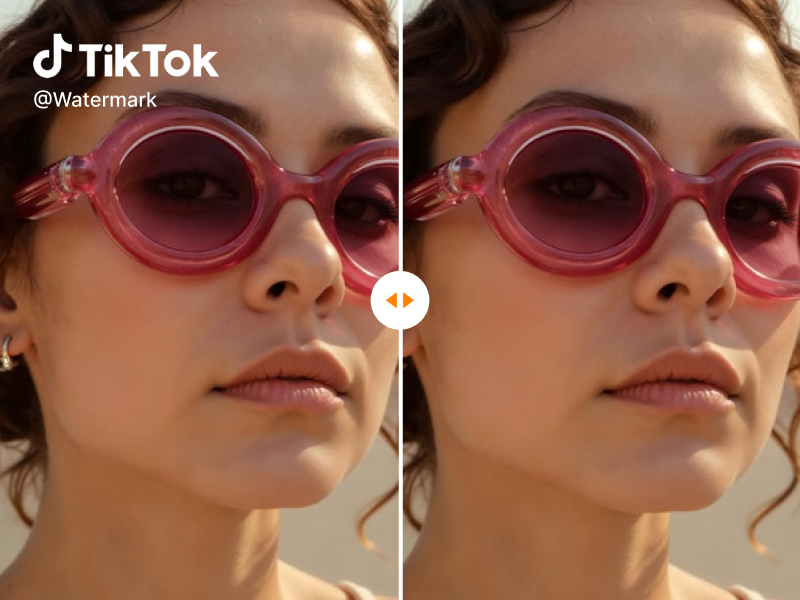
Yes, browser-based AI watermark removers can process downloaded TikTok videos.
Why does my exported video look blurry?
Possible reasons:
- Compression during upload
- Lower bitrate export
- Background reconstruction artifacts
Final Thoughts
If you simply want to remove watermark from video without app installation, browser-based AI tools are the easiest starting point.
They’re fast, require no downloads, and work across devices.
Cropping works in simple cases. Covering works in casual cases.
But if you care about keeping the original frame and visual quality, AI reconstruction is usually the cleanest approach.
Start simple. Test one clip. Compare the output.

If you are frantically searching for a reliable Meta Video Watermark Remover, you are not alone. Let's be honest: the watermark Read more

Looking for a Snapchat Watermark Remover? Learn how to clean up Snapchat videos with AI, preserve video quality, and reuse Read more

Effortlessly remove Meta watermarks from your videos using AIAI.com's AI video-to-video technology. Preserve original quality and clarity for professional, unbranded Read more
Looking for a reliable free video watermark remover? I tested AIAI.com. It uses AI technology to automatically remove watermarks while Read more