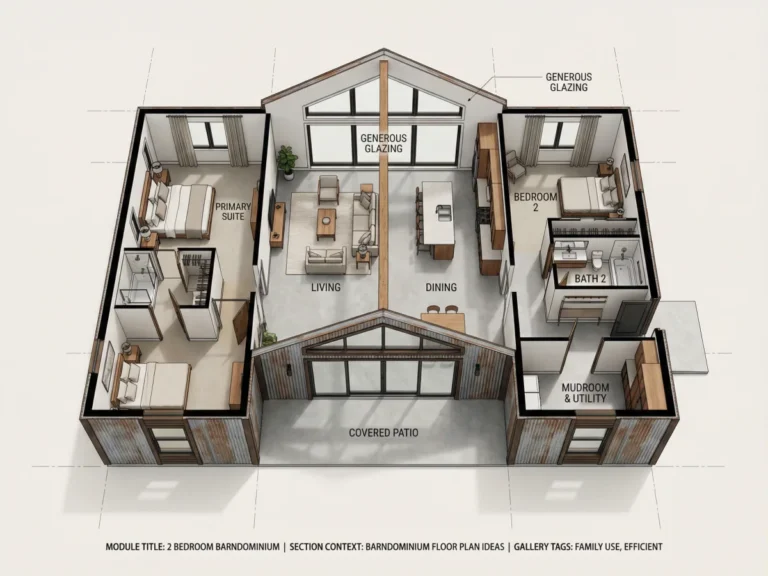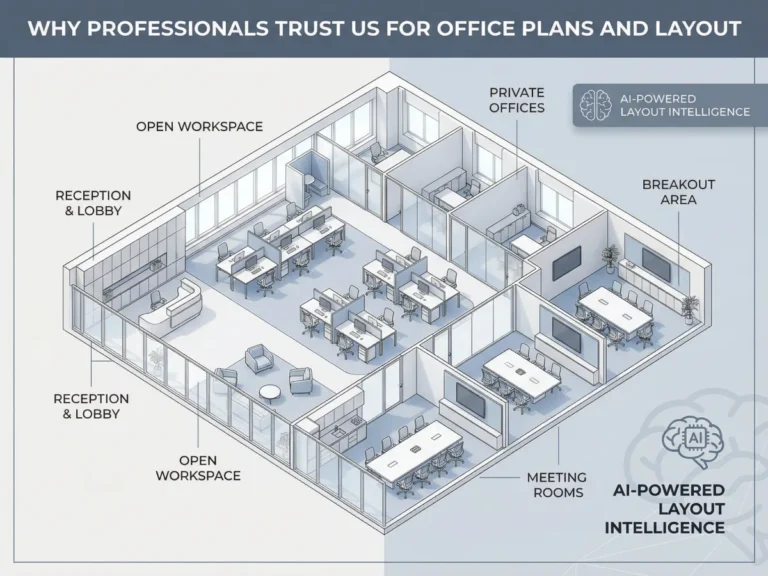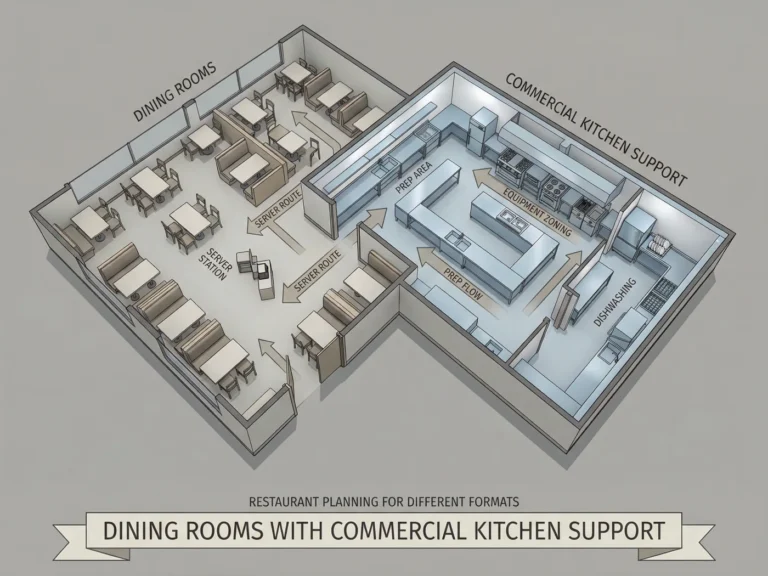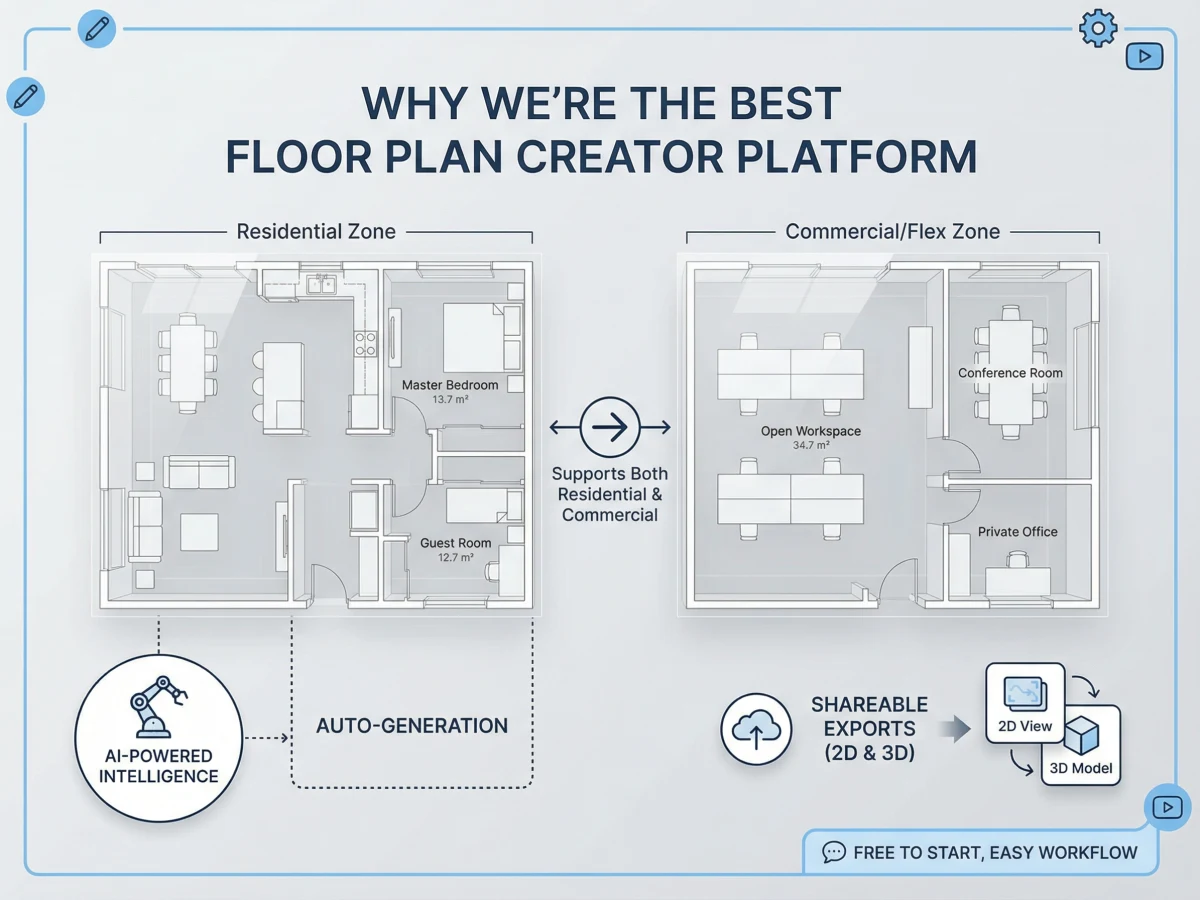
I’ve been slowly planning a home refresh recently, and honestly, figuring out the layout has been way more stressful than picking furniture or paint colors.
The problem wasn’t inspiration — I already had too many Pinterest screenshots saved. It was trying to understand whether things would actually fit together in real life.
I kept moving things around mentally:
Should the dining table go closer to the window?
Would an open kitchen make the living room feel bigger or just more crowded?
Why does every small living room somehow end up with one awkward empty corner?
I tried a few traditional floor planning tools first, but most of them felt overwhelming fast. Too many buttons, too many technical settings, and somehow I’d spend 40 minutes drawing walls just to test one idea.
A few weeks ago, I randomly came across the AI Floor Plan Generator on AIAI.com while looking for room layout inspiration, and it ended up being much more useful than I expected.
What I liked immediately was how low-effort it felt.
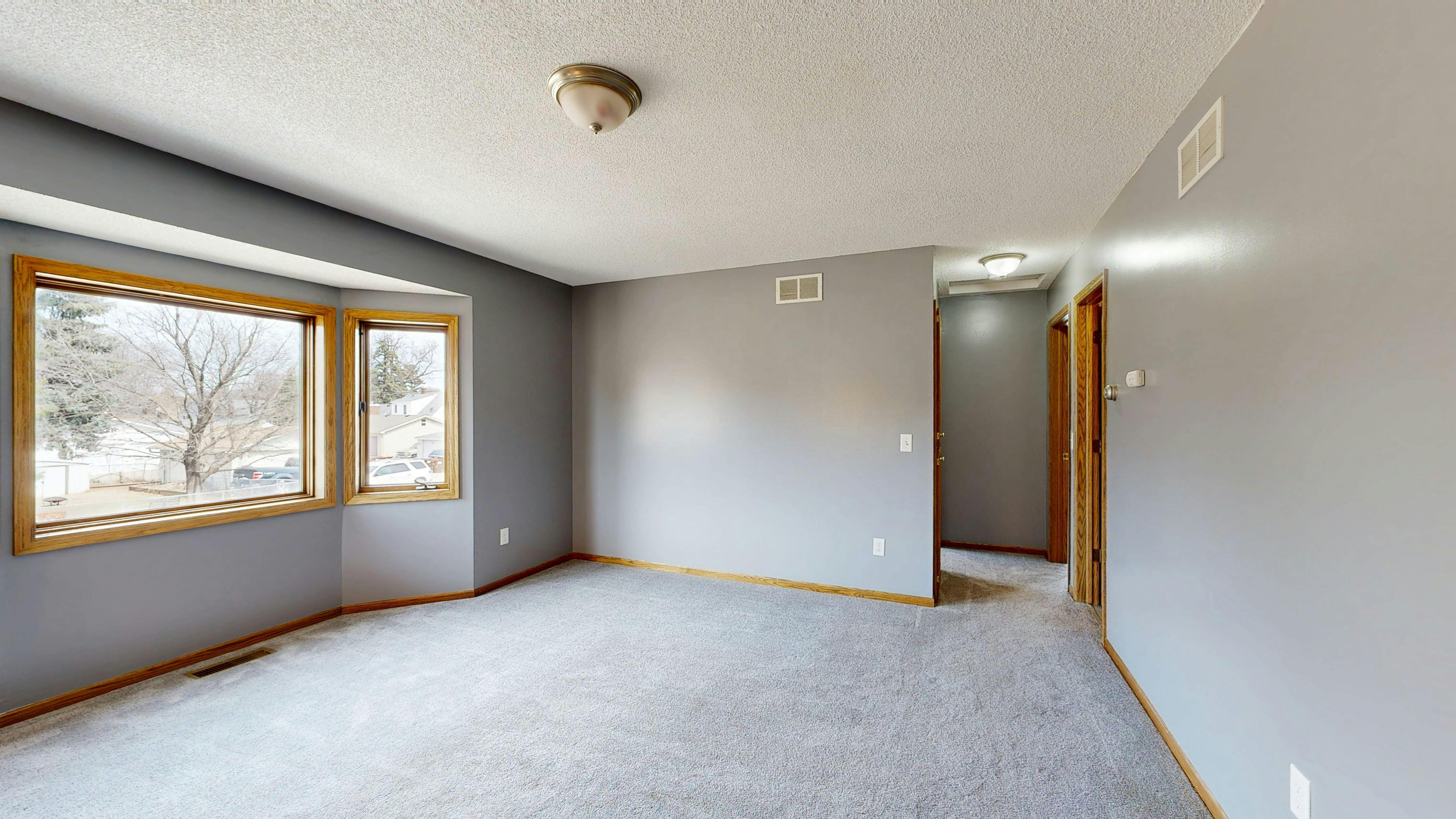
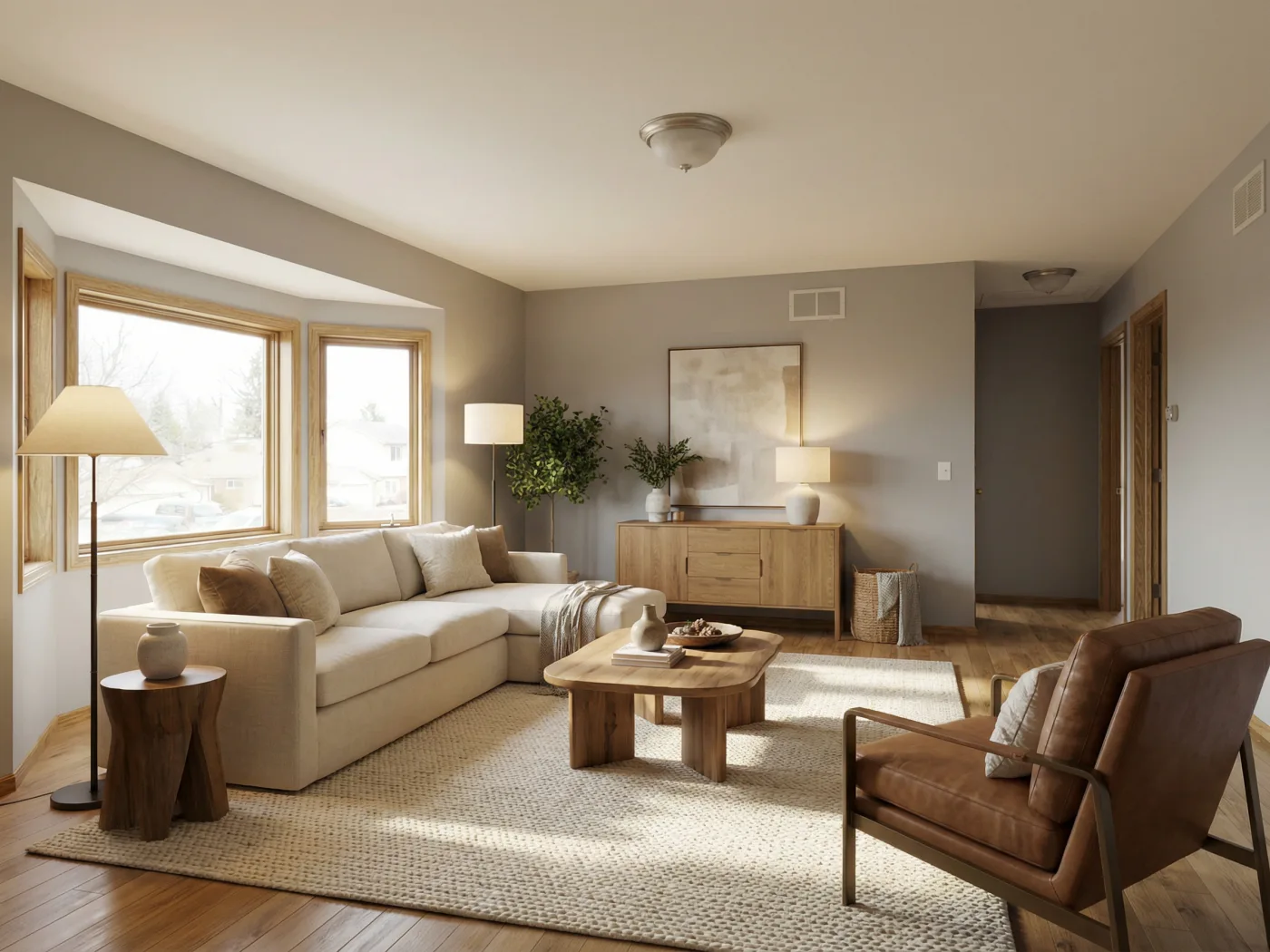
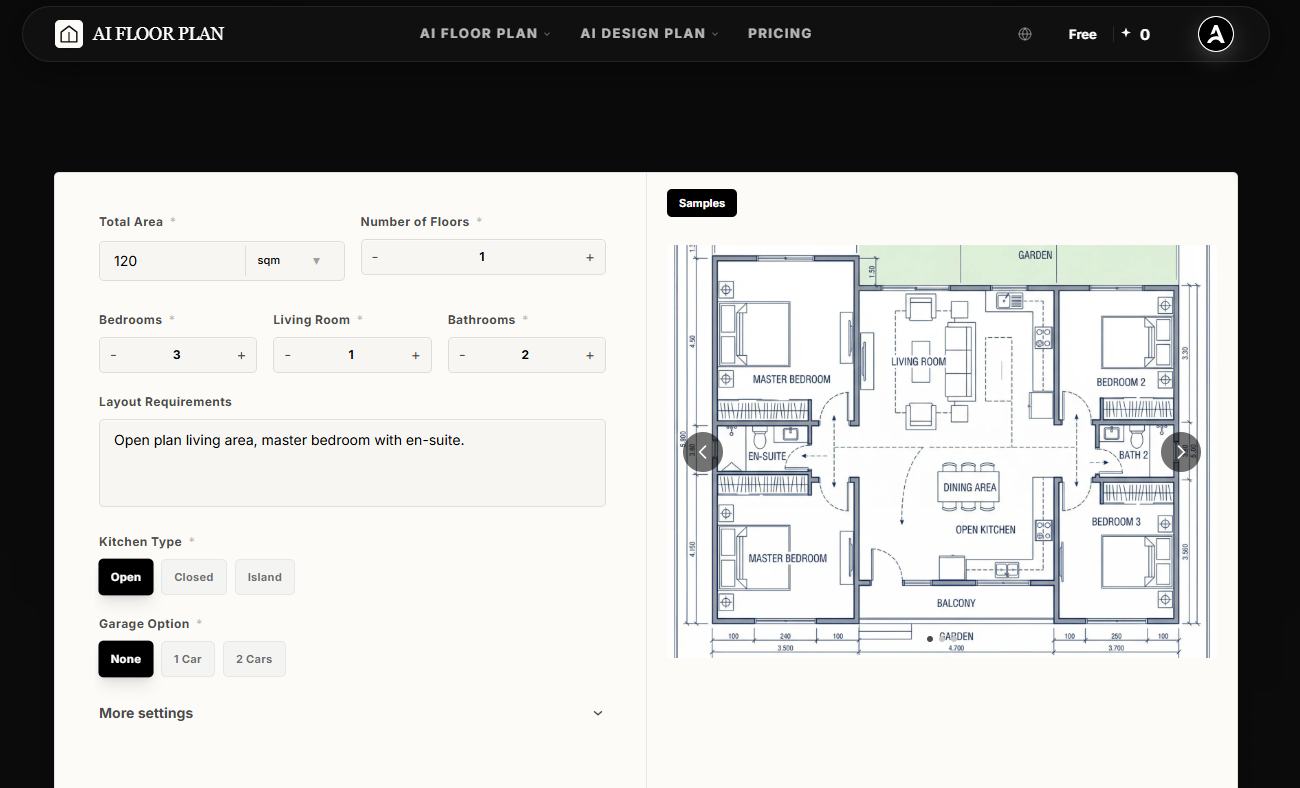
I could type a rough idea, upload a messy sketch, or even use a room photo, and the AI would generate actual layouts within minutes. Not perfect every single time, obviously — some needed adjusting — but good enough to help me visualize spaces much faster than starting from scratch.
And honestly, that’s all I really wanted.
Why Most Floor Planning Tools Feel Exhausting
I think a lot of home planning software is still built for professionals first.
Which makes sense. But if you’re just trying to redesign your apartment or test renovation ideas, the process can feel weirdly complicated.
Usually it goes something like this:
- Draw the floor plan in one app
- Export it somewhere else
- Open another rendering tool
- Spend another hour trying to make it look realistic
By the time you finally see the room in 3D, you’re already tired of the project.
What made this AI floor plan generator feel different is that it removes a lot of those extra steps.
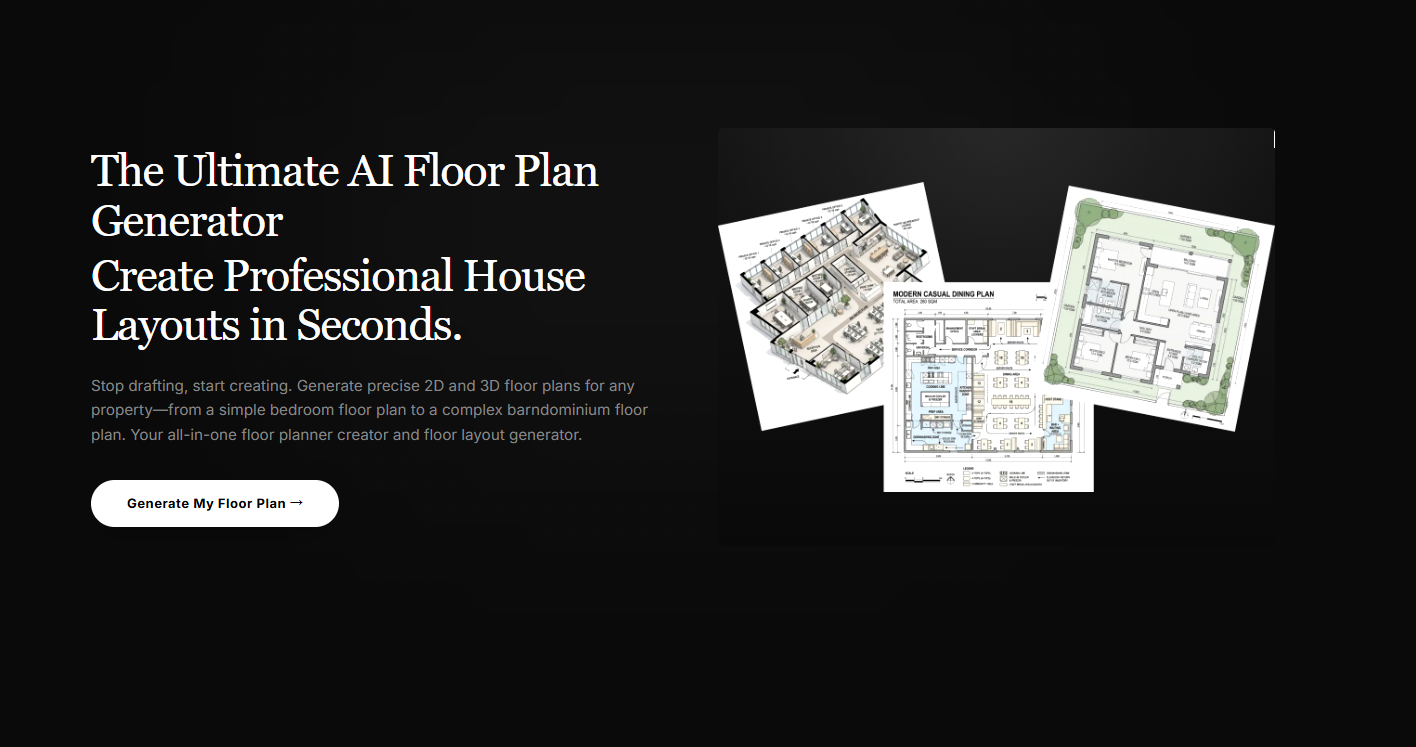
You generate the layout, adjust the structure, then immediately preview the space in different interior styles — all in the same place.
It feels much closer to how people actually brainstorm spaces in real life.
The Features I Ended Up Using the Most
I originally thought I’d only use this once or twice for layout ideas, but I kept coming back to a few features more than expected.
1.Generating Layout Ideas From Simple Prompts
This was the feature that got me hooked first.
You can type something simple like:
“Small modern apartment with open kitchen and more natural light”
…and the AI generates multiple layout variations almost immediately.
Some were definitely better than others, but even the weaker ones helped me think about space differently.
I actually spent an embarrassing amount of time testing different living room setups one night because I couldn’t decide where the sofa should go.
2.Uploading Rough Sketches
This part genuinely surprised me.
I uploaded a quick sketch I drew while measuring my living room — literally uneven lines and random notes everywhere — and the AI still managed to turn it into a clean-looking floor plan.
That alone saved me a ridiculous amount of time.
Especially during early planning when your ideas are still messy.
3.Switching Between Interior Styles
This feature is dangerously addictive.
Once the layout is generated, you can instantly preview the room in completely different aesthetics.
I tested:
- Scandinavian
- Japanese-inspired
- Warm minimalist
- Contemporary luxury
…and somehow ended up questioning my entire furniture taste halfway through.
The Japanese-inspired layouts actually looked much better than I expected for smaller spaces.
4.Viewing Everything in 3D
This ended up being the most useful feature overall.
One layout looked perfect in 2D, but the second I switched to 3D, I realized the kitchen island basically blocked the walking path completely.
That’s the kind of thing that’s really hard to notice on a flat floor plan.
Being able to catch those problems early makes a huge difference before buying furniture or starting renovations.
My Current Workflow (It’s Extremely Simple)
You definitely don’t need design experience for this.
Here’s basically how I’ve been using it lately:
Step 1: Start With Anything
Usually I either:
- type a rough prompt
- upload a room photo
- or sketch something quickly on paper
The AI handles all three pretty well.
Step 2: Generate Multiple Layouts
After generating a few versions, I compare them side by side and tweak the one I like most.
I usually adjust:
- wall placement
- windows
- room sizing
- furniture flow
This part honestly feels more like experimenting than “technical drafting.”
Step 3: Test the Space in Different Styles
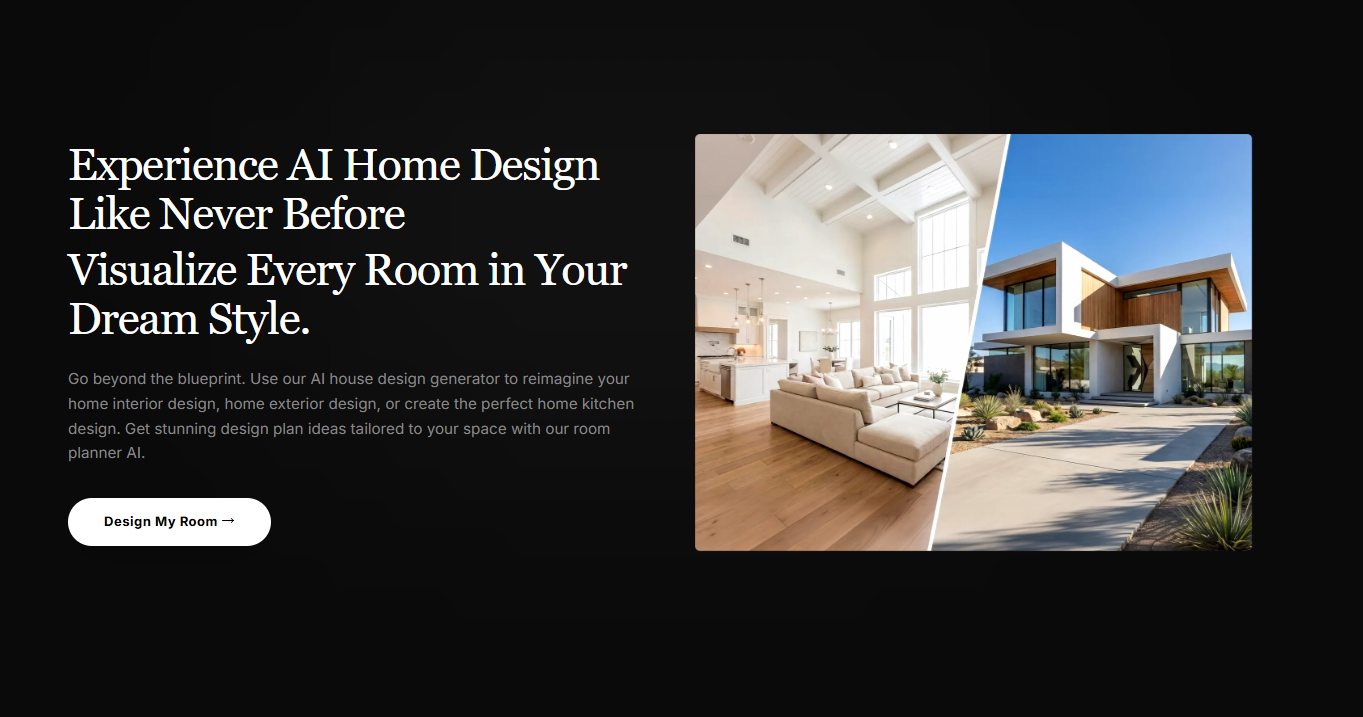
Once the structure feels right, I switch to the AI interior mode to see how the room could actually look finished.
This is where things become much easier to imagine emotionally — not just structurally.
Sometimes a layout that feels boring in 2D suddenly feels amazing once it’s fully visualized.
Pricing: Surprisingly Reasonable
I expected this kind of tool to lock everything behind an expensive subscription, but the pricing is actually pretty manageable.
Free Plan — $0/month
You get 20 free credits when signing up.
Honestly, it’s enough to test a few room ideas and see whether the workflow works for you.
The free exports include watermarks, but for experimenting, that didn’t really bother me.
Pro Plan — $7.99/month
This is probably the best option if you’re actively planning a renovation or creating layouts regularly.
It includes:
- 300 monthly credits
- No watermarks
- Full feature access
- Commercial usage rights
Compared to traditional design software, it feels relatively affordable.
Ultimate Plan — $39.99/month
Probably more useful for agencies, developers, or people creating large numbers of floor plans consistently.
They also offer one-time credit purchases, which I appreciate because not every tool needs another monthly subscription.
Final Thoughts
I’ve tested a lot of AI design tools recently, and honestly, most of them feel impressive for about ten minutes before becoming frustrating.
This one feels more practical than flashy.
It doesn’t magically replace good design decisions, but it does remove a lot of the tedious early planning work — especially when you’re stuck trying to visualize a space in your head.
And sometimes that’s the hardest part.
If you’re currently planning a renovation, rearranging a room, or just trying to make sense of a difficult layout, it’s honestly worth playing around with.

Create videos from text using AIAI’s text to video generator. Choose from multiple AI models, control video quality and length, Read more

Learn how to create stunning Tarot Archetype Relationship Charts using Nano Banana Pro. This guide includes step-by-step instructions, photorealistic Tarot Read more

Looking for a kling ai remove watermark tool? I found the best AI solution that cleans 4K video instantly. No Read more

Discover the best free AI image to video tools in 2026. Compare top AI video generators for realistic animation, social Read more