Remove Gemini Watermarks and Clean AI Images Instantly
AI image generation tools like Google Gemini have made it incredibly easy to create stunning visuals from simple prompts.
However, many users notice an issue after downloading their generated images: a visible Gemini logo or watermark.
While this branding is intended to identify AI-generated content, it can be distracting when you want to use the image for:
- Social media posts
- Marketing materials
- Presentations
- Design portfolios
- Commercial projects
Cropping the image often ruins composition, while manual editing tools require advanced Photoshop skills. This is where a Gemini Logo Remover becomes useful.
With AI-powered tools like AIAI.com, users can automatically remove Gemini logos and watermarks while preserving image quality and structure. In this guide, you will learn how Gemini logo removal works, why users need it, and how to clean AI-generated images in just a few clicks.
What Is a Gemini Logo Remover?
A Gemini Logo Remover is an AI-powered tool that detects and removes visible logos or watermarks from images generated by Google Gemini.
Instead of manually editing pixels, the AI:
- Identifies watermark areas
- Analyzes surrounding pixels
- Reconstructs missing details
- Produces a clean final image
Unlike traditional editing, this process is automatic and does not require design experience.
Why Do People Want to Remove Gemini Logos?
Professional Presentation
Watermarks can make images look:
- Less polished
- Less professional
- Less usable in commercial contexts
Removing them helps create cleaner visuals.
Social Media Content Creation
Creators want visually clean content for:
- Instagram posts
- TikTok visuals
- Pinterest pins
- YouTube thumbnails
A watermark can reduce engagement and distract viewers.
Marketing and Business Use
Businesses use AI-generated visuals for:
- Ads
- Landing pages
- Product visuals
- Branding materials
A clean image is essential for credibility
Portfolio and Design Work
Designers often use AI images for inspiration or mockups.
Watermarks can reduce the perceived quality of the work.
How Gemini Logo Remover Works

Step 1: Logo Detection
AI scans the image and identifies:
- Text overlays
- Transparent logos
- Embedded branding elements
Step 2: Background Analysis
The system analyzes surrounding pixels:
- Colors
- Patterns
- Lighting
- Texture continuity
Step 3: AI Inpainting
AI reconstructs missing areas using generative modeling.
This ensures the removed logo area blends naturally with the rest of the image.
Step 4: Image Output
The final result is:
- Clean
- High-resolution
- Natural-looking
- Ready to use
Use Cases for Gemini Logo Remover
Social Media Influencers
Create clean visuals for branding content.
E-commerce Sellers
Generate product lifestyle images without watermark distractions.
Designers
Use AI images in mockups or presentations.
Content Creators
Enhance thumbnails, blog visuals, and promotional graphics.
Benefits of Using AIAI.com Gemini Logo Remover
AIAI.com provides more than simple watermark removal.
Fast Processing
No need for manual editing.
Beginner Friendly
No Photoshop skills required.
High Quality Output
AI preserves:
- Texture
- Lighting
- Composition
Works on Complex Images
Even images with:
- Gradients
- Faces
- Detailed backgrounds
can be processed effectively.
Tips for Better Results
- Use High-Resolution Images: Higher quality input leads to better reconstruction.
- Avoid Heavy Compression: Compressed images reduce AI accuracy.
- Let AI Auto Detect FirstL: Manual selection is only needed in difficult cases.
- Use Clean Original Outputs:Always start from the original Gemini export.
Is Removing Gemini Logo Legal?
Removing watermarks may be subject to:
- Platform terms of service
- Copyright rules
- Usage rights
It is important to ensure:
- You have permission to modify the image
- You follow applicable licensing policies
Always use watermark removal tools responsibly.
Final Thoughts
As AI image generation becomes more common, users increasingly need clean, professional outputs without distracting watermarks or logos.
A Gemini Logo Remover provides a fast and efficient solution by using AI to detect and reconstruct watermark areas without damaging image quality or composition.
With AIAI.com, users can remove Gemini logos in just a few clicks and instantly generate clean, professional-grade visuals for social media, marketing, design, and creative projects.
If you’re working with Gemini-generated images, AIAI.com gives you a simple way to transform them into polished, ready-to-use assets in seconds.

Stuck spending 12+ hours wrestling with CAD software just to show a client or investor an early mechanical concept? Here Read more

Create a custom 3D Floor Plan online without complex CAD software. Select your size, layout priorities, and style to visualize Read more
Nano Banana Pro: Unveiling the Updates and Usage Tips! This article is about Google DeepMind's Nano Banana Pro (Gemini 3 Read more
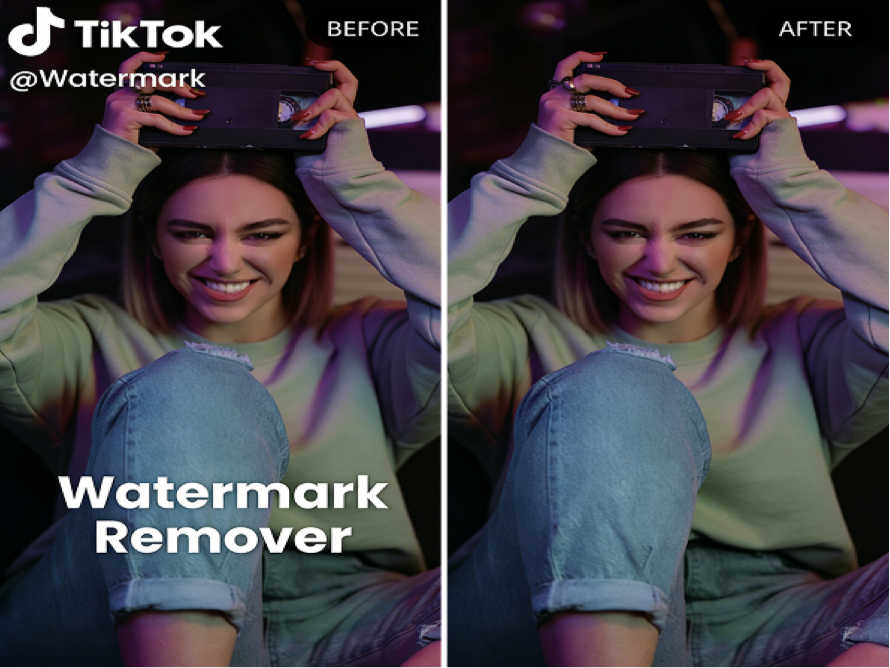
Introduction As someone who creates content across multiple platforms, I often repurpose videos for TikTok, Instagram Reels, YouTube Shorts, and Read more