Moodboards are a fundamental tool in creative work, whether you’re designing a brand identity, planning an interior space, preparing a fashion collection, developing a film aesthetic, or building a UI/UX concept. With Nano Banana Pro, creating professional, polished moodboards becomes faster, easier, and more creatively dynamic than ever.
This article will show you how to generate high-quality visual moodboards using Nano Banana Pro, including prompts, workflows, and real-world examples across different industries.
Why Use Nano Banana Pro For Moodboard?
Nano Banana Pro delivers high-precision image layout and text rendering capabilities. It generates magazine-quality layouts, accurately presenting text, labels, and descriptive content. Perfectly suited for branding or design work.
Multi-style inference enables creative direction. The model understands visual themes (e.g., “warm minimalism,” “Nordic interior design,” “brutalist graphic style”) and intelligently blends diverse stylistic elements.
No need to manually gather reference materials. Nano Banana Pro automatically iterates solutions in real time. Generate curated inspiration boards reflecting artistic direction within seconds. Comprehensive compatibility across creative fields: fashion, architecture, film, branding, UI/UX.
Step by Step Guide to Creating a Moodboard
- Step1: Define your theme
Decide the concept, e.g., modern interior, fashion style, or product branding. - Step2: Prepare your prompt
Include details like color palette, textures, objects, and layout. - Step3: Generate the Moodboard
Input the prompt into Nano Banana Pro, adjust parameters if needed, and generate your visual board - Step4: Refine and Iterate
Tweak prompts, change elements, or adjust lighting until your moodboard matches your vision.
Example 1: Modern Minimalist Home Interior
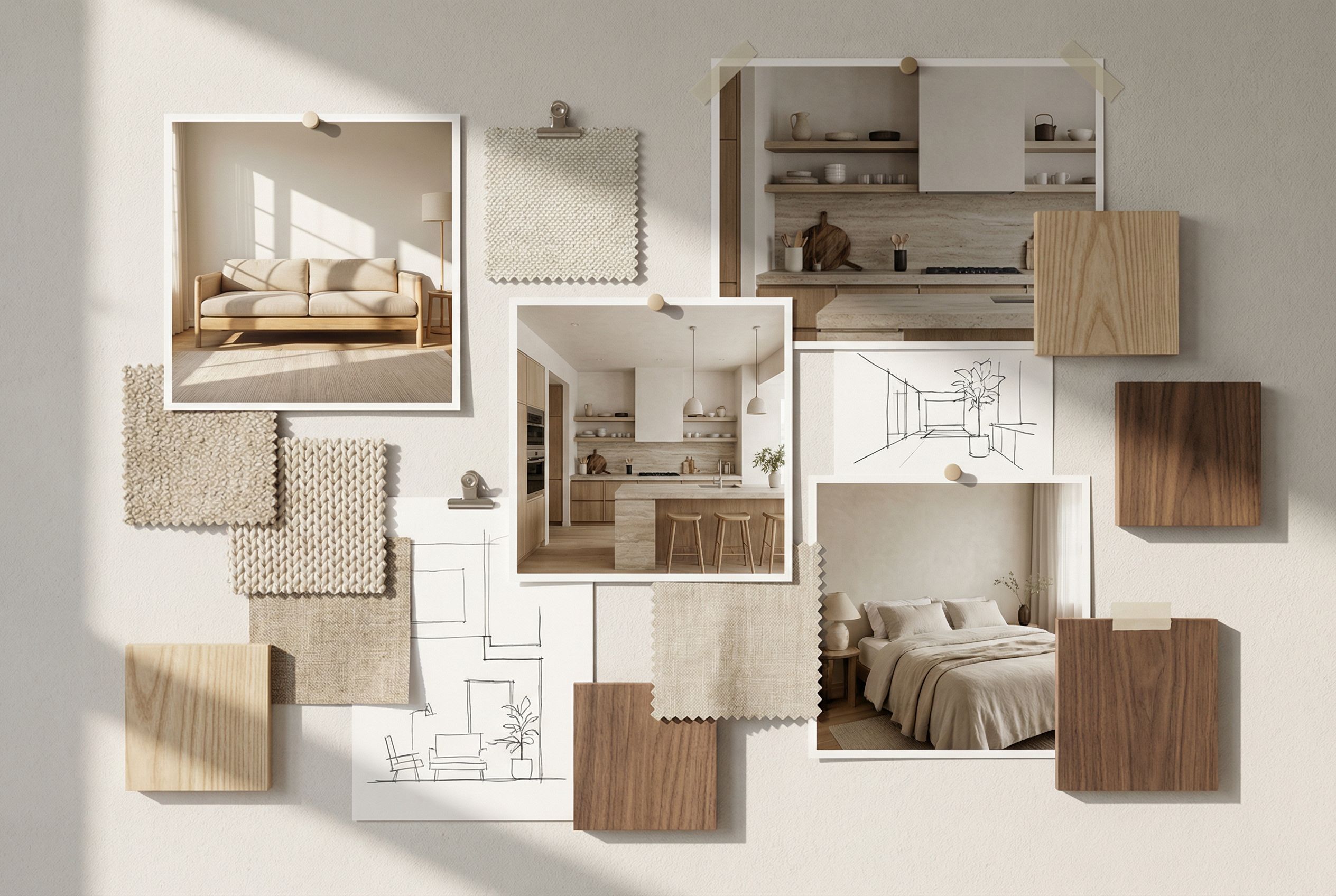
Example Prompt:
A photorealistic visual moodboard for a modern minimalist home interior, featuring a neutral color palette, wooden furniture, indoor plants, cozy lighting, and textured rugs. High-quality shadows, reflections, and realistic material textures.
Ideal for interior designers to visualize furniture layouts. Use consistency mode to create multiple rooms with the same design style.
Example2: Fashion Brand Seasonal Moodboard
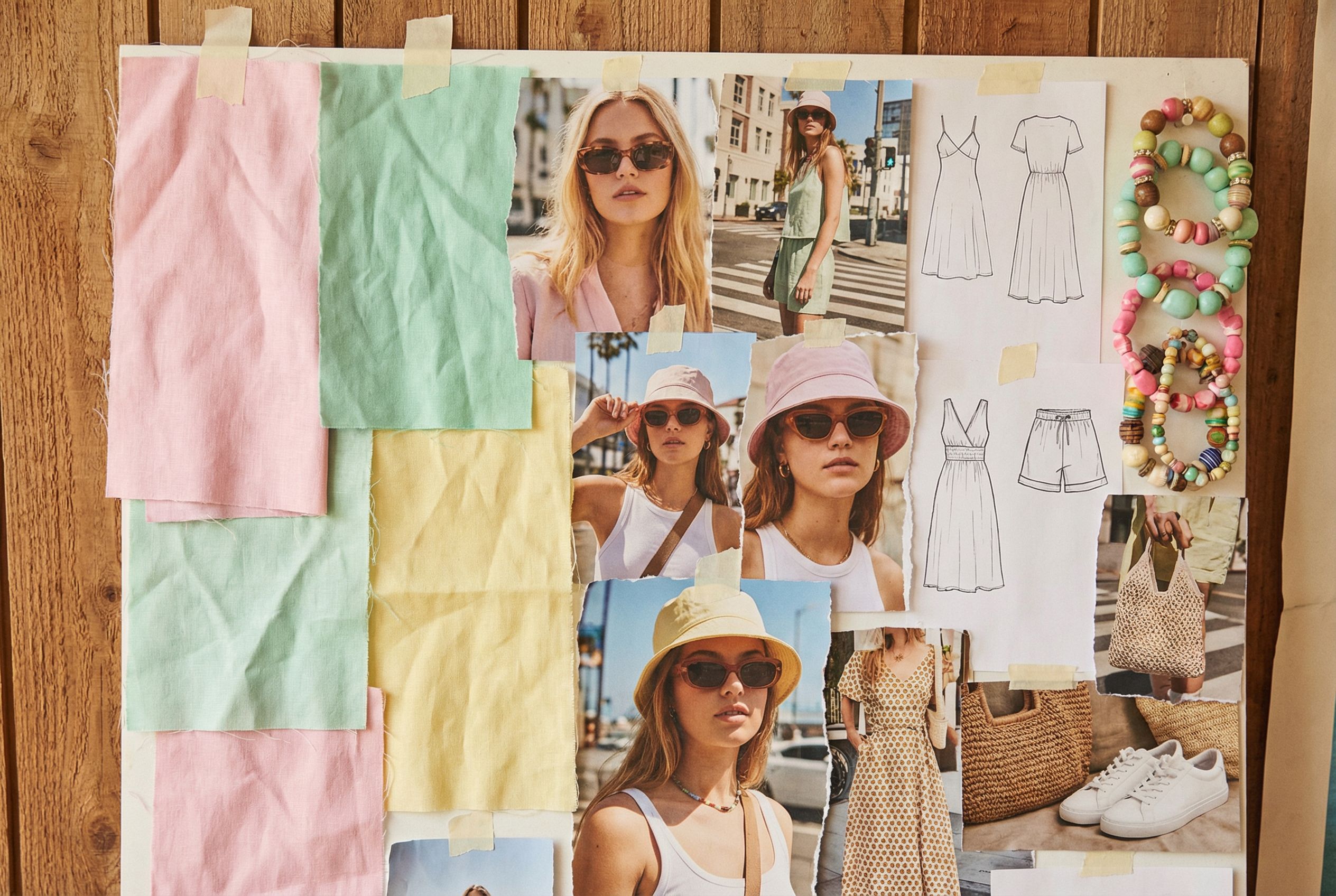
Example Prompt:
Photorealistic fashion moodboard for a summer clothing collection, featuring bright pastel colors, light fabrics, street style accessories, and lifestyle photos of models. Ensure cohesive color grading and realistic textures.
Useful for fashion designers and marketing teams. Can serve as inspiration for photoshoots or social media campaigns.
Example3: Product Branding & Packingage Moodboard
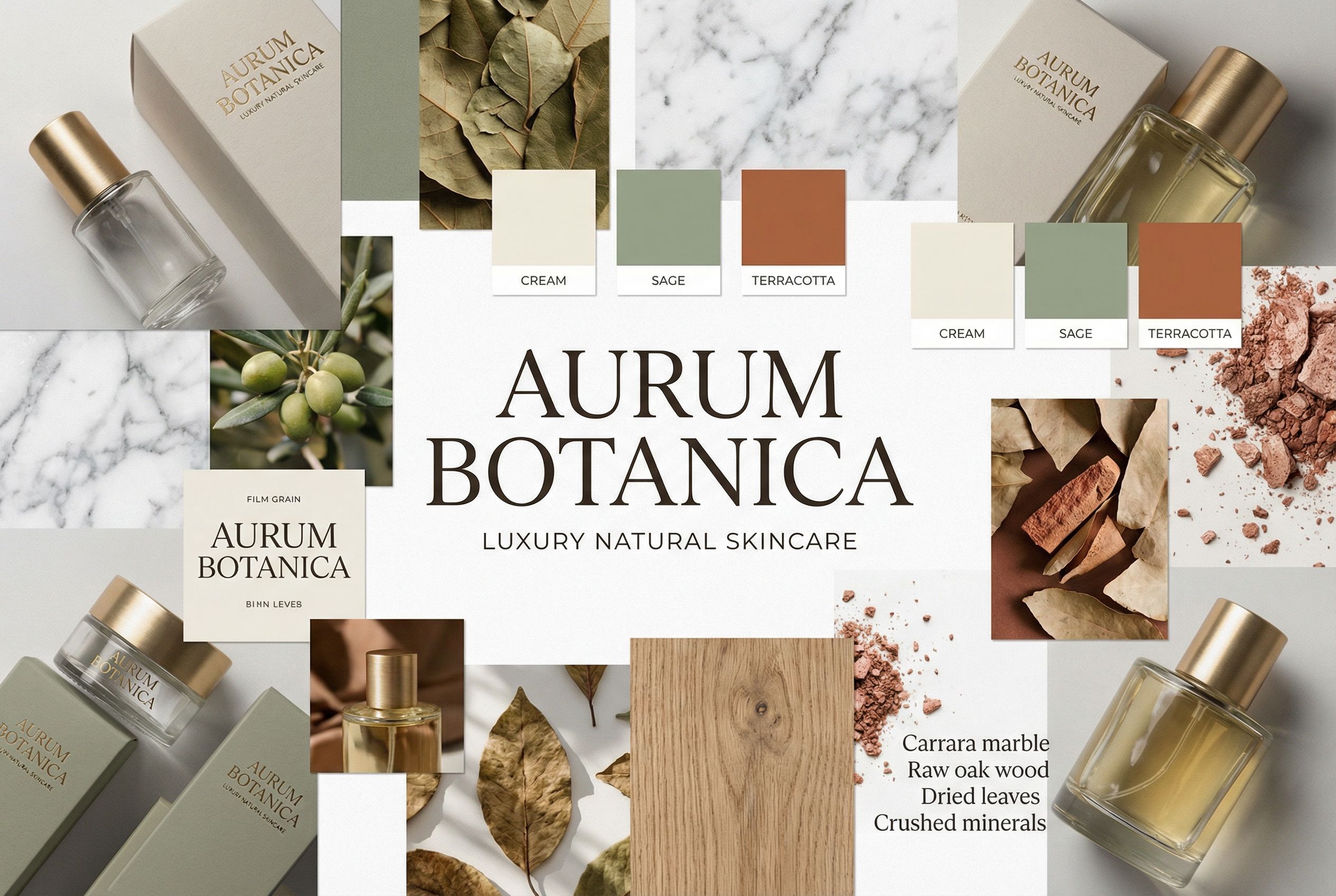
Example Prompt:
A photorealistic visual moodboard for product branding, showing packaging concepts for a high-end skincare line. Include bottles, boxes, typography, color palette, natural textures like marble and wood, and studio lighting reflections.
Perfect for branding agencies to present visual concepts to clients. Helps test multiple material textures and color combinations before production.
Creative Tips to Maximize Your Moodboards
- Experiment with lighting and shadows to make elements pop.
- Combine multiple prompts to create hybrid moodboards for inspiration.
- Use retrieval tool capabilities to ensure historical or niche design elements are accurate.
- Apply the same color palette across multiple boards to maintain brand consistency.
Start Your MoodBoard Journey Today
Nano Banana Pro transforms the way you create moodboards by combining photorealistic rendering, reasoning, and AI-assisted design. Whether you are designing interiors, fashion collections, or product packaging, Nano Banana Pro enables faster, more creative, and highly accurate visual planning.
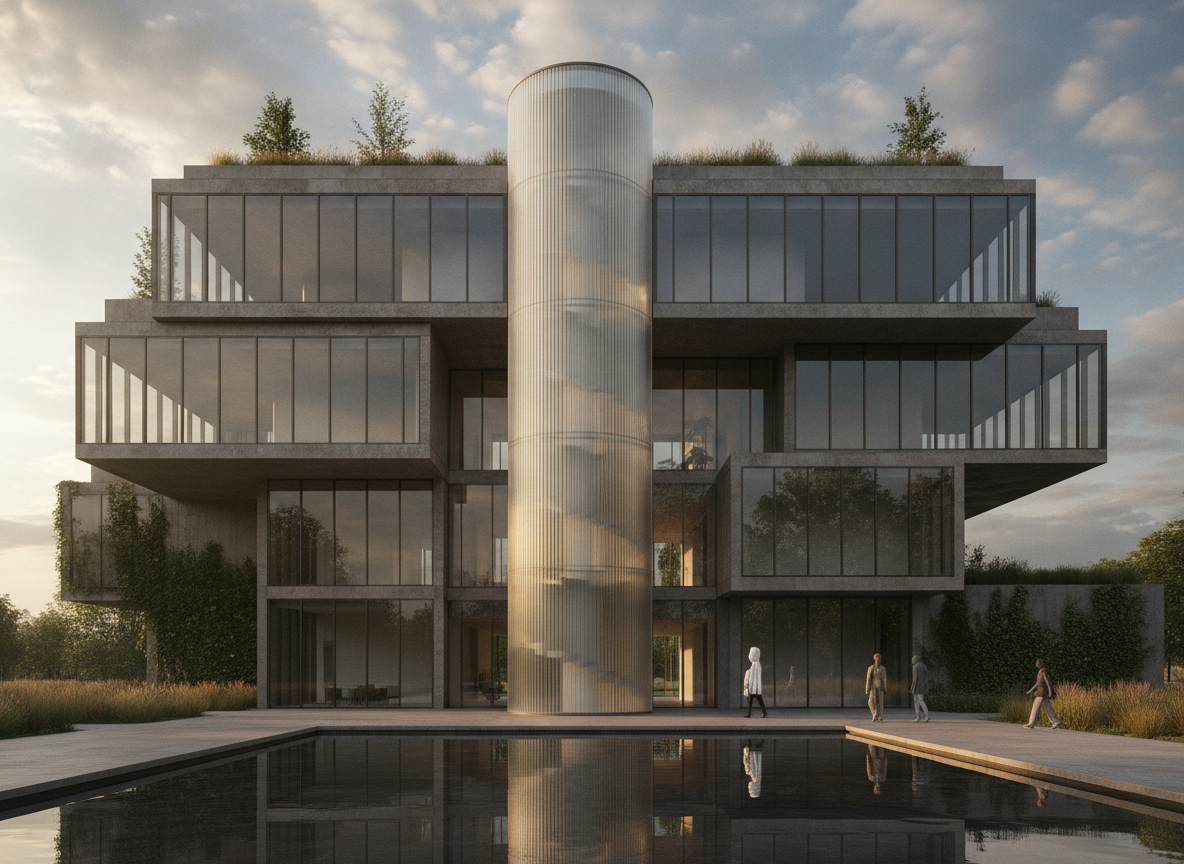
Creating architectural concepts used to require advanced design software, technical expertise, and countless hours of manual work. Today, things are Read more

Animated emojis are becoming a new way to express emotion online. AI Image to Animated Emoji makes it easy to Read more
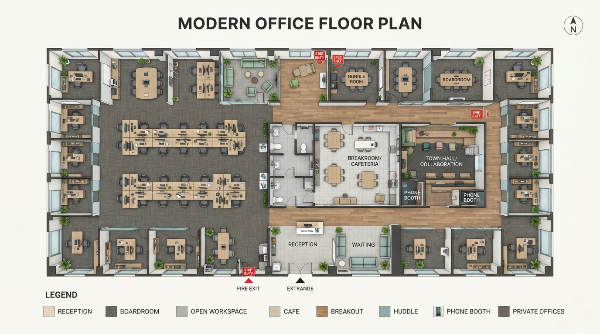
Creating an effective office floor plan sounds simple at first. You need desks, meeting rooms, a reception area, and perhaps Read more
Learn the best Veo Watermark Remover methods for 2026. Compare AI tools, cropping, and editing techniques to remove Veo watermarks Read more


