If you’ve been using Google Gemini to generate AI images, you’ve probably noticed the small Gemini logo that appears in the corner of each image. While the watermark is subtle, it can be distracting when you want to use the image in blog posts, presentations, social media graphics, or design mockups.
In this guide, I’ll explain how Gemini logo removers work, how to remove the watermark step by step, and which tool I’ve found the easiest to use.
What Is the Gemini Logo Watermark?
Images created with Google Gemini often include a small visible logo in the corner to indicate that the image was generated with AI.
This watermark can:
- Distract from the overall design
- Make images look less polished
- Interfere with layouts and presentations
If you want a cleaner version of your image, using a Gemini logo remover is the easiest solution.
Can You Remove the Gemini Logo?
Yes. The visible Gemini logo can be removed with AI inpainting technology.
The tool analyzes the surrounding colors and textures, then rebuilds the covered area so the edit blends naturally with the rest of the image.
This usually produces much better results than cropping or blurring.
Why I Recommend AIAI Gemini Logo Remover
The tool is very easy to use and offers several helpful features:
- Smart Detection – Automatically identifies the Gemini logo.
- Edge Preservation – Keeps nearby textures and lighting natural.
- Batch Processing – Remove watermarks from multiple images at once.
- High-Resolution Output – Maintains image quality.
- Free to Try – Test the results before upgrading.
I also like that the entire process takes only three steps: upload your image, let the AI detect the watermark, and download the cleaned result.
How to Remove the Gemini Logo from Images
Step 1: Open the Tool
Visit AIAI Gemini Logo Remover.
Step 2: Upload Your Image
Select your Gemini-generated JPG, PNG, or WEBP image.
Step 3: Remove and Download
The AI automatically detects the watermark. Click “Remove,” then download the clean image.

My Experience Using It
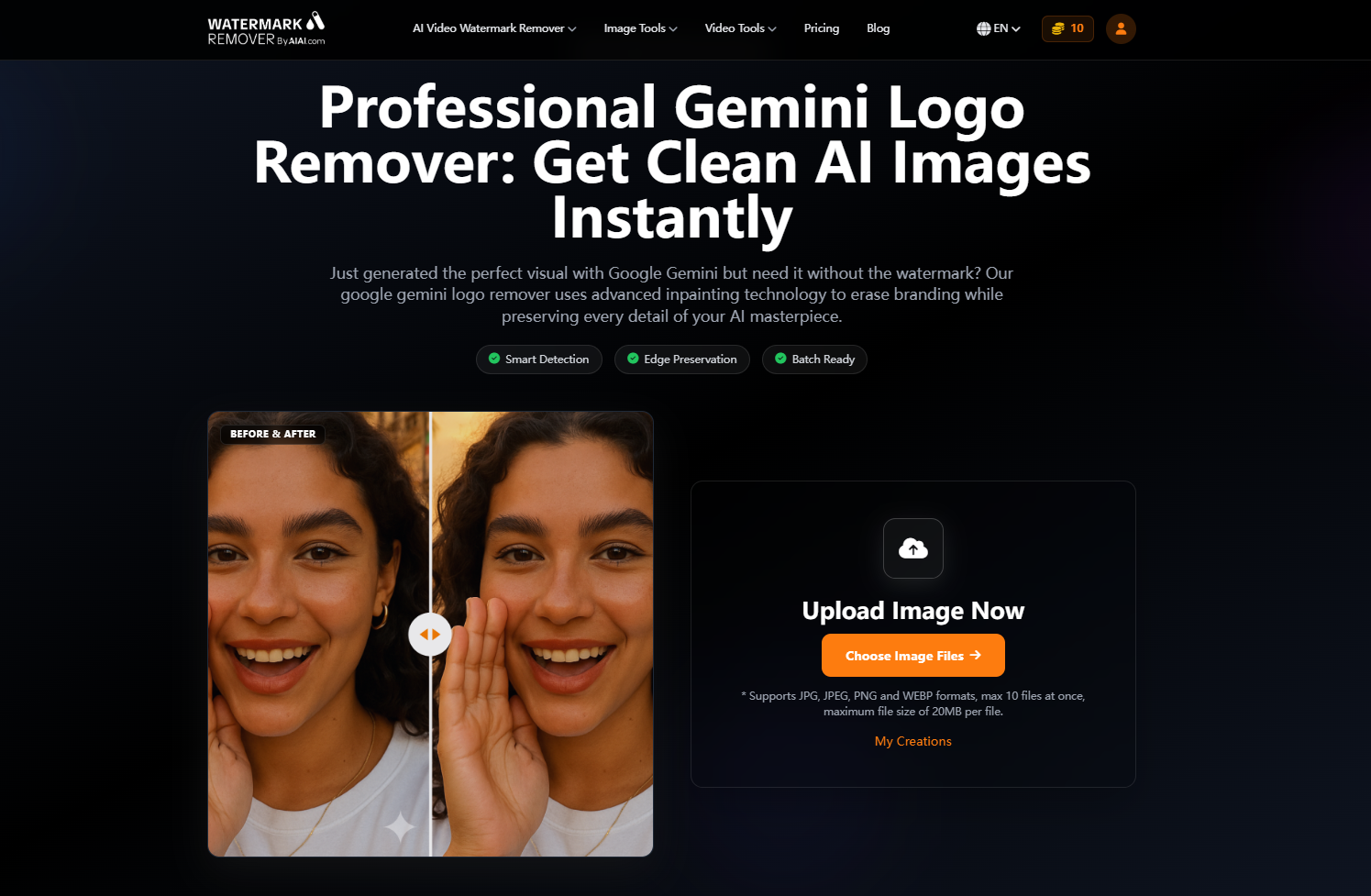
I tested the tool on several Gemini-generated portraits. The watermark was detected automatically, and the final images looked clean and natural. In most cases, it was difficult to tell that any editing had been done.
Tips for Better Results
To get the cleanest image:
- Use the highest-resolution original file
- Let the AI auto-select the logo
- Preview the result before downloading
- Test several images if processing in batches
Images with simple corners and clean backgrounds generally produce the best results.
Who Should Use a Gemini Logo Remover?
This tool is useful for:
- Bloggers
- Designers
- Social media creators
- Marketers
- Students
- Anyone using AI-generated images
Final Thoughts
A Gemini logo remover is the easiest way to clean up images generated by Google Gemini.
If you want a quick and simple solution, AIAI Gemini Logo Remover makes the process almost effortless. Upload your image, click remove, and download a polished result in seconds.

Discover the best free AI image to video tools in 2026. Compare top AI video generators for realistic animation, social Read more

This ultimate guide teaches you to turn anything into cute, hyper-realistic plush toys using Nano Banana Pro AI, mastering specific Read more

Want to see your favorite book couples move? Here is how an AI French kiss generator can turn static character Read more

Explore how the AI Lego Filter brings your photos to life as Lego-style creations. Get creative ideas, tips, and see Read more


