Are you tired of playing the “What If” game when furniture shopping? You know the feeling: staring at tiny product photos and generic 3D renders, trying to imagine if that gorgeous sofa will actually work with your rug and wall color. The dread of unboxing a massive piece of furniture only to realize it’s a total mismatch is, frankly, a home decor nightmare!
Here’s the great news: You don’t need to hire an interior designer or wait for expensive 3D mock-ups anymore. We’re about to dive deep into how cutting-edge AI image generation models, specifically Nano Banana Pro, can fundamentally change how you shop for your home.
The power of Nano Banana Pro lies in its ability to give you highly customized, photorealistic previews of your furniture combinations. By mastering Precise Prompt Engineering and detailed image control, you can virtually “place” that perfect dining table, dream sectional, or accent lamp right into your actual space—before you click ‘purchase.’
Ready to harness this powerful visualization tool and virtually build your perfect home? Let’s jump in!
Step 1: Establish the Style and Base Scene
First, define the architectural context and design style for your furniture combination.
1. Prompt Template for Space and Style:
| Element | Example Prompts (Placeholders) | Purpose |
| Space Type | “Spacious living room, sun-drenched open-plan kitchen, small apartment bedroom” | Sets the size and function of the room. |
| Design Style | “Japanese Muji style, Minimalist, Scandinavian Hygge, Industrial Loft, French Vintage, Futurism” | Locks in the overall visual tone. |
| Color Palette | “Neutral tones, Earth tones, Morandi color palette, low saturation” | Defines the colors of walls, flooring, and primary soft furnishings. |
| Core Prompt | “[Space Type], [Design Style], [Color Palette], [Optional: floor-to-ceiling windows, hardwood floor, white walls]” | Example: “Sun-drenched Scandinavian Hygge living room, Earth tones, featuring a large floor-to-ceiling window, natural hardwood flooring.” |
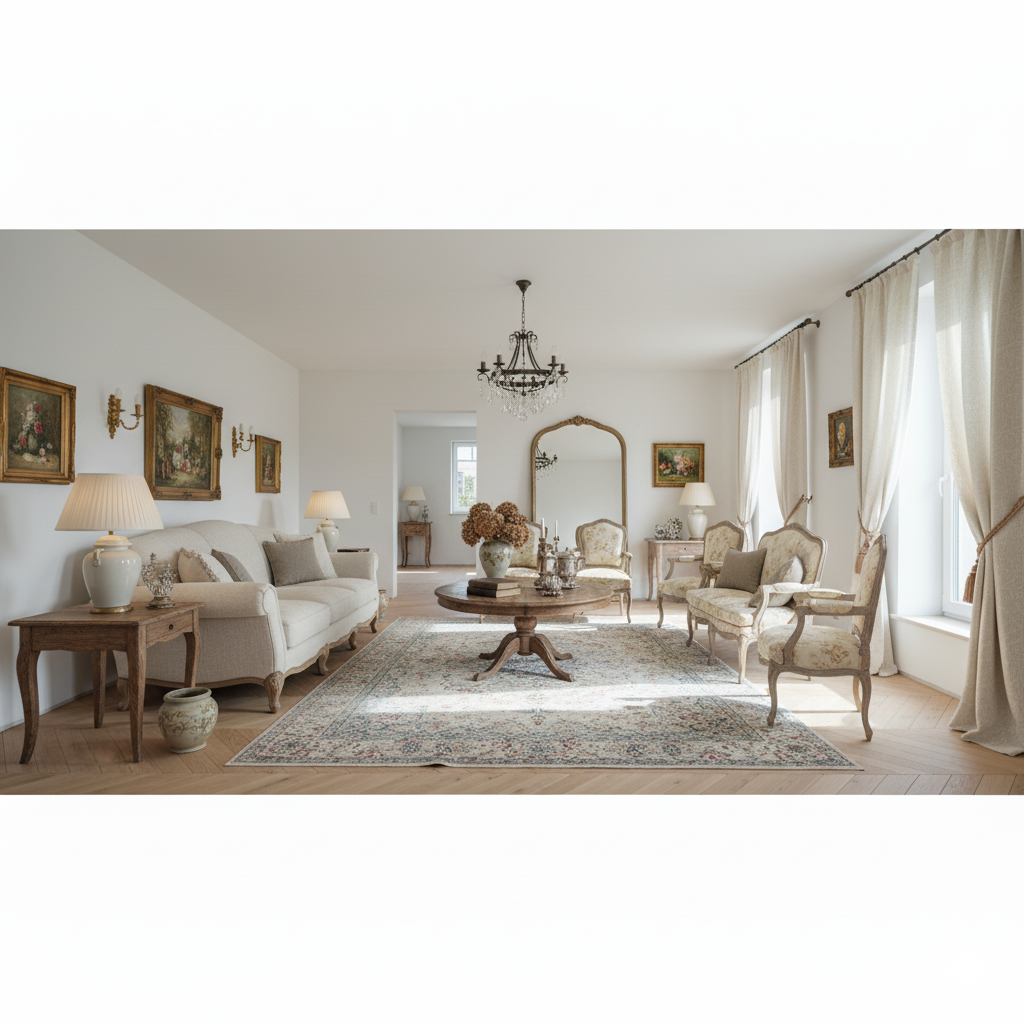
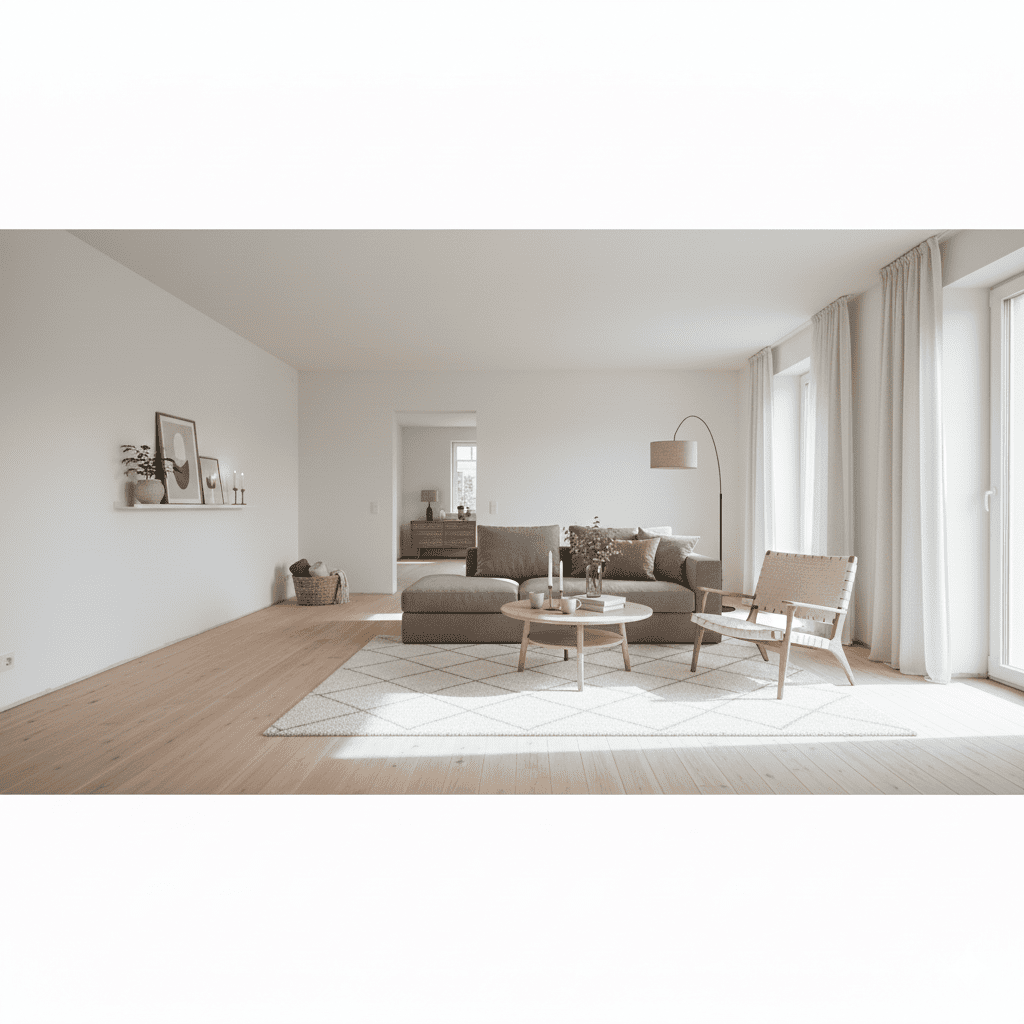
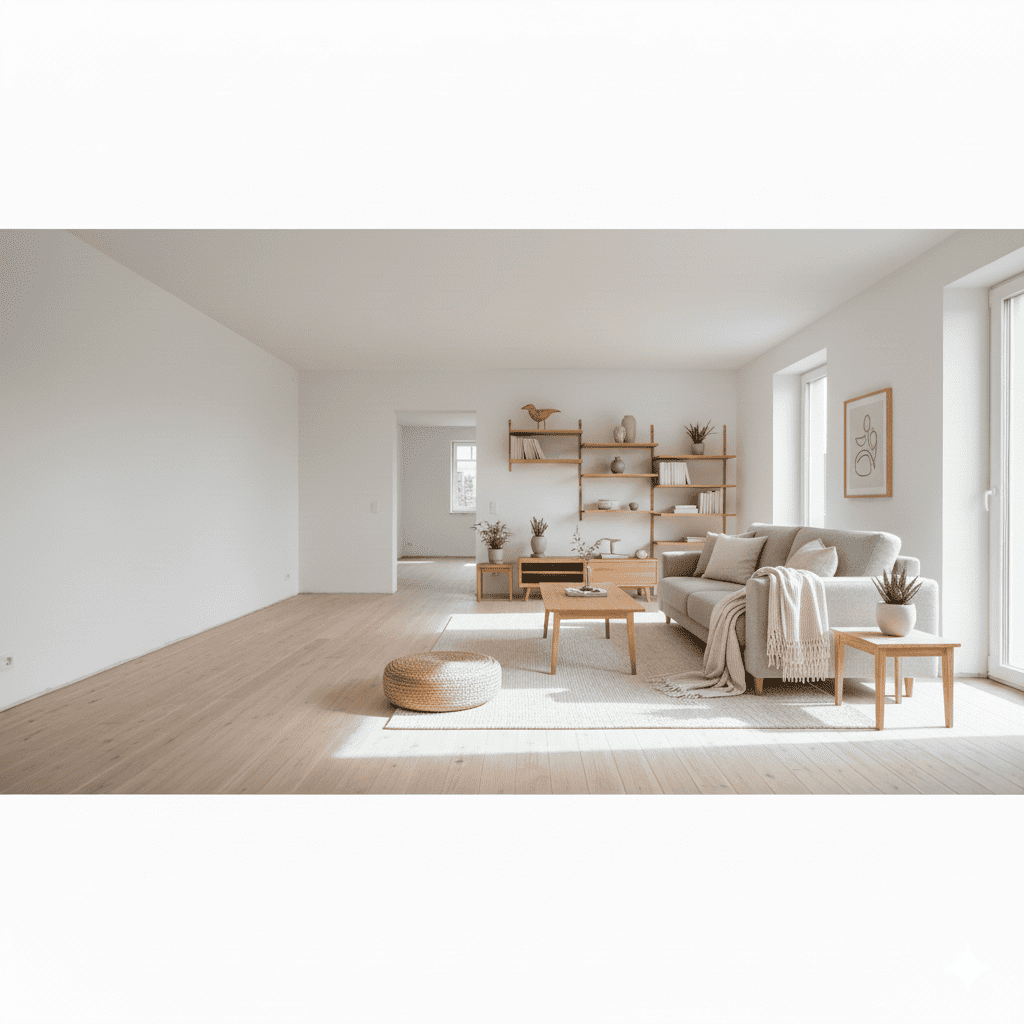
Step 2: Introduce the Core Furniture Pieces
Now, instruct the AI on which specific furniture items you want to combine and where to place them.
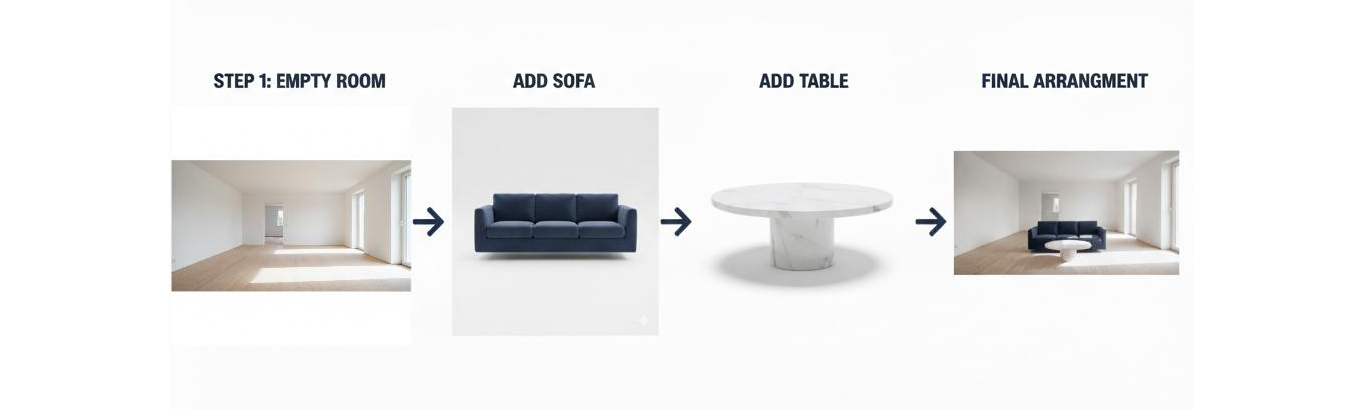
2. Using “Image-to-Image” for Furniture Assets:
Method: Upload clear photos (ideally with a simple or white background) of the main furniture you are considering (sofa, dining table, bed, etc.).
Prompt Strategy (Inpainting & Control): In the text prompt, reference these uploaded images and ask the AI to precisely replicate their material, color, and shape, placing them into the scene created in Step 1.
- Example Prompt: “Place the uploaded deep blue velvet three-seater sofa in front of the window, with the uploaded round white marble coffee table to the left. Ensure the proportions are harmonious.”
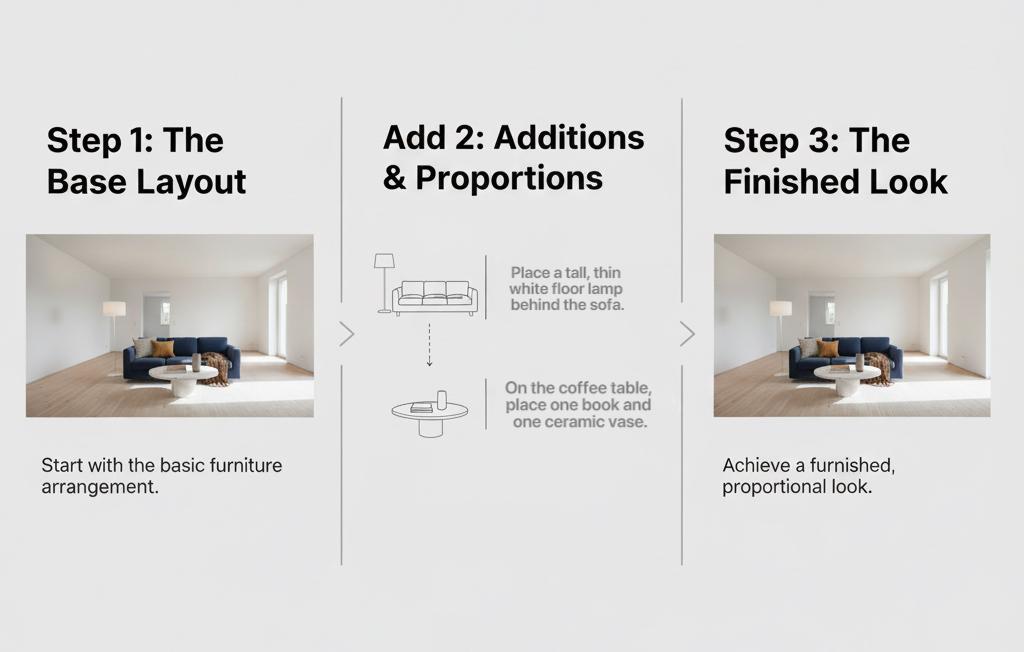
3. Layout and Proportion Control:
Use specific spatial terms to control the placement and relative size of the furniture.
- Example: “Place a tall, thin white floor lamp behind the sofa, with the lamp head slightly higher than the sofa backrest.”
- Example: “On the coffee table, place one book and one ceramic vase. The vase height should be 3 times the book height.”
Step 3: Details and Soft Furnishings (Harmony Check)
Details are crucial for defining style harmony. Use the soft furnishings to test your aesthetic preferences.
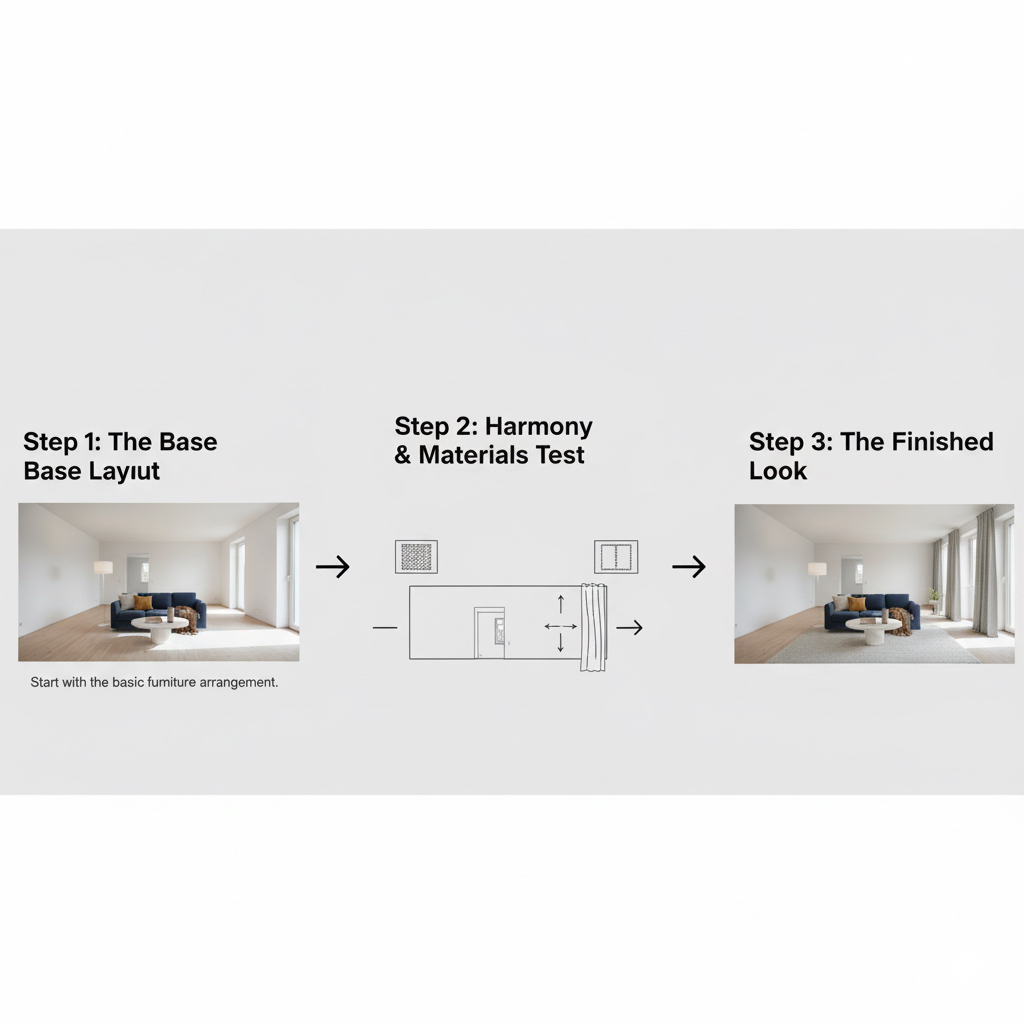
4. Testing Material and Texture Harmony:
Test if different combinations of rugs, curtains, and throw pillows are harmonious with your core furniture.
- Example: “Lay a soft wool rug under the sofa. The rug’s off-white color must create a subtle contrast with the wall color.”
- Example: “The curtains should be made of linen, with 60% light transmission, colored light grey.”
5. Creating Focus and Atmosphere:
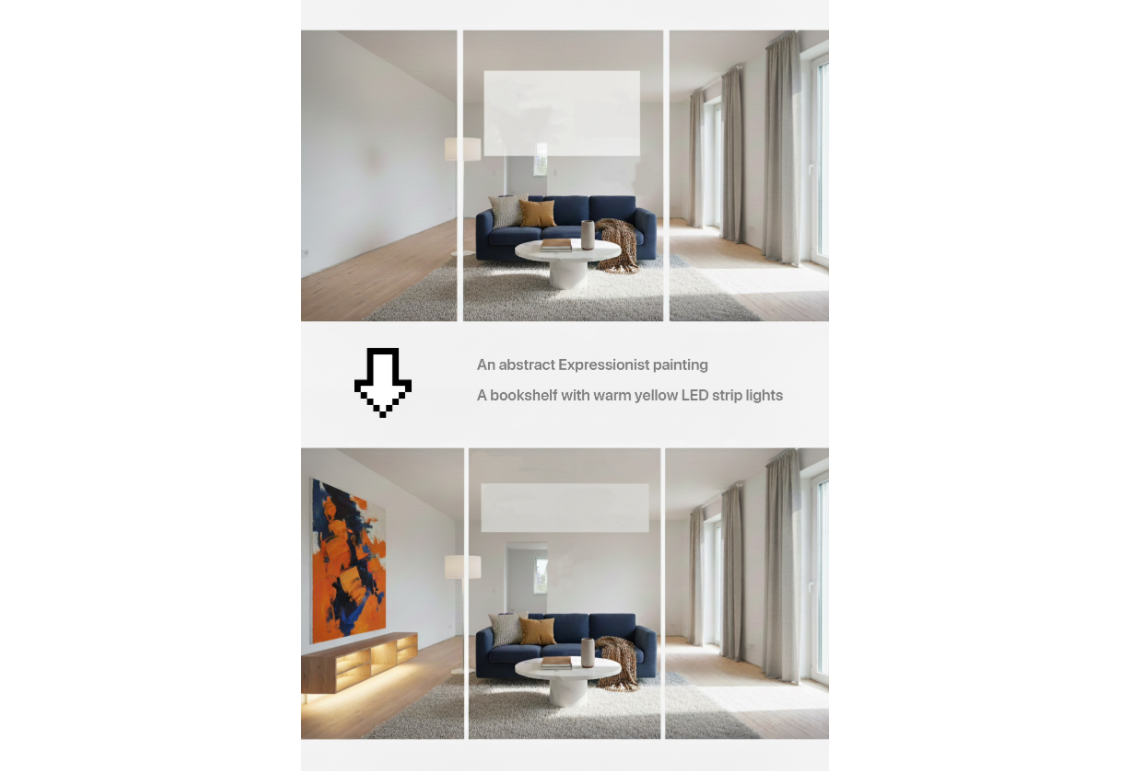
Use lighting and decorative items to set the mood, verifying if the resulting “feeling” matches your preference.
- Example: “Hang an Abstract Expressionist painting on the wall, with orange and blue as primary colors, making it the room’s focal point.”
- Example: “Illuminate the bookshelf with warm yellow LED strip lights to enhance the room’s cozy atmosphere.”
Summary of Key Innovative Prompt Commands
To ensure you effectively use the AI for “Combination and Harmony” testing, remember to use these key instructions:
| Key Instruction | Function |
| Keep the [Item A]’s [Color/Material/Shape] consistent | Locks the critical attributes of the furniture you plan to buy. |
| Create a [Contrast/Complement/Harmony] with [Item B] | Tests the pairing effect against your expectations. |
| Adjust lighting direction and intensity: [Strong afternoon light/Soft morning glow] | Simulates different times of day to check how colors look under various conditions. |
| Shoot from a [Camera Angle: Low angle/Mid-shot top-down] | Changes the perspective to verify the combination’s visual appeal from different viewpoints |
This process shifts you from a vague “like” to a precise “visual preview,” helping you finalize and modify your furniture choices before purchase.
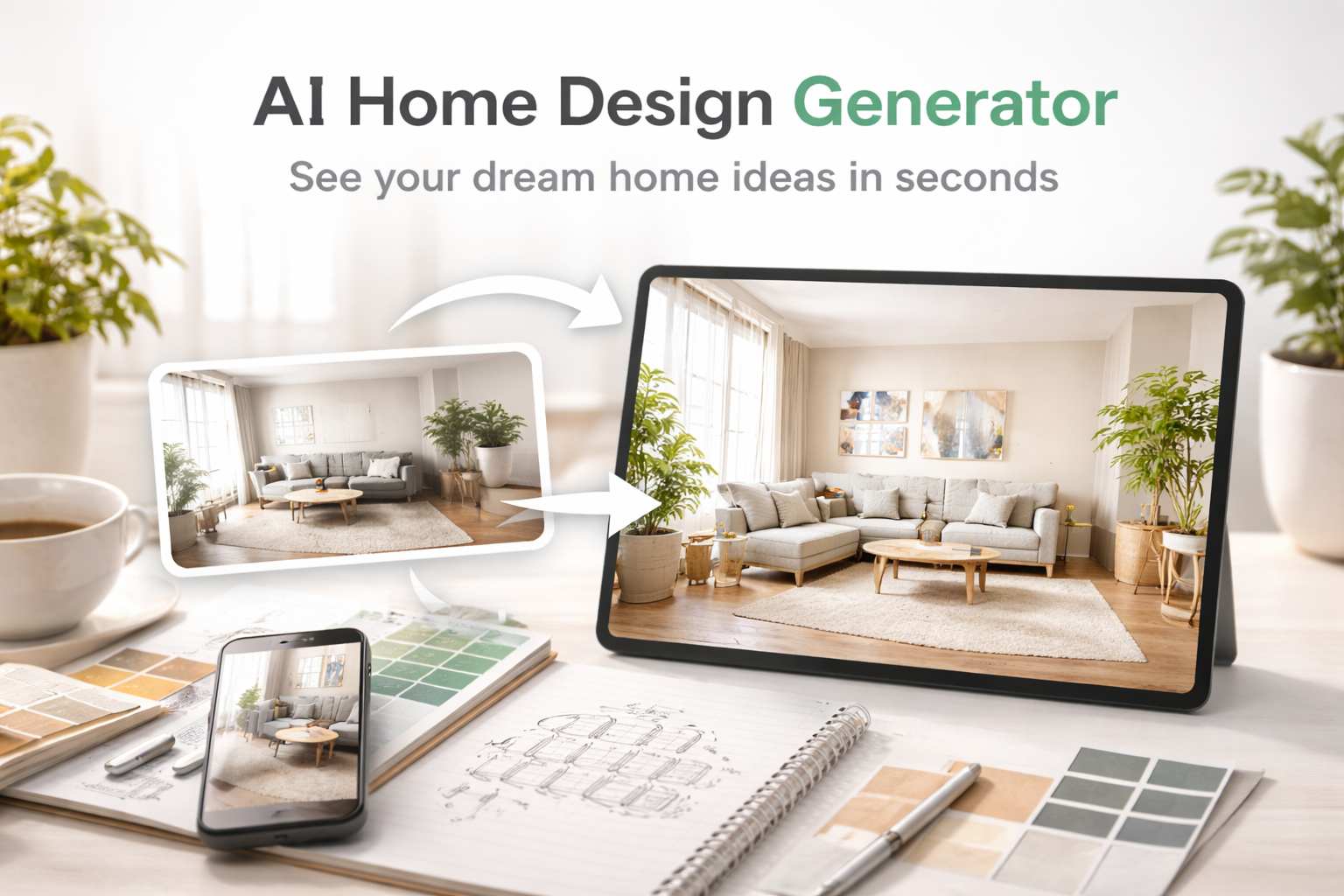
Visualize your space with an AI home design generator. Turn ideas or room photos into realistic home design concepts instantly Read more

AItab: Turn Your Browser into a Smart Assistant in Seconds AItab connects with the aiai.com ecosystem. It turns web browsers Read more
If you’ve ever downloaded a video from TikTok, you’ve probably noticed that moving watermark bouncing around the screen. At first, Read more

Learn how to remove glare from photo images naturally using simple AI tools. Fix eyeglass reflections, sun glare, window glare, Read more


